
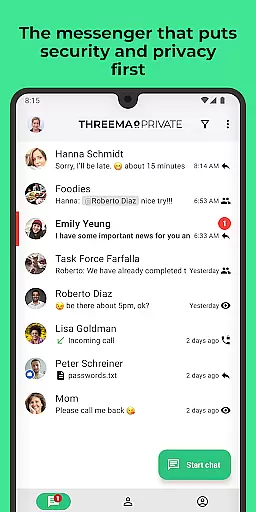
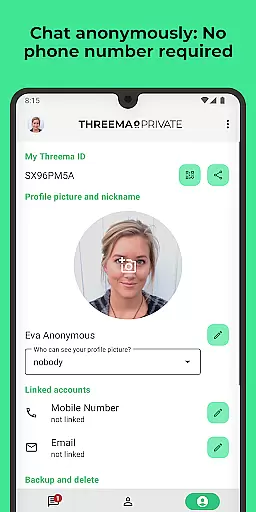
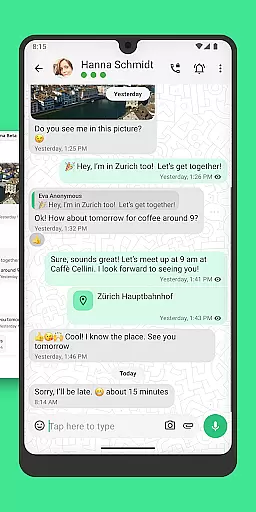
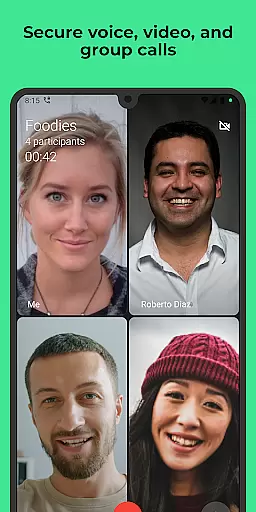
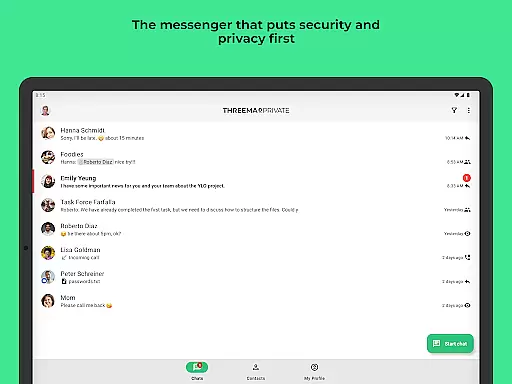
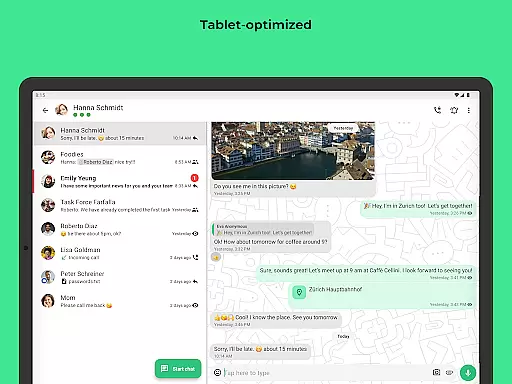
Threema is a leading secure messaging application that prioritizes user privacy and data protection. Developed in Switzerland, this app offers end-to-end encryption for all communications including chats, voice and video calls, ensuring that no data trail is left behind. With over 12 million users globally, Threema allows anonymous usage through a unique Threema ID instead of requiring personal contact information.
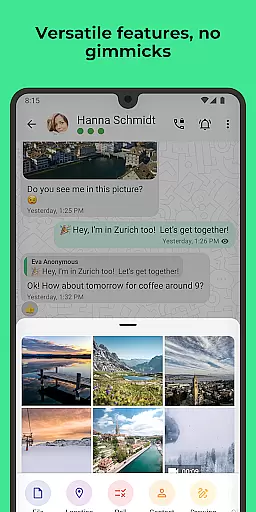
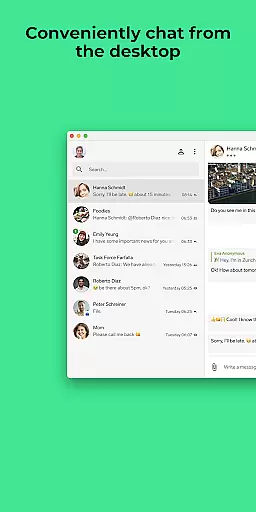
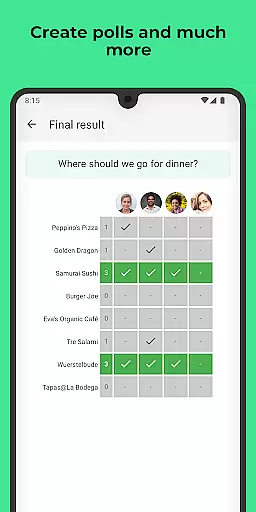
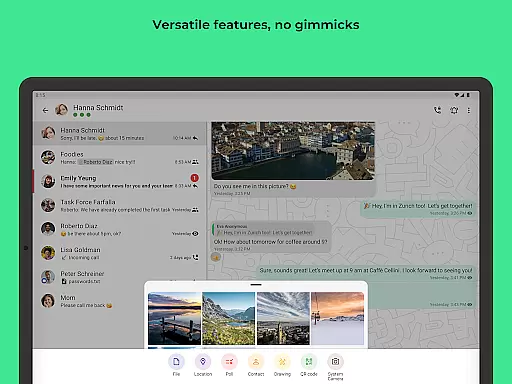
The app provides a comprehensive suite of communication tools such as text and voice messaging, file sharing in various formats, location sharing, and the ability to create groups and conduct polls. It also supports editing sent messages and deleting them for all chat participants. For added convenience, Threema can be used on PCs via its desktop app or web client. The commitment to security is further reinforced by regular audits, open-source code, and Swiss-based servers.
Threema stands out with its robust feature set designed for secure and private communication. All messages, calls, and shared files are protected with end-to-end encryption, ensuring only the intended recipients can access the content. The app facilitates multimedia interactions by supporting a wide range of file formats including PDFs, GIFs, MP3s, and ZIP files.
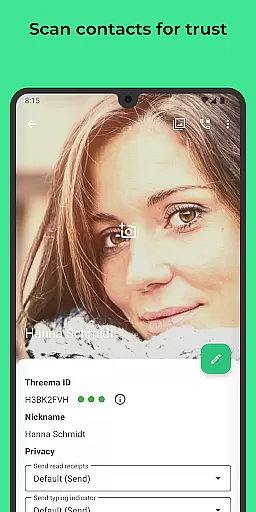
Unique functionalities like message editing and deletion enhance user control over their communications. Users can verify the identity of their contacts by scanning QR codes, adding an extra layer of security. Additionally, Threema operates without collecting any personal data, ads, or trackers, offering a seamless experience in both light and dark modes. Its open-source nature and regular security audits ensure transparency and reliability, making it a trusted choice for privacy-conscious individuals.
Real-time messaging speed and reliability are crucial for any communication app, and Threema excels in these aspects. As a secure messenger used by over 12 million people worldwide, Threema ensures that every message is delivered promptly and reliably.
The app employs end-to-end encryption for all communications, including text messages, voice calls, and video calls. This not only secures the content but also maintains high performance, ensuring messages are delivered instantly without delays. The robust infrastructure, with servers located in Switzerland, supports this rapid delivery system while maintaining stringent privacy standards.
For users, this means seamless communication without worrying about message delays or failures. Whether sending important documents or casual chats, Threema's reliable messaging ensures that all interactions are smooth and efficient, enhancing the overall user experience.
Media sharing support is an essential feature for modern communication apps, allowing users to exchange various types of files effortlessly. Threema offers comprehensive media sharing capabilities, enabling users to send files in multiple formats such as PDFs, GIFs, MP3s, ZIP archives, and more.
All shared media is protected by end-to-end encryption, ensuring that your data remains private and secure during transmission. This level of security extends to location sharing, voice messages, and even edited or deleted messages, providing peace of mind for users concerned about their digital footprint.
Additionally, Threema's desktop app and web client facilitate convenient media sharing on PCs, making it easy to transfer files between devices. With no ads, trackers, or unnecessary data collection, Threema provides a clean and efficient platform for sharing media, enhancing both personal and professional communications.
End-to-end encryption
No personal data required
Anonymous usage possible
Regular security audits
Supports multiple file formats
Limited user base compared to competitors
Paid app with no free version
Requires internet connection
No built-in calling feature for free users
Interface may feel outdated

SMS Messenger ensures that communication become effortless and accessible.
 3.80
3.80
Phone Dialer with Caller ID, Address Book & Contacts Manager.
4.30
Manage BoostMobile Account
4.60
This app enables the phone to receive and send FT8 traffic!
3.80
Create a secure hotspot on-the-go with Portable WiFi - Mobile hotspot.
4.40
Weargram is an unofficial Telegram Client for Wear OS.
3.50
Bringing the functionality of Winlink to your Android device
4.2
Read OBD2 data and DTCs Create custom dashboards Enhanced diagnostics available
4.70
A customizable phone number in the cloud
4.20
Adblock & VPN Browser: Blocks banners, pop-ups and video ads, fast downloader!
4.60
Save 10% automatically on your first international mobile top up.
4.60
Stay in touch with the people who matter most.
4.60
Faster version of Messages. Messenger for your contacts.
4.50
An agentic AI browser for Android, built by Perplexity
4.50
Quickly and easily identify and block unknown callers
3.70
At select facilities, you now have an easy way to video visit your loved ones!
3.30
A Browser with powerful ad blocker to help focus on what really matters.
3.00
Watchgram for Telegram: Experience seamless Telegram messaging on your watch
1.80
An app dedicated solely to marriage, not dating, and supported by a rigorous verification mechanism to ensure seriousness.
4.4


User Reviews