
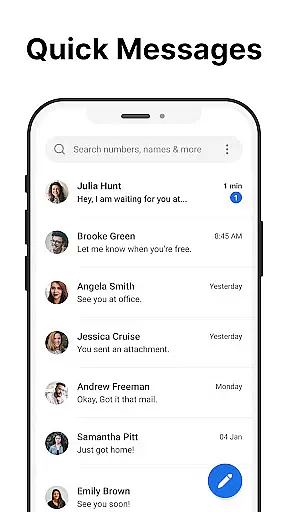
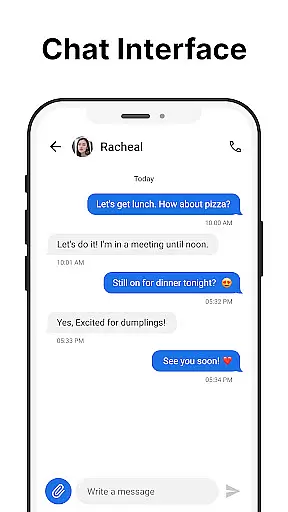
Messages is a robust SMS messaging app designed for Android users who need a reliable way to manage text communications. The app allows you to send and receive messages without requiring an internet connection, making it ideal for areas with poor connectivity. Its intuitive interface ensures that even first-time users can navigate effortlessly.
One standout feature of Messages is its After Call screen, which provides instant access to your SMS inbox right after each phone call. This makes follow-up communication seamless and efficient. With additional capabilities like scheduled messaging, group chats, and spam blocking, the app offers a comprehensive solution for all your texting needs while prioritizing user privacy and data security.
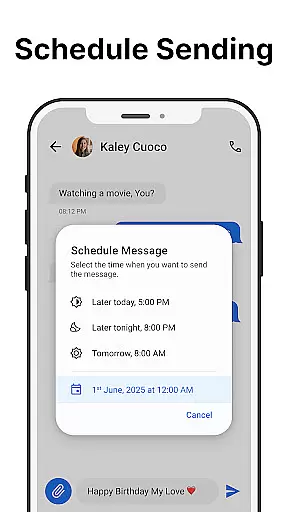
Messages stands out with its rich set of features tailored to enhance user experience. The app supports core functionalities such as sending and receiving SMS messages quickly and reliably. Users can also schedule messages in advance, ensuring timely communication even when they're busy.
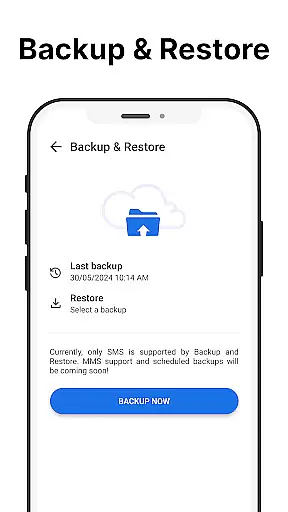
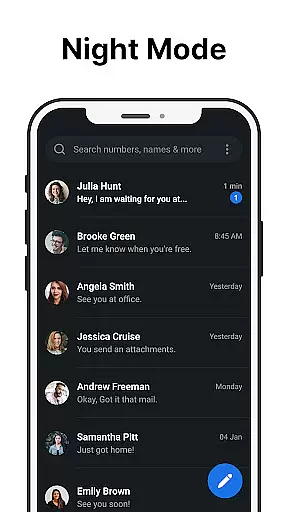
For those who value organization, the app includes tools like message backup and restore, customizable notifications, and a powerful search function. Group messaging and pinned chats further streamline conversation management. Additionally, the inclusion of dark mode not only reduces eye strain but also extends battery life, offering both comfort and practicality.
Real-time messaging speed and reliability are crucial for effective communication. Messages ensures that every text you send reaches its destination instantly without delays. This is achieved through optimized network protocols that prioritize message delivery even under fluctuating network conditions.
The app's infrastructure is designed to maintain a stable connection, ensuring your messages are delivered reliably regardless of your location or network quality. Whether you're in a crowded city or an area with weak signal strength, the app continues to function seamlessly, providing consistent performance.
For users, this means peace of mind knowing that their communications will be received promptly. Important texts, such as urgent notifications or time-sensitive information, no longer have to suffer from delayed delivery. This reliability fosters trust in the app as a dependable tool for both personal and professional messaging needs.
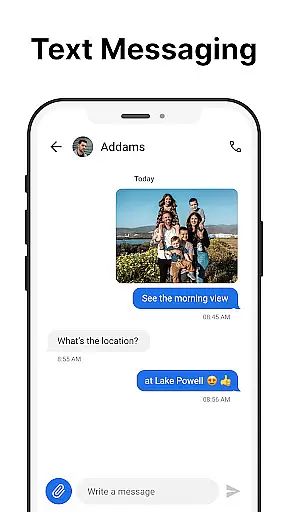
Media sharing support is an essential feature for modern messaging apps, allowing users to exchange photos, videos, and other files effortlessly. Messages offers robust media sharing capabilities, enabling users to send high-quality images and videos without compression, ensuring the recipient views the content exactly as intended.
In addition to standard media formats, the app supports various file types, making it versatile for different use cases. Whether you need to share documents for work or send large video files to friends, the app handles these tasks efficiently. The intuitive interface simplifies the process, allowing users to attach and send files with just a few taps.
This comprehensive media sharing functionality enhances user experience by catering to diverse communication needs. It eliminates the hassle of switching between multiple apps for different file types, streamlining the way people interact and collaborate through their mobile devices.
User-friendly interface
No internet required
Free to use
Spam blocking
Custom notifications
Limited to SMS
No end-to-end encryption
Contains ads
Backup is local only
Few advanced features

Fast and simple walkie talkie app
 4.20
4.20
Call Forwarding is easy and simple application to use.
3.80
A web browser that respects your privacy.
4.30
Enjoy secure messaging & calling. Safe Messenger: group chats, calls, messages.
4.20
At select facilities, you now have an easy way to video visit your loved ones!
3.30
Call Blocker app: Identify unknown callers, block spam calls, fraud & robocalls
4.30
Simplify texting with Messages SMS, offline messaging, themes & smart tools!
4.30
Smart and simple anti-wiring application - IMSI-catchers catcher
4.40
Say “hello” to privacy.
4.60
Messenger, an MMS & SMS messages app with Blockers, Driving mode & Private box
4.60
FolderSync enables easy sync of files between cloud storage and Android devices.
4.60
Block spam calls & scam - no more annoying calls with the call blocker function
4.30
A softphone with crystal clear SIP Calling & Reliable VoIP dialer
4.00
SMS Messenger ensures that communication become effortless and accessible.
3.80
Message and video call your family and friends in HD!
3.80
Call & Text Anywhere With A Canadian Number.
3.60
TeamSpeak - Secure Chat for Gaming & Business
3.10
Auto Reply SMS, Text Messaging, Away SMS Response, Busy SMS messages, Block Text
3.10
Chat on the Jabber network (XMPP protocol); support for SMS and other gateways
2.10


User Reviews