
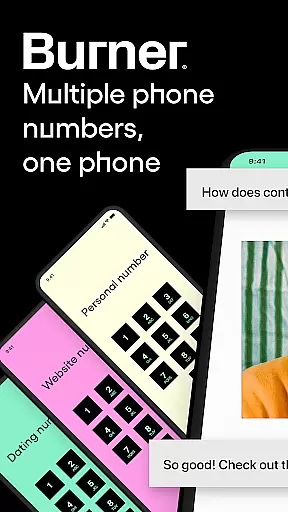


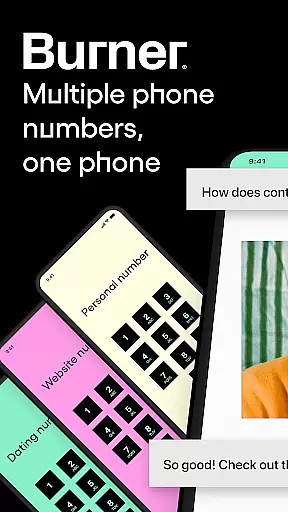


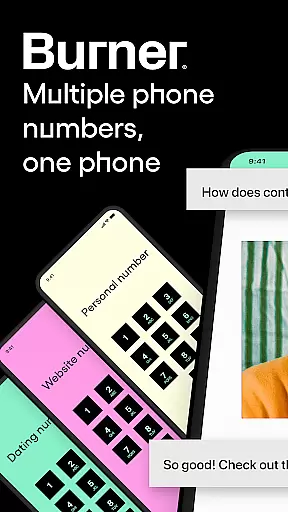


Burner is a leading virtual privacy solution that allows users to take control of their phone numbers and browsing activities. The app provides disposable phone numbers for private communications, eliminating the need for multiple SIM cards or eSIMs. With features like unlimited SMS and calls, spam-blocking, and a built-in VPN, Burner ensures your personal information remains protected while maintaining seamless connectivity.
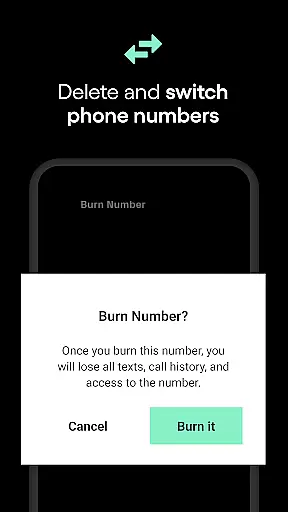
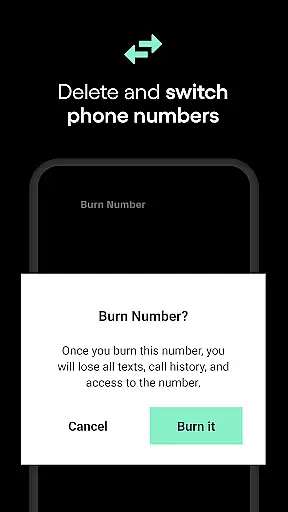
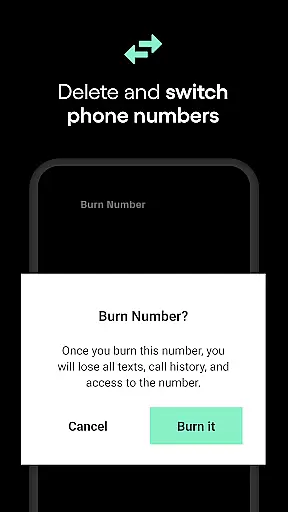
One of the standout capabilities is the ability to 'burn' or delete your temporary number whenever you choose, ensuring no trace is left behind. This feature is particularly useful for maintaining privacy during short-term projects or when interacting with unknown contacts. Additionally, the app offers organizational tools such as color-coded inboxes and auto-reply functionality, making it an ideal choice for those who want to simplify their communication management.
Burner also includes premium features like enhanced voicemail services, AI voicemail sorting, and improved call quality. These functionalities cater to users seeking advanced communication options without compromising on privacy. Whether you're a freelancer, a professional managing multiple clients, or simply someone who values digital privacy, Burner offers a comprehensive suite of tools to keep your personal and professional life separate and secure.
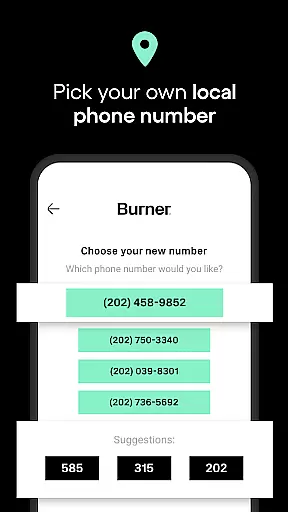
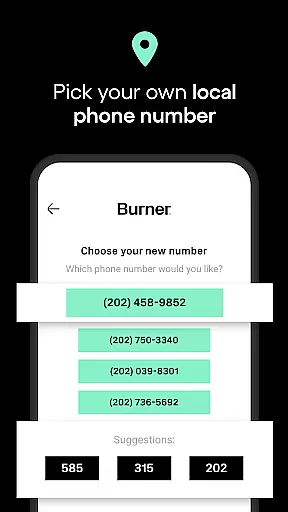
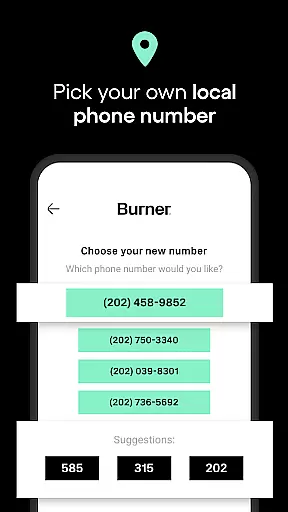
Burner stands out with its robust set of features designed to maximize user privacy and streamline communication. One of the core functionalities is the ability to create and dispose of temporary phone numbers at will. This feature is invaluable for individuals who frequently interact with new or unknown contacts but do not wish to share their personal phone number. Users can send and receive unlimited SMS messages and make calls using either Wi-Fi or mobile data, ensuring they remain connected without exposing their identity.
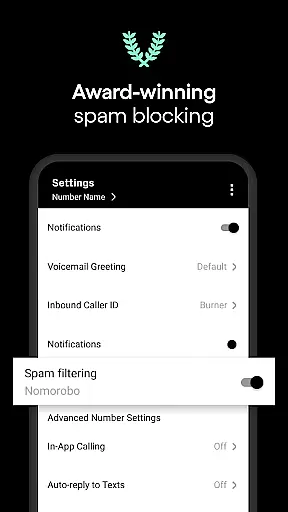
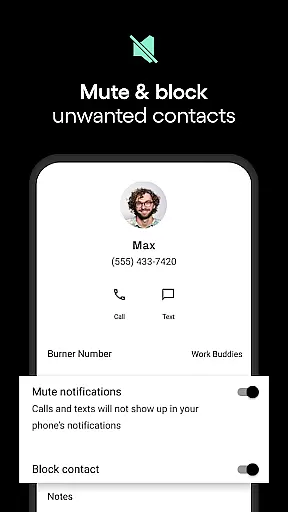
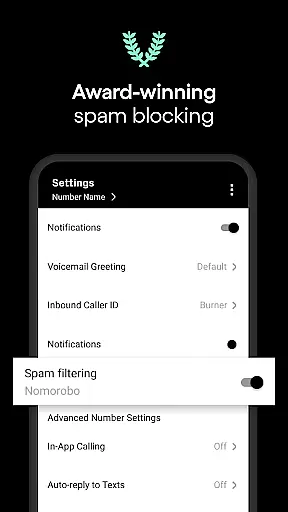
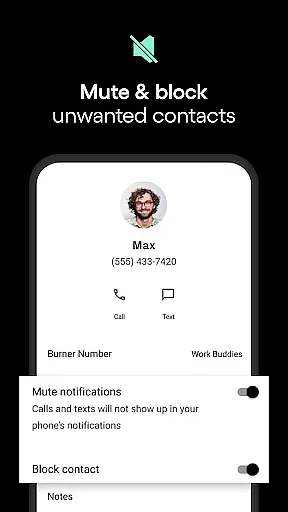
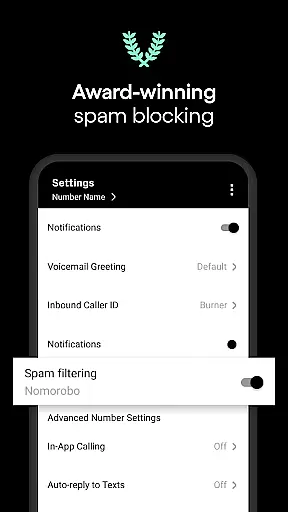
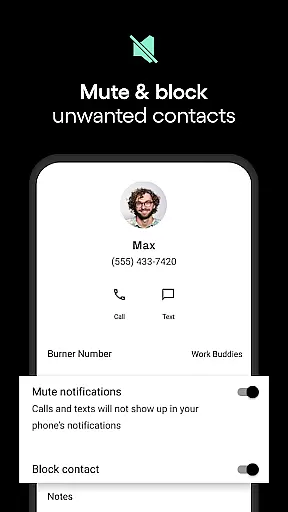
In addition to disposable numbers, Burner incorporates a powerful spam-blocking system that filters out unwanted calls and messages. This ensures that your communications remain uninterrupted and free from intrusive spam. The app also offers organizational tools such as color-coded inboxes and Do Not Disturb settings, which allow users to manage their communications more effectively. These features are complemented by auto-reply functionality, enabling users to set up automatic responses for incoming messages, thus maintaining constant communication even when they are unavailable.
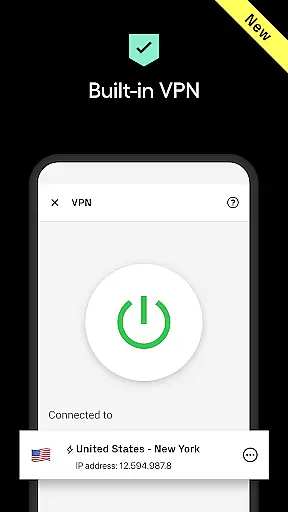
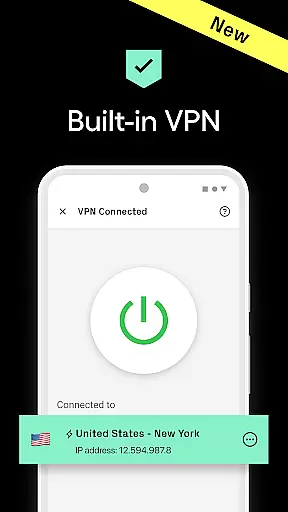
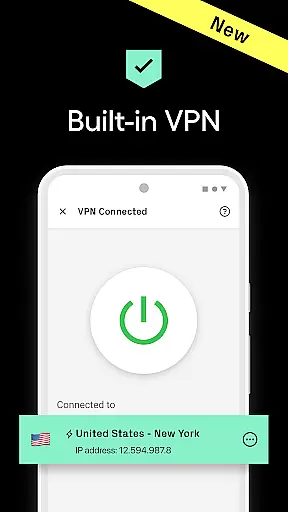
Premium users can access Burner's built-in VPN service, which adds an extra layer of security by anonymizing browsing activities. This feature is especially beneficial for users who handle sensitive information online and wish to prevent tracking. Other notable features include voicemail services with AI sorting, video messaging, and improved call quality. Collectively, these functionalities make Burner a versatile tool for anyone looking to enhance their digital privacy while enjoying seamless communication capabilities.
In today's fast-paced digital world, the speed and reliability of real-time messaging are crucial for effective communication. Burner excels in this area by providing users with unlimited SMS messages and calls that can be sent and received instantly over Wi-Fi or mobile data. This ensures that you're always connected, no matter where you are.
The app's infrastructure is designed to offer minimal latency in message delivery, ensuring that texts and calls reach their destination without delay. Whether it's an urgent business call or a casual chat with friends, Burner maintains high-quality connections so that conversations flow smoothly without interruptions.
Moreover, Burner's robust system guarantees message delivery even during peak usage times. Users can trust that their communications will not only be swift but also consistent, reinforcing the reliability that is essential for both personal and professional interactions.
Burner goes beyond just text and calls by offering comprehensive media sharing support, allowing users to enrich their conversations with images, videos, and audio files. This feature is vital for users who need to share various types of content quickly and securely without compromising their privacy.
The platform supports a wide range of file formats, making it versatile for different needs u2013 from sending documents for work to sharing memorable moments with loved ones. With Burneru2019s private numbers, each shared media piece remains confidential, tied to a temporary number rather than your personal contact information.
Additionally, the integration of Burner VPN enhances secure media sharing by encrypting data transfers, thus protecting sensitive information from potential cyber threats. This dual-layer approach to privacy ensures that while you enjoy seamless media sharing capabilities, your security is never compromised.
Enhanced privacy controls
User-friendly interface
Robust spam protection
Flexible subscription plans
Comprehensive feature set
Limited to US and Canada
No emergency services support
Premium features require payment
Trial period only for free use
Area code availability varies

فیلتر شکن قوی پرسرعت کلید جدید برای اندرویدسریع ترین وی پی ان برای همه اپراتورها
 4.70
4.70
Adblock & VPN Browser: Blocks banners, pop-ups and video ads, fast downloader!
4.60
Connect and browse the internet with a fast VPN proxy server and IP blocker.
4.50
This app enables the phone to receive and send FT8 traffic!
3.80
Experience real private browsing without tracking, surveillance, or censorship.
4.50
Fun, free app that lets kids video call and message family and close friends.
3.80
A softphone app with seamless SIP calling and an intuitive VoIP dialer
3.50
Bringing the functionality of Winlink to your Android device
4.3
BE PRIVATE
Anonymous. No Trace. Fast.
4.20
Read OBD2 data and DTCs Create custom dashboards Enhanced diagnostics available
4.70
We’re taking the yada yada out of wireless—now we’ve taken it out of your app.
4.70
Save 10% automatically on your first international mobile top up.
4.60
Stay in touch with the people who matter most.
4.60
Get through your inbox faster with the mail app designed to simplify your life.
4.40
HD Video Meeting app is a fast & unlimited video conferencing app across world.
4.30
Share the moment!
4.10
Message and video call your family and friends in HD!
3.80
Weargram is an unofficial Telegram Client for Wear OS.
3.50
Enables Plus features of Quick Search.
4.2


User Reviews