
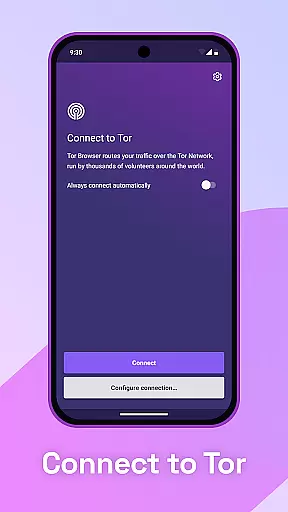
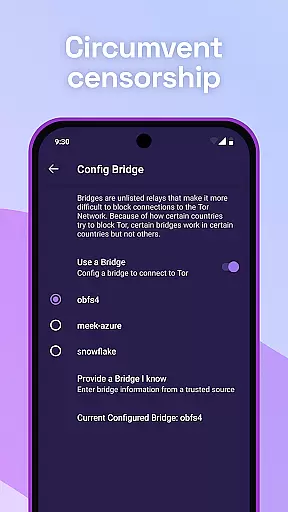
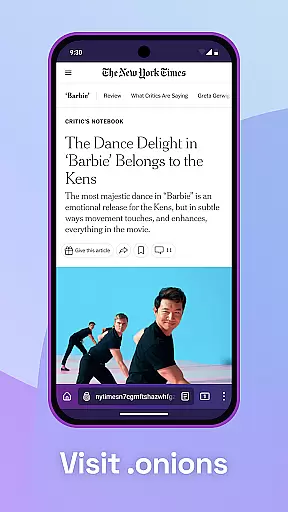
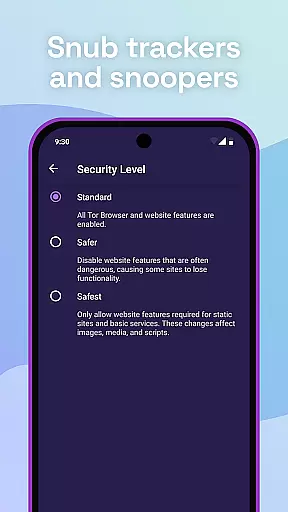
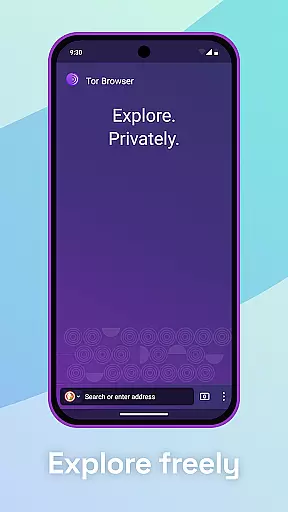
Tor Browser is the official mobile browser developed by the Tor Project, designed to provide users with enhanced privacy and freedom online. This application ensures that your browsing activities remain private and secure through advanced encryption and anti-tracking measures.
With features like multi-layered encryption, tracker blocking, and resistance to fingerprinting, Tor Browser allows you to browse the internet without being monitored or censored. It is especially useful for users in regions where internet access is restricted or heavily monitored.
The app's commitment to privacy extends beyond its technical capabilities. As a nonprofit initiative, Tor Browser remains free to use, relying on donations to support its continued development and maintenance. This makes it an essential tool for anyone seeking to protect their digital footprint while enjoying unrestricted web access.
Tor Browser offers a comprehensive suite of features designed to maximize user privacy and security. One of its core functionalities is multi-layered encryption, which ensures that your internet traffic is relayed and encrypted three times as it passes through the Tor network, making it extremely difficult for anyone to intercept or monitor your online activities.
In addition to robust encryption, Tor Browser isolates each website you visit, preventing third-party trackers and ads from following you across the web. This isolation clears any cookies automatically once you finish browsing, further protecting your personal information. The browser also defends against surveillance by masking your browsing habits, ensuring that only the fact that you are using Tor is visible to external observers.
Another significant feature is its ability to resist fingerprinting, making all users appear identical and thus harder to track based on browser and device information. These features collectively enable users to browse the web freely, accessing sites that may be blocked by local internet service providers, all while maintaining a high level of anonymity and privacy.
Real-time messaging speed and reliability are crucial for secure communication tools like Tor Browser. These features ensure that users can browse and communicate without noticeable delays or interruptions.
Tor Browser achieves this through its multi-layered encryption and vast network of volunteer-run servers known as Tor relays. This setup not only encrypts your traffic three times but also distributes it across multiple nodes, enhancing both speed and reliability.
For users, this means they can access blocked sites and browse the internet freely with minimal latency. The robust infrastructure ensures consistent performance even under varying network conditions.
The benefit to users is a seamless browsing experience that maintains privacy and security without compromising on speed. This makes Tor Browser an essential tool for anyone seeking private and unrestricted internet access.
Media sharing support in Tor Browser allows users to share files and media securely while maintaining their privacy. This feature is vital for users who need to exchange sensitive information without exposing their identities.
Tor Browser facilitates secure media sharing by isolating each website visit. This isolation prevents third-party trackers and ads from following users, ensuring that any shared media does not compromise user data.
Additionally, Tor Browser clears cookies automatically after browsing sessions, further protecting user information. Users can confidently share media knowing their activities are not being tracked or monitored.
This secure environment provides peace of mind, especially for journalists, activists, and whistleblowers who rely on anonymous and secure channels to share critical information without fear of surveillance or censorship.
Enhanced privacy
Multi-layered encryption
Tracker blocking
Resists fingerprinting
Free to use
Slower browsing speed
Complex setup
Limited mobile features
No built-in ad blocker
High resource usage

Radio communication simulator for gaming communities
 4.4
4.4
We’re taking the yada yada out of wireless—now we’ve taken it out of your app.
4.70
Save 10% automatically on your first international mobile top up.
4.60
Use this SMS app standalone or as a TREK: Total Interface companion.
4.30
Call & Text Anywhere With A Canadian Number.
3.60
A softphone app with seamless SIP calling and an intuitive VoIP dialer
3.50
Get through your inbox faster with the mail app designed to simplify your life.
4.40
Group Chat That’s Fun & Games
4.30
Telegram is a messaging app with a focus on speed and security.
4.00
فیلتر شکن قوی پرسرعت کلید جدید برای اندرویدسریع ترین وی پی ان برای همه اپراتورها
4.70
Manage BoostMobile Account
4.60
Welcome to the future of phone service.
4.60
Talk & text free with a second phone number plus unlimited 5G data, no fees.
4.50
SMS Messenger is a lightning-fast messaging app.
4.20
Share the moment!
4.10
Manage and Fund Calling Accounts and Schedule and Join Video Sessions
3.60
Secure Messaging App to Enhance Messenger Texting Experience and Organize SMS.
3.50
Fast, Simple And Secure Application That Provides SMBv3 Server On Your Device
3.30
Bringing the functionality of Winlink to your Android device
4.4


User Reviews