





Discord is a versatile communication platform designed primarily for gamers but equally suited for various community interactions. The app allows users to create customized spaces where they can gather friends for voice, video, and text chats while playing games or simply hanging out.
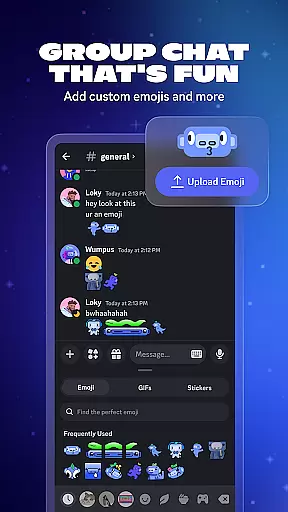
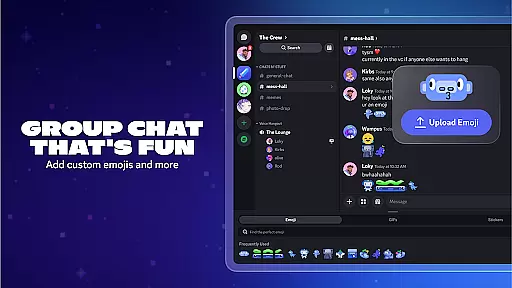
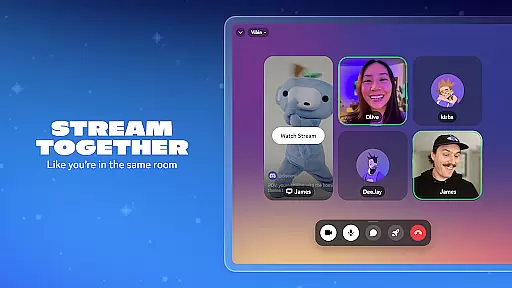
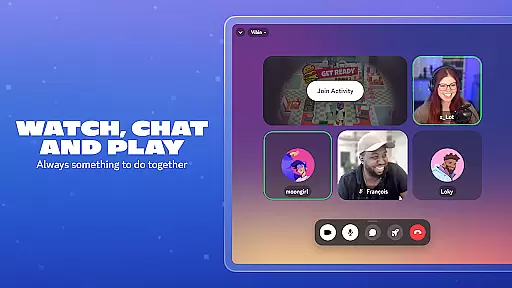
One of Discord's standout features is its ability to enhance group chats with custom emojis, stickers, and soundboard effects, allowing users to infuse their personality into every interaction. Additionally, the high-quality, low-latency streaming feature makes it feel like you're in the same room with your friends, whether you're gaming, watching shows, or collaborating on homework.
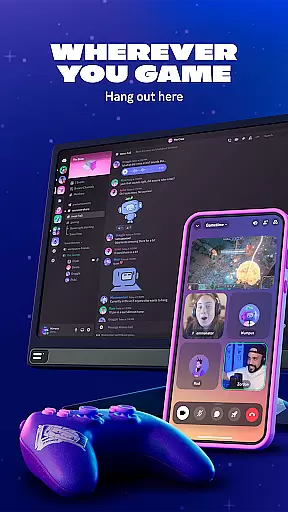
This flexibility extends to its seamless integration across multiple devices, ensuring that wherever you game, you can always stay connected with your community on Discord.
Discord offers an array of robust features tailored to enhance user interaction and community building. Users can create custom emojis, stickers, and soundboard effects, making each chat more engaging and personalized. This customization extends to avatars and profile settings, allowing users to showcase their unique identities within the community.
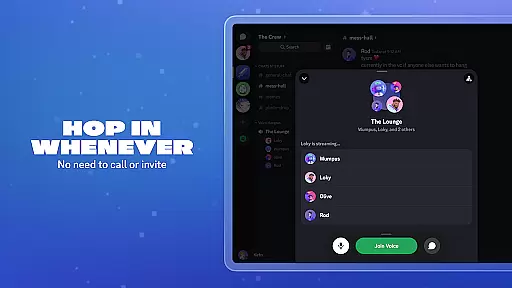
The platform supports high-quality, low-latency streaming, which is perfect for collaborative activities such as gaming or watching media together. Its seamless switching between voice, video, and text chats ensures that users can easily hop in and out of conversations without the need for formal invitations or calls.
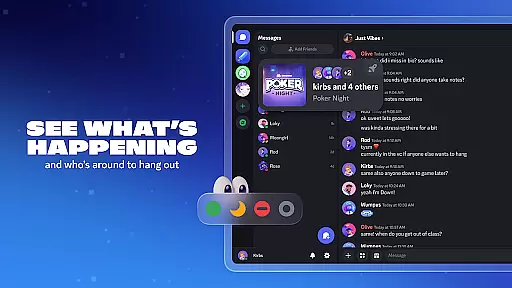
Moreover, Discord provides tools to see who's online and what they're up to, including details about supported games. This visibility fosters spontaneous connections and shared experiences, making it easier than ever to build and maintain active communities.
Real-time messaging is a critical feature for any communication app, and Discord excels in this area. The platform ensures that messages are delivered instantly, allowing users to maintain seamless conversations without delays.
Discord achieves this through optimized server infrastructure and efficient data transmission protocols. This guarantees that even during peak usage times, the messaging system remains stable and reliable.
For users, this means they can engage in group chats, coordinate gaming sessions, or simply chat with friends without worrying about message lag. The real-time nature of the platform makes it ideal for dynamic and fast-paced interactions.
The reliability of Discord's messaging system also extends to notifications, ensuring users never miss important updates or mentions. This comprehensive approach to real-time communication establishes Discord as a top choice for both casual and professional use.
Media sharing is an essential aspect of modern communication platforms, and Discord offers robust support for various media types. Users can easily share images, videos, and audio files within their chats, enhancing the overall interaction experience.
The platform supports multiple file formats and provides previews for many media types. This allows users to view content directly in the chat window without needing to download files separately.
Discord also includes features like drag-and-drop functionality and file size limits that cater to different user needs. These capabilities make it simple for gamers to share screenshots, stream gameplay footage, or exchange creative assets.
Furthermore, the integration of media sharing with other communication tools creates a comprehensive environment where users can seamlessly switch between text, voice, and visual content. This versatility positions Discord as a complete solution for community building and collaborative projects.
User-friendly interface
High-quality streaming
Customizable chat options
Cross-device compatibility
Active community support
Occasional server outages
Steep learning curve
Limited mobile features
Privacy concerns
Resource-intensive

Messages: Fast, simple SMS app with scheduling and smart features.
 4.00
4.00
Phone Dialer with Caller ID, Address Book & Contacts Manager.
4.30
Welcome to the future of phone service.
4.60
Messenger, an MMS & SMS messages app with Blockers, Driving mode & Private box
4.60
A softphone with crystal clear SIP Calling & Reliable VoIP dialer
4.00
Auto Reply SMS, Text Messaging, Away SMS Response, Busy SMS messages, Block Text
3.10
Use this SMS app standalone or as a TREK: Total Interface companion.
4.30
FolderSync enables easy sync of files between cloud storage and Android devices.
4.60
Useful. Social. Expressive.
4.70
Enhance browsing with AI-powered features and Copilot.
4.70
Say “hello” to privacy.
4.60
Browse fast on Opera Mini, with Data Saving, News, Football Scores, and Download
4.60
Experience real private browsing without tracking, surveillance, or censorship.
4.50
Caller ID App! Add names & photos to unknown calls & Call Recording
4.40
BE PRIVATE
Anonymous. No Trace. Fast.
4.20
Tether to Windows, OS X, Linux PCs or Android tablets. No root. No tether fees.
3.90
Secure Messaging App to Enhance Messenger Texting Experience and Organize SMS.
3.50
Comprehensive and powerful scan tool app with enhanced functions
3.00
Manage Phone Calls, call history, and contacts easily with Phone Pro.
4.2


User Reviews