
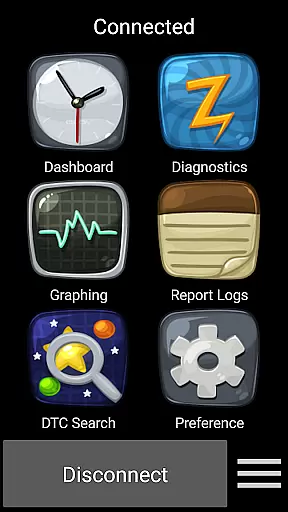
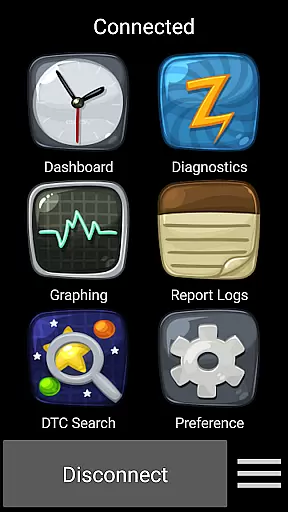
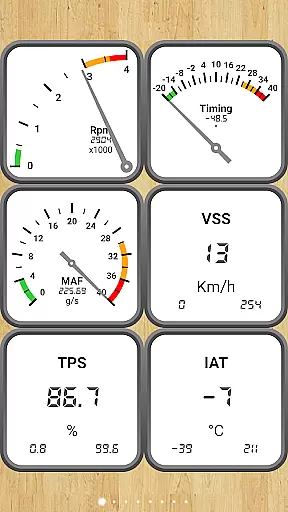
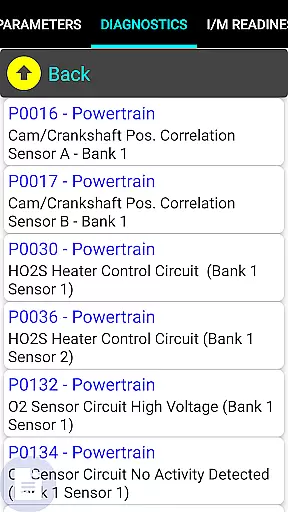
Car Gauge Pro is a comprehensive OBD2 diagnostic application designed for all OBD2 compliant vehicles, with specialized support for Ford and Nissan. This app provides users with access to enhanced diagnostic data and active testing capabilities similar to factory scan tools. Through a Bluetooth connection with an Elm 327 or STN device, the app communicates with the vehicle's computer system to deliver detailed diagnostic information.
The app offers both standard OBD2 functions and enhanced features specific to certain manufacturers. Users can check engine fault codes, view sensor data, perform emission tests, and even conduct advanced tests like ignition timing adjustments on supported vehicles. Car Gauge Pro serves as a professional-grade scan tool that empowers car owners and mechanics to diagnose vehicle issues efficiently and accurately.
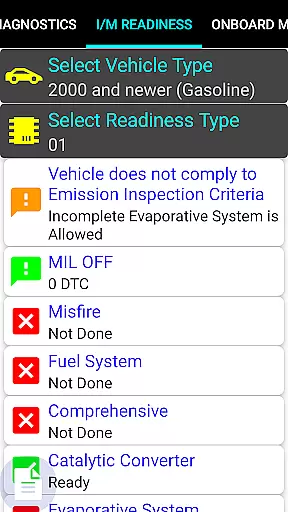
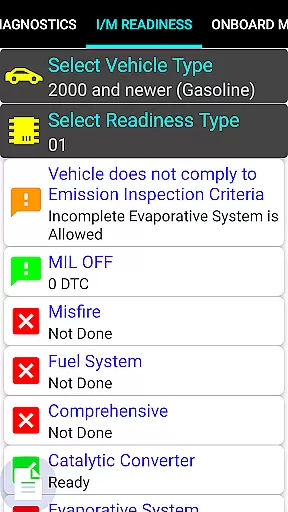
Whether you're looking to understand the status of your vehicle before a smog inspection or need to troubleshoot a persistent check engine light, Car Gauge Pro delivers the necessary insights. Its compatibility with multiple car brands and its rich feature set make it an invaluable tool for anyone involved in vehicle maintenance and diagnostics.
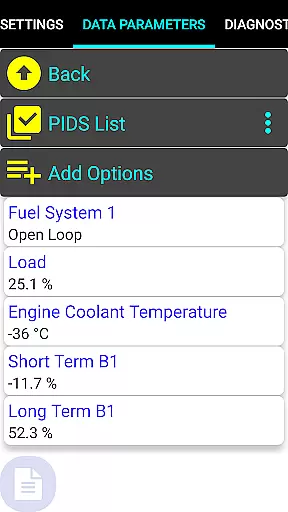
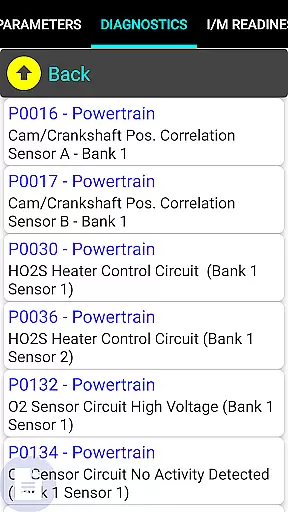
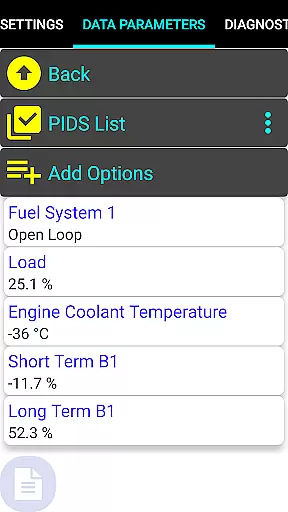
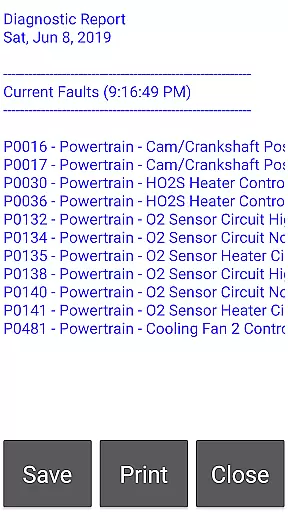
Car Gauge Pro stands out with its extensive range of features tailored for vehicle diagnostics. The app supports all standard OBD2 modes, including Data Parameters, Freeze Frame Data, Fault Code Reading and Clearing, and various Emission On-board Tests. These features provide users with a complete diagnostic solution right on their mobile device.
In addition to the standard OBD2 functionalities, Car Gauge Pro offers enhanced diagnostic capabilities for specific car manufacturers such as Ford, Nissan, GM, Toyota, and KIA. For instance, Ford owners can perform Self Tests and KOEO/KOER checks, while Nissan users can adjust ignition timing and idle RPM. These specialized functions are akin to those found in dealership-level diagnostic tools, offering unparalleled depth and control.
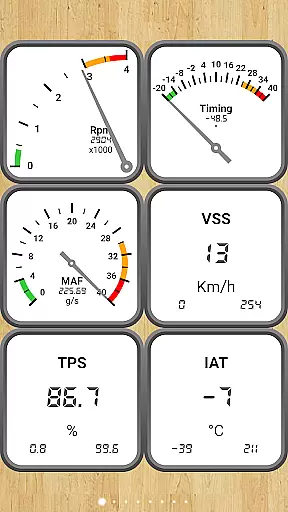
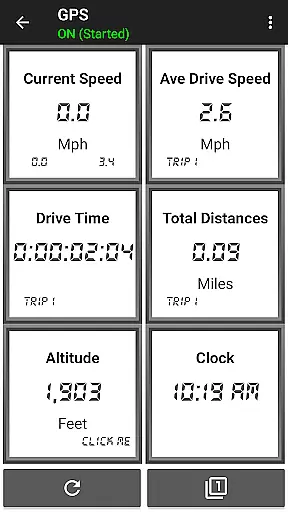
Furthermore, the app includes professional dashboards for visualizing data, readiness checks for smog inspections, and detailed Mode 5/6 emission test results. With these powerful features, Car Gauge Pro transforms a smartphone into a sophisticated automotive diagnostic tool, making it essential for both DIY enthusiasts and professional mechanics seeking accurate and actionable vehicle data.
Real-time messaging speed and reliability are crucial for effective communication within Car Gauge Pro. This app ensures that diagnostic data is transmitted instantly between the vehicle's OBD2 system and your device.
The application leverages advanced Bluetooth technology, compatible with Elm 327 or STN adapters, to maintain a stable connection. This guarantees that mechanics and car enthusiasts receive live updates on their vehicle's performance metrics without delays.
Users benefit from consistently accurate and up-to-the-second information, allowing them to make informed decisions about vehicle maintenance and repairs. The reliable transmission of Enhanced Diagnostic Data ensures no critical alerts are missed.
This real-time interaction not only enhances user experience but also significantly improves the efficiency of diagnosing and addressing vehicle issues promptly, making it an indispensable tool for automotive professionals and hobbyists alike.
Media sharing support in Car Gauge Pro refers to the app's capability to share detailed diagnostic reports and vehicle data across various platforms. This feature is essential for collaborative work environments where multiple stakeholders need access to vehicle analytics.
The app allows users to export comprehensive diagnostic reports, including Mode 1-9 data parameters, fault codes, and emission test results, which can be shared via email or cloud services. This facilitates easy collaboration with team members or consultation with experts remotely.
By enabling media sharing, Car Gauge Pro empowers users to keep detailed records of vehicle health over time. These records serve as valuable references for tracking the progress of repairs and maintenance schedules.
Ultimately, this functionality enhances transparency and accountability in vehicle management processes, ensuring all parties have access to consistent and reliable information, thus improving overall operational effectiveness.
User-friendly interface
Comprehensive diagnostic tools
Enhanced data for specific brands
Active testing capabilities
Detailed emission test results
Requires compatible hardware
Limited to OBD2 compliant vehicles
Some features brand-specific
No Mini Elm 327 v2.1 support
Potential connectivity issues

Connect and browse the internet with a fast VPN proxy server and IP blocker.
 4.50
4.50
An agentic AI browser for Android, built by Perplexity
4.50
Fast, Simple And Secure Application That Provides SMBv3 Server On Your Device
3.30
Watchgram for Telegram: Experience seamless Telegram messaging on your watch
1.80
RemoteHams.com Android RCForb Client Pre-Release
4.30
Use this SMS app standalone or as a TREK: Total Interface companion.
4.30
A softphone app with seamless SIP calling and an intuitive VoIP dialer
3.50
Group Chat That’s Fun & Games
4.30
Useful. Social. Expressive.
4.70
Identify unknown numbers, block spam calls, customize calls with cool themes.
4.60
Create a secure hotspot on-the-go with Portable WiFi - Mobile hotspot.
4.40
HD Video Meeting app is a fast & unlimited video conferencing app across world.
4.30
Google's fast and secure browser
4.10
Messages: Fast, simple SMS app with scheduling and smart features.
4.00
Quickly and easily identify and block unknown callers
3.70
Radio communication simulator for gaming communities
4.2
Manage Phone Calls, call history, and contacts easily with Phone Pro.
4.1
An app dedicated solely to marriage, not dating, and supported by a rigorous verification mechanism to ensure seriousness.
4.1
Bringing the functionality of Winlink to your Android device
4.0


User Reviews