
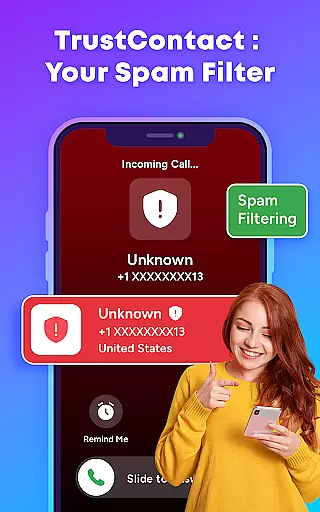
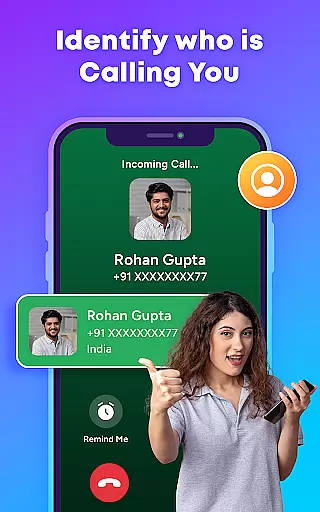
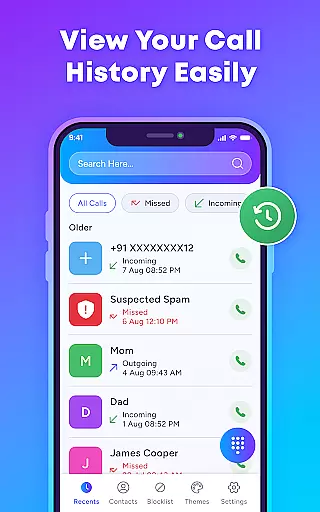
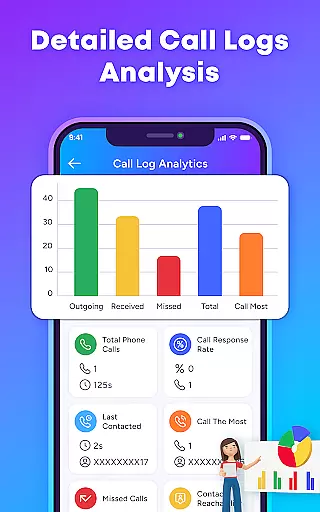
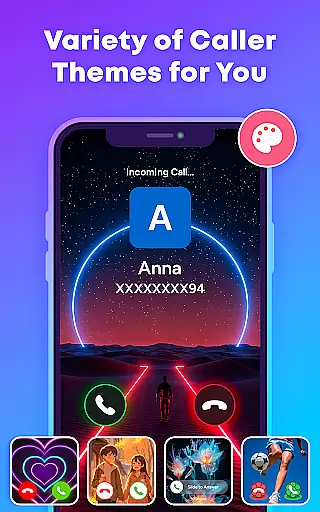
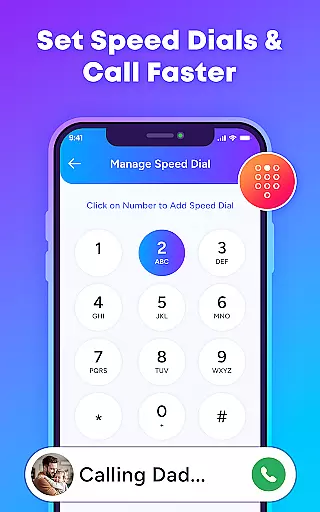
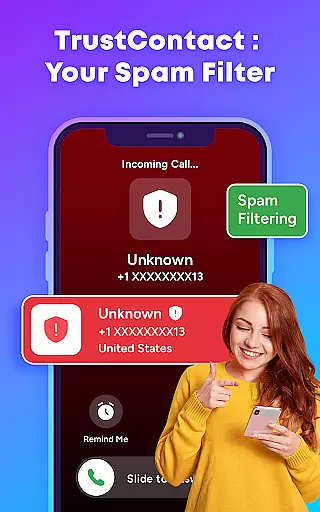
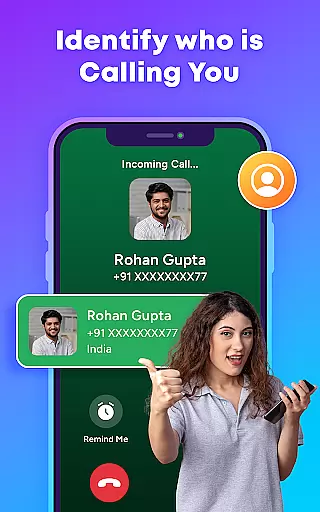
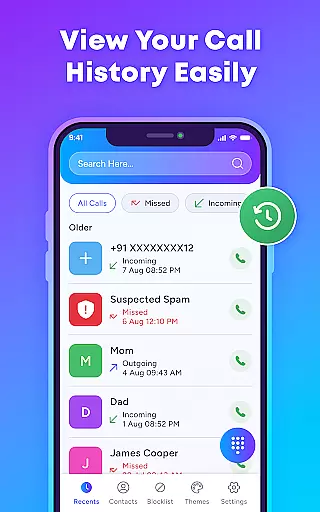
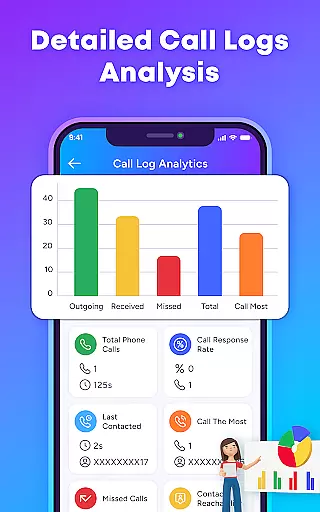
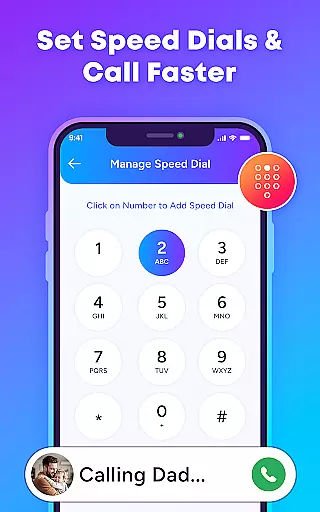
TrustContact is a comprehensive communication app designed to enhance call management and protect users from unwanted calls. The app's core functionality revolves around its powerful caller ID system, which instantly identifies incoming calls from unknown numbers, businesses, or telemarketers. Beyond simple identification, TrustContact offers robust spam call blocking features that automatically detect and block robocalls, scam calls, and fraudulent attempts, ensuring users maintain control over their phone experience.
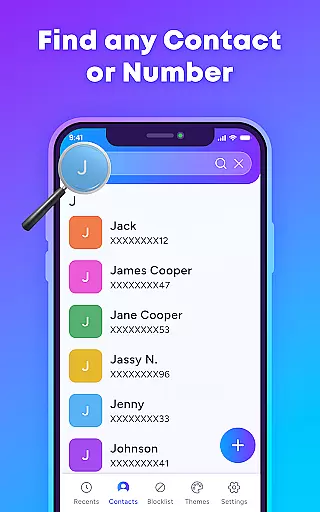
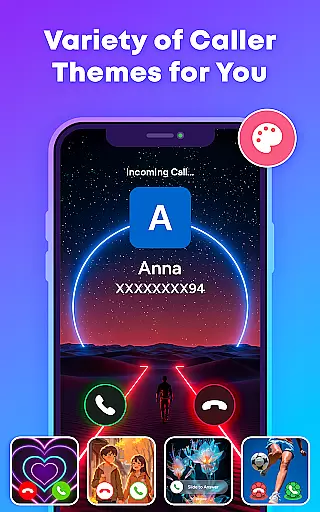
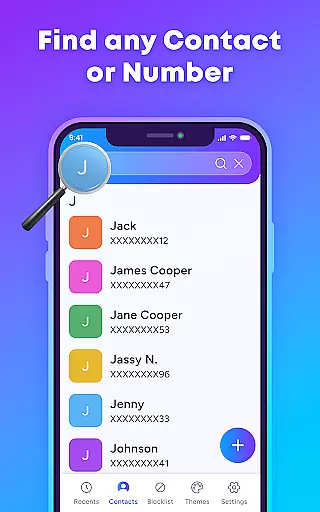
In addition to its protective features, TrustContact provides tools for better contact organization and personalization. Users can manage their contact lists more effectively with the Smart Contact Manager while enjoying customizable call screen themes that allow for a personalized touch. With offline functionality, users can identify and manage calls even without an internet connection. This app proves particularly useful in professional environments where time is valuable and interruptions must be minimized, making it an essential tool for anyone looking to streamline their communication process.
TrustContact stands out in the Communication category due to its extensive feature set tailored for both security and customization. One of the app's main highlights is its Real-Time Caller ID, which provides instant identification of incoming calls, helping users decide whether to answer or ignore. Coupled with the Spam Call Blocker, users can auto-detect and block unwanted calls, including those from telemarketers and scammers, thus significantly reducing phone-based interruptions.
Beyond blocking unwanted calls, TrustContact offers advanced contact management and aesthetic personalization options. The Smart Contact Manager allows users to organize their contacts efficiently, flagging any suspicious entries for review. Additionally, the app includes Stylish Call Themes, giving users the ability to customize their call screens with dynamic and colorful designs. These features collectively ensure that TrustContact not only enhances security but also improves the overall user experience by allowing personal touches and efficient contact handling.
In today's fast-paced world, the speed and reliability of real-time messaging are crucial for effective communication. TrustContact u2013 Caller ID & Block brings this necessity to the forefront by offering instantaneous caller identification and spam blocking services.
With its extensive spam number database and real-time detection algorithms, the app ensures that you're always a step ahead of unwanted calls. The moment a call comes in, TrustContact evaluates it against known spam patterns and user-defined blacklists, providing immediate feedback on the caller's intent.
This swift processing not only blocks nuisance calls but also allows legitimate communications to come through without delay. Users can trust that urgent calls will not be missed due to slow or unreliable filtering processes.
The benefit of such rapid and dependable service is clear: peace of mind knowing your phone lines are secure from disturbances while still being open to important contacts. This makes TrustContact an invaluable tool for anyone looking to streamline their calling experience with confidence.
While primarily focused on call management, TrustContact u2013 Caller ID & Block also recognizes the importance of media sharing support in modern communication apps. Although its core features revolve around protecting users from spam and scam calls, it indirectly facilitates smoother media exchanges by ensuring that only desired interactions take place.
By maintaining an up-to-date contact list and identifying unknown callers, TrustContact creates a trustworthy environment where media files can be shared securely among verified connections. Its smart contact manager helps organize contacts efficiently, which could include those frequently involved in multimedia exchanges.
Moreover, optional permissions related to SMS management indicate potential pathways for future enhancements in direct media file sharing within conversations. While currently emphasizing call-related functionalities, these permissions lay groundwork for comprehensive communication solutions encompassing various forms of digital exchange.
Ultimately, while explicit media-sharing features may not yet define TrustContactu2019s offerings, its robust infrastructure supports cleaner, more reliable interactionsu2014a foundation upon which richer multimedia capabilities could naturally evolve.
Effective spam blocking
Real-time caller ID
Customizable themes
Offline functionality
User-friendly interface
Limited SMS features
Occasional false positives
Premium version costs
Permissions required
Heavy on resources

فیلتر شکن قوی پرسرعت کلید جدید برای اندرویدسریع ترین وی پی ان برای همه اپراتورها
 4.70
4.70
Message and video call your family and friends in HD!
3.80
Send SMS and chat messages easily with a fast text messaging app for Android.
4.10
Call Blocker app: Identify unknown callers, block spam calls, fraud & robocalls
4.30
Fun, free app that lets kids video call and message family and close friends.
3.80
An agentic AI browser for Android, built by Perplexity
4.50
Weargram is an unofficial Telegram Client for Wear OS.
3.50
BE PRIVATE
Anonymous. No Trace. Fast.
4.20
Caller ID, Spam Call & SMS Blocker
3.80
Read OBD2 data and DTCs Create custom dashboards Enhanced diagnostics available
4.70
Messenger, an MMS & SMS messages app with Blockers, Driving mode & Private box
4.60
FolderSync enables easy sync of files between cloud storage and Android devices.
4.60
Build your web browser around you with private search, and more.
4.60
Fast and mini browser with Ad Blocker,Video Downloader and Video Player
4.40
Smart and simple anti-wiring application - IMSI-catchers catcher
4.40
SMS Messenger is a lightning-fast messaging app.
4.20
A customizable phone number in the cloud
4.20
SMS Messenger ensures that communication become effortless and accessible.
3.80
Chat on the Jabber network (XMPP protocol); support for SMS and other gateways
2.10


User Reviews