

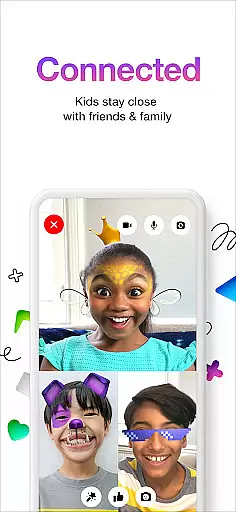
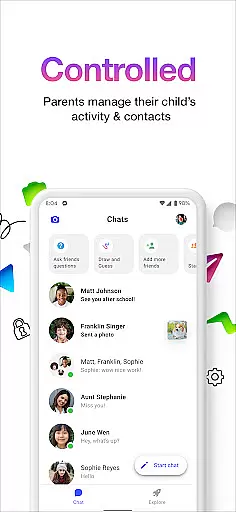
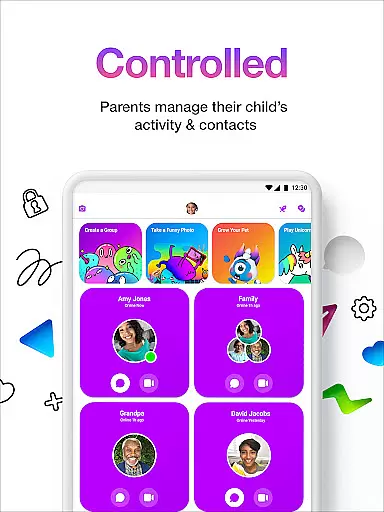

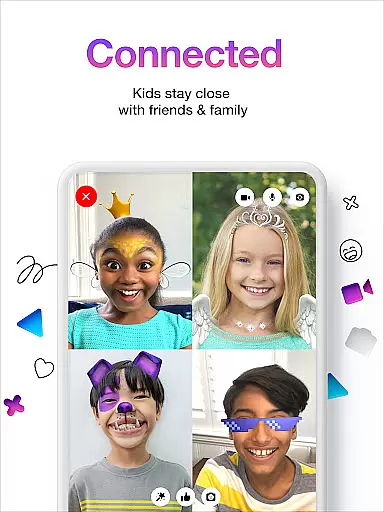
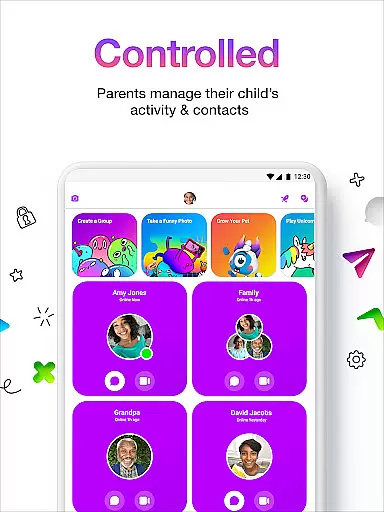
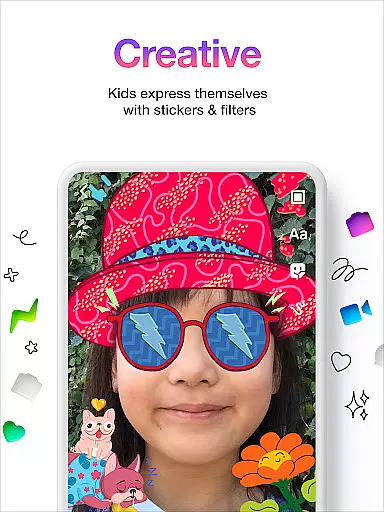
Messenger Kids is a communication app designed specifically for children, offering a safe and controlled environment for messaging and video calls. The app allows parents to manage their children's contact lists through a Parent Dashboard, ensuring secure interactions with friends and family.
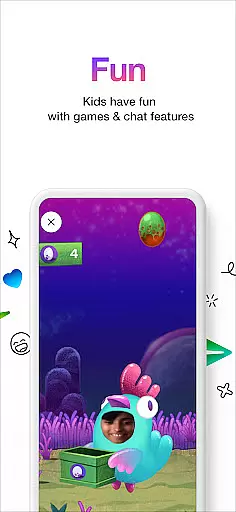
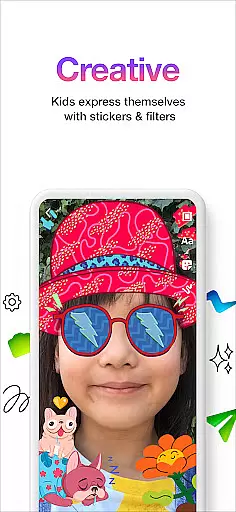
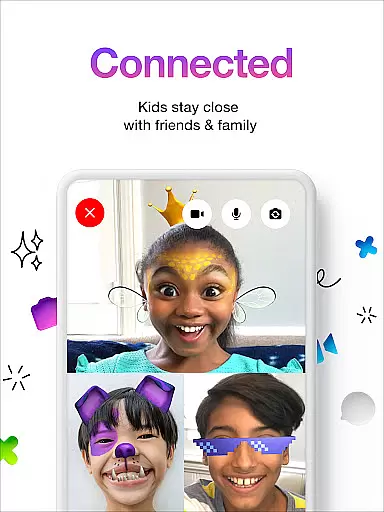
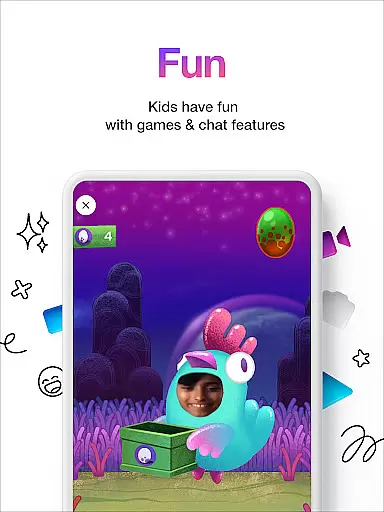
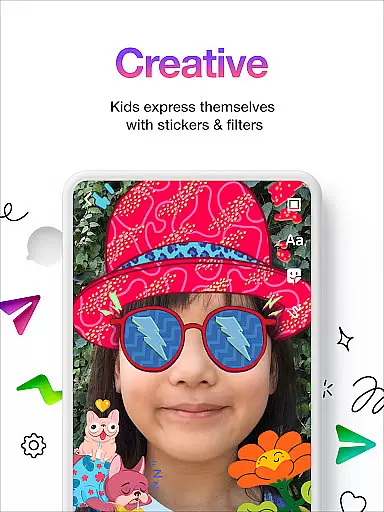
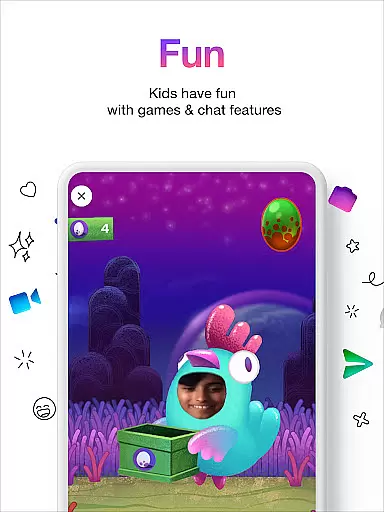
With fun filters, reactions, and sound effects, the app enhances video chats while creative tools like stickers, GIFs, emojis, and drawing features provide engaging ways for kids to express themselves. Parents can also set usage limits and rest assured there are no in-app purchases or ads.
Messenger Kids stands out with its robust parental controls that include managing contacts and monitoring messages. This ensures a worry-free experience for parents who want to keep their children safe online.
The app offers kid-friendly features such as fun filters, sound effects, and creative conversation tools including stickers, GIFs, and emojis. These elements make digital communication enjoyable and expressive for young users without requiring a phone number.
Additionally, Messenger Kids provides peace of mind with no in-app purchases or advertisements, allowing children to explore the app safely. Parents can also set time limits, making it easy to regulate screen time according to family routines.
Real-time messaging speed and reliability are crucial for a seamless communication experience, especially in applications designed for younger users. Messenger Kids excels in this area by providing instant message delivery and ensuring that conversations flow without unnecessary delays.
The app employs optimized data transmission protocols to maintain fast and stable connections. This means that whether kids are sending texts, stickers, or engaging in video chats, they can expect their messages to be delivered instantly, fostering an environment where conversations feel natural and engaging.
For parents, the reliability of message delivery offers peace of mind, knowing that important communications, such as safety reminders or check-ins, will reach their children without fail. The stability of the messaging system also supports uninterrupted interactions, which is vital for maintaining the attention and interest of young users.
Overall, Messenger Kids' commitment to real-time messaging ensures that both children and parents enjoy a dependable platform for staying connected with friends and family, enhancing the overall user experience through consistent performance.
Media sharing support is an essential feature in modern communication apps, allowing users to exchange photos, videos, and other files seamlessly. Messenger Kids addresses this need by enabling young users to share media in a safe and controlled manner, giving parents oversight over what content is exchanged.
The app includes robust controls that let parents manage the types of media that can be shared and with whom. This ensures that all shared content is appropriate and aligns with family values, while also protecting children from potential online risks associated with unrestricted media sharing.
Moreover, Messenger Kids maintains high standards of quality for shared media, ensuring that images and videos retain their clarity and integrity during transmission. This focus on quality enhances the enjoyment of media sharing, making interactions more vibrant and meaningful for kids.
By combining comprehensive parental controls with reliable media sharing capabilities, Messenger Kids creates a secure and enjoyable environment for children to connect with their loved ones, reinforcing its position as a trusted communication tool for families.
Parental control
Kid friendly design
No ads
Fun filters
Safe environment
Limited features
Requires setup
Age restrictions
Parent dependency
Platform limitations

Fast and simple walkie talkie app
 4.20
4.20
Call Forwarding is easy and simple application to use.
3.80
At select facilities, you now have an easy way to video visit your loved ones!
3.30
WazzapMigrator: transfer your WhatsApp history from iPhone to Android
4.00
A softphone with crystal clear SIP Calling & Reliable VoIP dialer
4.00
Manage Phone Calls, call history, and contacts easily with Phone Pro.
4.0
Group Chat That’s Fun & Games
4.30
Useful. Social. Expressive.
4.70
Share the moment!
4.10
Experience real private browsing without tracking, surveillance, or censorship.
4.50
The ultimate productivity solution for all your email communication needs.
4.40
Create a secure hotspot on-the-go with Portable WiFi - Mobile hotspot.
4.40
RemoteHams.com Android RCForb Client Pre-Release
4.30
Chill zone on your phone: relax with fun reels & hype shorts!
4.20
SMS & MMS Messaging App to easily send messages or schedule SMS on Chat
4.10
Fast Dialer & Contact Manager with Caller ID and Spam Protection
4.00
A softphone app with seamless SIP calling and an intuitive VoIP dialer
3.50
Comprehensive and powerful scan tool app with enhanced functions
3.00
Bringing the functionality of Winlink to your Android device
4.0


User Reviews