
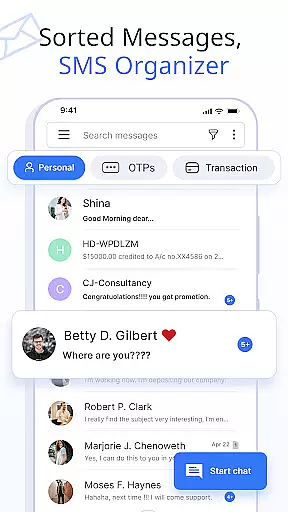
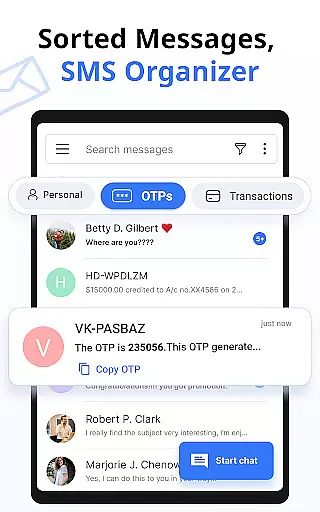

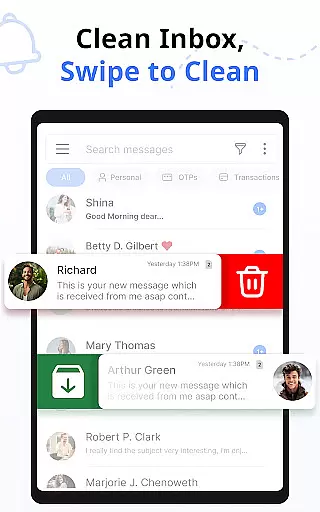
Messages is a feature-rich SMS and MMS messaging app designed to provide users with a smart, fast, and secure communication experience. The app automatically organizes text messages into categories such as Personal, Transactions, OTPs, and Offers using its built-in SMS Organizer. This ensures that users can easily manage their conversations while staying connected with friends and family.
In addition to basic messaging, the app offers advanced features like customizable notifications, scheduled messages, delivery confirmations, and auto-deletion of conversations. Users can also express themselves through emojis, stickers, and GIFs, making their interactions more engaging. With support for voice calls and compatibility across all major Android devices and versions, Messages delivers a comprehensive communication solution tailored for both personal and professional use.
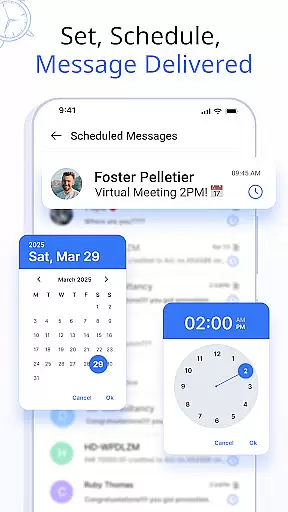
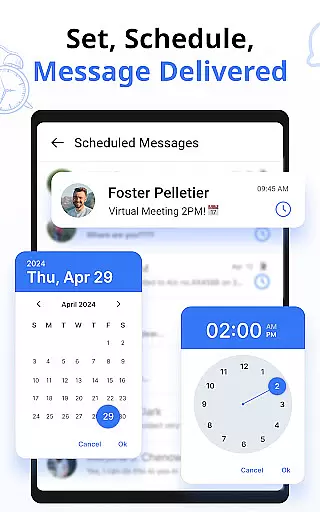
Messages stands out with its robust set of features designed to enhance user experience. One key functionality is the ability to customize notification alerts for individual contacts or chats, allowing users to tailor settings such as ringtones, vibration patterns, and Do Not Disturb modes. The scheduling feature enables users to compose messages in advance and have them delivered at specific times, perfect for sending timely reminders or greetings.
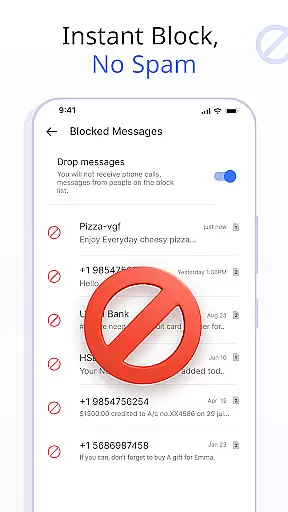
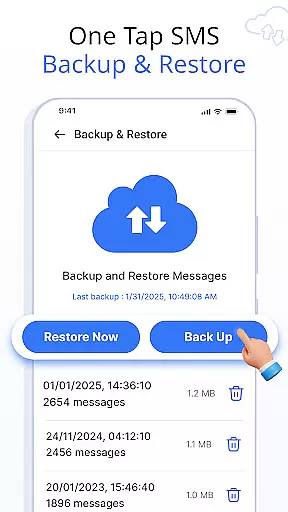
The app also provides essential tools like SMS backup and restore, ensuring data safety by allowing users to save their conversations locally and retrieve them when needed. Other notable features include swipe actions for organizing the inbox, blocking unwanted contacts, and confirming message delivery. These capabilities not only streamline communication but also offer greater control over how users interact with their messages, setting this app apart from standard messaging solutions.
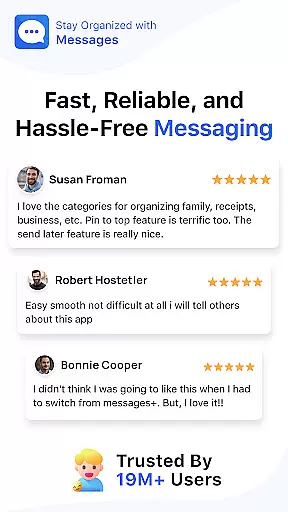
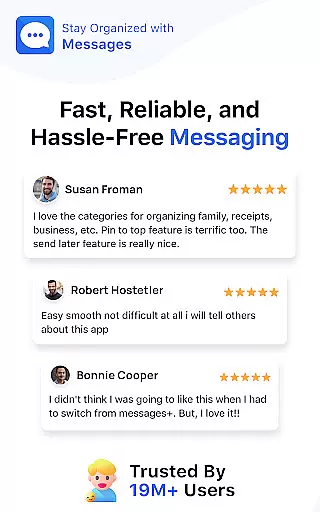
Real-time messaging speed and reliability are crucial for maintaining seamless communication in any messaging app. The Messages app ensures that your texts are delivered instantly, allowing you to stay connected with friends and family without delays.
This SMS Messaging App uses advanced technology to optimize message delivery times, ensuring that your communications are sent and received as quickly as possible. With over 16 million users benefiting from this feature, it's clear that the app meets the high standards expected by its vast user base.
The delivery confirmation feature adds an extra layer of assurance, notifying you when your messages have been successfully sent and received. This peace of mind is essential for both personal and transactional conversations, making sure no important information is missed or delayed.
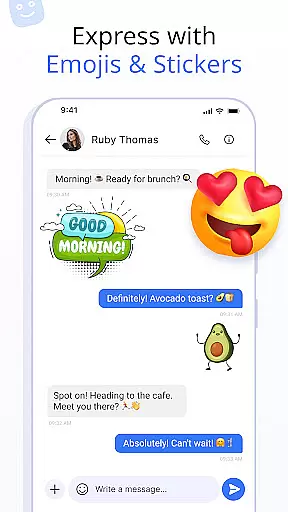
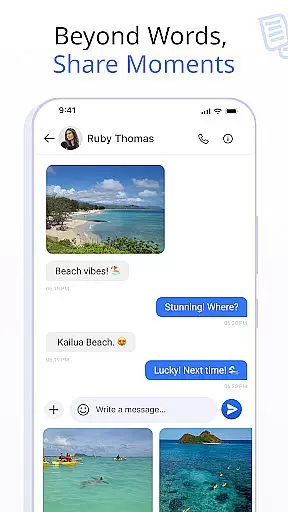
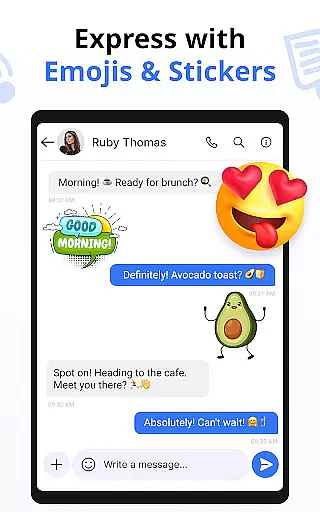
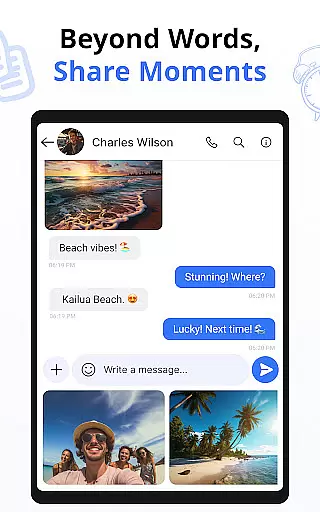
Media sharing support is a vital component of modern messaging apps, enabling users to express themselves beyond plain text. The Messages app excels in this area by allowing you to send expressive emojis, stickers, GIFs, and other media formats effortlessly.
With built-in integration for various media types, you can enhance your conversations with visual elements that convey emotions more vividly than words alone. Whether it's celebrating a friend's birthday with animated stickers or reacting to a story with a perfectly timed GIF, the app provides numerous ways to enrich your dialogue.
In addition to supporting diverse media formats, the app also offers voice calls for crystal-clear audio communication. This comprehensive approach ensures that all forms of interaction are covered, providing a robust platform for staying connected through multiple mediums.
User-friendly interface
Advanced customization options
Secure backup and restore
Wide device compatibility
Engaging media support
Limited iOS support
Occasional sync issues
Ads in free version
Large app size
Requires constant updates

BiP is a fast, secure, free messaging and HD video calling app!
 4.10
4.10
SMS Messenger ensures that communication become effortless and accessible.
3.80
Phone Dialer with Caller ID, Address Book & Contacts Manager.
4.30
At select facilities, you now have an easy way to video visit your loved ones!
3.30
Call Blocker app: Identify unknown callers, block spam calls, fraud & robocalls
4.30
Chill zone on your phone: relax with fun reels & hype shorts!
4.20
Weargram is an unofficial Telegram Client for Wear OS.
3.50
Threema is the messenger with the most consistent focus on security and privacy.
4.00
Get through your inbox faster with the mail app designed to simplify your life.
4.40
An agentic AI browser for Android, built by Perplexity
4.50
Experience real private browsing without tracking, surveillance, or censorship.
4.50
Manage your data, talk & text - affordable phone plans & data usage made simple
4.30
HD Video Meeting app is a fast & unlimited video conferencing app across world.
4.30
WazzapMigrator: transfer your WhatsApp history from iPhone to Android
4.00
Fast Dialer & Contact Manager with Caller ID and Spam Protection
4.00
Telegram is a messaging app with a focus on speed and security.
4.00
This app enables the phone to receive and send FT8 traffic!
3.80
Pure modern IRC experience for Android
3.70
Chat on the Jabber network (XMPP protocol); support for SMS and other gateways
2.10


User Reviews