
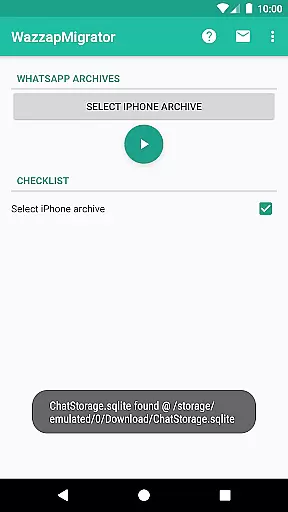
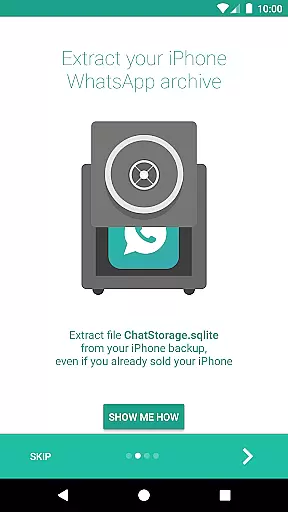
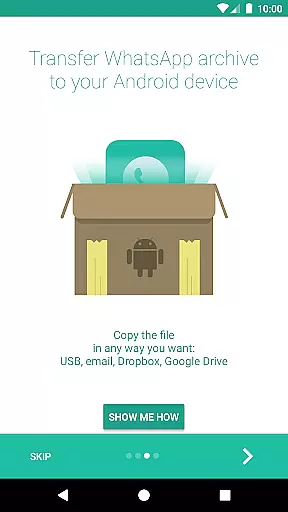
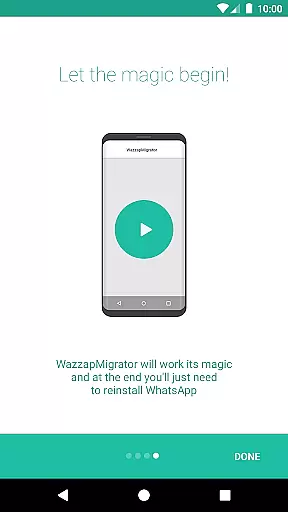
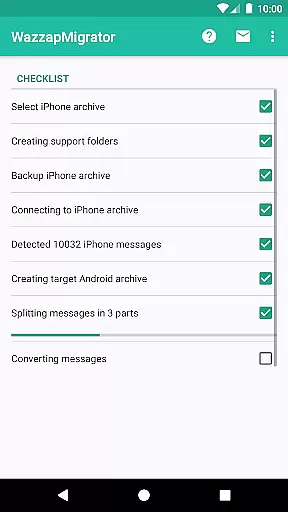
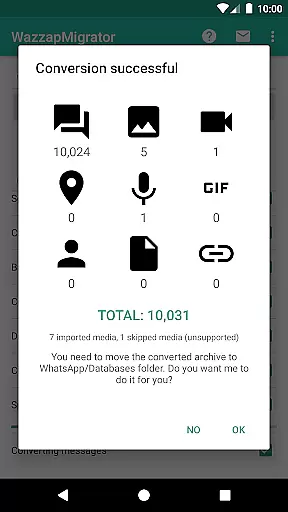
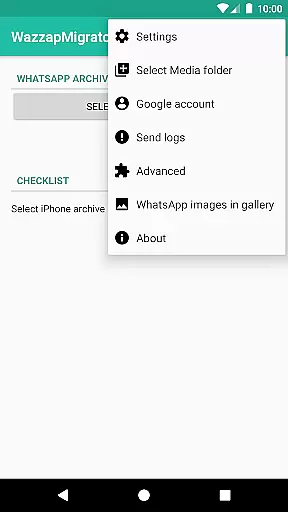
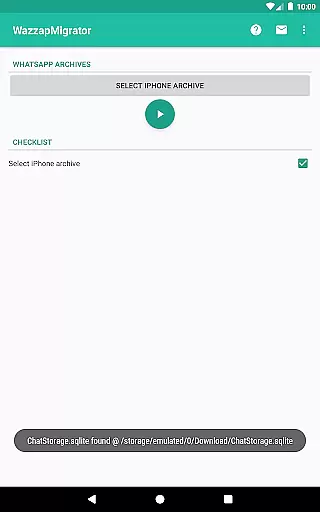
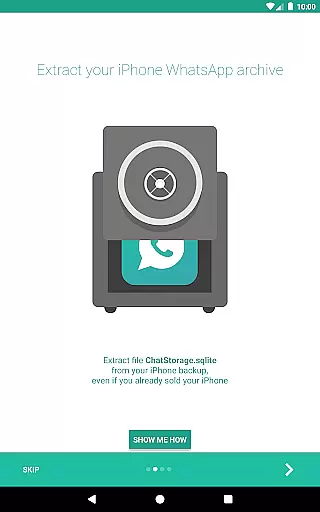
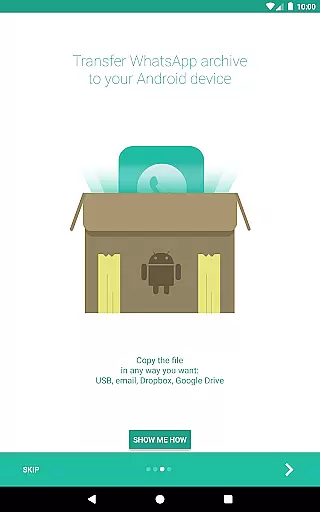
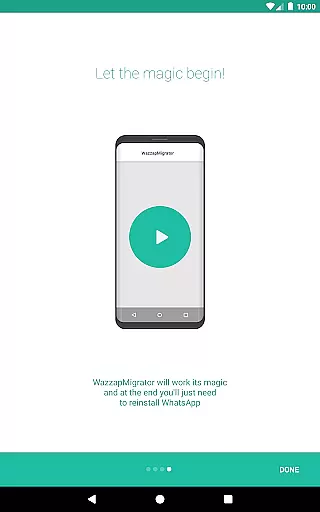
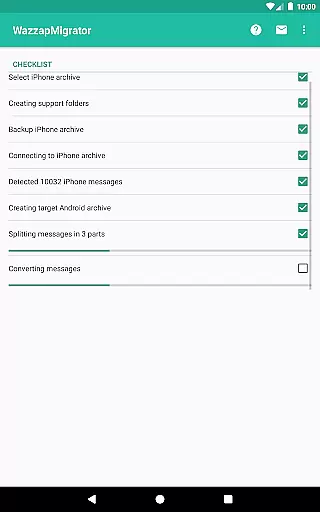
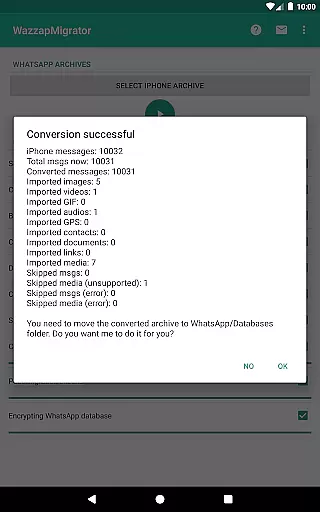
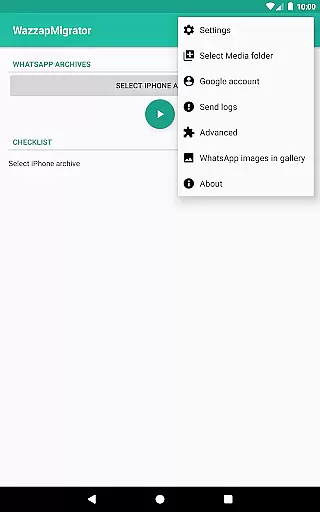
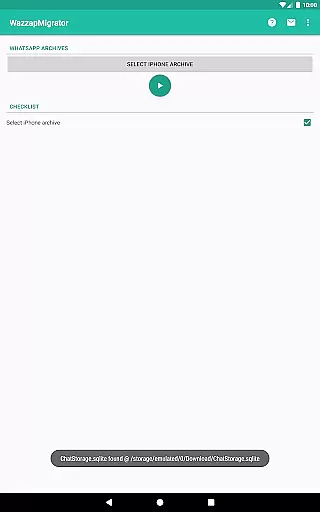
WazzapMigrator is a specialized communication app designed to help users transfer their WhatsApp history from iPhone to Android devices. This tool ensures that all your important chat data, including messages, images, audio, video, and documents, can be seamlessly migrated when switching platforms. The app works even if you no longer possess your old iPhone, provided you have an iTunes backup available on your PC or Mac.
The application stands out with its robust privacy measures, offering peace of mind by ensuring your data never leaves your device. Additionally, WazzapMigrator provides reliable support through in-app assistance and online resources, guaranteeing user satisfaction with its 'Satisfied or Reimbursed' policy. Whether you're upgrading your phone or transitioning between ecosystems, this app simplifies the process while maintaining data integrity and security.
WazzapMigrator offers a comprehensive set of features tailored for seamless WhatsApp data migration. One of its standout capabilities is importing various types of content such as messages, emoji, images, audio, video, documents, locations, and contacts. This ensures that users do not lose any valuable information during the transition from iPhone to Android.
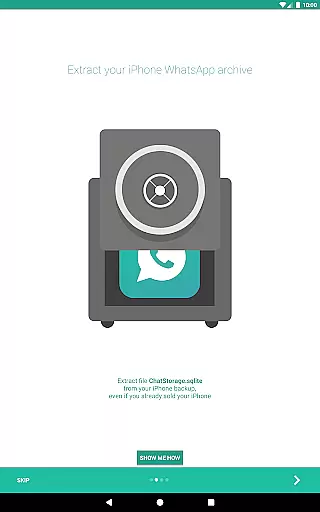
Another significant feature is its ability to work without requiring access to the original iPhone. As long as users have an iTunes backup, they can retrieve their WhatsApp data. Privacy is prioritized, with the app having no internet permissions, thus preventing any data from leaving the device. Furthermore, WazzapMigrator provides extensive support options, including an in-app support line and detailed FAQs on their website, ensuring users have all the help they need throughout the migration process.
Real-time messaging speed and reliability are crucial for seamless communication. WazzapMigrator ensures that your WhatsApp history, including messages and emoji, is transferred from iPhone to Android with precision.
The app works efficiently even if you no longer have your old iPhone, provided you have an iTunes backup on your PC or Mac. This guarantees that your data transfer remains swift and dependable, without the need for both devices to be present.
With WazzapMigrator, users can trust that their conversations will be accurately replicated on their new Android device, maintaining the integrity of their communication history. This reliability fosters confidence in the migration process, ensuring users stay connected without missing a beat.
Media sharing support is a vital feature for any messaging app migration tool. WazzapMigrator excels in transferring not only text messages but also a wide array of media files from iPhone to Android devices.
This includes images, audio, video, documents, locations, and contacts, offering a comprehensive transfer solution. The ability to move such diverse content ensures users retain full functionality and personalization on their new platform.
Moreover, WazzapMigrator respects user privacy by not requiring internet permissions, ensuring that all shared media remains securely on the user's device throughout the migration process.
User-friendly interface
Comprehensive data transfer
Strong privacy protection
Reliable customer support
Compatibility with iTunes backups
Requires computer knowledge
Limited to WhatsApp data
No direct device-to-device transfer
Paid application
Dependent on iTunes backup

 3.90
3.90
Call Forwarding is easy and simple application to use.
3.80
Enables Plus features of Quick Search.
4.4
A web browser that respects your privacy.
4.30
Adblock & VPN Browser: Blocks banners, pop-ups and video ads, fast downloader!
4.60
Messages: Fast, simple SMS app with scheduling and smart features.
4.00
Weargram is an unofficial Telegram Client for Wear OS.
3.50
FolderSync enables easy sync of files between cloud storage and Android devices.
4.60
Manage your mobile phone plan, check unlimited 5g data usage and track rewards
4.50
We’re taking the yada yada out of wireless—now we’ve taken it out of your app.
4.70
Save 10% automatically on your first international mobile top up.
4.60
Messenger, an MMS & SMS messages app with Blockers, Driving mode & Private box
4.60
BE PRIVATE
Anonymous. No Trace. Fast.
4.20
Messenger app for faster and simpler SMS text messaging, and personalized themes
4.10
Measure BHP, Torque & 0-60 Clear car OBD faults View engine data in Google Earth
4.00
Manage and Fund Calling Accounts and Schedule and Join Video Sessions
3.60
Secure Messaging App to Enhance Messenger Texting Experience and Organize SMS.
3.50
Watchgram for Telegram: Experience seamless Telegram messaging on your watch
1.80
An app dedicated solely to marriage, not dating, and supported by a rigorous verification mechanism to ensure seriousness.
4.0


User Reviews