
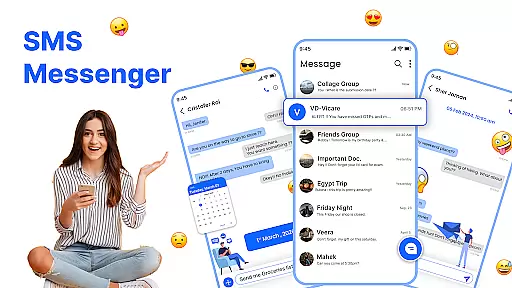
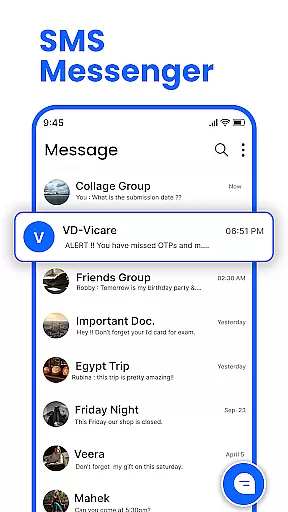
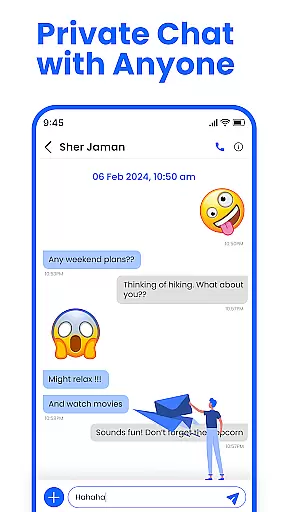
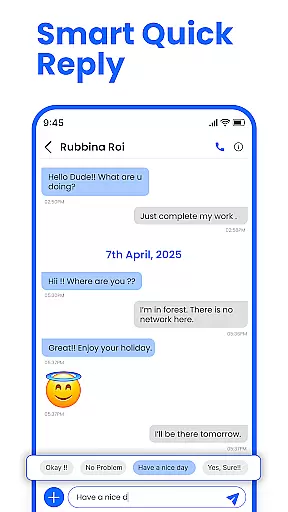
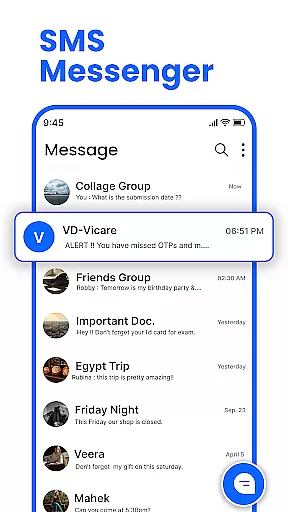
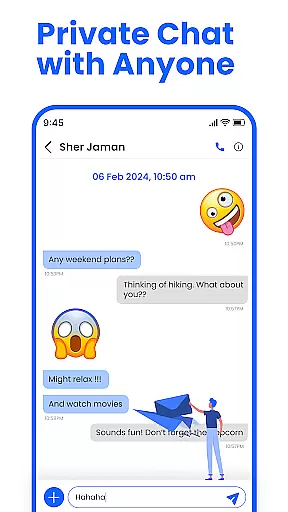
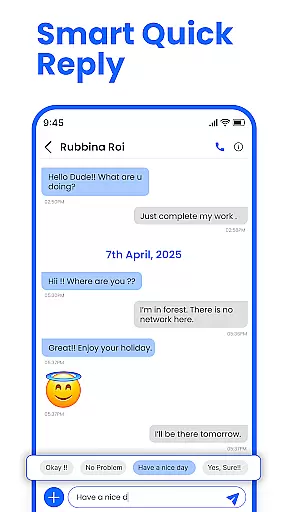
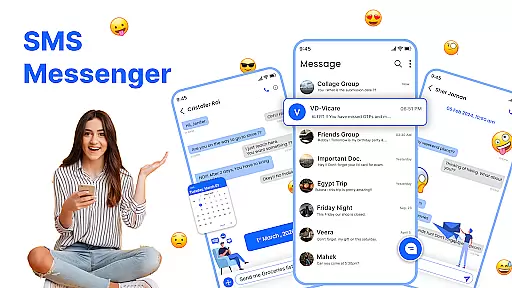
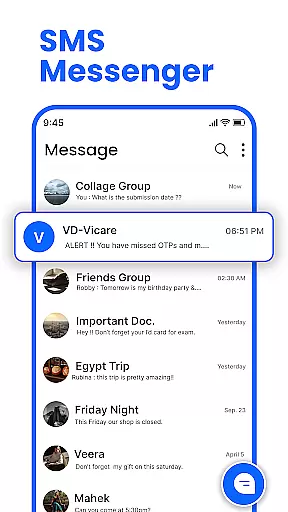
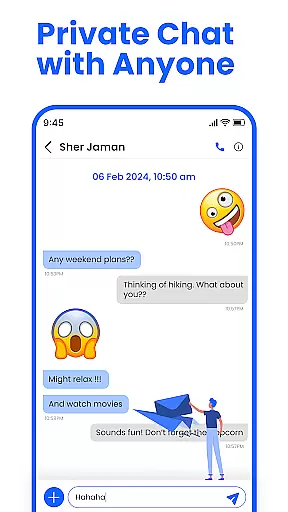
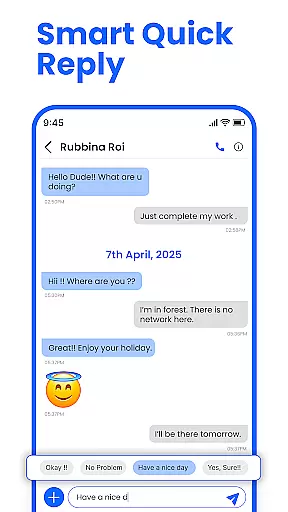
Messenger: SMS Home is a feature-rich communication app designed to enhance your texting experience on Android devices. The app serves as an all-in-one solution for managing SMS messages, offering users the ability to organize their texts, schedule messages, and block unwanted spam. With its intuitive interface, it provides easy access to essential messaging features while allowing customization of the home screen layout.
One of the standout capabilities is the Smart Launcher feature, which lets users manage apps and access messages directly from the home screen. Whether you need to send quick texts or schedule important reminders, this app ensures your messages are delivered exactly when needed. It's particularly useful for professionals who want to maintain organized communication with colleagues and loved ones.
The app's true value lies in its ability to give users complete control over their messaging experience. From blocking promotional alerts to personalizing swipe actions, Messenger: SMS Home empowers users to tailor every aspect of their texting interactions. This makes it an ideal tool for anyone seeking a smarter, faster, and more secure way to stay connected.
Messenger: SMS Home stands out with its comprehensive set of features that cater to various messaging needs. One of the key highlights is the Smart Launcher functionality, which allows users to personalize their home screen layout. This feature not only enhances accessibility but also streamlines navigation between different apps and messages, creating a seamless user experience.
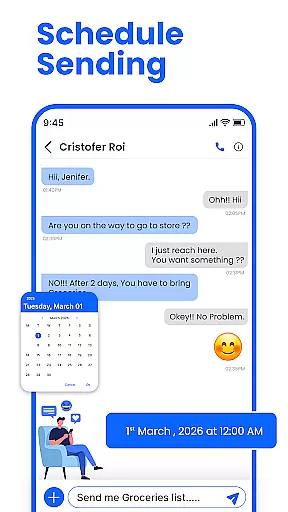
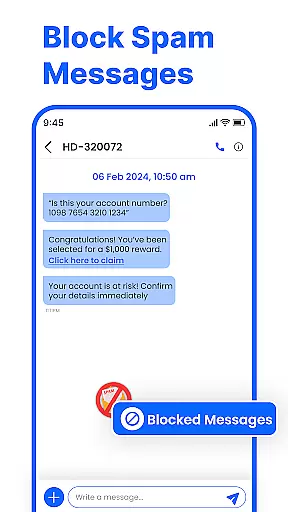
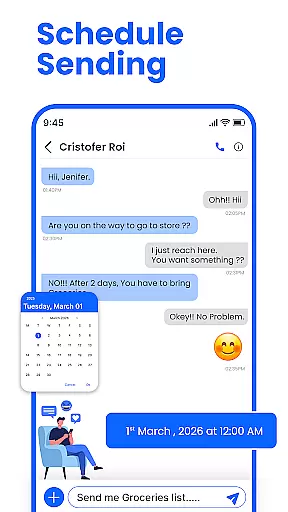
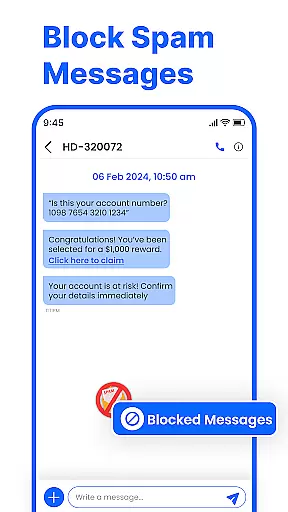
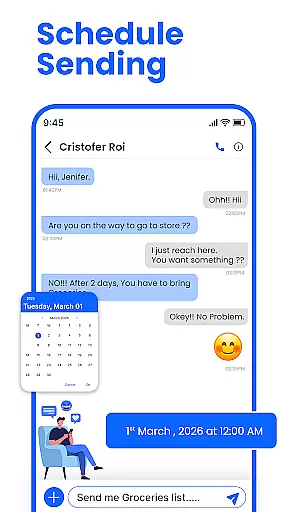
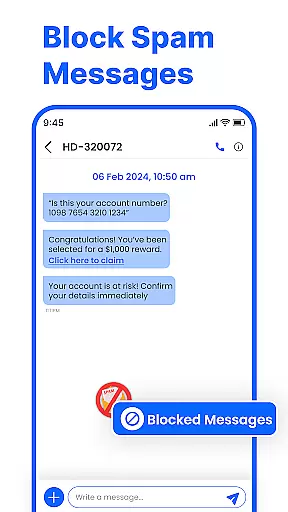
The app includes advanced tools like scheduled messaging, enabling users to compose texts in advance and have them sent at specific times. This is complemented by robust spam-blocking capabilities that keep your inbox free from unwanted messages. Additionally, the swipe actions feature lets you efficiently manage your inbox by archiving, deleting, or marking messages with simple gestures.
Another notable aspect is its compatibility with a wide range of Android devices, ensuring consistent performance across Samsung, Google Pixel, Motorola, and more. The app also supports offline messaging, making it reliable even without an active internet connection. These features collectively create a powerful, secure, and user-friendly messaging platform that adapts to modern communication needs.
Real-time messaging speed and reliability are crucial for maintaining seamless communication in any messaging app. Messenger: SMS Home ensures that your messages are delivered instantly, allowing you to stay connected with friends and family without delays.
The app leverages advanced technologies to optimize message delivery, ensuring minimal latency even during peak usage times. This means your texts will reach the recipient almost immediately after you hit send, providing a smooth and responsive chatting experience.
Users benefit from this reliable messaging system by experiencing fewer missed communications and enjoying uninterrupted conversations. Whether it's urgent information or casual banter, the assurance of timely delivery enhances user satisfaction and trust in the application.
Moreover, the robust infrastructure supporting Messenger: SMS Home guarantees consistent performance across different devices and network conditions, making it an ideal choice for those who prioritize efficient and dependable text communication.
Media sharing support is an essential feature in modern messaging apps, enabling users to exchange photos, videos, and other files effortlessly. Messenger: SMS Home offers comprehensive media sharing capabilities, allowing you to enrich your conversations with multimedia content.
This app supports various file formats, ensuring compatibility and ease of use when sending or receiving media. Whether you're sharing high-resolution images, lengthy videos, or important documents, Messenger: SMS Home handles them all efficiently, preserving quality while minimizing upload and download times.
By integrating intuitive media management tools, the app simplifies the process of selecting and sending files. Users can easily navigate through their device storage, preview media before sending, and manage shared content within chats, enhancing overall interaction quality.
With its robust media sharing functionalities, Messenger: SMS Home not only meets but exceeds user expectations, facilitating richer and more engaging communication experiences. This makes it a standout choice for individuals seeking versatile and efficient messaging solutions.
User-friendly interface
Customizable home layout
Spam blocking feature
Scheduled messaging option
Offline message support
Limited iOS compatibility
Occasional bugs reported
Ads in free version
Requires permissions
Learning curve for new users

BiP is a fast, secure, free messaging and HD video calling app!
 4.10
4.10
Google's fast and secure browser
4.10
Manage BoostMobile Account
4.60
Welcome to the future of phone service.
4.60
Fun, free app that lets kids video call and message family and close friends.
3.80
An agentic AI browser for Android, built by Perplexity
4.50
Manage Phone Calls, call history, and contacts easily with Phone Pro.
4.2
Build your web browser around you with private search, and more.
4.60
Enhance browsing with AI-powered features and Copilot.
4.70
Use this Dialer app alone or as a TREK: Total Interface companion.
4.70
Smart and simple anti-wiring application - IMSI-catchers catcher
4.40
Phone Dialer with Caller ID, Address Book & Contacts Manager.
4.30
Call Blocker app: Identify unknown callers, block spam calls, fraud & robocalls
4.30
Use this SMS app standalone or as a TREK: Total Interface companion.
4.30
Weargram is an unofficial Telegram Client for Wear OS.
3.50
A softphone app with seamless SIP calling and an intuitive VoIP dialer
3.50
TeamSpeak - Secure Chat for Gaming & Business
3.10
Enables Plus features of Quick Search.
4.4
Radio communication simulator for gaming communities
4.4


User Reviews