

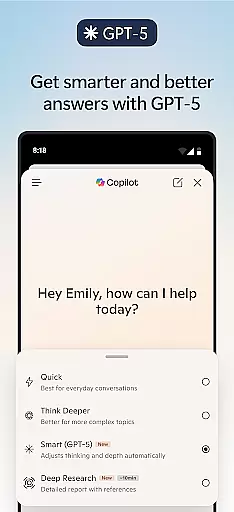
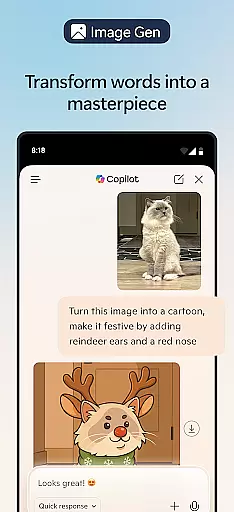
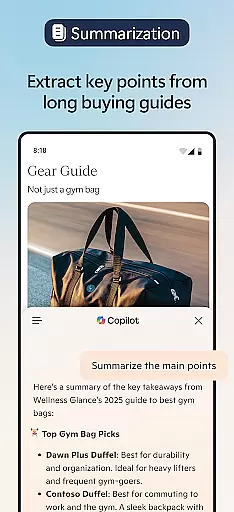


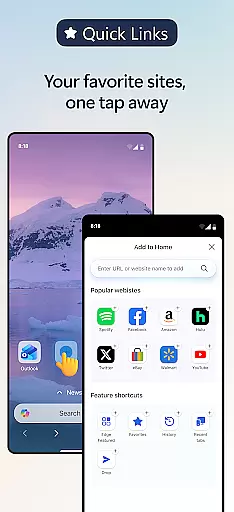

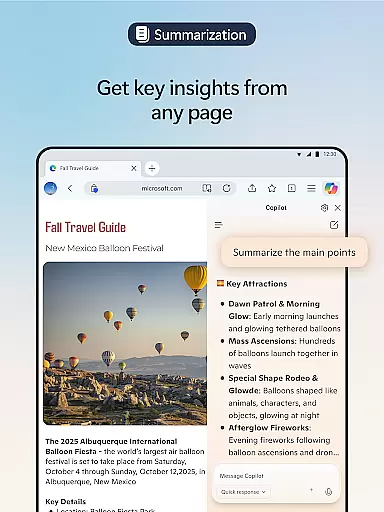
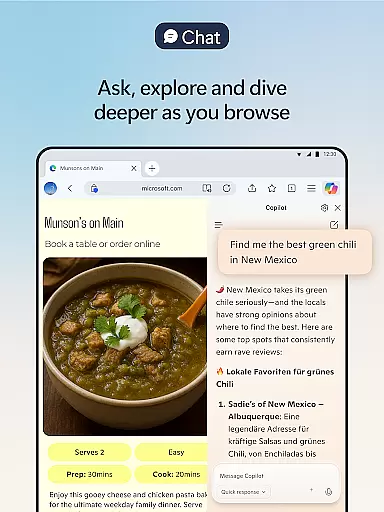

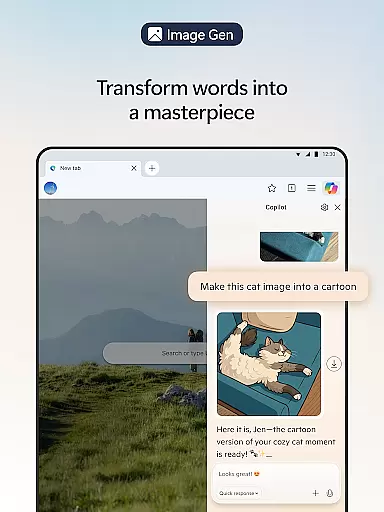

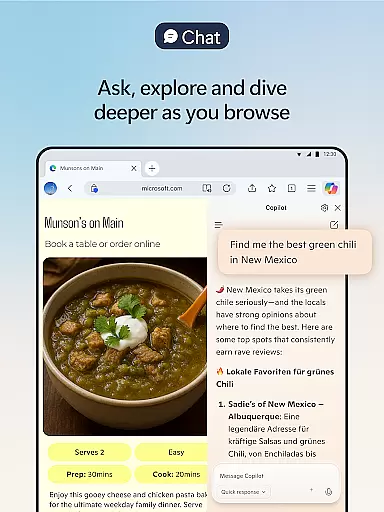

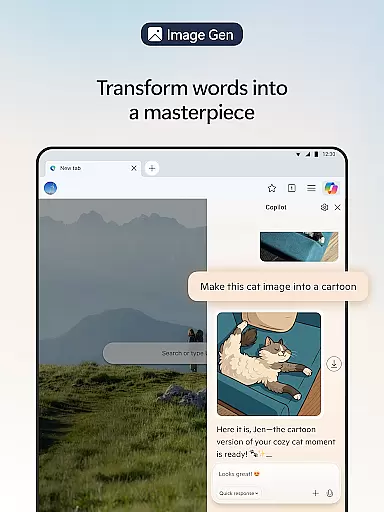
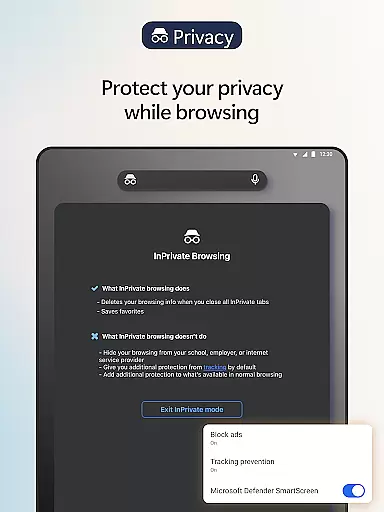
Microsoft Edge is a cutting-edge AI-powered web browser that integrates Copilot, your personal AI assistant, to revolutionize the browsing experience. With capabilities powered by advanced models from OpenAI and Microsoft, including the latest GPT-5, this browser enables users to summarize content, answer queries, and even generate images. Designed for productivity and privacy, Edge offers features like tracking prevention, AdBlock, InPrivate browsing, and Microsoft Defender SmartScreen.
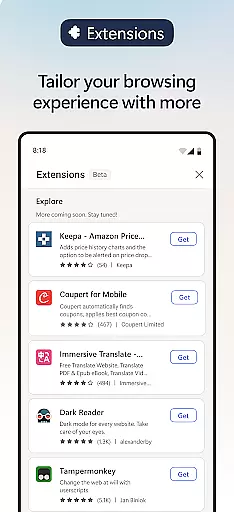
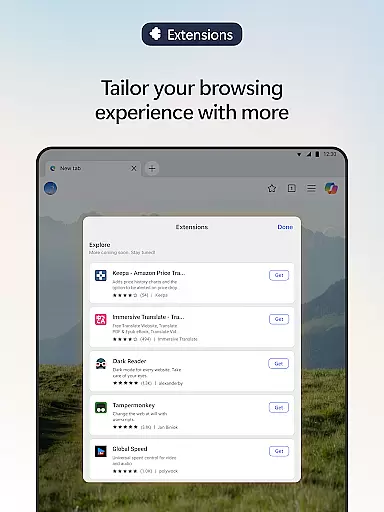
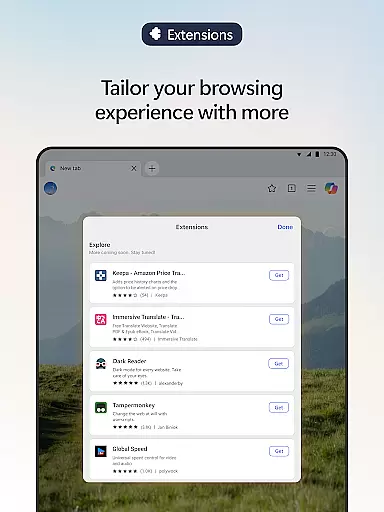
One of the standout functionalities of Microsoft Edge is its ability to enhance user workflows through AI-driven tools. Whether it's summarizing lengthy documents or translating content across multiple languages, Edge ensures efficiency and precision. Additionally, its extension support allows users to personalize their browsing with cookie management, speed controls, and theme customizations. This makes it an ideal choice for professionals, students, and everyday users seeking smarter ways to browse, create, and stay secure online.
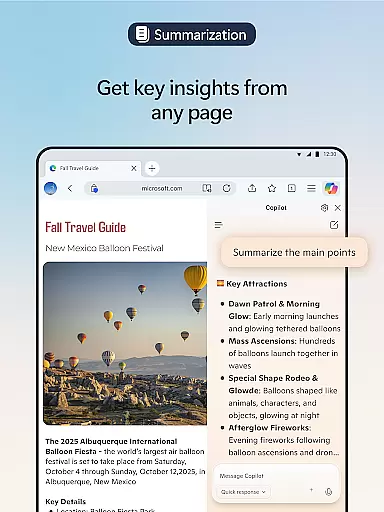
Microsoft Edge stands out with its innovative integration of Copilot, an AI assistant designed to supercharge user productivity. Copilot can quickly summarize articles, videos, and PDFs while providing cited insights in seconds. The inclusion of GPT-5 ensures intelligent responses tailored to the complexity of tasks, whether you need fast answers or deeper analysis. Users can also leverage Copilot for creative purposes, such as generating images or drafting written content effortlessly.
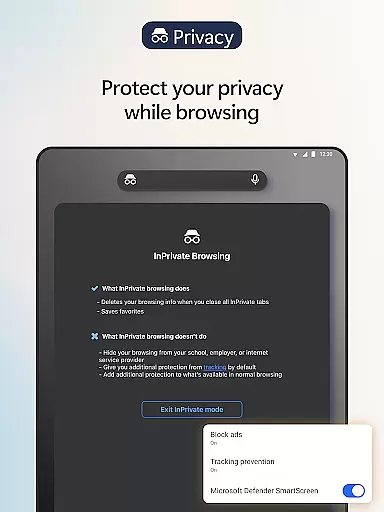
Beyond AI capabilities, Edge prioritizes user safety and customization. Features like Tracking Prevention, InPrivate browsing, and AdBlock Plus ensure a secure environment by blocking malicious content and unwanted ads. Extensions further enhance the browsing experience, allowing users to manage cookies, control playback speeds, and customize website themes. With Read Aloud functionality offering natural-sounding voices and multilingual support, Edge caters to diverse accessibility needs while maintaining top-tier performance standards.
Real-time messaging speed and reliability are crucial for a seamless communication experience. Microsoft Edge, with its built-in Copilot AI assistant, ensures that your interactions are not only fast but also accurate and personalized.
Copilot leverages the latest AI models from OpenAI and Microsoft to deliver responses swiftly while maintaining depth in analysis when needed. Whether you're summarizing lengthy articles or engaging in hands-free brainstorming sessions, the AI adapts to provide expert-level assistance without delay.
The integration of GPT-5 further enhances this capability by knowing precisely when to respond quickly or take more time for complex queries. This ensures users can browse, get answers, create content, and accomplish tasks efficientlyu2014all within one secure environment.
Media sharing support is an essential feature for modern web browsers like Microsoft Edge. With its enhanced browsing experience through extensions, users can personalize their media interactions with tools such as cookie management, speed control for videos and audios, and website theme customization.
Edge allows you to listen to content while multitasking or improve reading comprehension with Read Aloud in various natural-sounding voices. The browser's ability to handle multiple languages makes it ideal for global communication needs.
Moreover, Edge prioritizes privacy during media sharing with features like tracking prevention, InPrivate browsing, and AdBlock Plus. These ensure that your shared media remains secure from trackers and unwanted ads while providing a focused viewing experience free from distractions.
Advanced AI integration
Enhanced privacy tools
Customizable extensions
Multilingual support
Fast performance
Resource-intensive
Limited cross-platform
Occasional bugs
Learning curve
Extension availability

Adblock & VPN Browser: Blocks banners, pop-ups and video ads, fast downloader!
 4.60
4.60
Chat on the Jabber network (XMPP protocol); support for SMS and other gateways
2.10
Simplify texting with Messages SMS, offline messaging, themes & smart tools!
4.30
2nd Phone Number Line for Anonymous Texting, Calling, and Picture Messages
4.30
Watchgram for Telegram: Experience seamless Telegram messaging on your watch
1.80
A softphone with crystal clear SIP Calling & Reliable VoIP dialer
4.00
Read OBD2 data and DTCs Create custom dashboards Enhanced diagnostics available
4.70
Simple tool for businesses to talk to their customers.
4.40
Talk & text free with a second phone number plus unlimited 5G data, no fees.
4.50
A browser that does more than load page, like keeping your privacy safe.
4.70
Messenger for SMS - texting message app, faster, simpler & safer, for you.
4.70
Manage BoostMobile Account
4.60
Manage your mobile phone plan, check unlimited 5g data usage and track rewards
4.50
Our Black Friday sale is here. Unlock special discounts on Proton Mail now.
4.30
Chill zone on your phone: relax with fun reels & hype shorts!
4.20
Messages is Private SMS Messenger 2023 with text message, instant messaging.
4.00
Telegram is a messaging app with a focus on speed and security.
4.00
Call Forwarding is easy and simple application to use.
3.80
A Browser with powerful ad blocker to help focus on what really matters.
3.00


User Reviews