
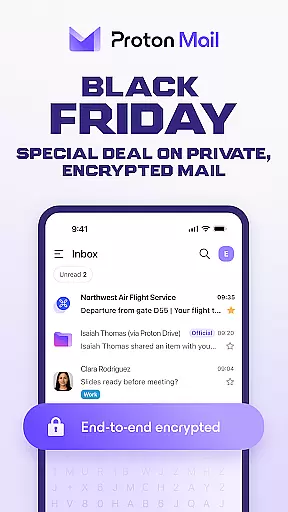
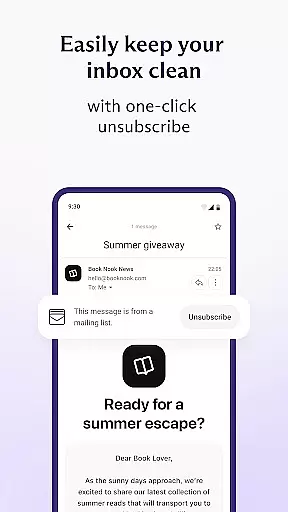
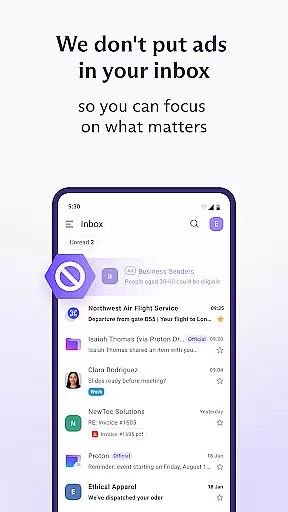
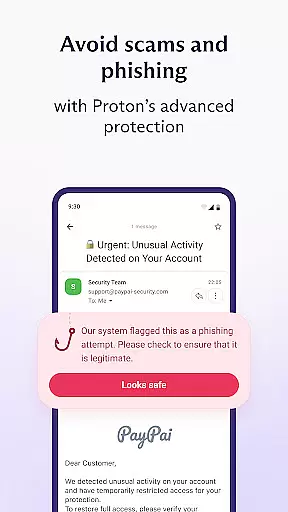
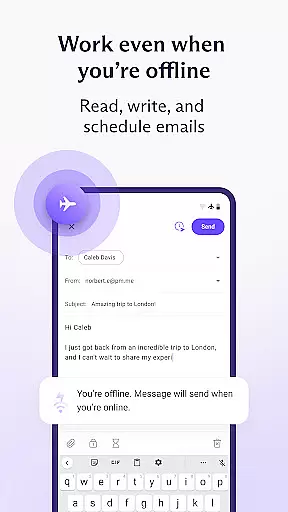
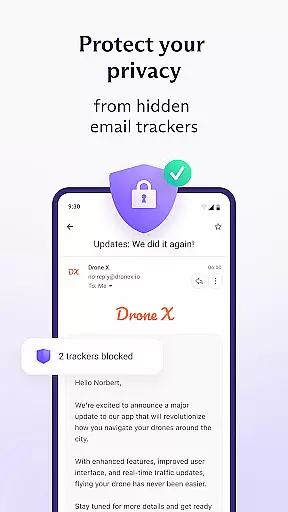

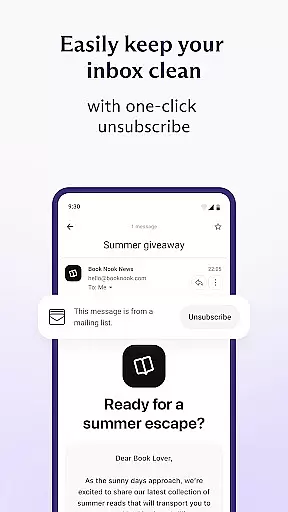
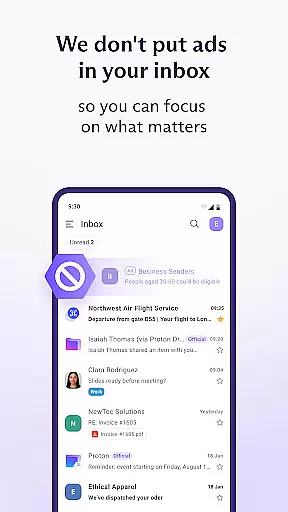
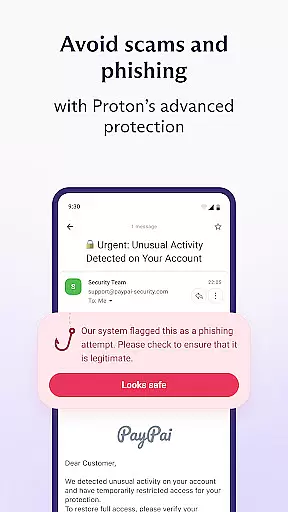
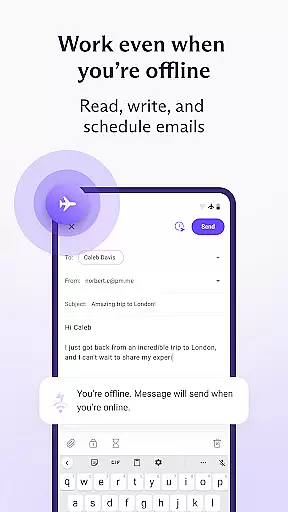
Proton Mail is a secure email application that provides end-to-end encryption for your communications, ensuring privacy and security. The app allows users to create @proton.me or @protonmail.com addresses, send encrypted emails and attachments, and manage multiple accounts efficiently.
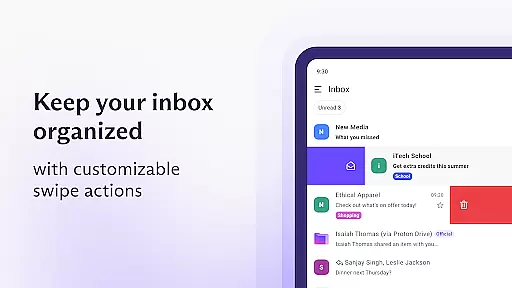
With features like folders, labels, swipe gestures, dark mode, and password-protected emails, Proton Mail offers a comprehensive solution for managing your inbox while maintaining high-security standards. It is particularly useful for individuals who prioritize data protection and want to keep their communications private from third-party surveillance.
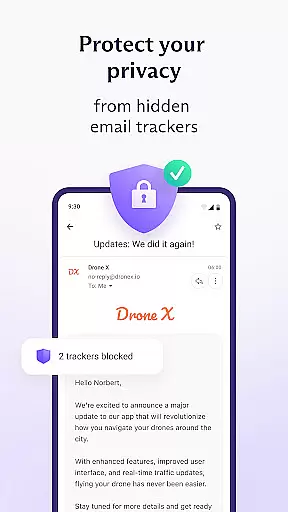
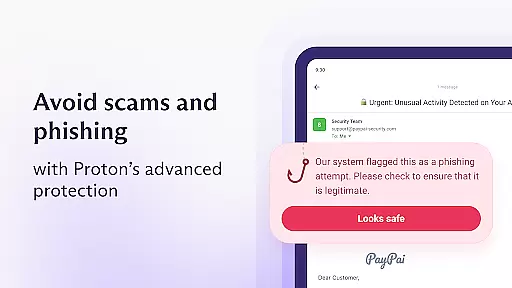
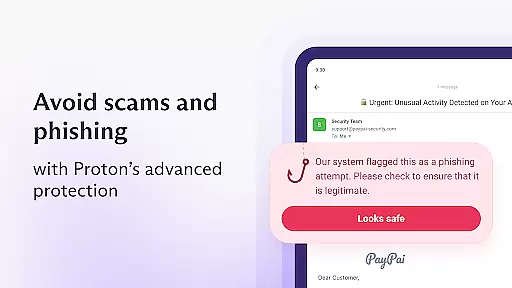
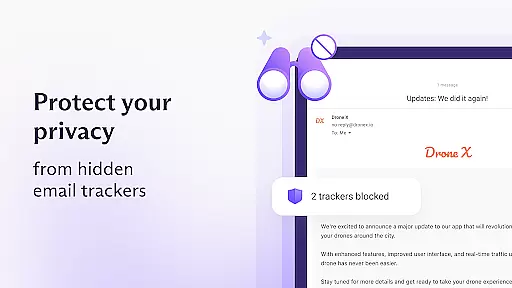
The app's value lies in its ability to offer rigorous encryption, unmatched protection against phishing and spam, and an easy-to-use interface. By using Proton Mail, users can enjoy peace of mind knowing their emails are protected by industry-leading security measures.
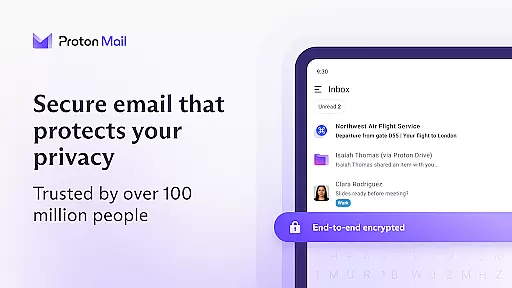
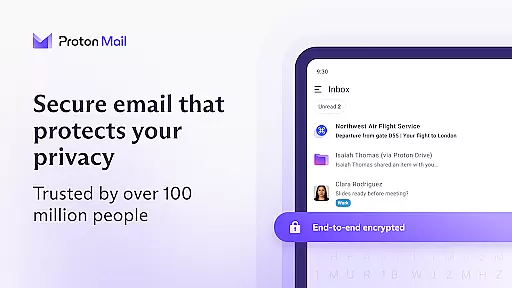
Proton Mail stands out with its robust feature set designed to enhance both security and usability. One of the key features is end-to-end encryption, which ensures that only the sender and recipient can read the emails. This is complemented by zero-access architecture, meaning Proton Mail cannot access the content of your emails.
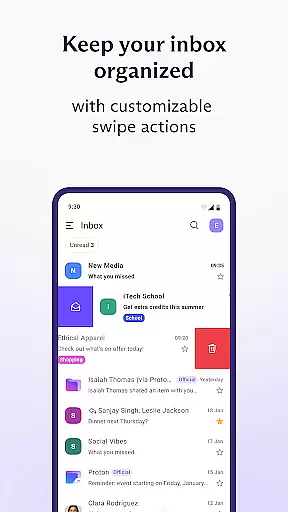
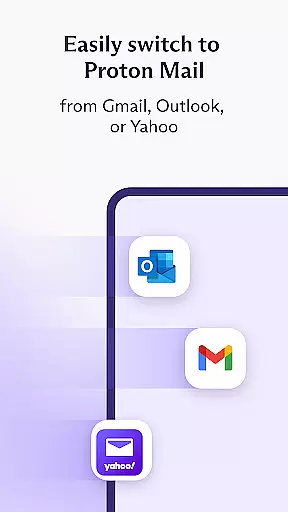
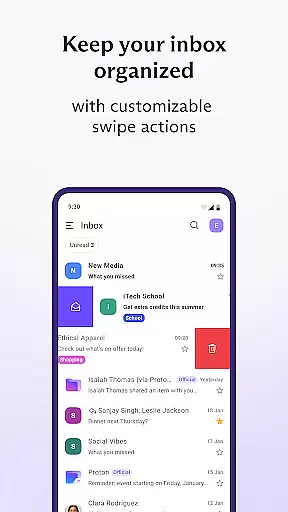
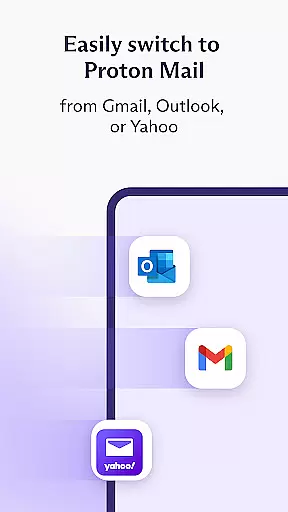
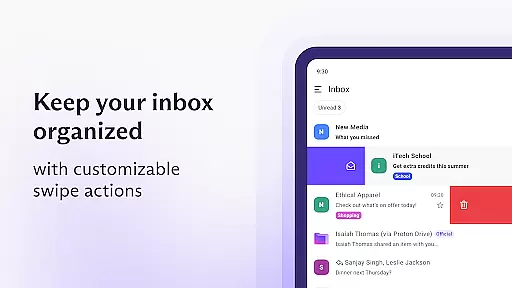
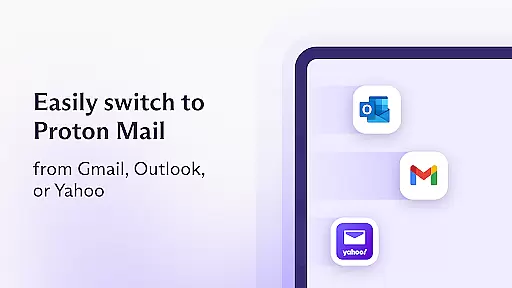
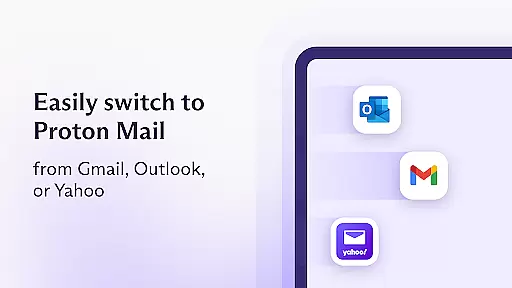
Additional features include the ability to switch between multiple accounts, organize emails with folders and labels, and use swipe gestures for quick actions. Users can also enable auto-forwarding from Gmail accounts, migrate from other email services easily, and enjoy dark mode for comfortable reading.
Furthermore, Proton Mail uses open-source cryptography, vetted by global security experts, ensuring there are no hidden backdoors. These features collectively provide a secure, user-friendly experience that prioritizes privacy without compromising on functionality.
Real-time messaging speed and reliability are crucial for any communication app, and Proton Mail excels in this area. The app ensures that your encrypted emails are delivered promptly and reliably to the recipients without delays.
Proton Mail's infrastructure is designed to handle a high volume of encrypted messages efficiently. This means you can send and receive emails with peace of mind, knowing that your communications will reach their destination quickly and securely.
The benefit to users is clear: whether you're coordinating with colleagues or staying in touch with family, the real-time nature of Proton Mail's service ensures that your conversations flow smoothly without frustrating lags or lost messages.
Moreover, the robustness of Proton Mail's delivery system guarantees that even large attachments are transmitted reliably, maintaining productivity and ensuring that important documents or media are shared without hiccups.
Media sharing support is an essential feature for modern email applications, allowing users to exchange photos, videos, and documents seamlessly. Proton Mail offers comprehensive media sharing capabilities while maintaining top-notch security standards.
With Proton Mail, you can easily attach and send various types of media files. The app supports multiple file formats, ensuring compatibility across different devices and platforms. Whether it's a presentation for work or cherished family photos, Proton Mail handles it all.
What sets Proton Mail apart is its commitment to privacy during media sharing. All attachments are encrypted end-to-end, meaning only the sender and recipient can access the content. This provides peace of mind when sharing sensitive information.
Additionally, Proton Mail's user-friendly interface simplifies the process of attaching and downloading media files. Intuitive controls and clear status indicators make managing your shared content effortless, enhancing both convenience and security.
End-to-end encryption
Zero-access architecture
User-friendly interface
Multi-account support
Open-source cryptography
Limited free storage
Occasional slow load times
No native calendar
Paid advanced features
Learning curve for new users

Tether to Windows, OS X, Linux PCs or Android tablets. No root. No tether fees.
 3.90
3.90
Enjoy secure messaging & calling. Safe Messenger: group chats, calls, messages.
4.20
Phone Dialer with Caller ID, Address Book & Contacts Manager.
4.30
Block spam calls & scam - no more annoying calls with the call blocker function
4.30
This app enables the phone to receive and send FT8 traffic!
3.80
Faster version of Messages. Messenger for your contacts.
4.50
Caller ID App! Add names & photos to unknown calls & Call Recording
4.40
Fast, Simple And Secure Application That Provides SMBv3 Server On Your Device
3.30
Stay in touch with the people who matter most.
4.60
FolderSync enables easy sync of files between cloud storage and Android devices.
4.60
An agentic AI browser for Android, built by Perplexity
4.50
Simple tool for businesses to talk to their customers.
4.40
Simplify texting with Messages SMS, offline messaging, themes & smart tools!
4.30
2nd Phone Number Line for Anonymous Texting, Calling, and Picture Messages
4.30
Use this SMS app standalone or as a TREK: Total Interface companion.
4.30
Group Chat That’s Fun & Games
4.30
A customizable phone number in the cloud
4.20
A softphone app with seamless SIP calling and an intuitive VoIP dialer
3.50
Watchgram for Telegram: Experience seamless Telegram messaging on your watch
1.80


User Reviews