
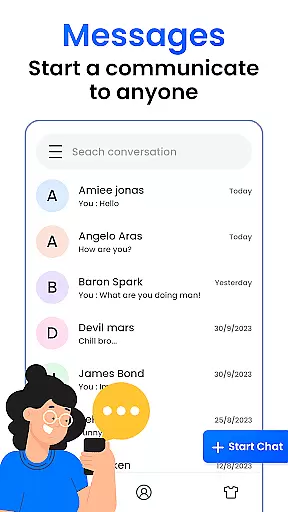
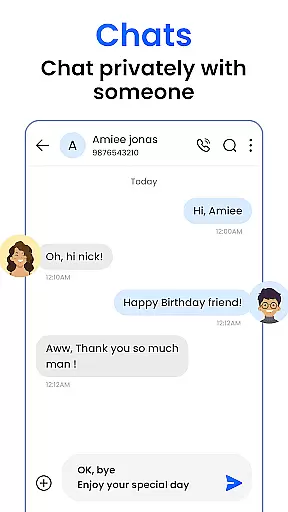
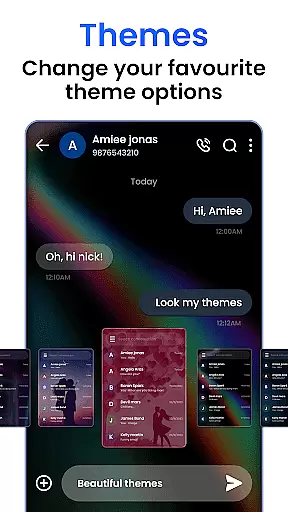
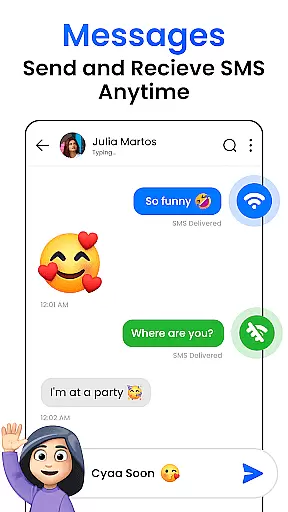
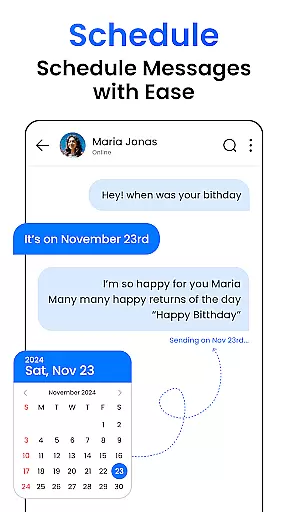
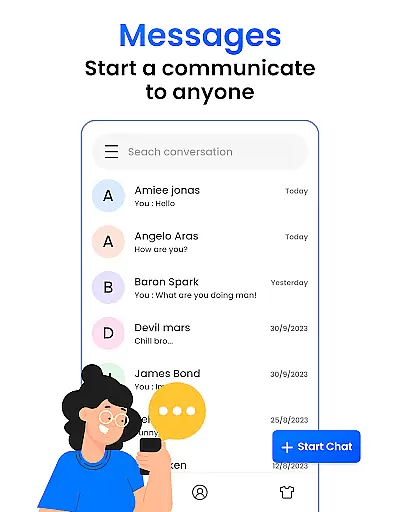
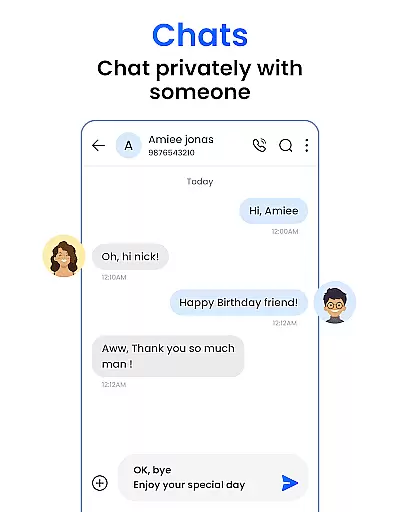
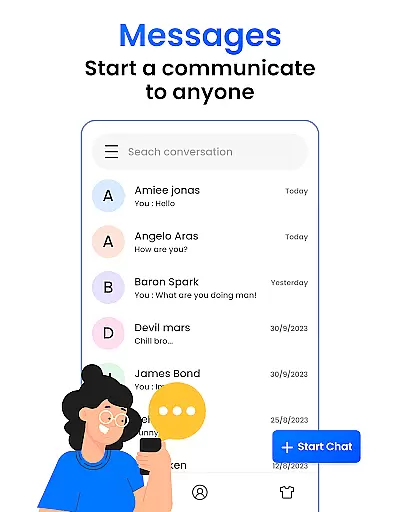
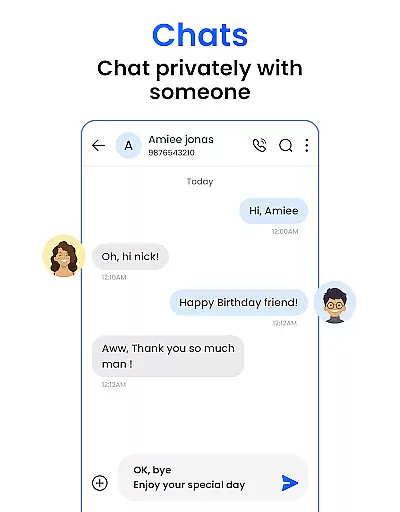

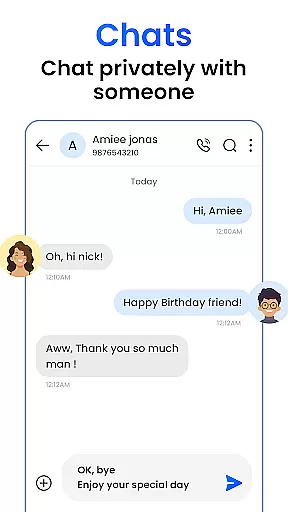
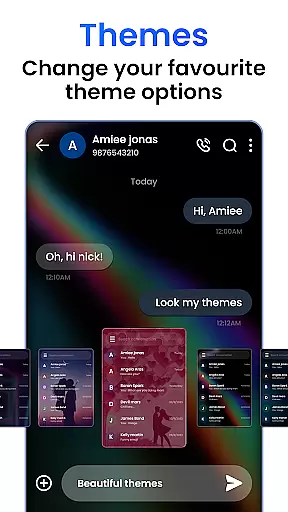
SMS Messenger is a lightning-fast messaging app designed to revolutionize the way you communicate. This application enables instant connections with friends and loved ones through its real-time messaging capabilities. The app's standout feature is its end-to-end encryption, ensuring that your conversations remain private and secure at all times.
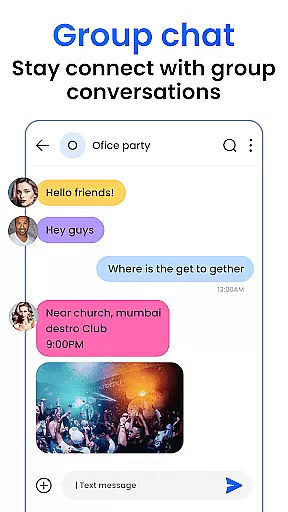
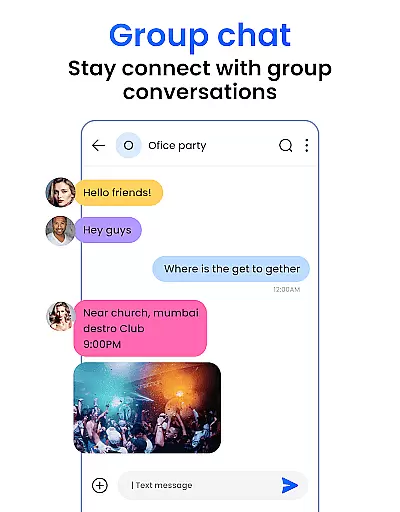
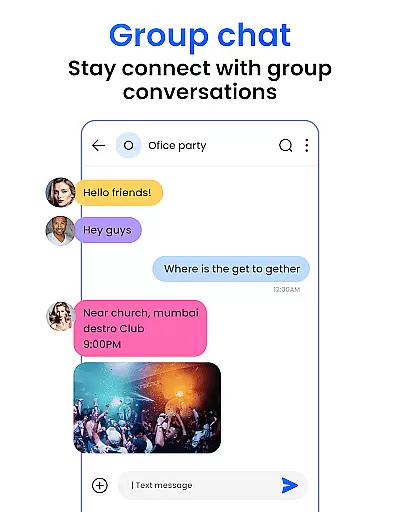
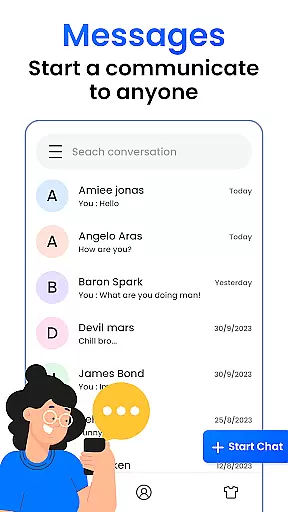
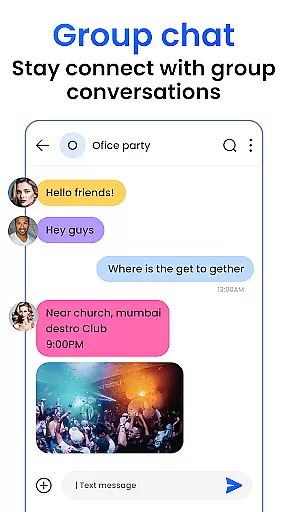
In addition to its core messaging functionality, SMS Messenger offers a user-centric interface that makes navigation intuitive and seamless. Whether you're sending texts, making video calls, or sharing media, everything is just a tap away. The app also supports group chats, allowing users to interact with multiple contacts simultaneously, while push notifications ensure you never miss an important message.
SMS Messenger stands out with its comprehensive set of features tailored for efficient communication. The real-time messaging system ensures messages are delivered instantly, eliminating delays in conversation. With end-to-end encryption, only the sender and recipient can access the content of messages, providing peace of mind when sharing sensitive information.
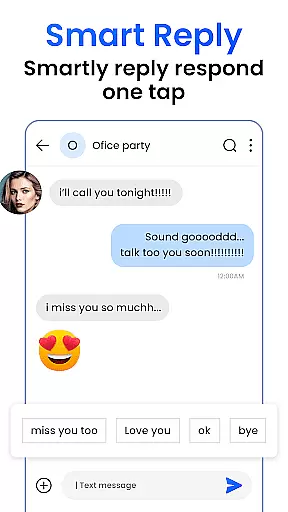
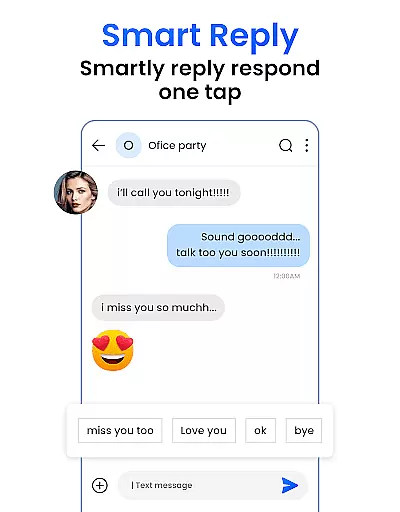
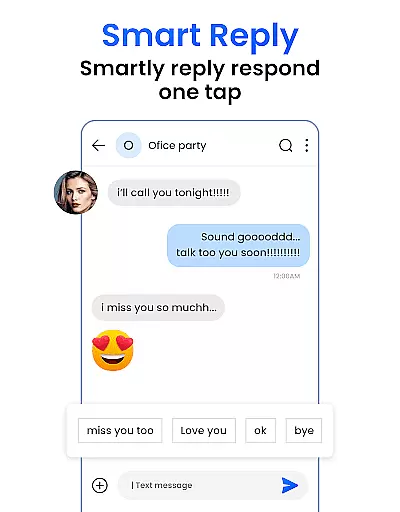
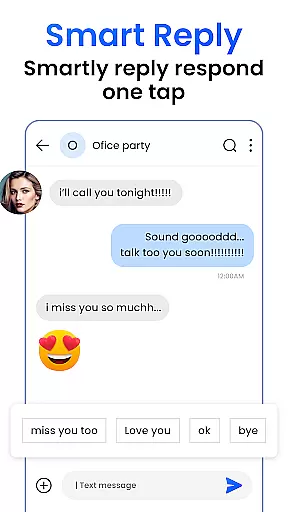
The app's user-friendly interface caters to both tech-savvy individuals and first-time users. Key functionalities like group chat creation, media sharing, and quick replies are easily accessible, streamlining the communication process. Additionally, advanced features such as search and archive help users organize their conversations effectively, while customizable language settings allow connection with international contacts in their preferred languages.
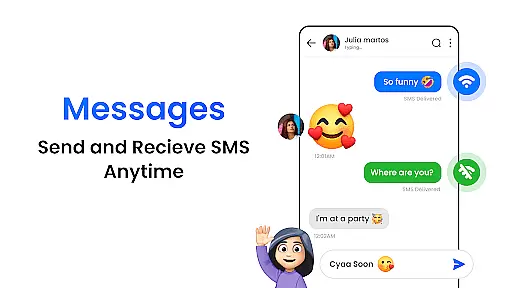
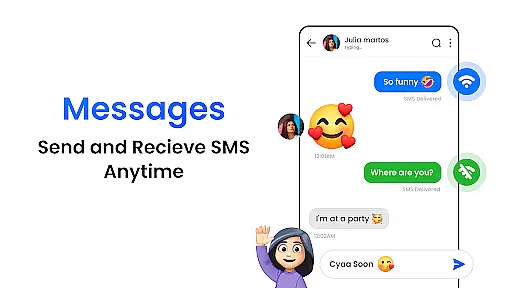
Real-time messaging speed and reliability are crucial for maintaining seamless communication in today's fast-paced world. SMS Messenger excels in this area by ensuring messages are delivered instantly, without any delays. This allows users to stay connected with their friends and loved ones at all times.
The app achieves this through optimized server infrastructure and efficient data transmission protocols. By prioritizing speed and reliability, SMS Messenger ensures that conversations load quickly and messages are delivered in the blink of an eye. This makes communication not only swift but also efficient, enhancing the overall user experience.
For users, this means no more waiting for messages to be delivered or for conversations to load. Whether you're having a casual chat or engaging in important discussions, SMS Messenger provides a smooth and uninterrupted messaging experience. This reliability builds trust, making it the go-to choice for people who value prompt and dependable communication.
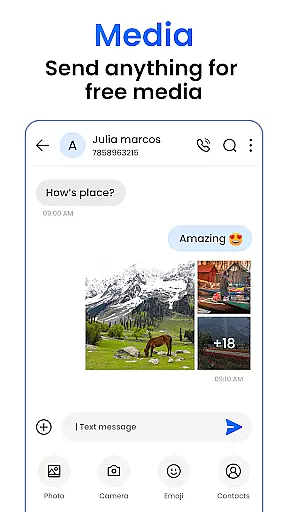
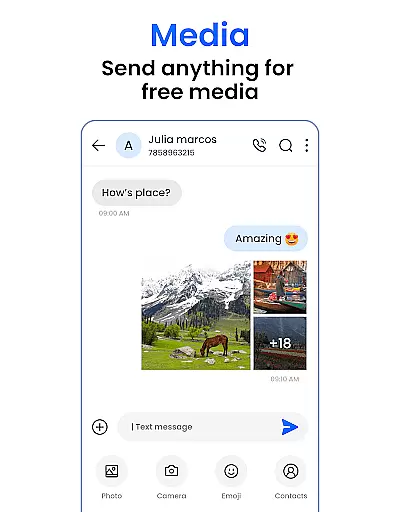
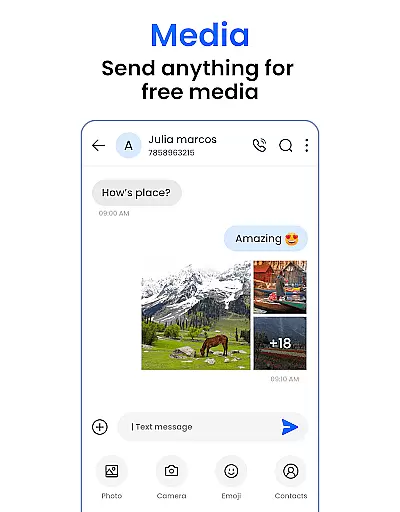
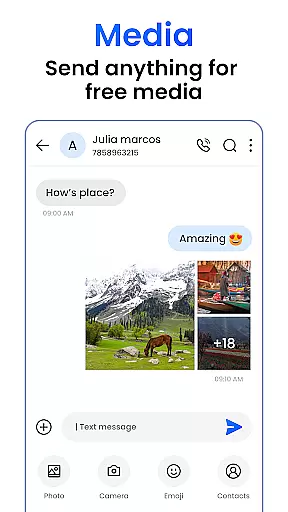
Media sharing support is an essential feature for modern messaging apps, allowing users to share photos, videos, and voice messages effortlessly. SMS Messenger understands this need and offers robust media sharing capabilities, making it easy to share memories and experiences with just a tap.
The app supports various file formats and sizes, ensuring compatibility and convenience. Whether you want to send a quick snapshot, a cherished video, or a detailed voice message, SMS Messenger handles it all seamlessly. The intuitive interface simplifies the process, letting users focus on connecting rather than troubleshooting technical issues.
By integrating advanced compression algorithms, SMS Messenger ensures that media files are transmitted quickly without compromising quality. This feature enhances the way users communicate, adding a personal touch to every interaction. With reliable media sharing support, SMS Messenger helps users create richer, more engaging conversations.
Fast messaging
Secure encryption
Intuitive UI
Group chat support
Push notifications
Limited customization
No voice calling
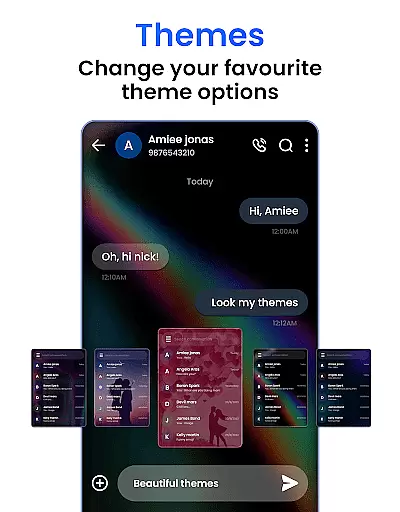
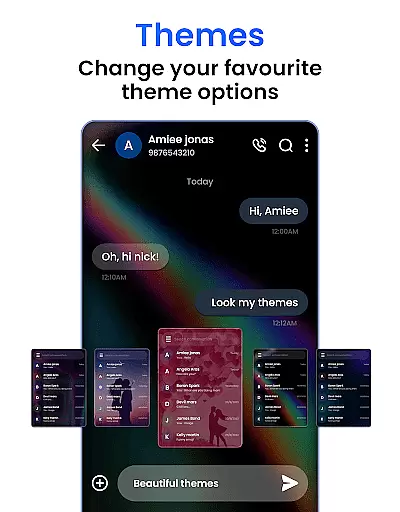
Few themes
Ads present
Heavy on RAM

 3.90
3.90
Messages: Fast, simple SMS app with scheduling and smart features.
4.00
At select facilities, you now have an easy way to video visit your loved ones!
3.30
Simplify texting with Messages SMS, offline messaging, themes & smart tools!
4.30
Smart and simple anti-wiring application - IMSI-catchers catcher
4.40
Comprehensive and powerful scan tool app with enhanced functions
3.00
Federated instant messaging for your mobile device (Jabber, XMPP, Snikket)
4.10
BE PRIVATE
Anonymous. No Trace. Fast.
4.20
Simple tool for businesses to talk to their customers.
4.40
Fast internet with AI, Adblock & VPN. Browse on a safe, incognito web browser.
4.70
Messenger for SMS - texting message app, faster, simpler & safer, for you.
4.70
Useful. Social. Expressive.
4.70
Manage BoostMobile Account
4.60
Welcome to the future of phone service.
4.60
Call Blocker app: Identify unknown callers, block spam calls, fraud & robocalls
4.30
2nd Phone Number Line for Anonymous Texting, Calling, and Picture Messages
4.30
Share the moment!
4.10
Caller ID, Spam Call & SMS Blocker
3.80
Manage Phone Calls, call history, and contacts easily with Phone Pro.
4.1


User Reviews