
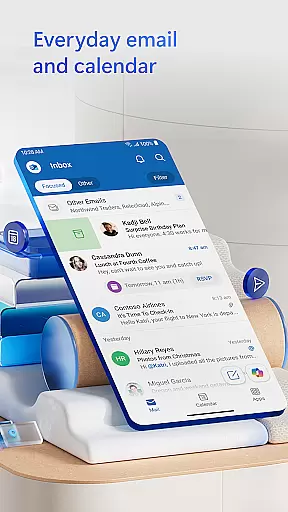
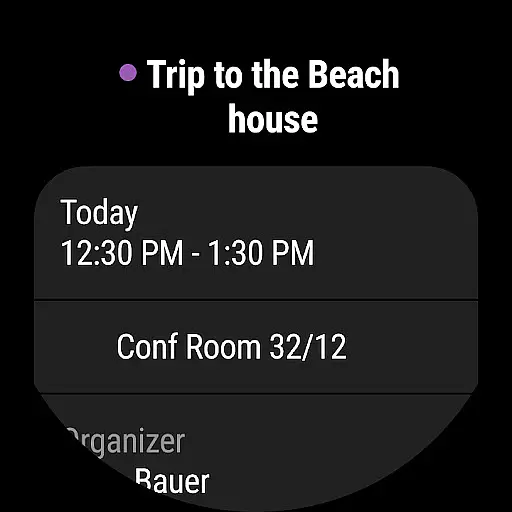
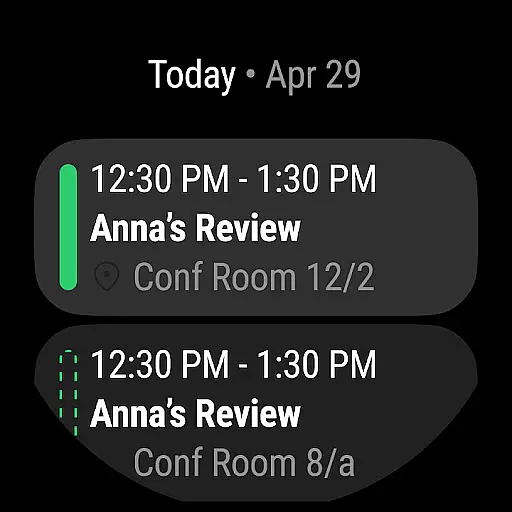

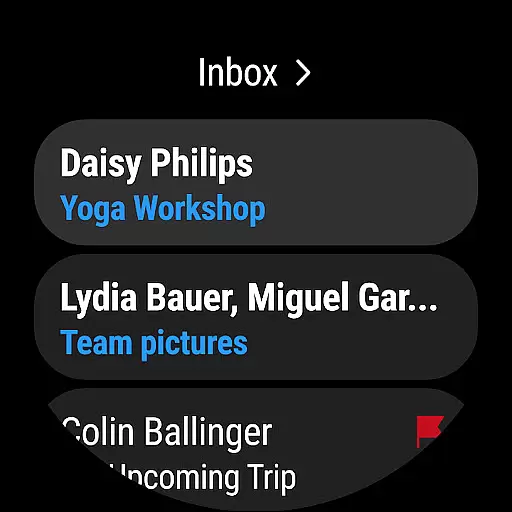
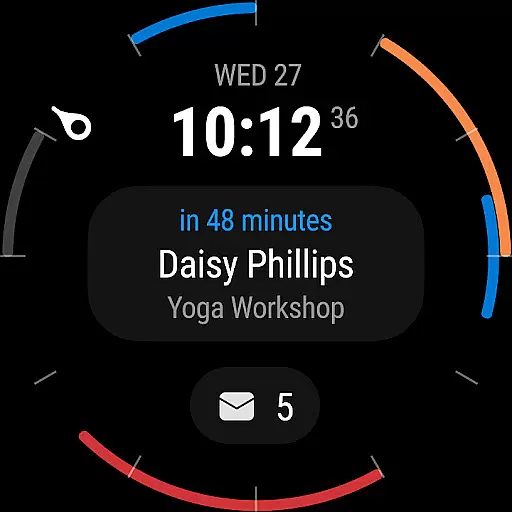
Microsoft Outlook is a comprehensive productivity app designed specifically for Android Wear users. This secure email and calendar application allows you to efficiently manage your emails, files, and schedule all from your wrist. Whether you're handling work emails, school communications, or personal messages, Outlook keeps you organized and productive.
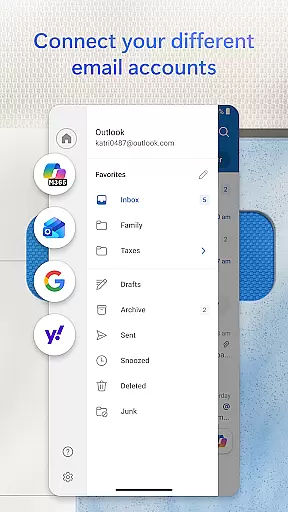
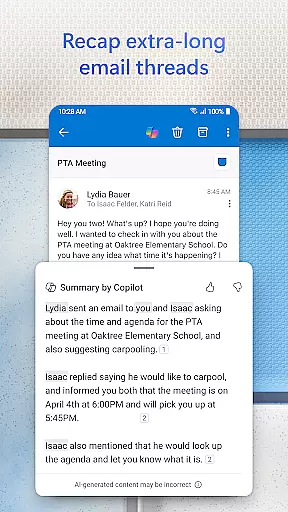
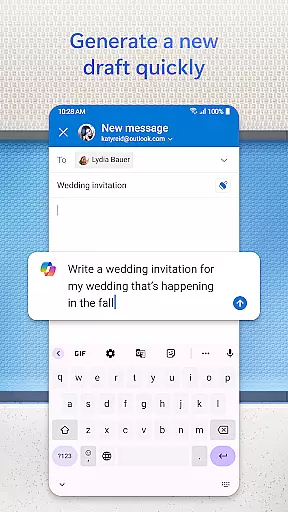
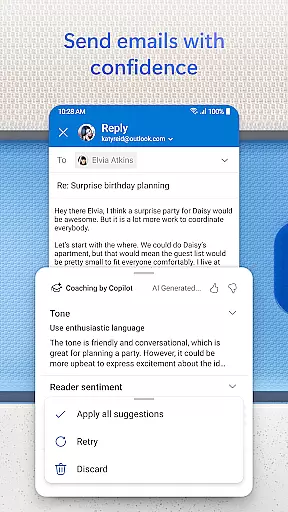
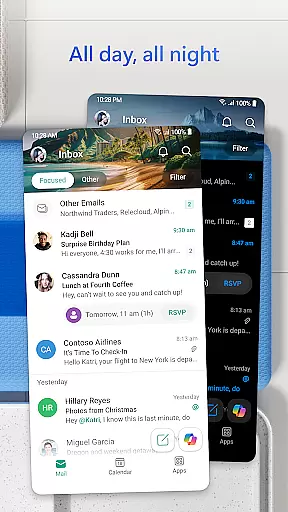
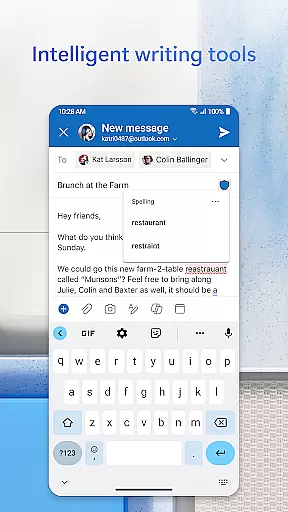
The app intelligently organizes your inbox by filtering emails into Focused and Other categories, ensuring you can quickly identify your most important messages. With support for multiple account types including Microsoft Exchange, Gmail, Yahoo Mail, and iCloud, you can consolidate all your communication channels in one place. The built-in intelligent editing tools help you craft professional-quality emails with ease.
Outlook's robust feature set extends beyond email management. You can view multiple calendars simultaneously, join online meetings through integrated video calling services like Teams and Zoom, and use voice commands to search for contacts or events. The app also provides enterprise-grade security to protect against phishing and spam, making it an ideal solution for both personal and professional use.
Microsoft Outlook offers an impressive array of features tailored for Android Wear devices. The app's unified inbox consolidates emails from various providers including Gmail, Yahoo Mail, and iCloud, while providing seamless access to recent attachments and cloud storage services like OneDrive. This integration ensures you have all your essential files and communications readily available.
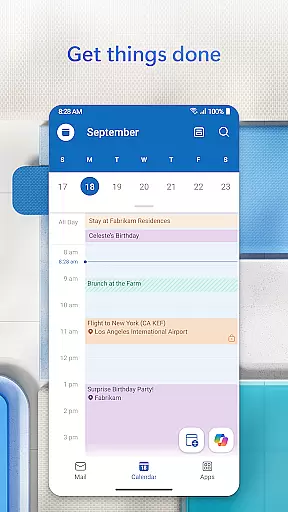
Calendar management is made simple with the ability to view multiple schedules side by side. You can easily create and join online meetings through integrated video conferencing platforms such as Teams, Zoom, and Skype. The app's intelligent search functionality allows you to find specific emails, contacts, or events using voice commands, while suggested replies help you respond quickly to incoming messages.
Productivity-enhancing features include Play My Emails for hands-free message review, automatic calendar updates with travel information, and advanced organizational tools that group related emails together. Security remains a top priority with enterprise-grade protection against viruses, phishing attempts, and spam. For users requiring additional privacy, Outlook offers email encryption capabilities (with a Microsoft 365 subscription) to safeguard sensitive information during transmission.
Companion app integration is a crucial feature for users who rely on wearable devices to manage their daily tasks and communications. Microsoft Outlook offers seamless synchronization between its mobile app and Wear OS, ensuring that you stay connected even when you're not holding your phone.
The integration provides real-time updates of your emails, calendar events, and notifications directly to your smartwatch. This means you can quickly glance at your schedule or read important messages without needing to take out your phone. The companion app ensures that all your data is synced across devices, maintaining consistency and reliability in your workflow.
Users benefit from this integration by having constant access to their most critical information. Whether you're in a meeting or on the go, the ability to check your inbox or respond to urgent emails from your wrist enhances productivity and keeps you agile. With Microsoft Outlook's companion app, managing your professional and personal life becomes more efficient and streamlined.
Device compatibility is essential for ensuring that an application performs optimally across various platforms. Microsoft Outlook is designed to be fully compatible with Wear OS, providing users with a smooth and responsive experience on their smartwatches.
This compatibility extends beyond just basic functionality; it includes optimized interfaces tailored specifically for smaller screens. Users can enjoy features such as voice commands, gesture controls, and simplified navigation menus that make interacting with Outlook intuitive and easy. Additionally, the app supports a wide range of devices running Wear OS, ensuring broad accessibility regardless of the specific hardware being used.
By prioritizing Wear OS/device compatibility, Microsoft Outlook delivers a superior user experience that maximizes convenience and efficiency. This dedication to cross-platform performance allows users to seamlessly transition between their smartphones and wearables, maintaining uninterrupted access to their email and calendar services wherever they are.
User-friendly interface
Multi-account support
Advanced security features
Voice command functionality
Integrated calendar tools
Limited free features
Subscription required
Complex setup process
Battery consumption
Occasional sync issues

an Analog Watch Face for winter season with freeze winter background for Wear OS
 4.0
4.0
Be an elegant and classy secret agent, with this carefully detailed watch face
4.70
Digital, flexibly customizable watch face. For Wear OS 5.0, API 34+ and later.
5.00
Authentic military-tactical design with ZULU time! Realistic and functional!
3.80
sleep, alarm, snoring, stress, healing, focus, sound therapy, circadian rhythm
4.10
Real-time results, stats, schedules and player profiles for all leagues
4.60
Animated video-game inspired “secret agent” simulation, right on your wrist!
4.20
Your music, your playlists, and more—offline and unlimited.
4.20
Want to take charge of your health? Let Google Fit help you reach your goals.
3.50
Your second brain for organizing your life: to-do, calendar, reminder.
4.70
Monitor health with the stress test and pulse checker in the heart rate app.
4.60
Current temperature, weather hourly, weather radar by the weather forecast app
4.40
Digital watch face. For Wear OS devices.
4.40
Bold weather Digital watchface with forecast & optional animated background
4.40
Christmas watch face. For Wear OS devices.
4.30
Christmas and New Year - Themed Watchface
4.4
A watch face that fuses motorsport precision with contemporary smartwatch design
4.3
3 Complications. All shadow on/off. 30 Themes color palette...
4.3
Hybrid Vibrant Health Watch Face for Wear OS
4.1


User Reviews