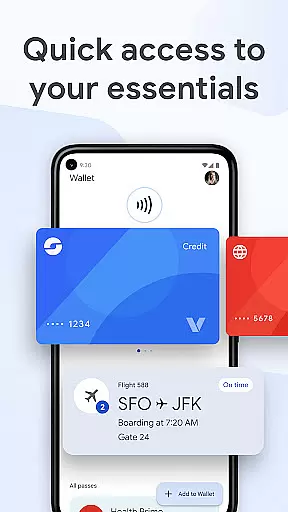
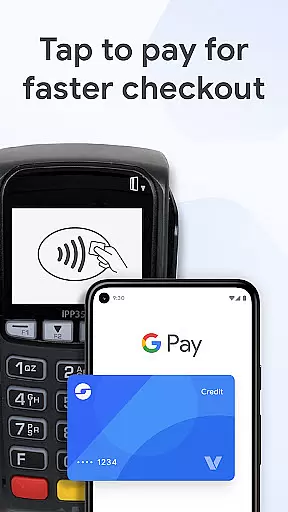
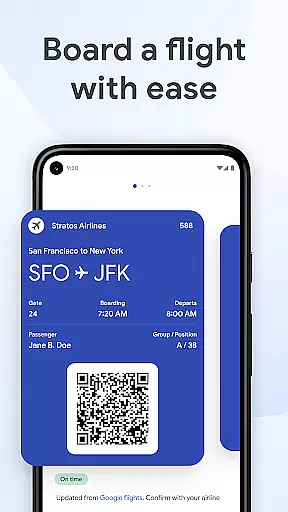
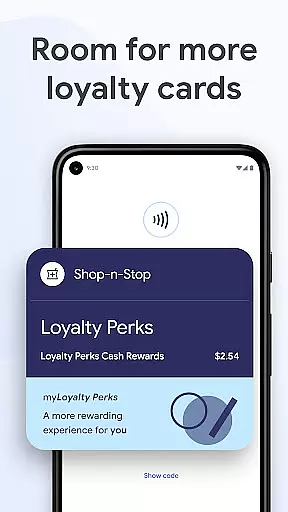
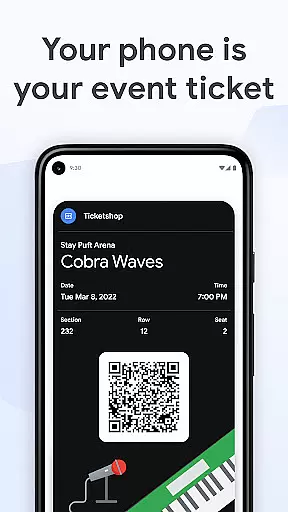
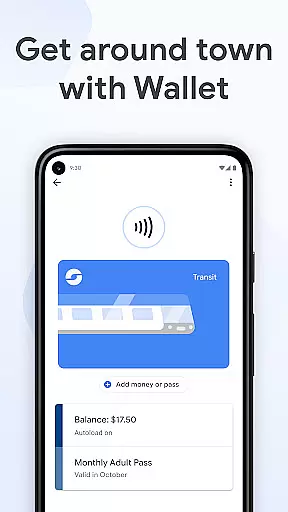
Google Wallet is a versatile digital wallet solution designed for Android users, offering fast and secure access to everyday essentials. The app allows you to pay at any location where Google Pay is accepted, board flights, attend movies, and more, all through your phone. It consolidates everything in one secure place, ensuring convenience no matter where you are.
The app provides three quick ways to access your essentials: via phone’s quick settings, the Wallet app on your homescreen, or Google Assistant when your hands are busy. You can also access it from a Wear OS watch. Google Wallet supports various cards, tickets, passes, and even [US Only] driver's licenses and digital car keys, making it an all-in-one solution for your digital needs.
With helpful features like receipt tracking, seamless integration across Google services, and real-time updates on flight changes, Google Wallet ensures that you have what you need exactly when you need it. Security and privacy are built into every aspect of the app, leveraging advanced Android security features to keep your data protected.
Google Wallet stands out with its robust feature set tailored for convenience and security. One of its key features is the ability to access your essentials quickly through three different methods: quick settings, the Wallet app, or Google Assistant. This flexibility ensures that you can always get what you need without hassle.
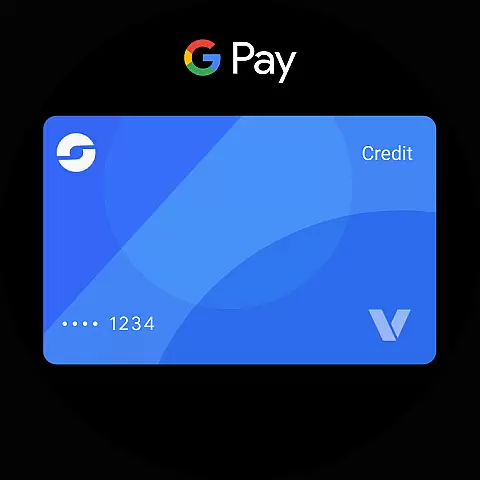
The app extends its functionality to Wear OS, allowing instant access to Wallet complications right from the main watch face. It supports a wide range of items including transit passes, loyalty cards, and event tickets, providing a comprehensive digital wallet experience. For US users, it even includes driver’s licenses and digital car keys, enhancing its utility further.
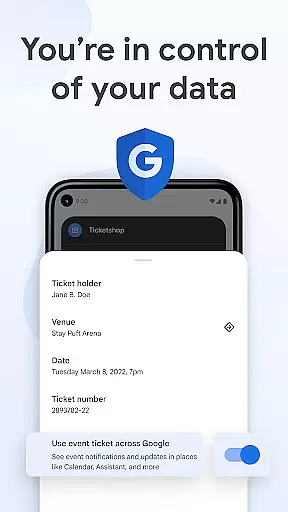
Security is a major focus, with features like 2-Step Verification, Find My Phone, and remote data erasure ensuring your information remains safe. When you tap to pay, your real credit card number isn't shared with merchants, adding an extra layer of protection. Privacy controls give you complete control over your data, allowing you to opt-in to sharing across Google products as you see fit.
Companion app integration is crucial for ensuring a seamless experience between your mobile device and wearable technology. Google Wallet offers an exceptional level of connectivity, allowing users to access their essential cards, tickets, and passes directly from their Wear OS watch.
This integration means that whether you're commuting, shopping, or attending events, your digital wallet is always on your wrist, ready for action. The ability to use complications on the Wear OS main watch face provides instant access to Google Wallet, making transactions and verifications quicker than ever.
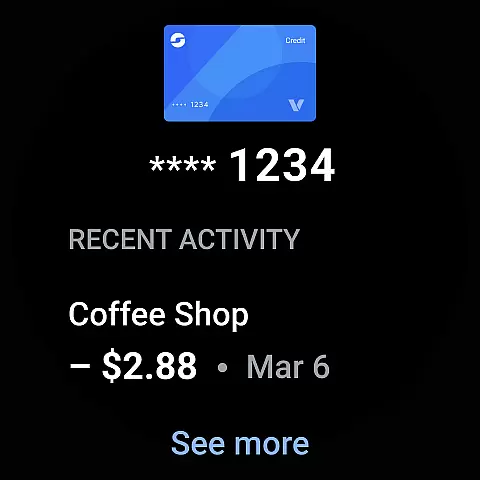
By syncing with the Wallet app on your phone, the Wear OS version ensures that all your information is up-to-date and secure. This synchronization allows for real-time updates and notifications, ensuring that you never miss an important alert about your transactions or travel plans.
The result is a cohesive ecosystem where your data flows effortlessly between devices, enhancing both convenience and functionality. With Google Wallet's companion app integration, users can enjoy a truly connected lifestyle, accessing their essentials with just a tap on their smartwatch.
Device compatibility is a cornerstone of any successful wearable application, and Google Wallet excels in this area by offering broad support across various platforms. Available on all Android phones running Lollipop 5.0 and above, as well as Wear OS and Fitbit devices, Google Wallet ensures that most users can take advantage of its features regardless of their hardware.
This wide-reaching compatibility means that whether you're using a smartphone or a smartwatch, you'll have consistent access to your digital wallet. The app's design takes full advantage of Wear OS capabilities, providing users with quick access to their financial tools through complications and intuitive interfaces.
Moreover, Google Wallet's system adapts to different screen sizes and resolutions, maintaining optimal performance and visual clarity across devices. This adaptability ensures that users receive the same high-quality experience whether they're viewing their wallet on a phone or glancing at their watch.
By prioritizing cross-device functionality, Google Wallet demonstrates its commitment to accessibility and user convenience. The app's comprehensive device compatibility makes it an ideal choice for those seeking a versatile and reliable digital wallet solution for their wearable technology.
Fast and secure access
Supports multiple card types
Seamless Google integration
Advanced security features
Convenient Wear OS support
Limited to Android devices
Some features US-only
Requires internet connection
Occasional sync issues
Privacy concerns for some

Christmas Theme Watch Face for Wear Os
 5.00
5.00
A Wintery Snow Globe on Your Wrist; now celebrating Christmas!
4.4
Current temperature, weather hourly, weather radar by the weather forecast app
4.40
Deck out your Wear OS Watch face with a beautifully decorated pine wreath!
4.50
Wear Os Watch Face - Animated Snow Effect & Magic Spark - 6 Scenes
4.10
Period, ovulation & pregnancy tracker. Fertility insights & menstrual calendar.
4.90
Reliable phone calls with spam protection, caller ID and more helpful features
4.40
Professional weather radar and more
3.90
The most customizable hybrid watch face. For Wear OS 5.0, API 34+ and later
4.70
Easy Voice Recorder is your everyday companion to record important moments.
4.70
Monitor health with the stress test and pulse checker in the heart rate app.
4.60
To-Do List: daily schedule planner, task organizer, to do reminder app, calendar
4.60
A realistic hybrid watch face with many customization options.
4.60
Ideal for surviving in the wasteland left after nuclear fallout
4.50
Stylish, Energizing and Modern Watch Face crafted by Dominus Mathias.
4.50
Locate your family members by GPS phone location tracker everywhere and anytime
4.30
The ultimate destination for kids ages 3-8 to explore the Marvel Universe!
4.30
Elegant animated Christmas tree with multiple customization options
4.20
sleep, alarm, snoring, stress, healing, focus, sound therapy, circadian rhythm
4.10


User Reviews