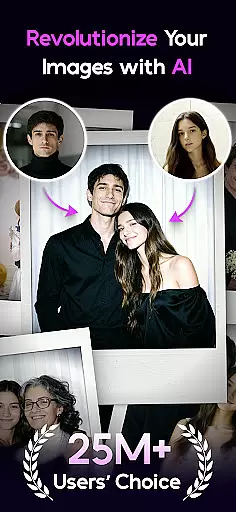

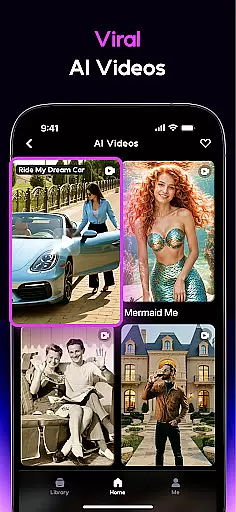
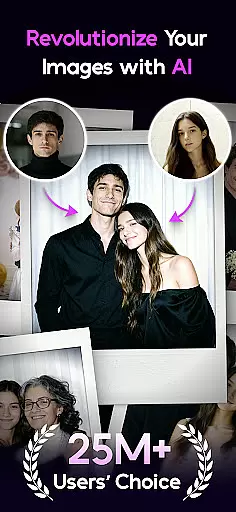

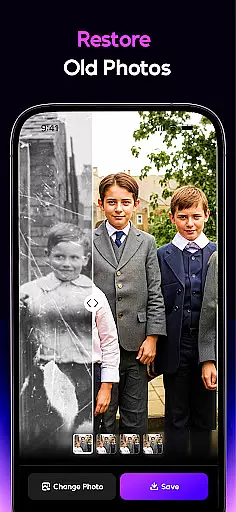
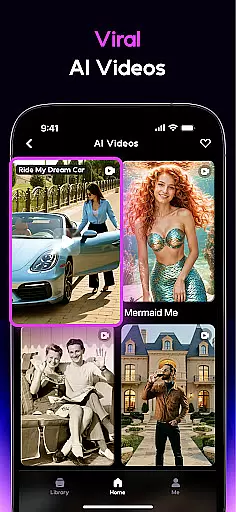
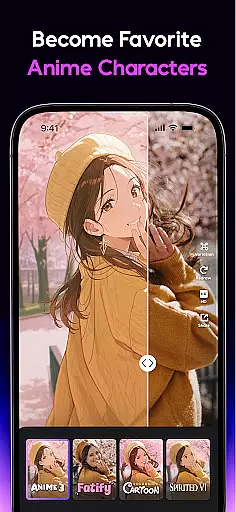
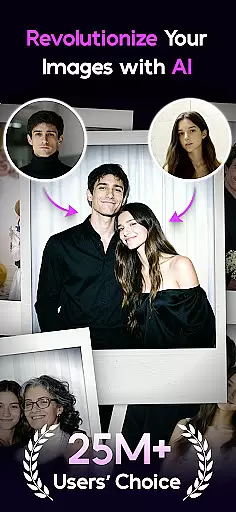

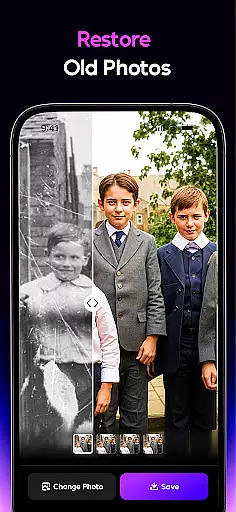
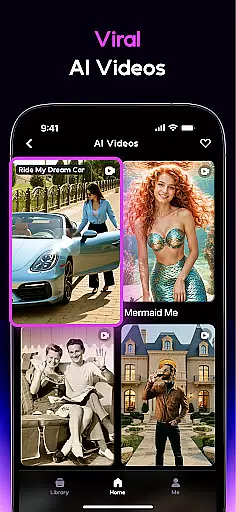
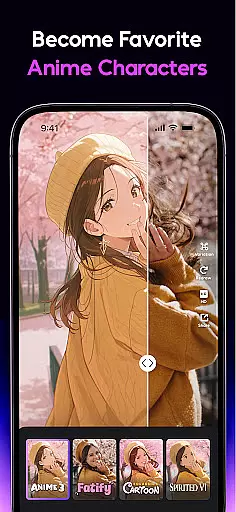
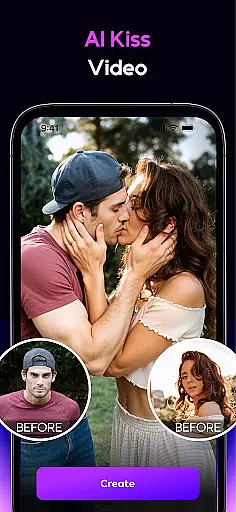
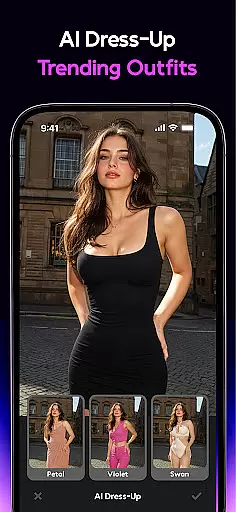
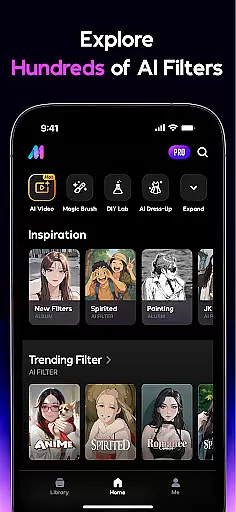
AI Mirror is a cutting-edge photography app that leverages artificial intelligence to revolutionize photo and video editing. With its powerful suite of AI filters, style transformations, and restoration tools, users can effortlessly enhance their images and videos. Whether you're looking to turn snapshots into anime characters, restore cherished memories, or create viral social media content, AI Mirror delivers professional-grade results.
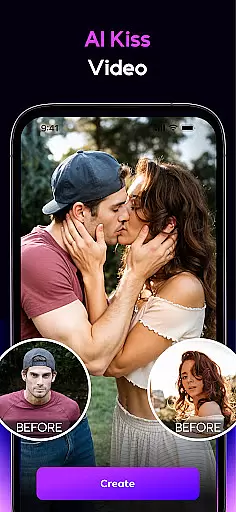
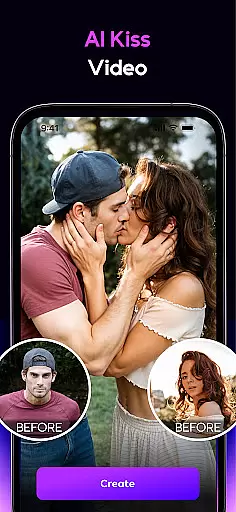
The app's standout features include the Image-to-Video conversion, which brings still photos to life, and the AI Hugging and Kissing effect that creates lifelike interactions between two uploaded photos. Additionally, AI Mirror offers weekly updates with new filters and templates, ensuring users stay ahead of trends on platforms like TikTok, Instagram, and Facebook. From personalized avatars to interactive duo videos, AI Mirror caters to a wide range of creative needs.
Perfect for content creators, social media enthusiasts, and anyone who values preserving memories in stunning detail, AI Mirror transforms ordinary photos and videos into extraordinary works of art. Its intuitive interface and advanced AI capabilities make it an indispensable tool for crafting visually captivating content.
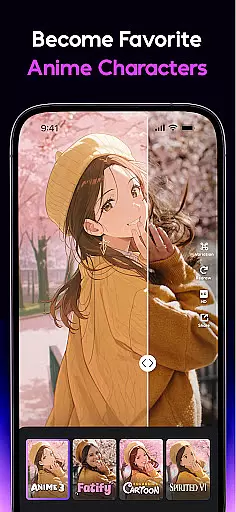
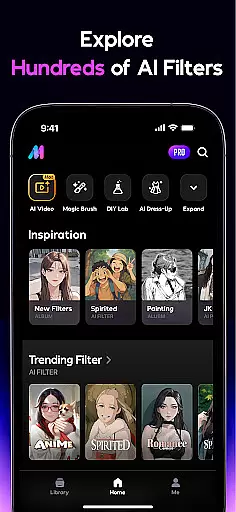
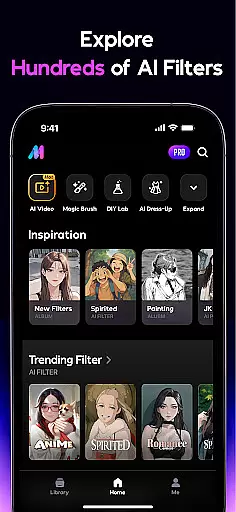
AI Mirror boasts an impressive array of features designed to elevate your photo and video editing experience. The app includes a diverse selection of AI-powered filters such as Cosplay Creator, Anime Generator, and Cartoon Filters, allowing users to transform their images into various artistic styles. These filters enable users to step into iconic roles, create anime avatars, or turn photos into cartoon figures with ease.
In addition to its robust filter library, AI Mirror offers innovative video effects like Magic Live Photo and Stylized Video. The Magic Live Photo feature converts still images into dynamic live photos, adding motion and emotion to your memories. Meanwhile, the Stylized Video option lets users apply unique artistic filters to their footage, creating visually striking videos that stand out on social media.
For those seeking advanced editing capabilities, AI Mirror provides tools like AI Magic Brush, AI Photo Enhancer, and Chat Edit. These features allow users to make precise adjustments, enhance photo quality, and edit images using natural language commands. With functionalities ranging from virtual try-ons to old photo restoration, AI Mirror empowers users to unleash their creativity and achieve professional-level results.
Real-time capture and preview functionality is essential for any photography app, allowing users to see exactly what their final image will look like before taking the shot. AI Mirror excels in this area by providing instantaneous feedback on applied filters and effects. This ensures that users can experiment with different styles, such as anime or cartoon transformations, and see the results immediately.
The app's real-time capabilities extend beyond static images. With features like Magic Live Photo, users can visualize how a still photo will be animated with motion and emotion. This interactive approach empowers creators to fine-tune every aspect of their content, ensuring that the end result aligns perfectly with their creative vision.
AI Mirror's real-time processing also supports video editing, where users can apply artistic styles and trendy effects while previewing changes instantly. This seamless integration of AI technology into the capture process not only saves time but also enhances the overall user experience by making professional-grade editing accessible to everyone.
AI-powered beauty and enhancement features have become increasingly popular in photography apps, offering users the ability to refine and perfect their images. AI Mirror stands out by focusing on natural-looking enhancements that preserve the authenticity of the original photo. Through advanced algorithms, the app can smooth skin textures, enhance facial features, and adjust lighting conditions without creating an over-processed appearance.
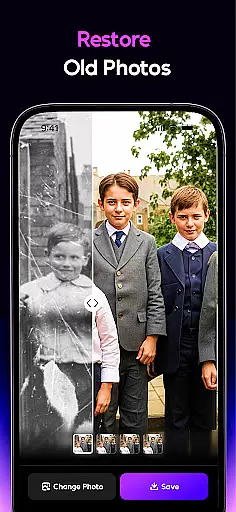
The AI Photo Enhancer tool specifically targets quality improvements, bringing clarity and sharpness to every shot while maintaining realistic details. Meanwhile, specialized features like Old Photo Restoration demonstrate the app's commitment to preserving memories in their most genuine form, repairing damage and enhancing faded elements without altering the photo's original character.
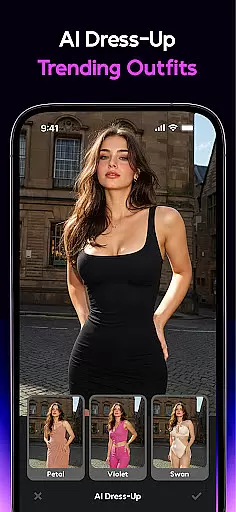
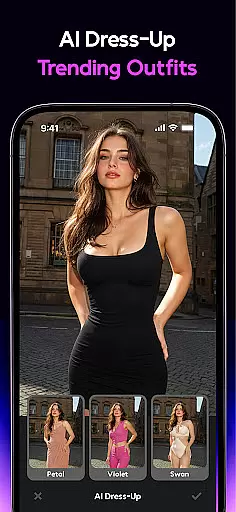
Furthermore, AI Mirror's Dress-Up function allows users to virtually try on different outfits, creating realistic composites that respect the natural proportions and contours of the body. These sophisticated enhancement tools collectively ensure that all modifications appear organic and true to life, setting a new standard for digital photo editing applications.
User-friendly interface
Extensive filter library
Regular feature updates
Advanced AI tools
Versatile editing options
Subscription-based model
High system requirements
Limited free features
Occasional bugs
Internet connection needed

A collection of tools and reference tables for DPs, ACs, DITs and Operators.
 4.70
4.70
Photo editor: face & body editor, beauty cam, filters and quality enhancer.
4.00
How would you look like with a differently shaped nose, chin or lips?
3.90
Shooting photos and records video easily and efficient with professional Camera
4.30
All-in-One Editor & AI Photo Enhancer, Collage, Cartoonify, Funny Stickers & BGS
4.10
AI Photo Editor with 100+ Filters, Effects! Remove BG, Retouch & Photo Enhancer.
4.80
Turn photos into cartoons & avatars! - Photo Editor, Cartoon Face!
3.90
Snap photos remotely using your Garmin watch as the camera trigger
4.5
Unlock the full potential of your DJI drone with Litchi
4.50
Easily view, share, delete photos with Gallery.
4.70
Unblur, enhance & restore photos with powerful AI photo enhancer tools.
4.60
Create collages easily! Nice pic collage maker & background eraser for Instagram
4.50
AI-powered video creator by MiniMax - Where ideas meet cinema
4.20
What celebrity do you look like? Celebs will find your celebrity match!
4.10
Astrophotography with your smartphone, photo live stacking and much more!
3.90
Perfect photos with body shaping, BG changer and object remover.
3.70
Be your best in every shot! Fix, edit and retouch your face in selfies & photos.
3.70
An interval timer to automate photo taking process for timelapse
2.90
Photo Album Watch Face shows your favorite pictures as a Watchface.
1.90


User Reviews