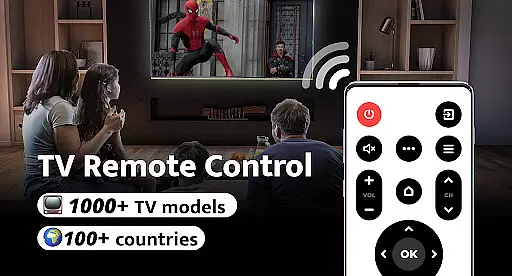
Remote Control for TV is a universal remote control application designed to replace traditional TV remotes. This app supports over 1000 TV models across more than 100 countries, making it an all-in-one solution for your television control needs. With its user-friendly interface and easy setup process, users can quickly connect their smartphones to their TVs with just one click.
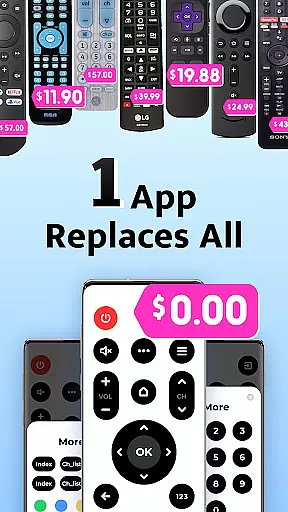
The app addresses common frustrations associated with physical remotes such as lost devices, fast-draining batteries, and unresponsive buttons. By turning your phone into a universal remote, this tool simplifies the way you interact with your TV, offering features like power control, volume adjustment, channel navigation, and mute options. Whether you own a Samsung, LG, or Sony TV, Remote Control for TV ensures seamless compatibility and efficient functionality.
Remote Control for TV offers a comprehensive set of features that enhance the television viewing experience. The app includes essential functions such as power control, volume adjustment, channel switching, and mute capabilities. Additionally, it provides navigation controls for menu exploration and channel digit buttons for direct access to specific channels.
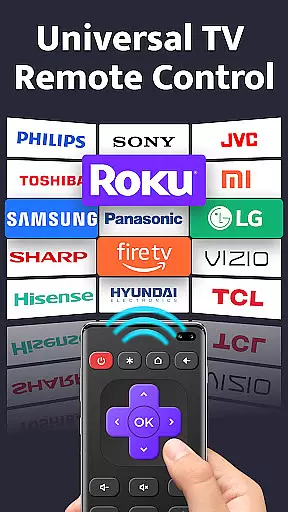
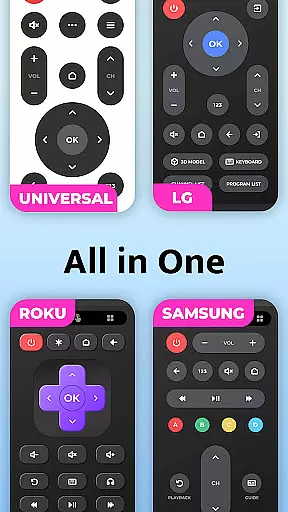
One standout feature is its support for major TV brands including Roku, Panasonic, Mi, Sony, LG, OPPO, Vizio, Toshiba, and TCL. The app's intuitive design allows users to easily set up and connect to their TVs without any hassle. Its simplicity and effectiveness make it a best-in-class IR TV remote control solution, ensuring that users can enjoy a streamlined and responsive interface every time they use it.
For a universal TV remote control app, core function accuracy and effectiveness are paramount to ensure seamless interaction with a wide range of TV models. This application supports over 1000 TV models across more than 100 countries, providing reliable power, volume, mute, channel switching, and navigation controls.
The app's design focuses on simplifying the connection process between smartphones and TVs. With easy setup procedures and one-click connectivity, users can quickly start controlling their television sets without hassle. The interface is crafted to be intuitive, ensuring that even those who aren't tech-savvy can navigate through its features effortlessly.
Users benefit from consistent performance as they switch channels, adjust volumes, or access menus directly from their phones. By transforming mobile devices into powerful remotes, this tool eliminates common frustrations associated with traditional remotes like battery drainage or physical damage. Consequently, it enhances user convenience while maintaining high standards of operational precision.
A straightforward and instinctive interface plays a crucial role in enhancing user experience for any application, including remote controls for TVs. This particular app boasts an exceptionally user-friendly layout designed to cater to all major TV brands globally.
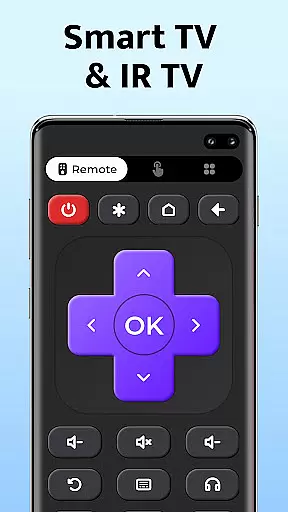
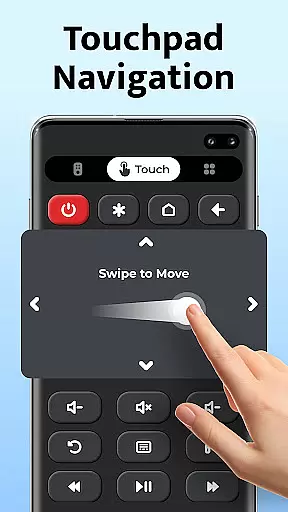
Upon launching the app, users are greeted with a clean dashboard where essential functions such as power control, volume adjustment, muting options, channel digits, menu access, and navigational arrows are prominently displayed. Each button is strategically placed for ease of use, allowing quick identification and operation without requiring extensive learning curves.
This emphasis on simplicity extends beyond aesthetics; it ensures efficient interaction between users and their televisions. Whether adjusting settings or browsing channels, individuals can perform tasks swiftly thanks to well-organized controls. Ultimately, this approach not only streamlines daily entertainment routines but also makes technology accessible to everyone regardless of age or technical expertise.
User-friendly interface
Wide device compatibility
Quick and easy setup
Comprehensive remote functions
Free to use
Requires built-in IR blaster
Limited to smartphone capabilities
May not support all TV models
No physical button feedback
Dependent on phone battery

 4.50
4.50
FV File Manager Pro, Fast and powerful file manager for Android
4.60
Fluid navigation gestures for all of us!
4.30
Universal TV remote control all TVs, Roku, LG, Samsung, Fire, Vizio, Sony, TCL.
4.40
Keep track of your Palia friendships, tasks, and inventory with Palia Notebook
4.60
Effortlessly run ADB commands directly on your device without a PC.
4.20
Monitor car performance in real time and troubleshoot malfunctions.
4.80
Undelete and recover your lost or deleted files with DiskDigger!
3.40
Quickly check the frequency of the Earth
4.30
Unit and currency converter with easy and simple UI.
4.80
Remote Play with FSR upscaling, low latency & full controller support
4.80
Optimize your WiFi network, turn your phone into Wifi Analyzer
4.70
Mirror your screen to Chromecast and Android TV - Super fast and simple
4.60
Planner and Tracker for Stardew Valley
4.60
eXtended Permission Manager - a small app to manage permissions and AppOps
4.50
With videos, electrical calculators, and built-in ebook, Ugly’s has your answer.
4.50
PC precision for mobile gaming: dominate with keyboard and mouse!
4.30
Signal Strength, Mobile, Wifi, Speed Test, Bad Signals, Cellular, 5G, LTE, 4G
4.20
A simple app to back up and restore SMS & MMS messages and call logs.
4.10


User Reviews