
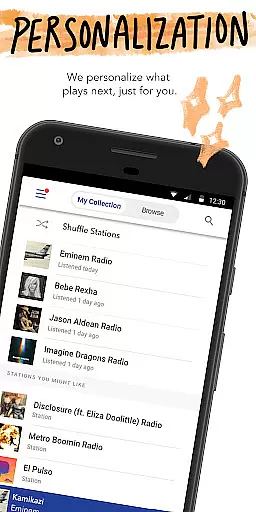
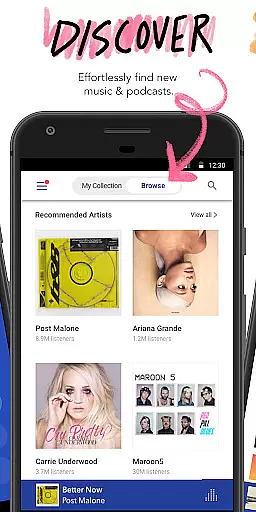
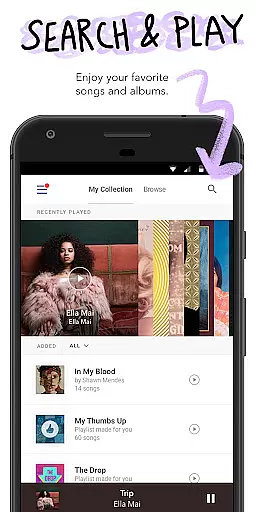
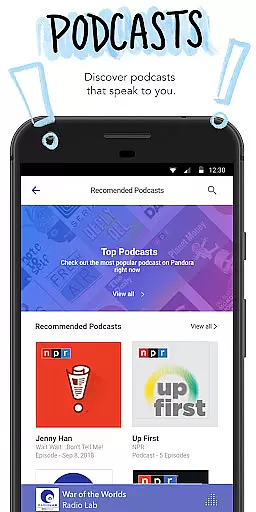
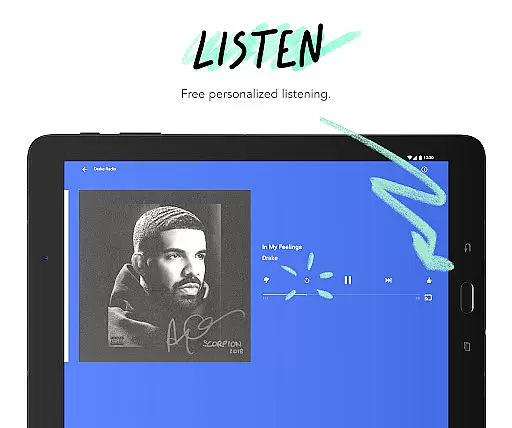
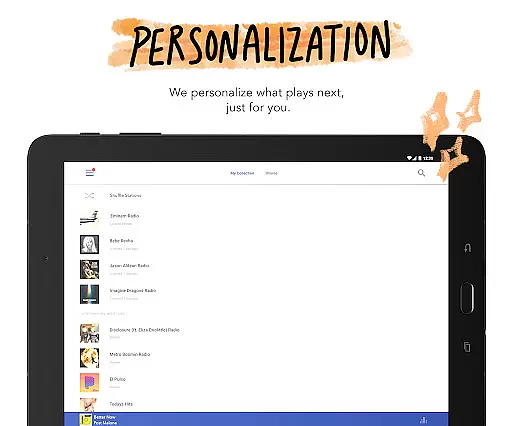
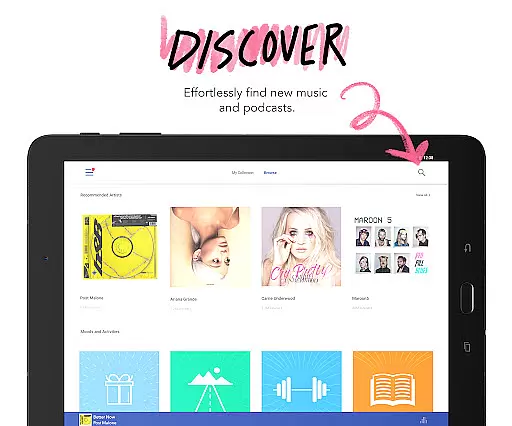
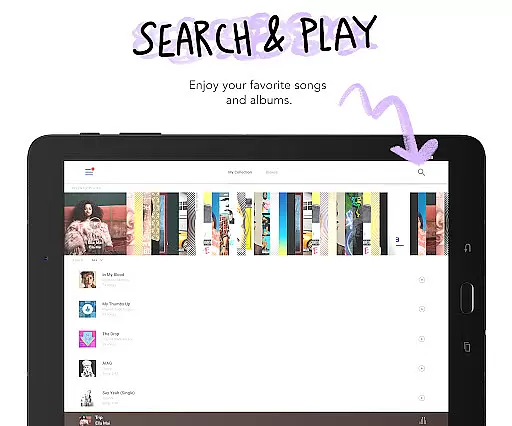
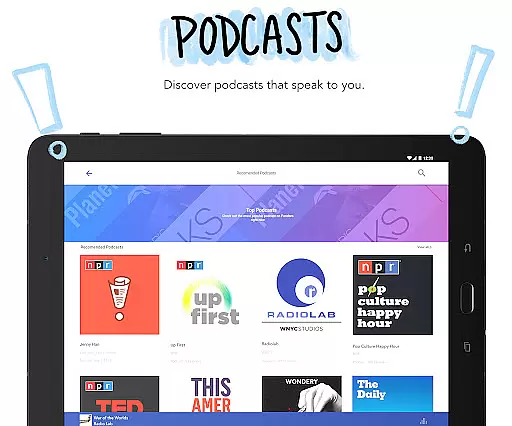
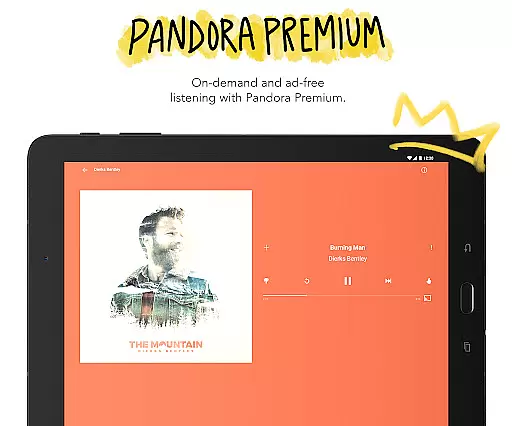
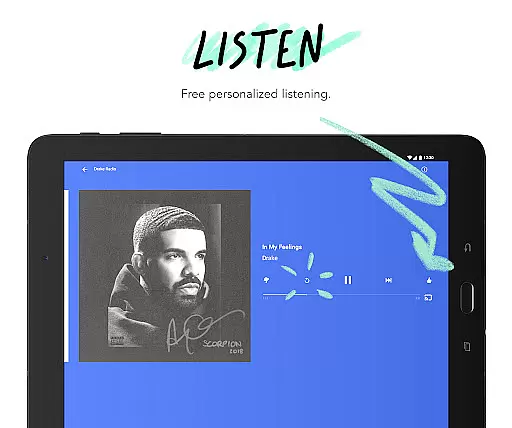
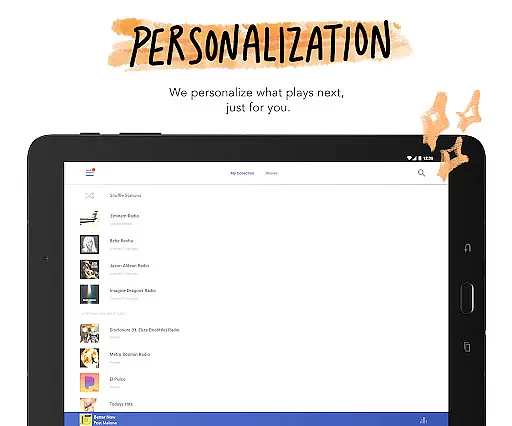
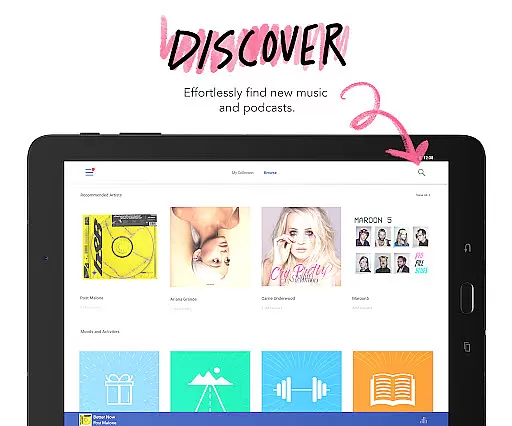
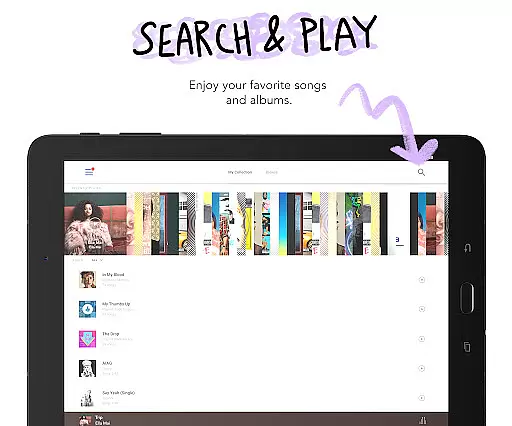


Pandora is a leading music streaming service designed for Android Wear devices. It creates personalized radio stations based on users' musical preferences, adapting to their evolving tastes over time. Available for both casual listeners and dedicated music enthusiasts, this app brings a powerful music discovery platform to your wrist.
Key features include seamless integration with Android Auto and Wear OS, enabling users to control music playback without needing their phone nearby. The app supports both Wi-Fi and cellular connections, ensuring uninterrupted music streaming wherever you go. Whether commuting or traveling, Pandora keeps you connected to your favorite artists and podcasts.
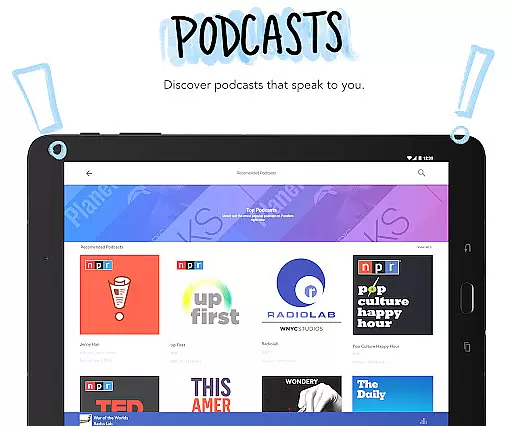
This application stands out by combining sophisticated music recommendation algorithms with practical wearable technology. Users can enjoy personalized stations, discover new podcasts, and control their listening experience through simple voice commands. The result is a versatile music companion that adapts to various lifestyles and listening preferences.
Pandora offers an innovative approach to music discovery through its personalized radio stations. The Android Wear integration allows users to control playback and manage their listening experience directly from their smartwatch. This feature is particularly useful during workouts or when phone access is limited.
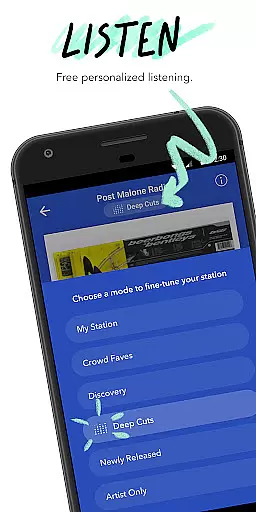
The app includes advanced features like Pandora Modes, which lets users customize their station's music style. Options range from deep cuts to newly released tracks. Additionally, voice commands enable hands-free control, making it safer and more convenient to use while driving.
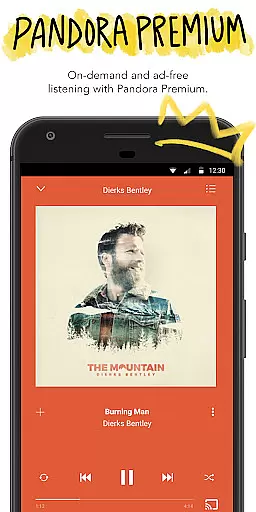
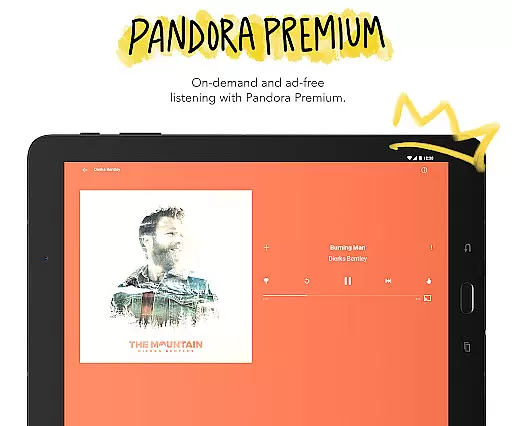
For premium subscribers, the benefits expand to include on-demand playback, higher quality audio, and ad-free listening. These features demonstrate Pandora's commitment to providing a comprehensive and customizable music experience across multiple devices.
Companion app integration is essential for a seamless wearable experience. Pandora excels in this area by offering robust synchronization between its mobile application and Wear OS devices. This ensures that your music preferences, station selections, and listening history are always up-to-date across all your devices.
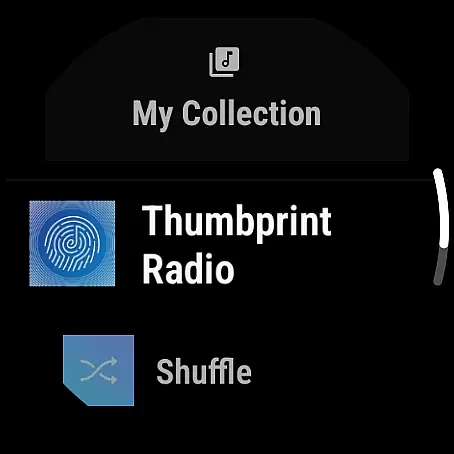
The integration allows users to control their music directly from their smartwatch. Whether you're commuting, working out, or simply away from your phone, you can effortlessly manage playback, change stations, and even adjust volume without needing to reach for your mobile device.
This feature significantly enhances user convenience. With Pandora's companion app functionality, listeners can enjoy uninterrupted music streaming tailored to their preferences, regardless of the device they're using. The ability to access personalized stations and podcasts from your wrist makes for a truly integrated and flexible audio experience.
Device compatibility is crucial for ensuring optimal performance on various platforms. Pandora offers comprehensive support for Wear OS, making it accessible to a wide range of smartwatch users. This compatibility ensures that whether you own a newer model or an older version, you can still enjoy Pandora's extensive music library and personalized stations.
The application is designed to function smoothly across different devices, maintaining consistent performance and user experience. By optimizing its software for Wear OS, Pandora guarantees that users will encounter minimal lag or interruptions while streaming music or podcasts.
Moreover, Pandora's compatibility extends to both Wi-Fi and cellular connections, allowing users to stream content even without their phones nearby. This flexibility ensures that no matter where you are or what device you're using, Pandora remains a reliable choice for personalized music discovery and entertainment.
Personalized stations
Voice command support
Podcast recommendations
Offline listening
Music discovery
Limited free skips
Regional restrictions apply
Offline mode requires subscription
Ads in free version
High data usage

Diet tracker for weight loss - track calories, food and macros. Simple and easy!
 4.70
4.70
Precision analog watch face with 7 complications and style options
4.0
A heartwarming Christmas scene featuring a cute image of Santa and Rudolf
4.5
Wear Os Watch Face - Animated Snow Effect & Magic Spark - 6 Scenes
4.10
Beautiful, colorful and practical watch face. For Wear OS devices.
5.00
Connect to your Bluelink equipped Hyundai vehicle from your smartphone.
4.50
A white realistic classic analog watch face with many customization options.
4.40
Your local weather forecast, storm tracker, radar maps & live weather news
3.40
Fitbit is dedicated to helping people lead healthier, more active lives.
4.10
Hyperlocal rain alerts by MyRadar using patent-pending technology, radar & more
4.80
The most customizable hybrid watch face. For Wear OS 5.0, API 34+ and later
4.70
Monitor health with the stress test and pulse checker in the heart rate app.
4.60
Digital watch face with big numbers and many customization for Wear OS devices
4.40
Digital watch face. For Wear OS devices.
4.40
Find EV charging stations
4.30
A full-featured Amazon Alexa voice assistant that can show you things.
3.70
Wear Os Watch Face - Animated Snow - Sesonal for Christmas & Winter
4.3
Analog watch face with 8 complications and expedition styling
4.0
Minimalistic design modern digital watch face.
4.5


User Reviews