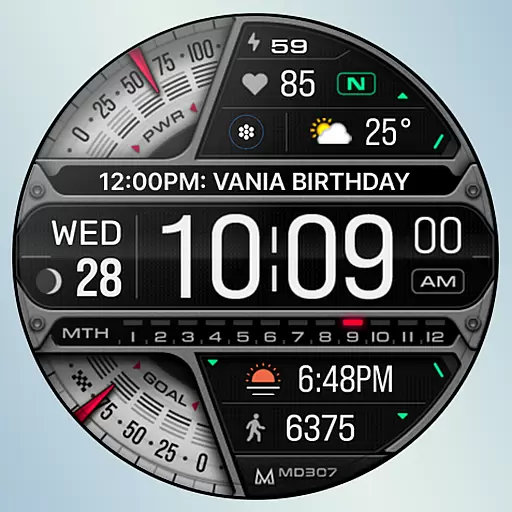
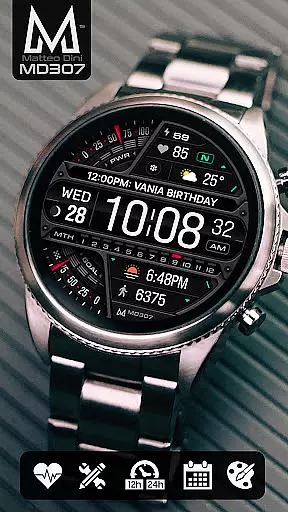
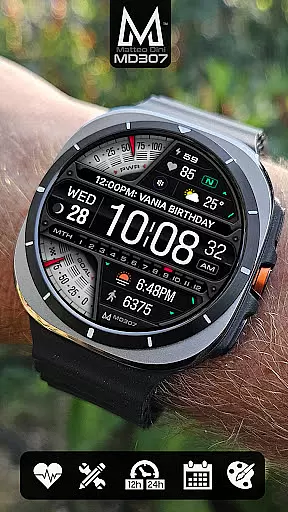
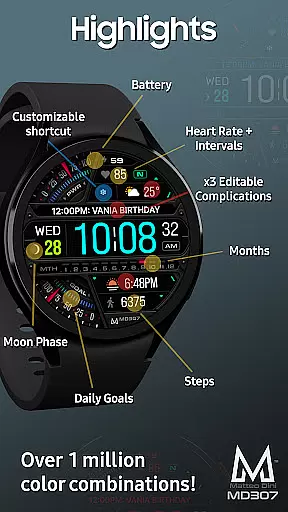
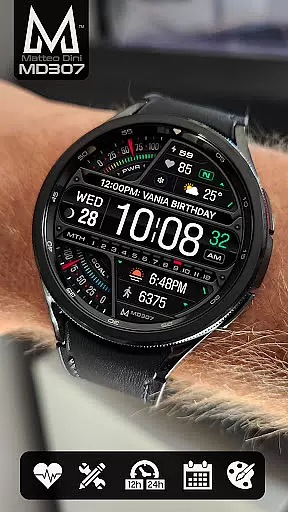
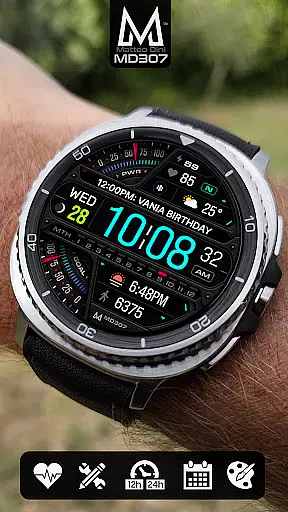
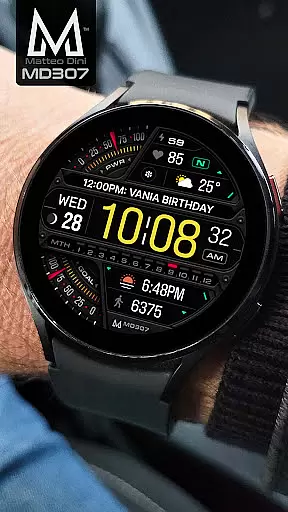
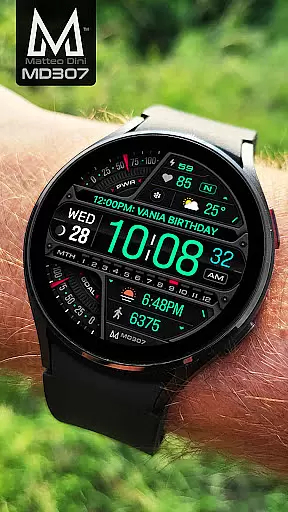
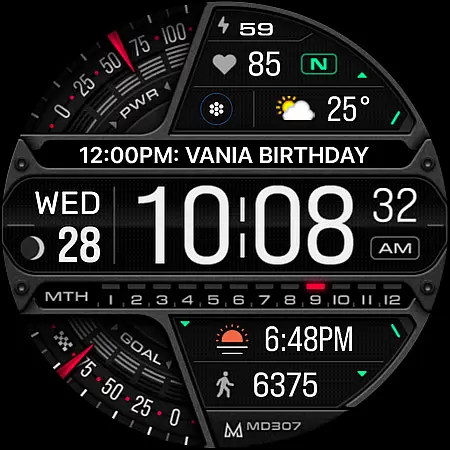
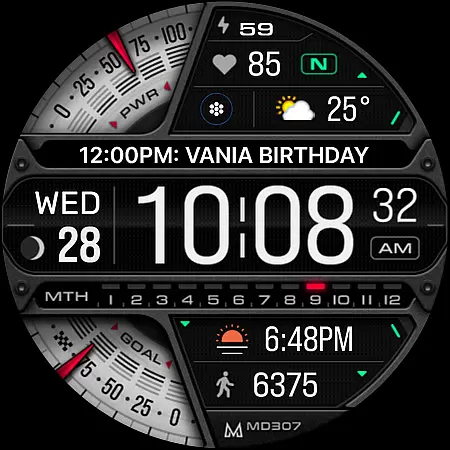
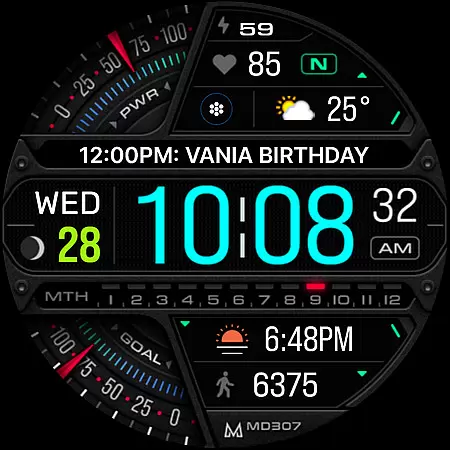
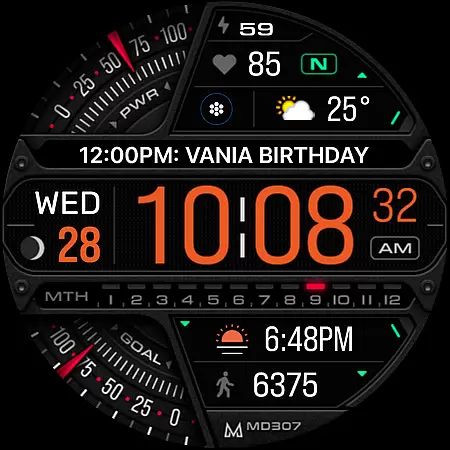
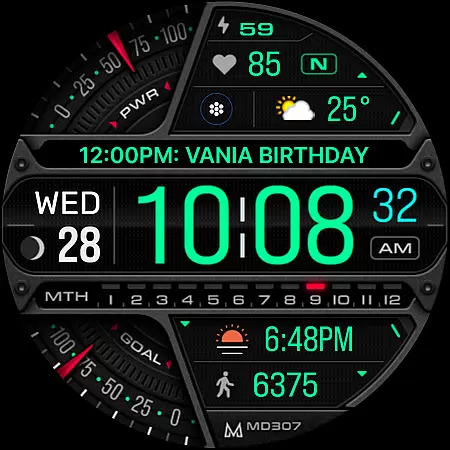
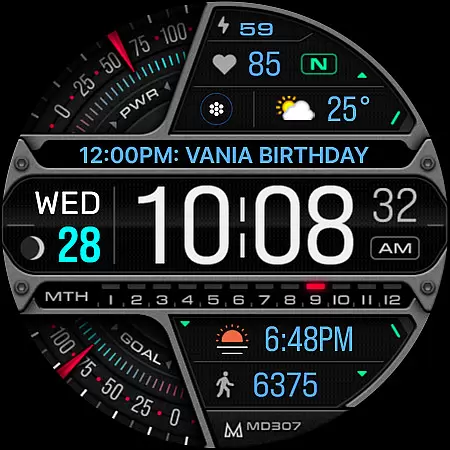
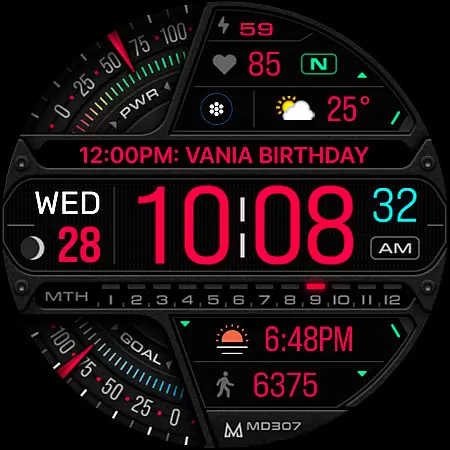
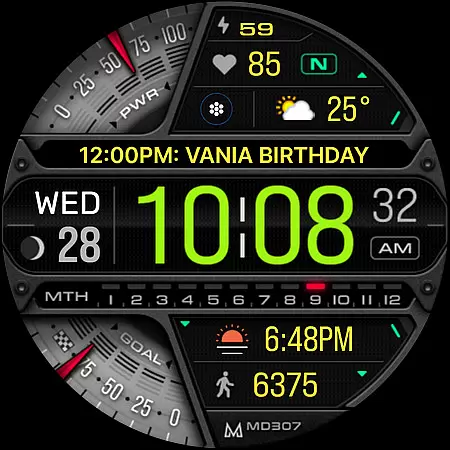
MD307 Digital watch face offers a feature-rich customization experience for Wear OS users. It includes 12/24hr digital time, moon phase, heart rate monitoring, and customizable complications. The design supports Always ON Display with changeable colors, ensuring both functionality and personalization.
This watch face is compatible with all Wear OS devices running API Level 33+ including Samsung Galaxy Watch series and Pixel Watch. Users can customize shortcuts and data displays to suit their preferences, making it a versatile choice for smartwatch enthusiasts.
The MD307 Digital watch face stands out with its comprehensive set of features. It provides essential information like time, date, battery status, and health metrics such as heart rate and step count. The inclusion of moon phases and daily goals adds a unique touch to the user experience.
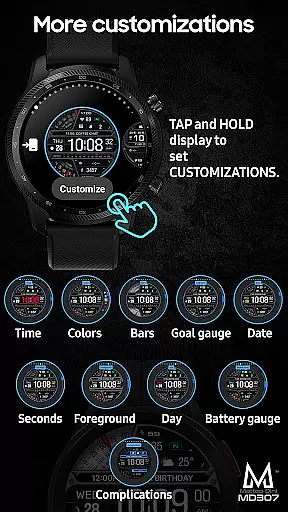
Customization options are abundant, allowing users to modify colors and choose from various complications like weather or time zones. With three preset app shortcuts and one customizable shortcut, users can access frequently used apps directly from the watch face. This level of personalization ensures that each user's watch face is uniquely theirs.
Companion app integration is essential for Android Wear applications as it ensures seamless synchronization between the wearable device and a smartphone. For MD307 Digital watch face, this means users can easily manage and customize their watch face settings through a paired mobile application.
This particular watch face allows customization directly on the Galaxy Watch, addressing issues with Samsung's Wearable app editor. Users are encouraged to tap and hold the screen on their watch and select customize to modify shortcuts, complications, and colors without needing to rely on the companion app.
The benefit of effective companion app integration is the ability to offer an extended set of features and easier management options. Despite current limitations with Samsung's software, MD307 Digital provides comprehensive guidance for installation and troubleshooting via its website, ensuring users have all necessary support.
Wear OS/device compatibility is crucial for any Android Wear application, determining which devices can support the app's features. The MD307 Digital watch face boasts compatibility with all Wear OS devices operating on API Level 33+ (Wear OS 4 and later), including models like Samsung Galaxy Watch 4-8, Ultra, and Pixel Watch.
This wide compatibility ensures that users across various devices can enjoy functionalities such as digital time display, moon phase tracking, heart rate monitoring, and customizable complications. These features collectively enhance user experience by providing both aesthetic customization and practical data at a glance.
By supporting advanced features like Always-On Display with changeable colors and minimal style, MD307 Digital caters to tech-savvy individuals who demand both form and function in their wearable technology. This commitment to broad yet specific compatibility highlights the versatility and user-centric design of the MD307 Digital watch face.
User-friendly interface
Highly customizable
Wide device compatibility
Comprehensive health tracking
Vibrant community support
Complex setup process
Limited customer support
Premium feature costs
Occasional bugs reported
Heavy battery usage

Embrace the holiday spirit with this magical animated watch face!
 4.40
4.40
Snowflake Rose Gold Watch Face - Digital, modern, & sleek with GYRO effect.
4.10
MyNISSAN® lets you remotely control your car from your phone.*
4.50
Easy Voice Recorder is your everyday companion to record important moments.
4.70
A modern premium sporty hybrid watch face for Wear OS by Ballozi
4.70
Your second brain for organizing your life: to-do, calendar, reminder.
4.70
Locate your family members by GPS phone location tracker everywhere and anytime
4.30
Daily Weather forecast with 15 weather images for Day & Night plus Big Bold time
4.10
Start and succeed with PAP
4.10
Christmas Theme Watch Face for Wear Os
5.00
The Chevron App allows you to pay for fuel from the comfort of your car!
4.80
Real-time weather radar with temperatures, warnings, hurricanes, and widgets
4.80
Rose gold watch face with festive lights & customizable features.
4.60
Monitor health with the stress test and pulse checker in the heart rate app.
4.60
Bold weather Digital watchface with forecast & optional animated background
4.40
Professional weather radar and more
3.90
Your local weather forecast, storm tracker, radar maps & live weather news
3.40
Stylish digital watch face for Wear OS devices with customizable features
4.1
Funny animated watch face for Thanksgiving
4.0


User Reviews