
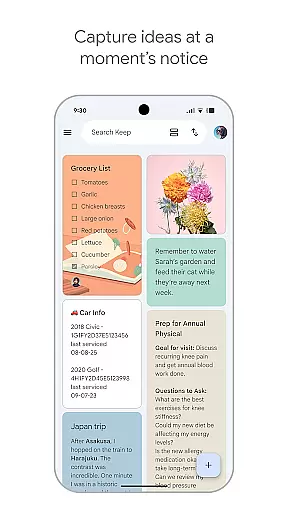
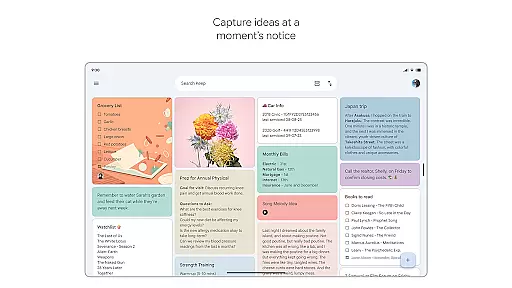
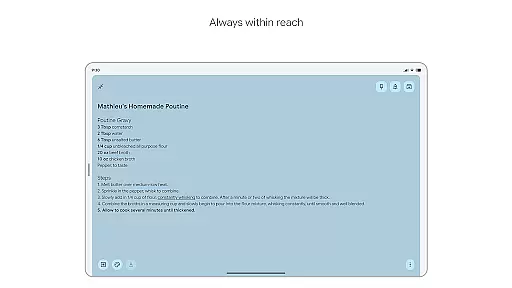
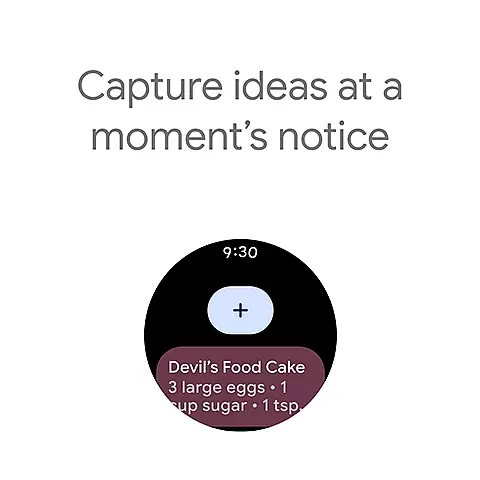
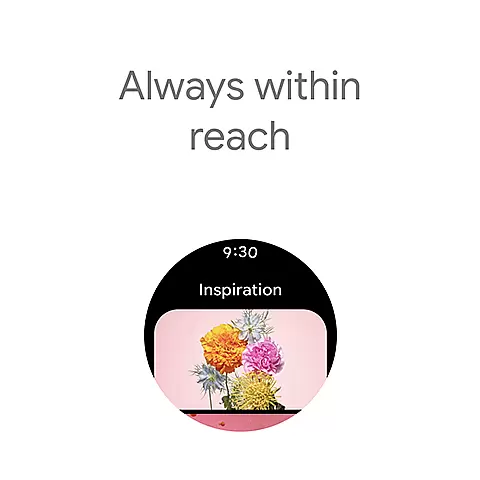
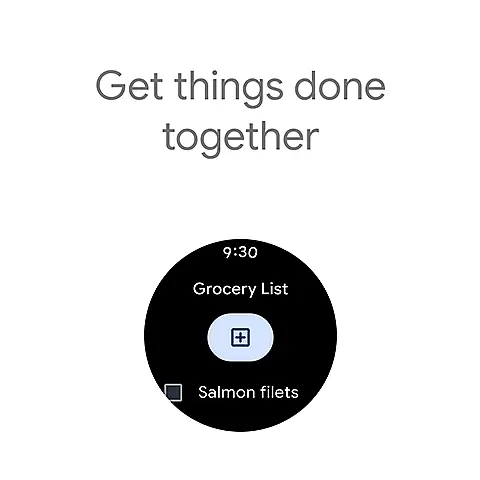
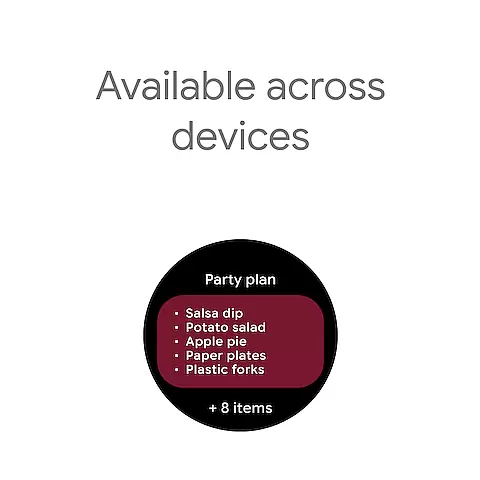
Google Keep is a versatile note-taking application designed specifically for Android Wear and other devices. It allows users to quickly capture thoughts, manage to-do lists, and stay organized through various methods such as text notes, voice memos, and photos. The app's seamless integration with widgets on phones, tablets, and complications on Wear OS devices ensures that capturing ideas is effortless no matter where you are.
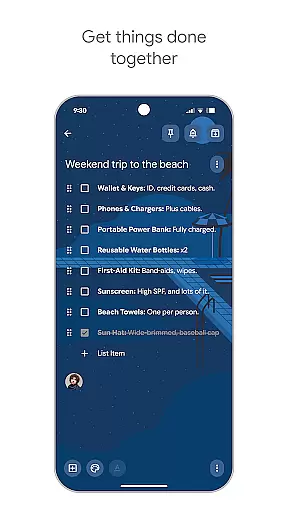
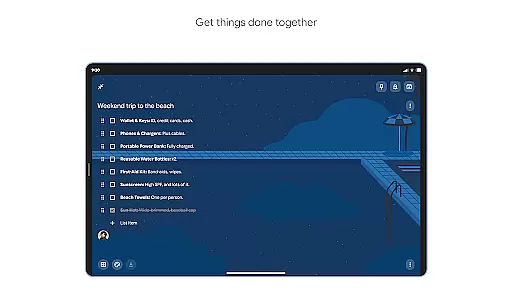
Beyond basic note-taking, Google Keep offers advanced security features to protect your information. Its collaborative capabilities enable users to share notes with friends and family, making it ideal for managing shared tasks like grocery lists or planning trips. With cross-device synchronization, your notes are always accessible whether you're using a phone, tablet, computer, or Wear OS device.
The app's organizational tools include color-coding, labels, and the ability to pin important notes to your home screen. These features help streamline daily productivity by ensuring that critical information is easy to find and access when needed most.
Google Keep stands out with its comprehensive feature set tailored for both productivity and convenience. One of its key strengths is the ability to capture information in multiple formats - from traditional text notes to innovative voice memos and photo annotations. This flexibility ensures that users can document their thoughts in whatever format suits them best at any given moment.
The application's integration with Android ecosystem is particularly noteworthy. Through customizable widgets on mobile devices and dedicated complications on Wear OS, users can instantly create notes without even opening the app. The ability to pin notes to home screens and create quick-access shortcuts demonstrates the app's commitment to maximizing efficiency.
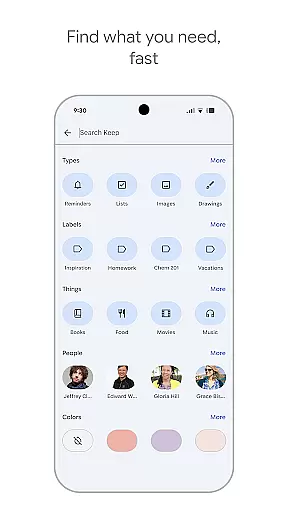
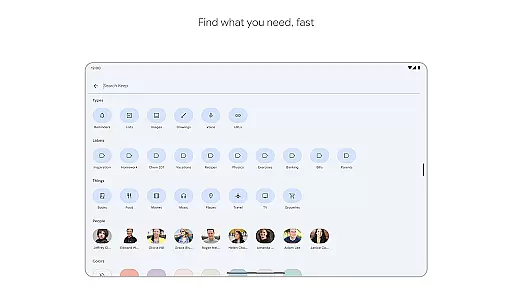
Advanced organizational tools make information management straightforward. Users can apply color codes and labels to categorize notes effectively, while powerful search functionality ensures quick retrieval of information. The inclusion of reminder features and collaborative options for shared notes further enhances its utility for both personal and group productivity needs.
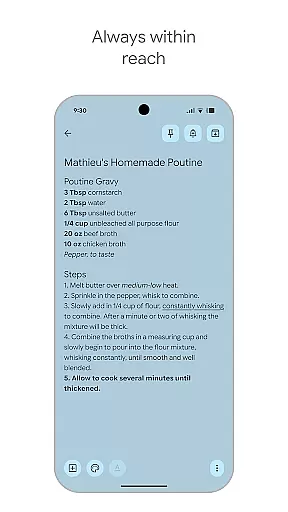
Google Keep offers seamless companion app integration, ensuring that your notes and tasks are always in sync across all your devices. This means you can start a note on your phone and continue editing it on your tablet or computer without any interruptions.
The app's synchronization capabilities extend to Wear OS devices as well, allowing users to access their most important notes directly from their smartwatch. This cross-device functionality is made possible through Google's robust cloud infrastructure, which ensures reliable and fast updates.
Users benefit from real-time updates, meaning changes made on one device instantly appear on all others. This feature is particularly useful for professionals who need to stay organized while moving between different work environments.
Additionally, the app supports various input methods including text, voice, and images, all of which are seamlessly integrated across devices. This versatility makes Google Keep an indispensable tool for capturing ideas and managing tasks efficiently.
Google Keep excels in Wear OS and device compatibility, offering a tailored experience for smartwatch users. The app provides essential features optimized for smaller screens, ensuring that users can access their notes even when they're on the move.
With dedicated Wear OS functionalities, users can view pinned notes, receive reminders, and even dictate new notes using voice commands. These features are designed to work within the limitations of wearable technology while maintaining full functionality.
The application's compatibility extends beyond just Wear OS devices. It works flawlessly across various Android devices and even supports web access, making it a versatile choice for users with multiple devices.
This broad compatibility ensures that no matter what device you're using, your notes and reminders are always accessible. The consistent user experience across platforms demonstrates Google's commitment to providing comprehensive productivity solutions.
User-friendly interface
Cross-device sync
Voice memo support
Collaborative sharing
Advanced security
Limited formatting
No offline mode
Basic reminders
Few integrations
Storage limits

Gym Log & Workout Tracker | Fitness Journal, Training & Weight Lifting Planner
 4.90
4.90
Embrace the holiday spirit with this magical animated watch face!
4.40
Rose gold watch face with festive lights & customizable features.
4.60
Analog watch face with 8 complications and expedition styling
4.0
A watch face that fuses motorsport precision with contemporary smartwatch design
4.0
Nutrition, Macro tracker: Food, fitness & healthy diet tracking for weight loss
4.60
To-Do List: daily schedule planner, task organizer, to do reminder app, calendar
4.60
Professional weather radar and more
3.90
Premium hybrid watch face with many customizations for Wear OS devices.
4.40
Beautiful, colorful and practical watch face. For Wear OS devices.
5.00
Deck out your Wear OS Watch face with a beautifully decorated pine wreath!
4.50
A white realistic classic analog watch face with many customization options.
4.40
Find EV charging stations
4.30
Elegant animated Christmas tree with multiple customization options
4.20
Daily Weather forecast with 15 weather images for Day & Night plus Big Bold time
4.10
Get helpful reminders, take progress photos and find answers to your questions.
3.90
Authentic military-tactical design with ZULU time! Realistic and functional!
3.80
Wear Os Watch Face - Animated Snow - Sesonal for Christmas & Winter
4.1
A Wintery Snow Globe on Your Wrist; now celebrating Christmas!
4.2


User Reviews