
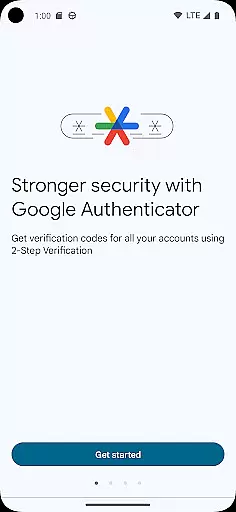
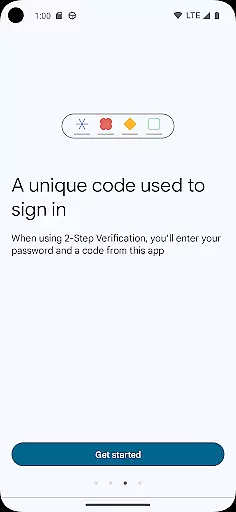
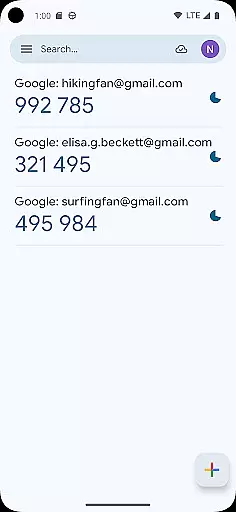
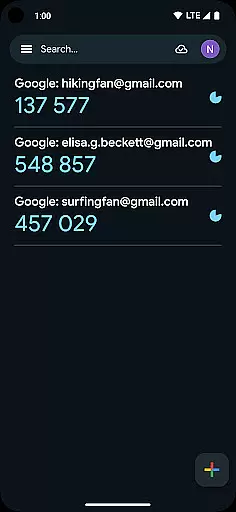
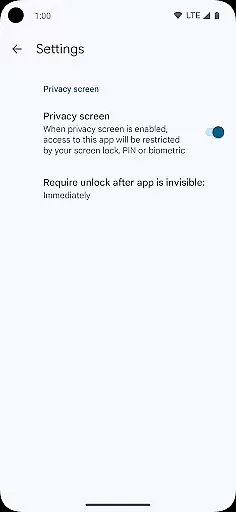
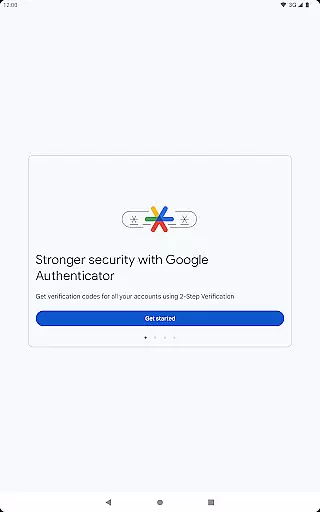
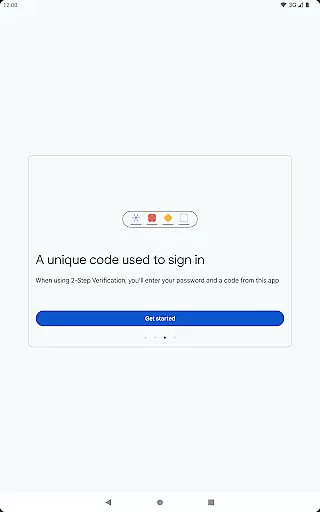
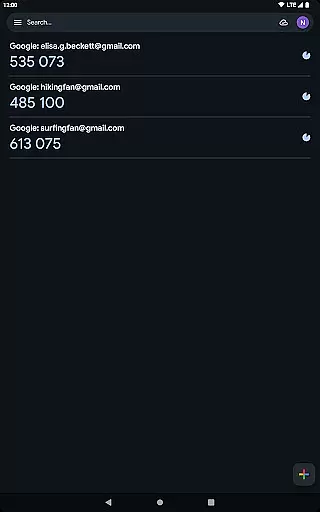
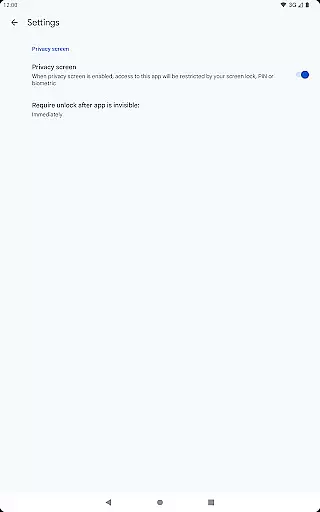
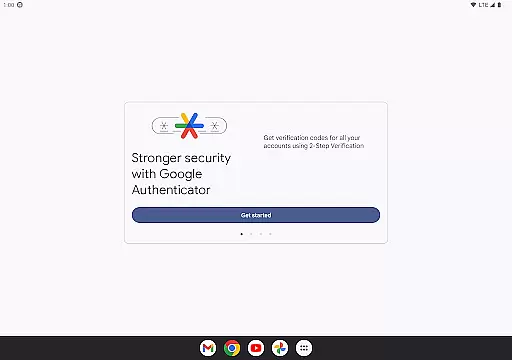
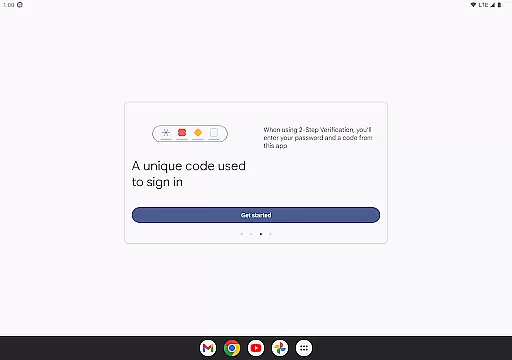
Google Authenticator is a security tool that provides an additional layer of protection for your online accounts through two-factor authentication. When signing in, users must enter both their password and a unique code generated by the app on their mobile device. This ensures enhanced account security even if passwords are compromised.
The app operates independently of network connectivity, generating time-based or counter-based codes directly on your phone. It supports syncing across devices via your Google Account, automatic setup using QR codes, and management of multiple accounts. These features make it an essential tool for anyone seeking to strengthen their online security while maintaining ease of access.
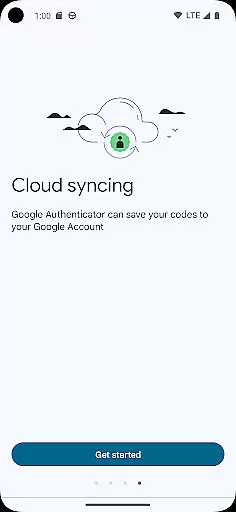
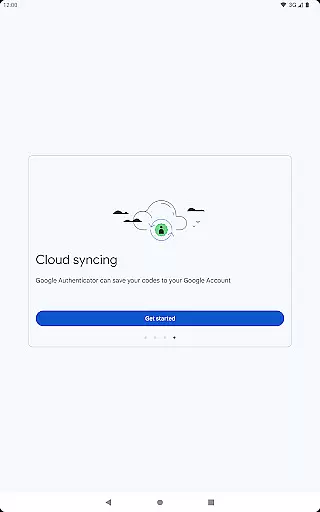
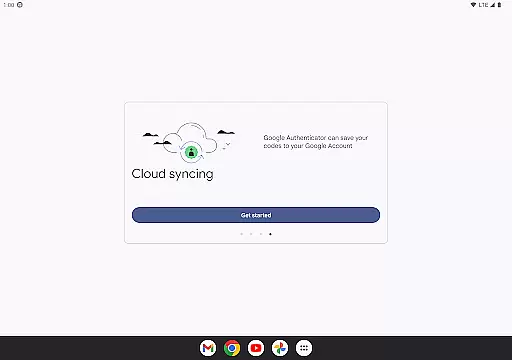
Google Authenticator offers several key features that enhance its functionality as a security tool. The app allows users to sync their authentication codes across multiple devices through their Google Account, ensuring accessibility even if a device is lost. This cloud-based backup system provides peace of mind and continuity in account security.
Another notable feature is the support for multiple account management within a single interface. Users can easily switch between different services without needing separate apps for each. The app also facilitates quick setup through QR code scanning and enables secure account transfers between devices using similar technology. These capabilities, combined with both time-based and counter-based code generation options, create a versatile and robust authentication solution.
Google Authenticator excels in providing precise and effective two-factor authentication, ensuring that users' online accounts are secured with an additional layer of protection. The app generates time-based or counter-based codes that serve as the second verification step after password entry.
The reliability of Google Authenticator lies in its ability to produce these codes even without an internet or cellular connection, making it a dependable tool for users worldwide. This offline functionality guarantees that you can always access your verification codes, regardless of your location or network status.
For users, this means enhanced security and peace of mind. By integrating seamlessly with various online services, Google Authenticator ensures that only authorized individuals gain access to sensitive accounts, significantly reducing the risk of unauthorized breaches.
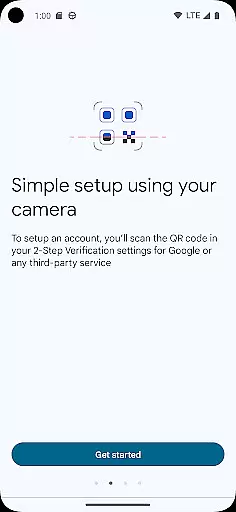
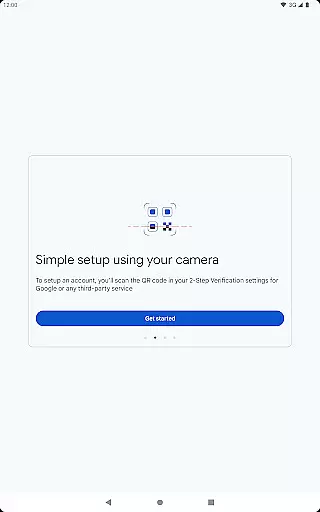
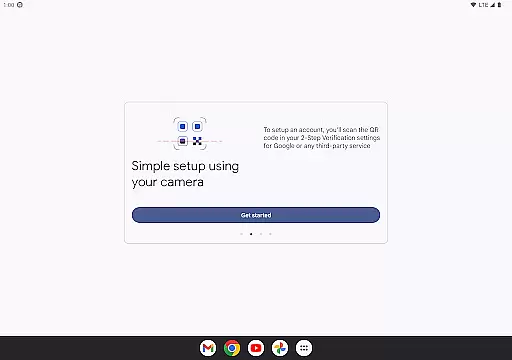
The interface of Google Authenticator is designed with simplicity and ease of use in mind. It offers a straightforward setup process where users can add accounts by scanning QR codes, which automatically configures the necessary settings for generating verification codes.
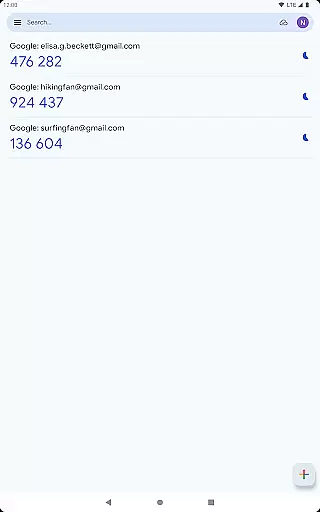
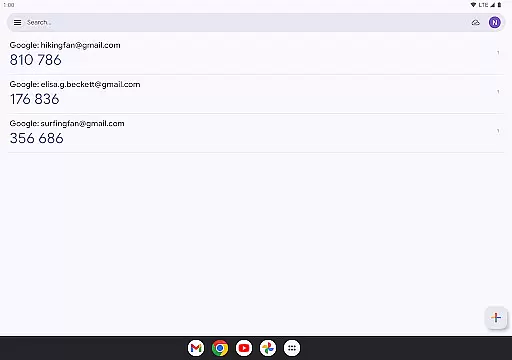
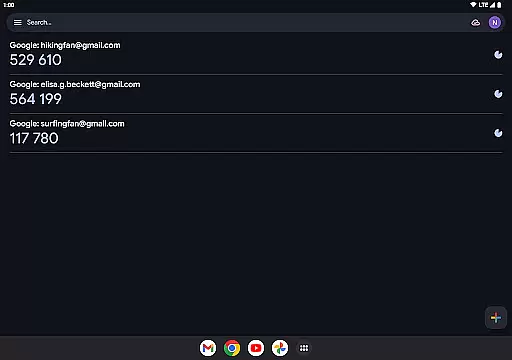
Managing multiple accounts within the app is intuitive, allowing users to switch between different services effortlessly. The clean layout displays all essential information at a glance, ensuring that users can quickly find and enter their verification codes when needed.
This user-friendly design not only reduces the learning curve but also enhances overall productivity. Users can focus on securing their accounts without being bogged down by complex procedures, making Google Authenticator an ideal choice for those seeking both security and convenience.
Enhanced Security
Easy Setup Process
Multi-Device Syncing
Offline Code Generation
Multiple Account Support
No Built-in Backup
Limited Customization
No Desktop Version
QR Code Dependency
Manual Entry Required

FV File Manager Pro, Fast and powerful file manager for Android
 4.60
4.60
Fluid navigation gestures for all of us!
4.30
An easy-to-use calculator designed to save time calculating and bending conduit
4.30
Create your own live wallpaper or check out thousands already made presets
3.90
WiFi Signal Strength Meter help you detect WiFi Signal Strength in real time.
4.80
Screen Mirroring with sound for Samsung TV, LG TV, Sony TV, Smart TV and Browser
4.20
A simple app to back up and restore SMS & MMS messages and call logs.
4.10
Creation, Learning, Entertainment & More — The All-in-One AI Search Engine
4.70
Your personal health butler
3.60
Remote Play with FSR upscaling, low latency & full controller support
4.80
Optimize your WiFi network, turn your phone into Wifi Analyzer
4.70
eXtended Permission Manager - a small app to manage permissions and AppOps
4.50
The Ultimate Bluetooth Keyboard & Mouse. Securely control your PC, Mac, and more
4.50
A convenient photo, video, and file recovery tool.
4.00
Introducing Smart Printer, your ultimate destination for printing solutions!
4.00
A powerful, easy-to-use flight computer on your phone or tablet!
3.80
This app unlocks the Pro features of the Central for DayZ app
3.60
A recovery soft,it features photo recovery, video recovery, file recovery.
3.40
card-reader app
2.20


User Reviews