
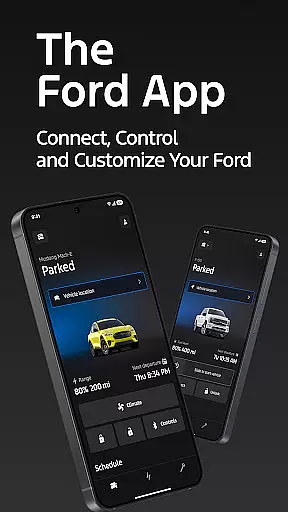
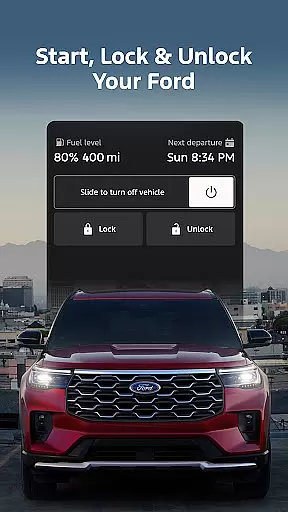
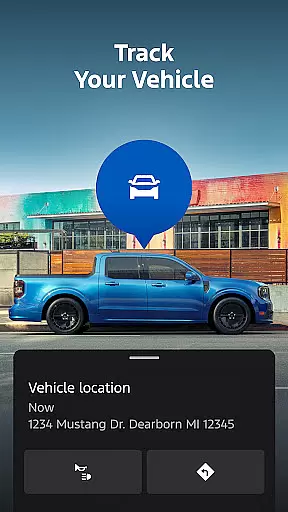
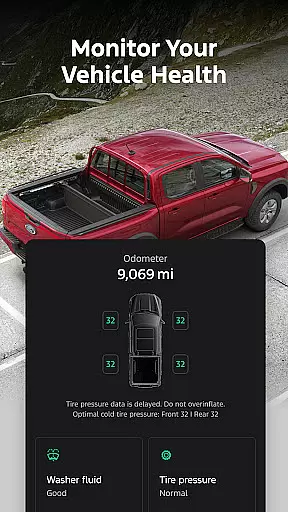
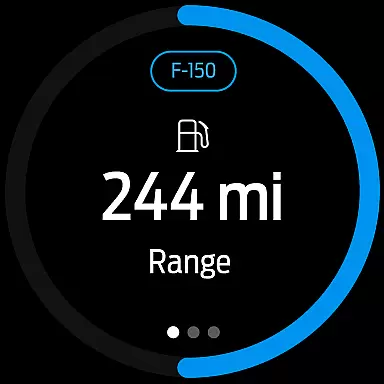
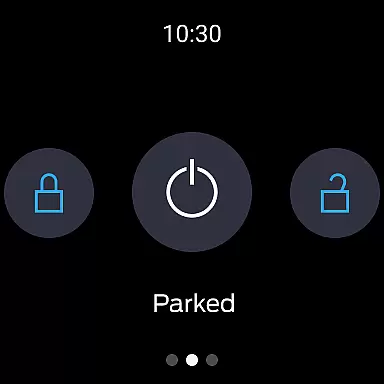
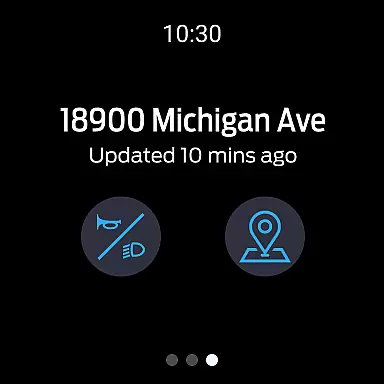
The Ford app is a comprehensive vehicle management solution designed specifically for Ford owners. This Android Wear compatible application puts essential vehicle controls right on your wrist, allowing you to remotely start your car, lock and unlock doors, and monitor vehicle status with unprecedented convenience.
With advanced features like GPS tracking, electric vehicle monitoring, and service scheduling, the app ensures your Ford ownership experience is both seamless and efficient. Whether you're checking fuel levels, preconditioning your EV, or setting software update schedules, this app provides complete control over your Ford vehicle from anywhere.
The integration with Wear OS smartwatches makes vehicle management even more accessible, enabling quick commands and status checks without needing to take out your phone. Regular app updates ensure you always have access to the latest features and improvements.
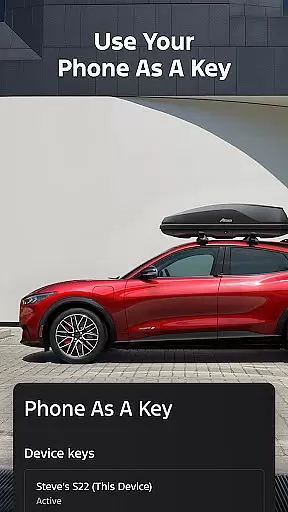
The Ford app stands out with its extensive collection of remote vehicle management tools. The remote start and lock/unlock features give users complete control over their vehicle's security, while the Phone As A Key functionality revolutionizes traditional key usage through smartphone integration.
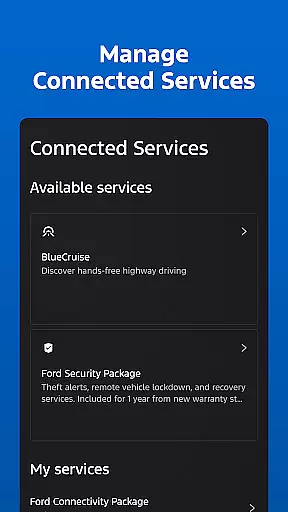
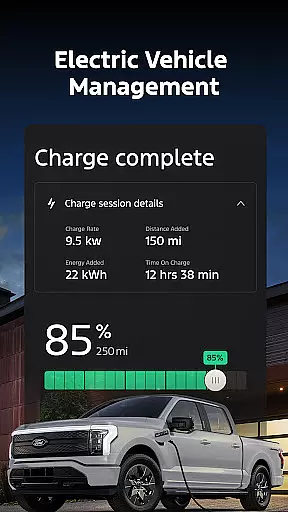
For electric vehicle owners, the app provides detailed battery monitoring, charging information, and preconditioning capabilities. The maintenance scheduling feature streamlines service appointments by connecting users directly with preferred dealerships. Advanced connected services like BlueCruise and Security Packages can be managed directly through the app interface.
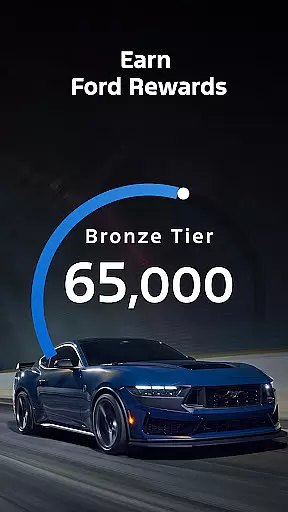
Unique to this app is its integration with Ford Rewards program, allowing users to earn and redeem points for various Ford services and accessories. The over-the-air software update scheduling demonstrates Ford's commitment to keeping vehicles up-to-date with minimal user intervention.
Companion app integration refers to the seamless connection between a primary application and its wearable counterpart. For Ford app users, this means being able to interact with their vehicle directly from a Wear OS smartwatch.
The Ford app offers an advanced level of companion app integration by allowing users to send commands and check vehicle status right from their wrist. This includes functionalities such as remote start, lock and unlock, which are essential for convenience and security.
This integration provides real value to the user by saving time and offering peace of mind. Whether it's quickly checking if the car is locked or starting it remotely to adjust the temperature, these features enhance the overall Ford ownership experience without needing to take out a phone.
By extending the capabilities of the Ford app to Wear OS, users enjoy a cohesive ecosystem where their smart devices work in harmony, elevating both functionality and accessibility.
Wear OS/device compatibility ensures that an application functions across different devices, including smartwatches running on Wear OS. The Ford app embraces this by being compatible not only with smartphones but also with Wear OS-powered smartwatches.
Ford owners can leverage the power of Wear OS to stay connected to their vehicle through the Ford app. This compatibility allows access to critical features like sending commands and checking vehicle status directly from the watch interface.
For users, this compatibility translates into increased convenience and efficiency. They can perform key actions without having to reach for their phone, streamlining interactions with their Ford vehicle while maintaining focus on what matters most.
With thoughtful design considerations for various device types, the Ford app delivers a versatile and reliable service, ensuring users remain effortlessly connected regardless of the device they choose to use.
User-friendly interface
Comprehensive vehicle control
Regular feature updates
EV-specific functions
Convenient wearable integration
Limited vehicle compatibility
Requires active modem
Network dependency issues
Potential extra costs
Varied feature availability

"PER27 Galaxy Digital" is a digital Wear OS watch face designed by PERSONA
 4.10
4.10
WTW M17 is a premium and luxurious hybrid watch face
4.70
Highly customizable hybrid watch face for Wear OS, perfect for everyday use.
4.60
Snowflake Rose Gold Watch Face - Digital, modern, & sleek with GYRO effect.
4.10
A watch face that fuses motorsport precision with contemporary smartwatch design
4.1
Authentic military-tactical design with ZULU time! Realistic and functional!
3.80
Stylish digital watch face for Wear OS devices with customizable features
4.3
Digital watch face. For Wear OS devices.
4.40
Find EV charging stations
4.30
Real-time weather radar with temperatures, warnings, hurricanes, and widgets
4.80
Gym & home workout plans with strength training, exercise tracking, HIIT & more.
4.60
Connect to your Bluelink equipped Hyundai vehicle from your smartphone.
4.50
Fast and smart typing with Emojis, GIFs, and more
4.50
Reliable phone calls with spam protection, caller ID and more helpful features
4.40
A white realistic classic analog watch face with many customization options.
4.40
The ultimate destination for kids ages 3-8 to explore the Marvel Universe!
4.30
Daily Weather forecast with 15 weather images for Day & Night plus Big Bold time
4.10
A digital watch face that celebrates Christmas.
4.00
Funny animated watch face for Thanksgiving
4.0


User Reviews