
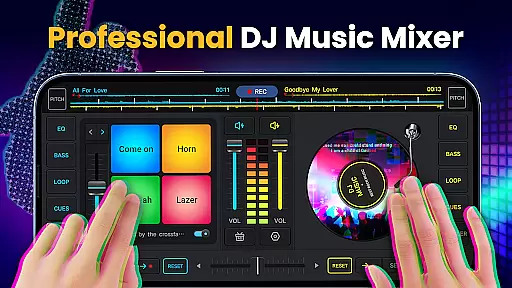
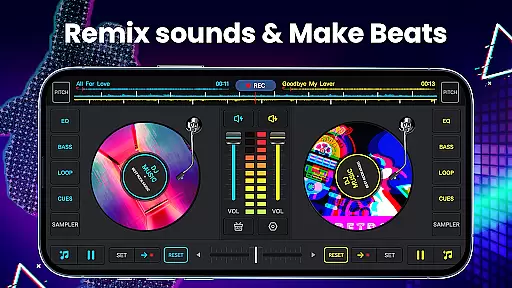
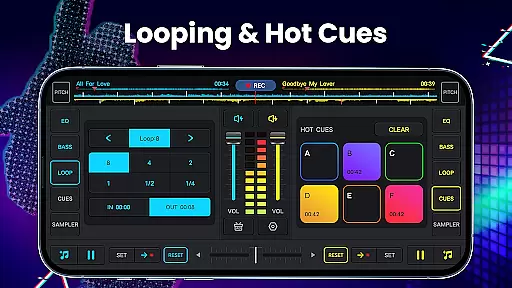
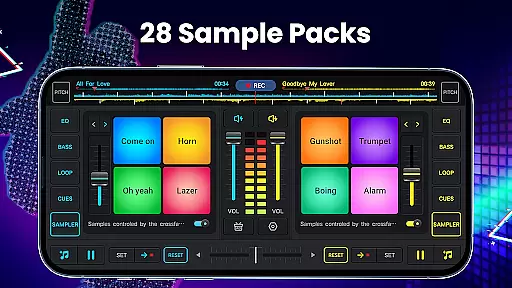
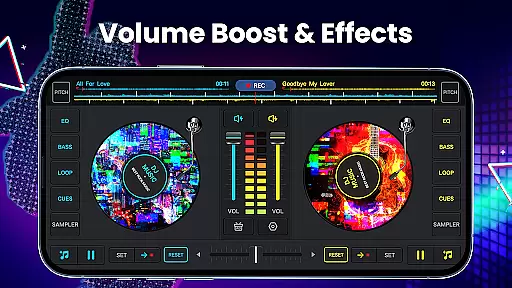
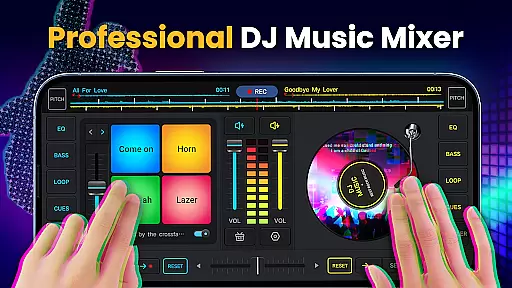
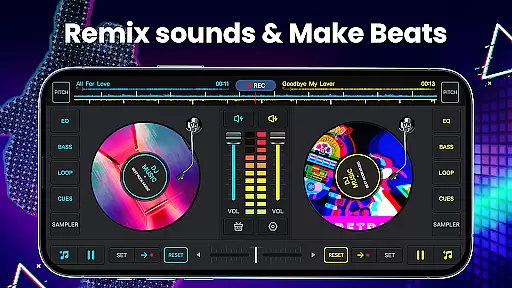
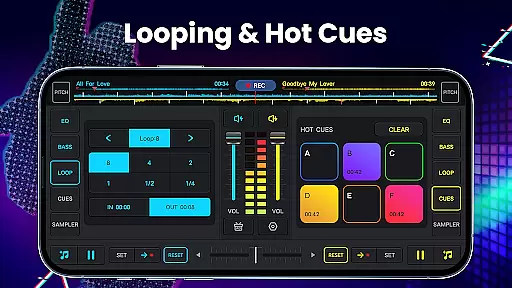
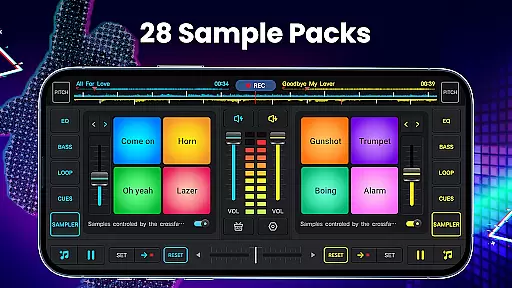
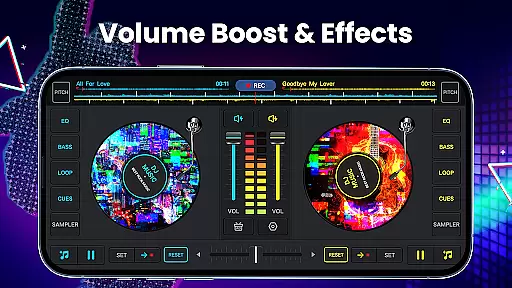
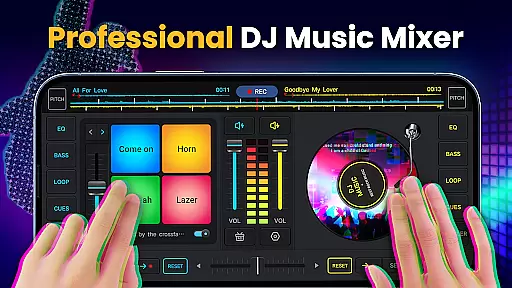
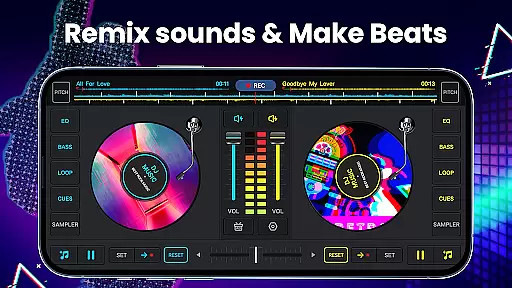
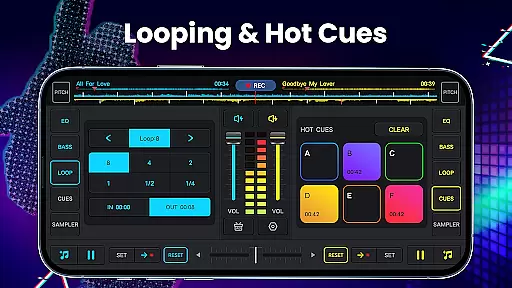
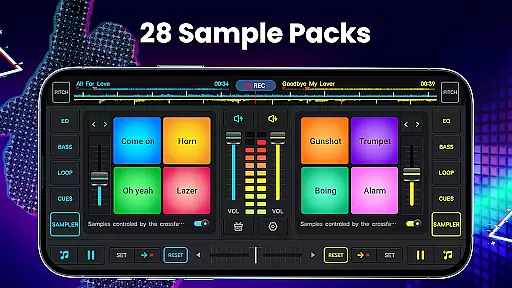
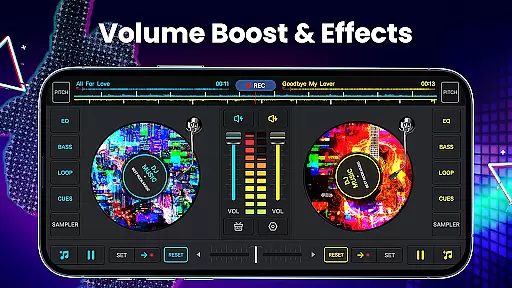
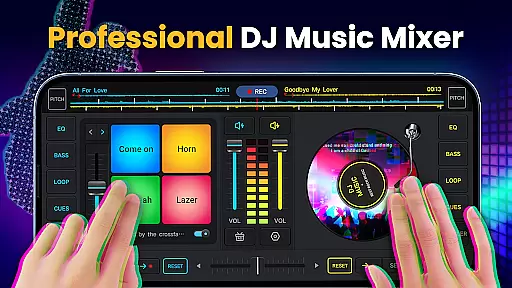
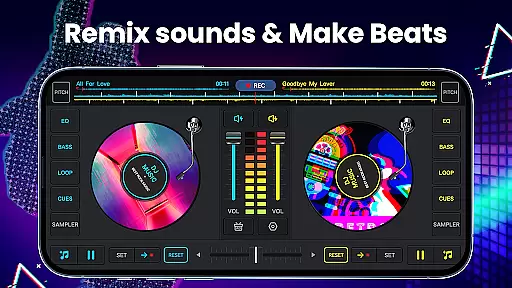
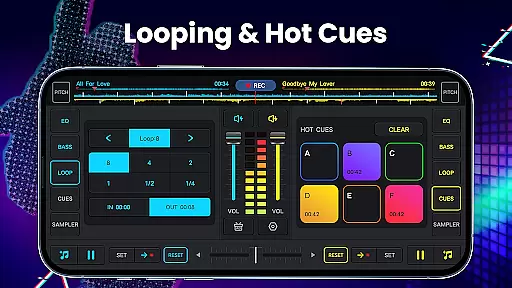
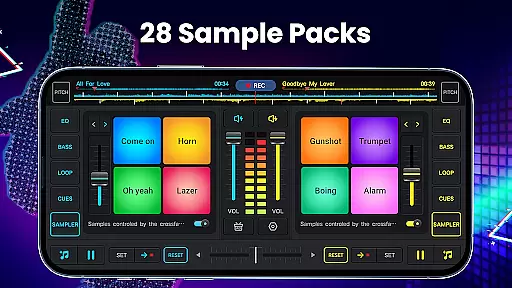
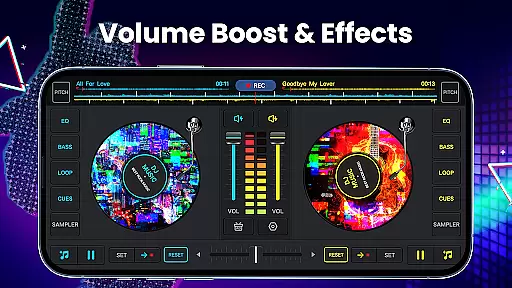
DJ Music Mixer - DJ Mix Studio is a feature-rich music production app that allows users to create professional-quality mixes using their mobile devices. The app provides an intuitive interface with two virtual turntables, a real crossfader, and the ability to set up to 6 Hot Cues on each deck. With its powerful mixing tools, DJs can seamlessly blend tracks, adjust EQ levels, and apply various sound effects.
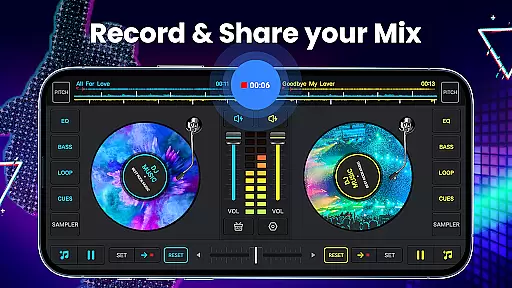
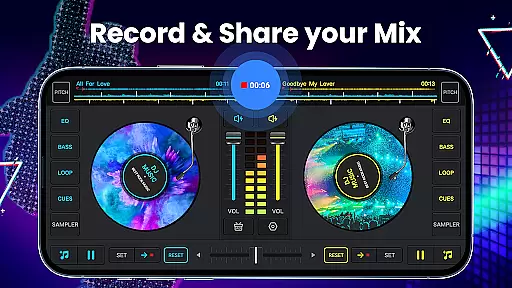
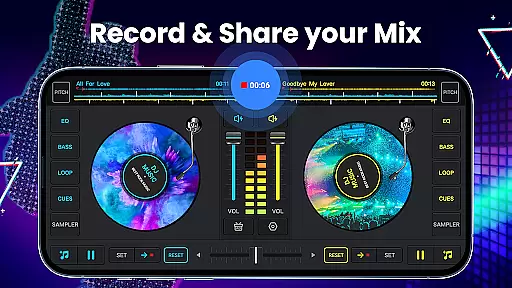
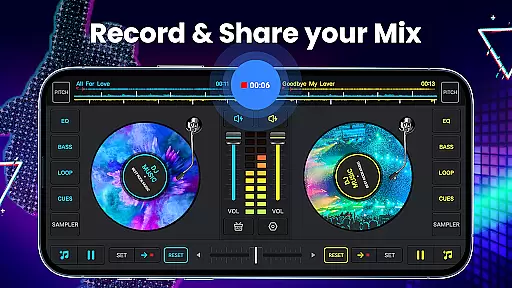
Designed for both novice and experienced DJs, this app includes advanced features like a five-band equalizer, bass booster, and pitch control. Users can access all music stored on their device, create playlists, and even record their mixes in high-quality MP3 format. Whether preparing for a live set or creating custom beats in the studio, DJ Music Mixer offers the essential tools needed to produce impressive audio content.
This versatile application is particularly useful for mobile DJs who need a portable solution for creating and testing mixes on-the-go. The app's optimized performance ensures smooth operation across different devices, making it an ideal choice for both practice sessions and professional performances.
The app stands out with its comprehensive set of DJing tools and features. At its core, DJ Music Mixer provides two virtual turntables with a professional-grade crossfader, allowing for smooth transitions between tracks. The app supports complex looping options ranging from 1/64 to 128 beats, giving users precise control over their mixes. Additionally, the built-in sample packs include 28 free sound effects such as gunshots, booms, and scratches, enhancing creative possibilities.
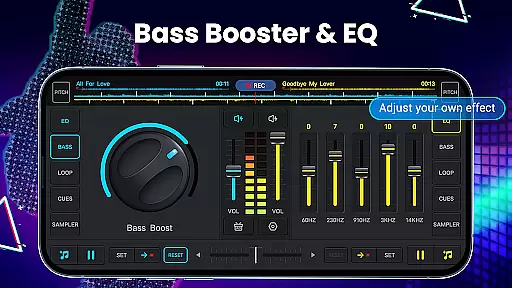
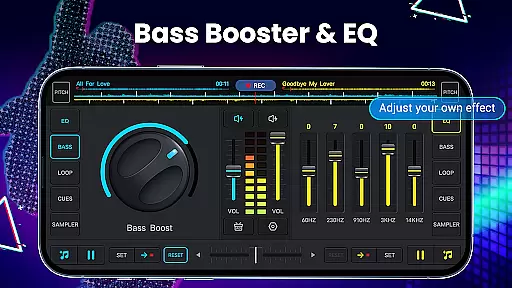
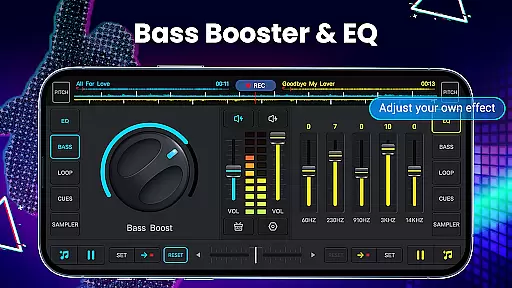
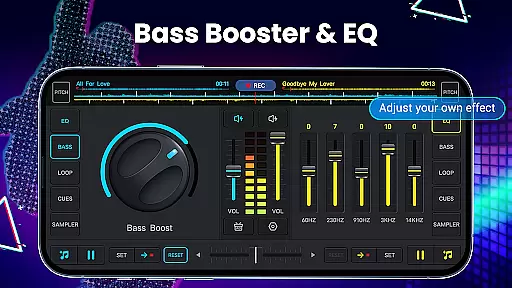
Advanced audio manipulation capabilities are another key aspect of this app. The five-band equalizer and bass boost feature enable detailed sound shaping, while the adjustable pitch and volume controls allow for perfect synchronization of tracks. The app also includes a high-quality audio recorder that captures mixes in MP3 format, preserving the quality of original recordings. Furthermore, the wide audio spectrum and optimized beat detection system help maintain consistent rhythm throughout performances.
What sets DJ Music Mixer apart is its user-friendly design combined with professional-grade features. The app's interface provides quick access to essential functions, while still offering deep customization options for more experienced users. From basic mixing to advanced sound design, this application caters to different skill levels and musical styles, making it a valuable tool for anyone interested in digital DJing.
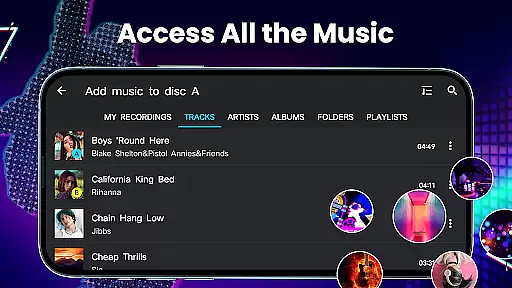
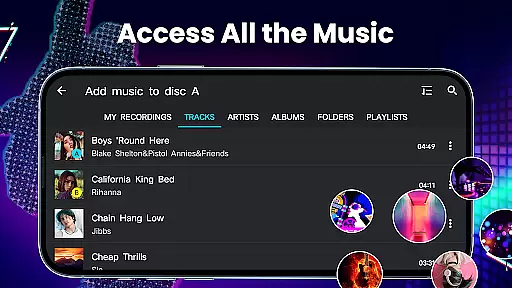
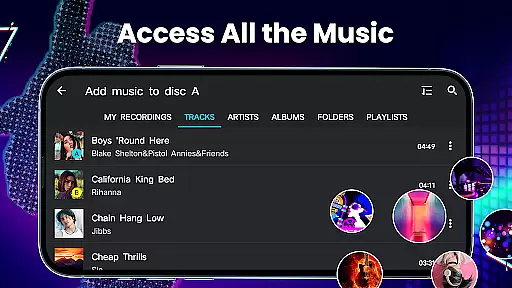
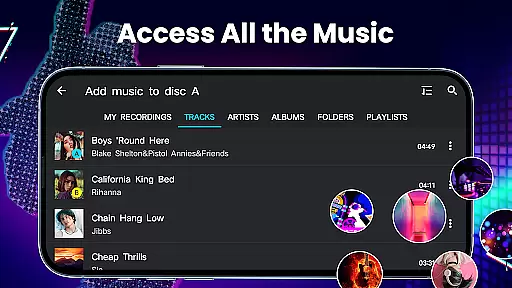
DJ Music Mixer - DJ Mix Studio offers an extensive music library that allows users to access all the music stored on their devices from TRACKS, ARTISTS, ALBUMS, and FOLDERS. This vast selection ensures that DJs have a wide range of songs at their disposal for creating unique mixes.
The app emphasizes copyright authenticity by enabling users to work with their legally acquired music tracks. By using personal music libraries, it avoids copyright infringement issues while providing high-quality audio mixing capabilities.
With features like adding music to playlist libraries for easy importing, DJs can efficiently organize their collections. The ability to manipulate music by adding sound effects and using equalizers further enhances the creative possibilities within legal boundaries.
This approach not only respects intellectual property rights but also encourages creativity by allowing users to experiment with different genres and styles using their own music collections.
Audio quality is paramount in DJ Music Mixer - DJ Mix Studio, which provides advanced audio features such as a five-band equalizer and bass boost. These tools allow users to fine-tune the sound output, ensuring professional-grade audio quality during performances or practice sessions.
The app supports high-quality uninterrupted DJ songs with adjustable mix volume and pitch settings. This flexibility enables precise control over how tracks blend together, maintaining clarity and depth throughout transitions.
Additionally, HD recording of mixes and scratch routines in .mp3 format guarantees that recordings retain excellent sound fidelity. Users can record their mixes using either the microphone or internal audio on Android 10 devices, capturing every nuance of their performance.
By prioritizing superior audio quality options, DJ Music Mixer - DJ Mix Studio empowers both novice and professional DJs to produce polished, studio-quality mixes that meet industry standards.
User-friendly interface
Professional-grade tools
Wide range of effects
High-quality recording
Cross-platform support
Limited free features
Occasional bugs
Steep learning curve
Ads in free version
Storage intensive

Make music anywhere. Turn your device into an instrument.
 4.2
4.2
The Skullcandy App Experience
3.20
The alternative folder based music player.
4.20
Voice recorder - Audio recorder. Best recorder for recording
4.90
The official Sonos app
4.10
The Minimalistic Premium Music Player. Handmade with passion for music
2.20
Learn the notes on the guitar fretboard fast with this easy and fun app
4.60
One-tap booster for max volume - enjoy powerful sound with this audio booster
4.50
Play your music offline without limits
4.80
Simple & Intuitive Metronome
4.70
Ultimate Sonos Controller
4.70
Offline Music Player&MP3 Player with themes, equalizer, lyrics, music play mode
4.60
10-Band Audio Equalizer, Sound / Bass Booster for Spotify Users & Music Players
4.40
Powerful 10-Band equalizer pro with sound booster improves Android audio quality
4.30
Master Salsa Rhythm quickly and with a lot of fun!
4.30
PowerAudio is a powerful offline music player.
4.20
Turn your Android phone into a professional audio analyser with up to 120 bands.
4.00
Background pads for your band
3.80
Simple mp3 and mp4 player with advanced features.
3.40


User Reviews