
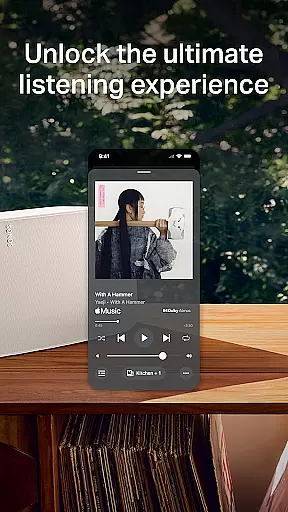
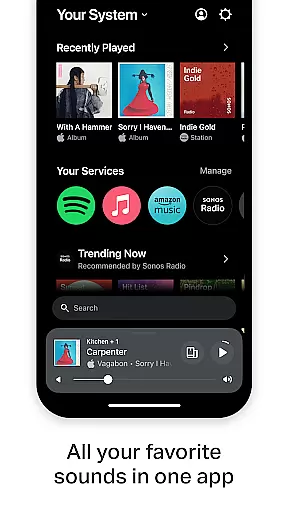
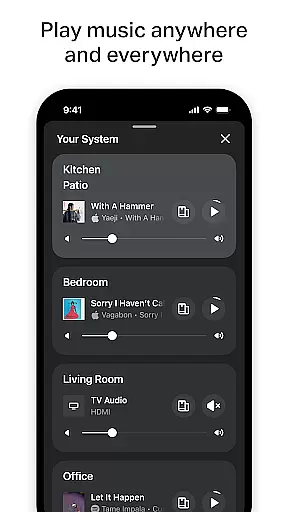
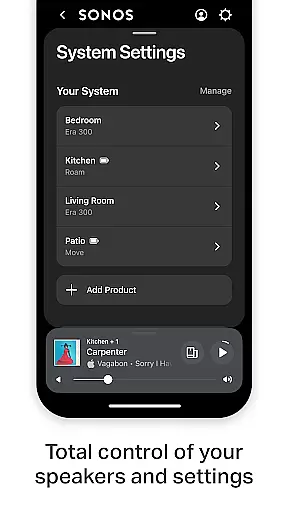
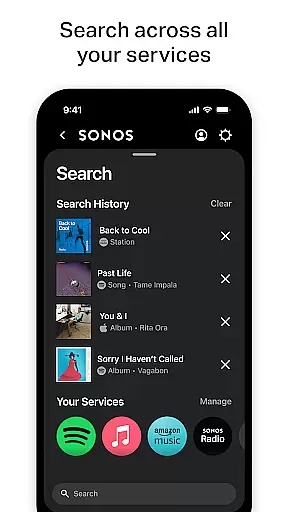
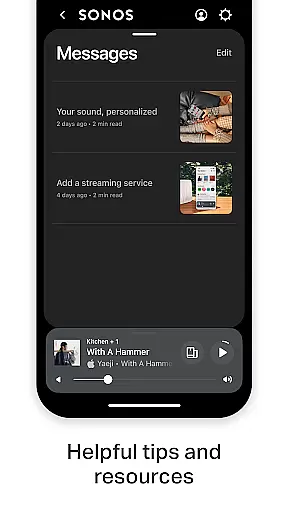
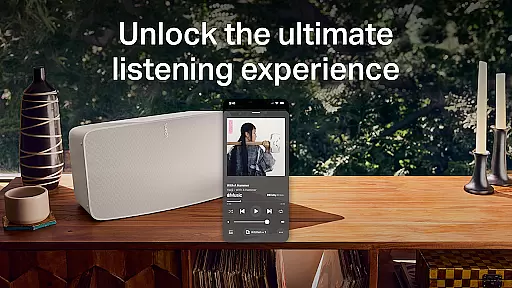
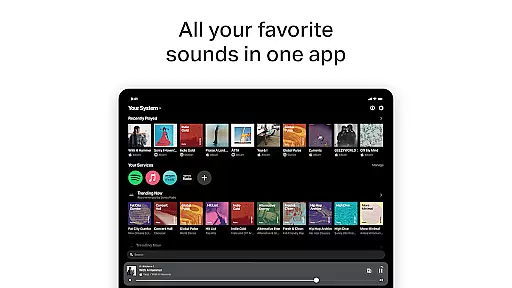
Sonos is a premier music and audio control application designed to seamlessly integrate with Sonos products for an unparalleled listening experience. The app consolidates all your content and settings into one intuitive interface, allowing effortless management of your entire Sonos ecosystem.
With features like Whole-Home Control, users can play different audio in each room or synchronize the same track throughout the house. The app supports major streaming services including Spotify, Apple Music, and Amazon Music, offering streamlined access to your favorite sounds. Additionally, personalized listening options enable users to curate their ultimate music library by saving preferred artists, albums, playlists, and stations.
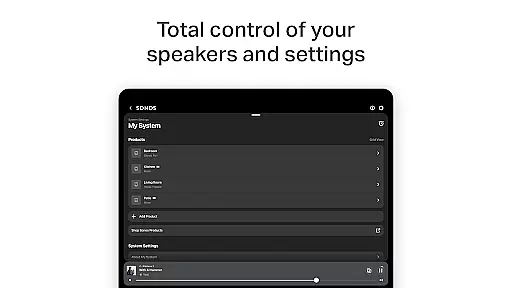
The Sonos app also simplifies product setup and customization, detecting devices automatically and guiding users through a few taps to achieve incredible sound quality. Fine-tuning options like Trueplay™ ensure optimal audio performance tailored to your space. Whether setting up a stereo pair or a surround sound system, Sonos delivers a user-friendly experience that enhances how you enjoy music at home.
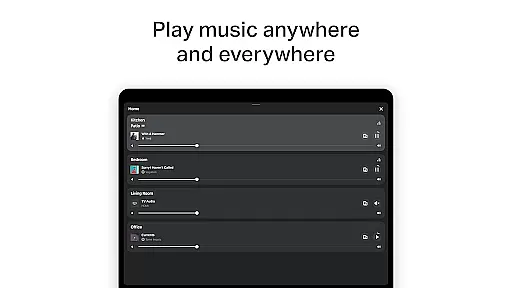
The Sonos app boasts a range of sophisticated features designed to elevate your audio experience. One standout capability is its Whole-Home Control functionality, which allows users to manage audio playback across multiple rooms effortlessly. You can choose to play different tracks in each area or synchronize the same music throughout your home, providing flexibility and convenience.
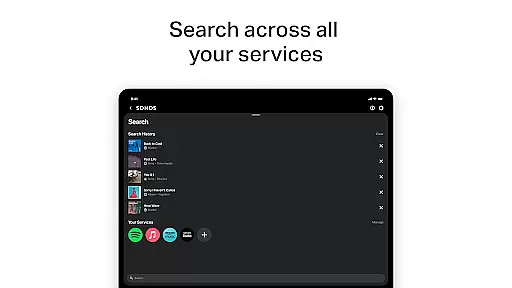
Another key feature is its extensive integration with leading streaming services such as Spotify, Apple Music, Amazon Music, Pandora, TIDAL, Audible, Deezer, iHeartRadio, and SiriusXM. This unified platform eliminates the need to switch between apps, streamlining your access to diverse content from a single interface. Additionally, the Personalized Listening feature lets users save their go-to artists, albums, playlists, and stations to Sonos Favorites, creating a customized music library that adapts to individual preferences.
For those focused on optimizing sound quality, the app includes advanced settings like Trueplay™ tuning, which adjusts speaker output based on room acoustics. Easy Setup ensures that adding new Sonos products or configuring systems like stereo pairs or surround sound setups is straightforward and efficient. These features collectively enhance both usability and enjoyment, making Sonos a top choice for audiophiles seeking refined control over their listening environments.
When it comes to digital music platforms, the size and authenticity of the music library are crucial factors for users. Sonos app excels in this aspect by offering an extensive collection from various streaming services like Spotify, Apple Music, Amazon Music, and more.
The application consolidates these sources, giving users access to millions of tracks, albums, and playlists all within a single interface. This vast aggregation ensures that listeners can find exactly what they're looking for, whether it's the latest hits or niche genres.
Moreover, Sonos is committed to providing content that respects copyright laws. By partnering with legitimate streaming services and content providers, the app guarantees that all music is properly licensed and legal to stream. This not only supports artists but also provides peace of mind to users who want to enjoy their music lawfully.
For audiophiles and casual listeners alike, having such a comprehensive and lawful music selection at their fingertips enhances the overall listening experience, making Sonos a top choice for managing your audio entertainment needs.
Audio quality is a significant aspect that defines any music platform's performance, and Sonos app stands out by offering superior audio quality options. The app supports high-quality streaming formats which ensure that every note and beat is captured with precision.
Users have the flexibility to adjust audio settings according to their preferences or equipment capabilities. Whether using standard speakers or high-end sound systems, Sonos optimizes playback quality to match the hardware being used.
In addition to supporting various audio formats, Sonos incorporates advanced technologies like Trueplayu2122 tuning. This feature allows for fine-tuning products based on the acoustics of a room, resulting in an optimized auditory experience tailored specifically to each space.
With these sophisticated audio quality options, Sonos delivers an unparalleled listening experience that satisfies even the most discerning ears, ensuring every track sounds as good as its creators intended.
Intuitive interface
Wide service compatibility
Whole-home audio control
Personalized music library
Easy product setup
Limited offline functionality
Premium subscription required
Device-specific compatibility
Occasional connectivity issues
Higher cost for hardware

Time Guru will strengthen your internal sense of musical time via random muting.
 4.30
4.30
Formerly known as Spotistats! View your top tracks, artists, albums and more!
4.40
Performance-Synthesizer & Multi-Track-Sequencer, polyphonic + multi timbral!
4.70
Taal player that lets you sing any Indian & Western song with Tabla & Tanpura
4.60
Ultimate Sonos Controller
4.70
Guzheng Master supports many playing techniques as an acoustic Guzheng
4.50
24,000 free audio books and no ads!
4.90
The original SP-1200 experience on your iPad
4.20
Sheet music reader, piano & music note player. Play music score & learn to read.
3.90
Over 100 million tracks available for high quality streaming and download
4.60
Network/Cloud Streaming, Visualization, Graphic Equalizer and Sound Effects.
4.20
The alternative folder based music player.
4.20
No wifi music app. Mp3 offline. Tuner radio, young radio music. Music downloader
4.20
PowerAudio is a powerful offline music player.
4.20
Permanently backup Now Playing. Maps, filters & listening stats.
4.00
Powerful beat maker & DJ mixer to remix tracks, make music, & perform DJ mix
3.70
The iconic iOS metronome app is now on Android.
3.70
The Cubase remote control app
3.60
The Skullcandy App Experience
3.20


User Reviews