
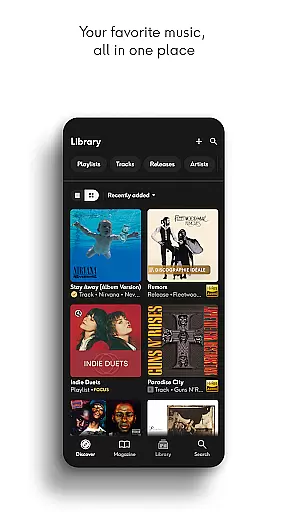
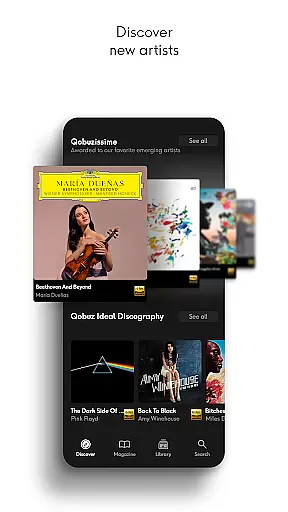
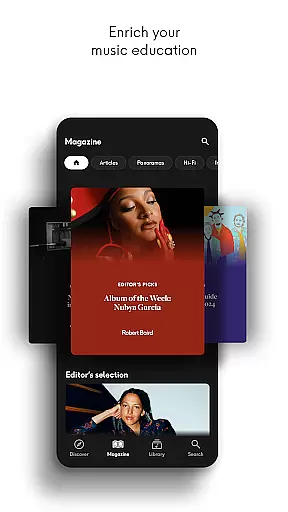
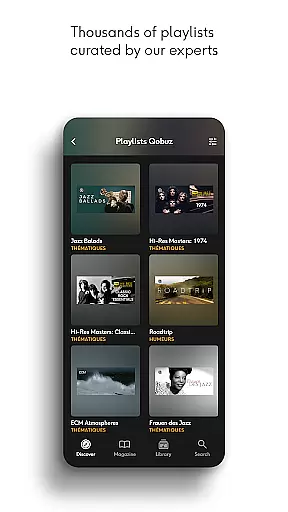
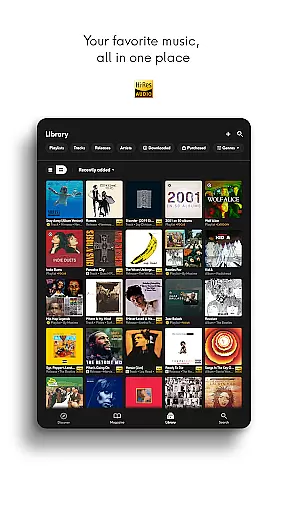
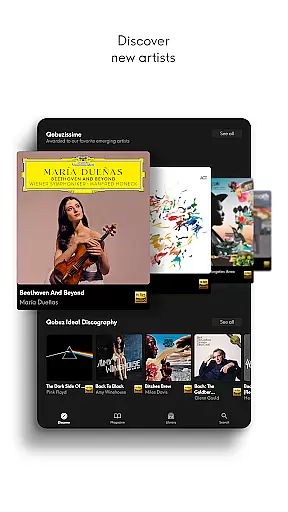
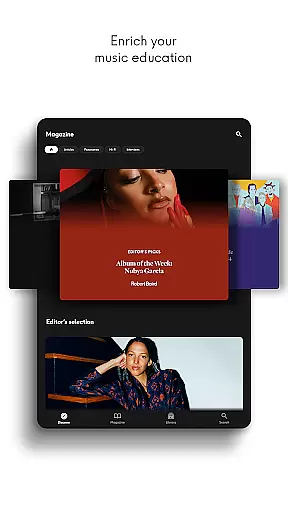
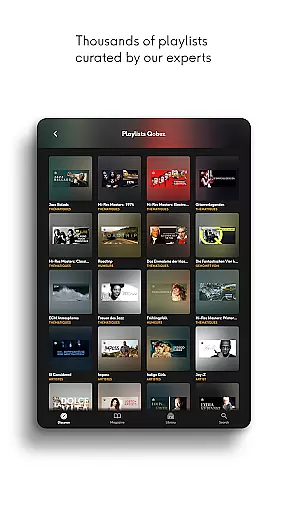
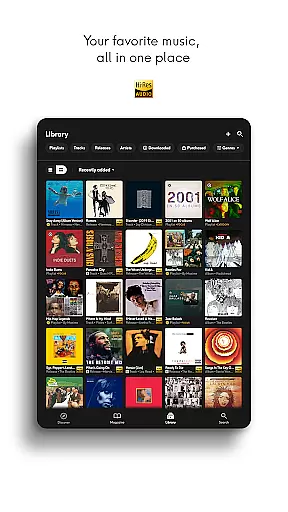
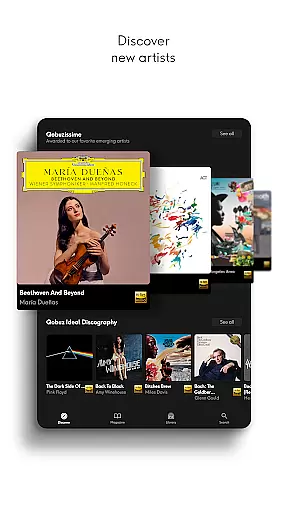
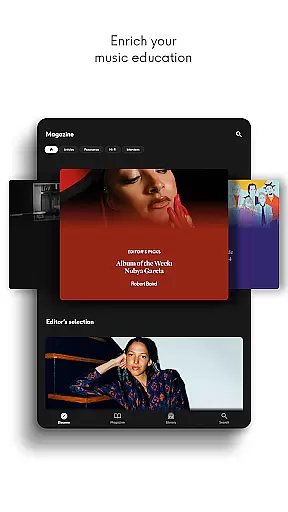
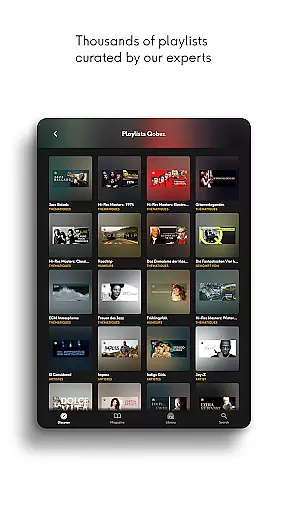
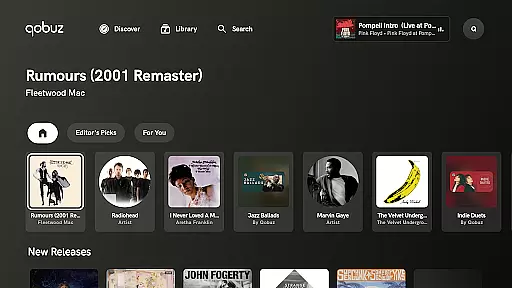

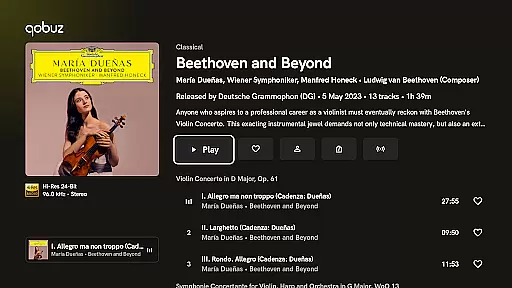
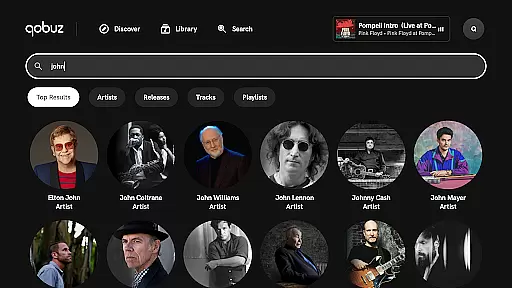
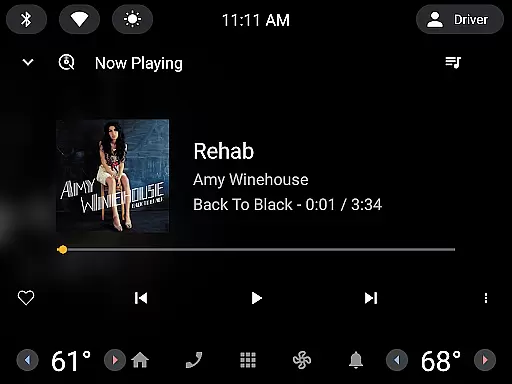
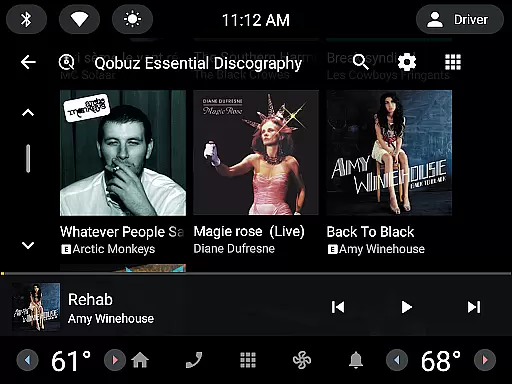
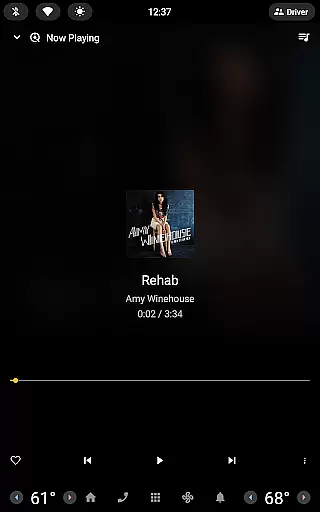
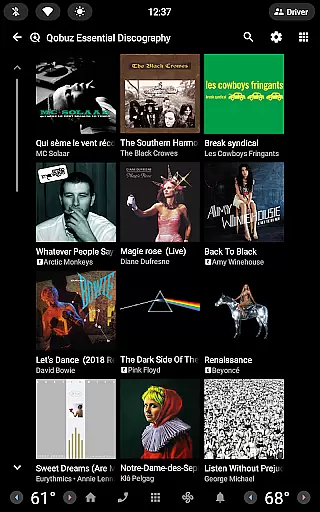
Qobuz offers an exceptional music streaming experience with a focus on high-quality audio and expert curation. The app provides access to over 100 million tracks in high resolution and CD quality, alongside hundreds of thousands of editorial articles and human-curated playlists across various genres.
With features like offline mode, background playback, and compatibility with Hi-Fi equipment, Qobuz ensures users can enjoy uninterrupted, studio-quality music anytime, anywhere. Its unique editorial content enriches users' music knowledge while offering latest news, artist interviews, and deep dives into albums or genres.
Whether you're an audiophile seeking lossless audio or a casual listener looking for curated recommendations, Qobuz caters to diverse musical tastes and enhances the overall listening experience through authenticity and depth.
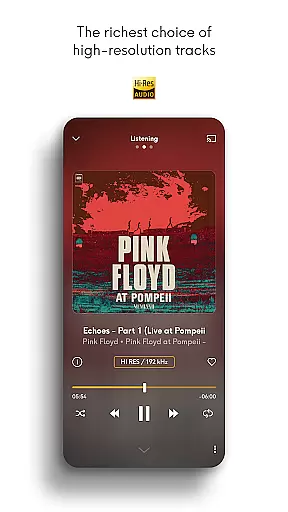
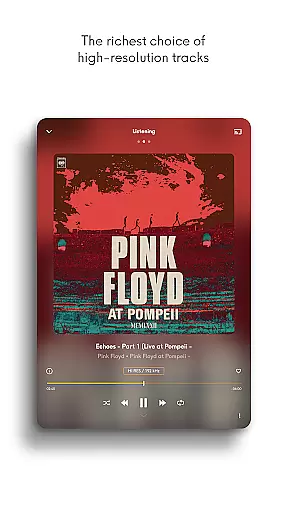
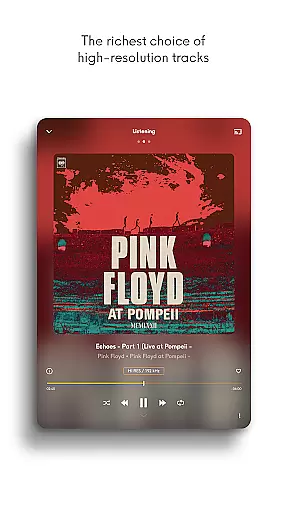
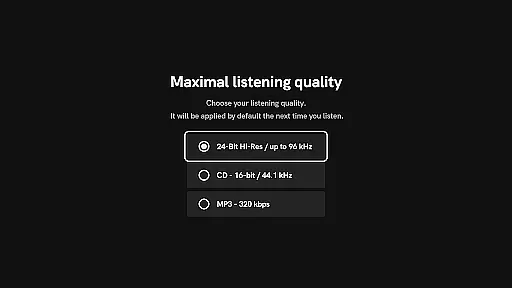
Qobuz stands out with its comprehensive feature set tailored for music enthusiasts. It supports FLAC 16-Bit/44.1 kHz (CD quality) and Hi-Res 24-Bit encoded sound up to 192 kHz, delivering unparalleled audio fidelity that captures every detail of the original recording.
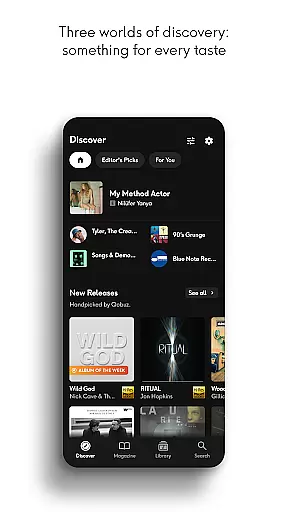
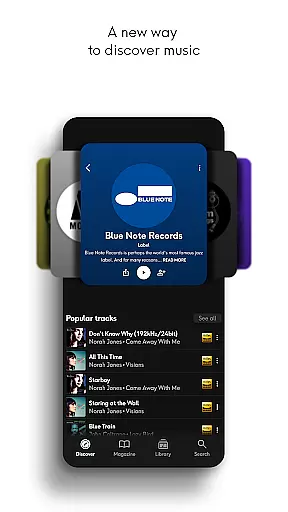
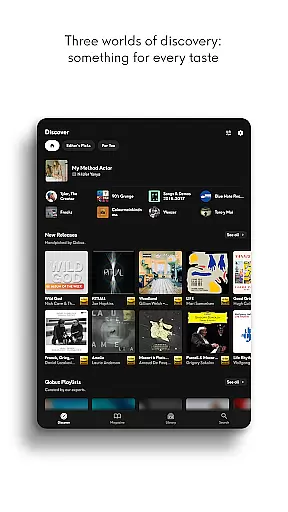
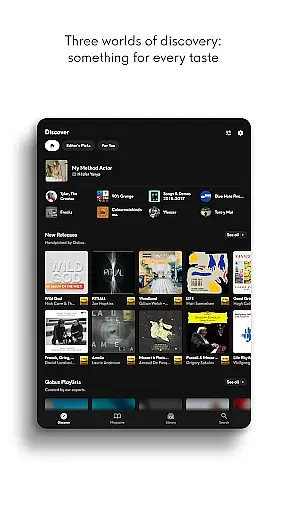
The Discover page simplifies exploration with improved navigation, dedicated search bars, and instant access to recent articles via widgets. Exclusive editorial content such as artist interviews, news articles, and genre-specific panoramas provide rich context to enhance your appreciation of music.
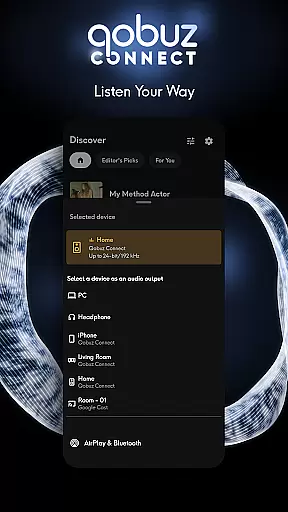
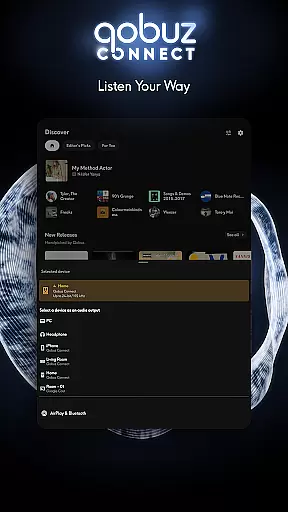
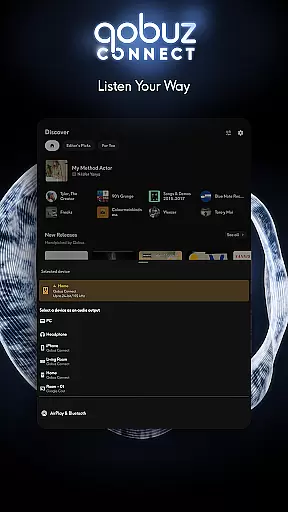
Additionally, Qobuz Connect allows seamless integration with Hi-Fi devices without compromising quality. Users can also transfer playlists from other platforms using Soundiiz, ensuring a smooth transition while maintaining their favorite tracks and preferences.
Qobuz offers an extensive music library with over 100 million tracks available in high resolution and CD quality. This vast collection ensures that users have access to a wide variety of music genres, from classical to contemporary hits.
The platform is committed to copyright authenticity, providing users with legally acquired music. Each track is sourced directly from the studio, ensuring that artists and rights holders are properly compensated for their work.
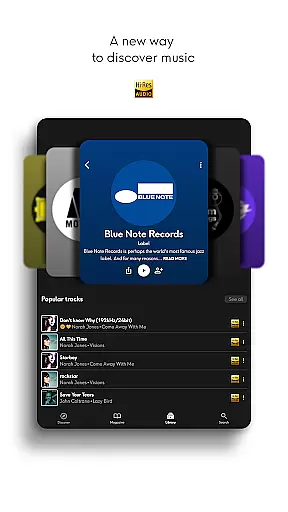
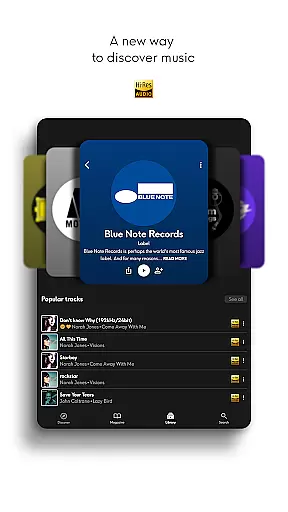
With Qobuz, users can enjoy exclusive editorial content including articles, interviews, and reviews written by experts. This not only enriches the listening experience but also supports the music industry by promoting accurate and authoritative information.
Qobuz stands out for its exceptional audio quality options, offering music in lossless/CD quality (FLAC 16-Bit/44.1 kHz) and Hi-Res quality (24-Bit encoded sound up to 192 kHz). This guarantees an unparalleled listening experience, capturing every detail of the original recording.
The platform's dedication to high-quality audio is evident in its support for various high-end audio equipment. Whether using wireless listening devices like Chromecast and Airplay or premium Hi-Fi systems, Qobuz ensures that sound reproduction remains pristine.
Additionally, Qobuz provides digital booklets with liner notes and album details, enhancing the educational aspect of music listening. Users can explore new and iconic artists while enjoying superior sound quality, making it a top choice for audiophiles and music enthusiasts alike.
High-quality audio streaming
Extensive music library
Expert-curated playlists
Unique editorial content
Hi-Fi equipment compatibility
Premium subscription required
Limited free trial period
Interface may overwhelm beginners
Heavy data usage for Hi-Res streams
Fewer mainstream pop songs

Listen to live FM radio stations, sports, music and news on global radios online
 4.70
4.70
Simple & Intuitive Metronome
4.70
Music Streaming suite for Ampache, Nextcloud Music and compatible backends.
4.5
Offline Music Player&MP3 Player with themes, equalizer, lyrics, music play mode
4.60
Play KORG’s revolutionary touch-based instrument on a variety of devices.
4.40
Offline Tunes, Unlimited Vibes
3.90
Sing, record, and create music together — enhanced by smart voice tools.
4.00
Turn Every Moment into Music
3.60
Be a true music maker: create beats, mix and make music like a real DJ!
4.30
Full-featured, High-Quality Groovebox Workstation, perfect for Live Performance!
4.80
Walkout Song DJ is the most intuitive app to manage your sports music.
4.70
Guzheng Master supports many playing techniques as an acoustic Guzheng
4.50
Bass Booster Pro takes auto-equalizing to the next level!
4.30
No wifi music app. Mp3 offline. Tuner radio, young radio music. Music downloader
4.20
Turn your Android phone into a professional audio analyser with up to 120 bands.
4.00
Slow music down without changing pitch.
3.70
Control your MIDI USB or Bluetooth devices in app and avoid some trampling
3.30
MilkDrop for Android TV
3.00
Simply convert wav to mp3. Clear. Reliable. Safe.
4.2


User Reviews