
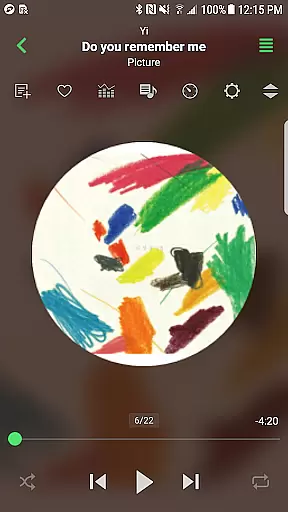
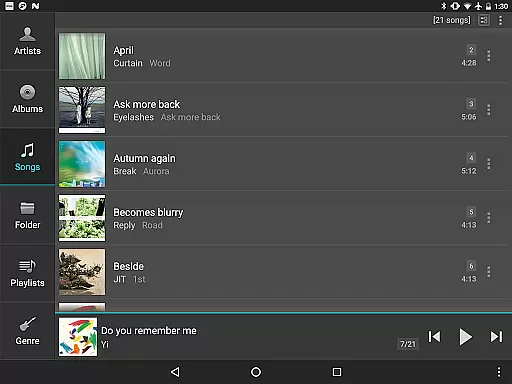
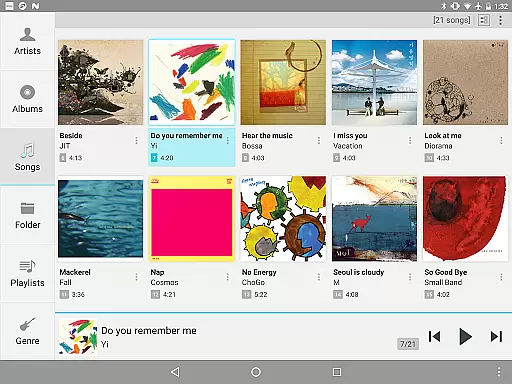
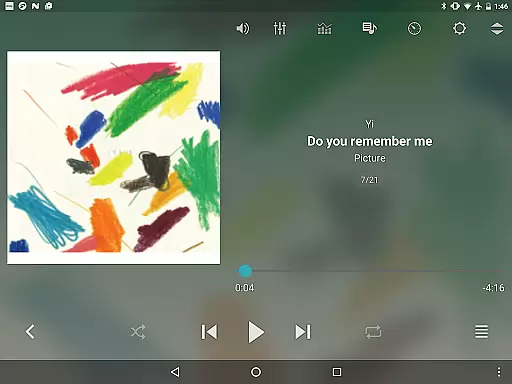
jetAudio+ Hi-Res Music Player is a premier audio solution for Android users, offering an extensive range of high-quality sound effects and playback enhancements. This app stands out with its ability to support a vast array of digital music file formats, from common ones like MP3 and WAV to more specialized types such as FLAC and OGG.
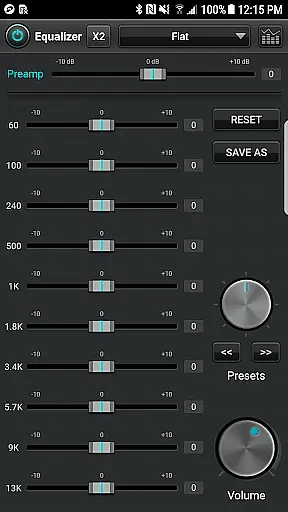
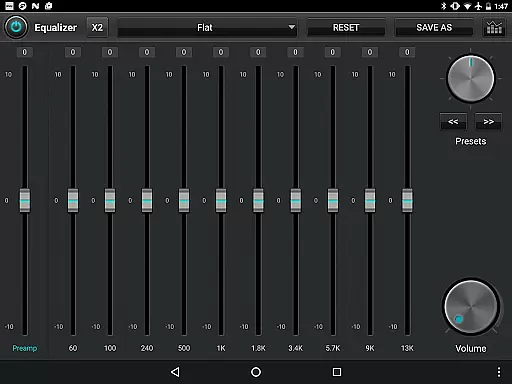
Beyond just playing music, jetAudio provides an immersive experience through advanced features like 20-band graphic equalizers, pitch shifters, and AGC to ensure consistent volume levels across tracks. Users can also enjoy streaming capabilities from local network shared folders or cloud services like Google Drive and Dropbox.
Ideal for audiophiles and casual listeners alike, this app caters to those who demand superior audio fidelity and customizable listening experiences on their mobile devices.
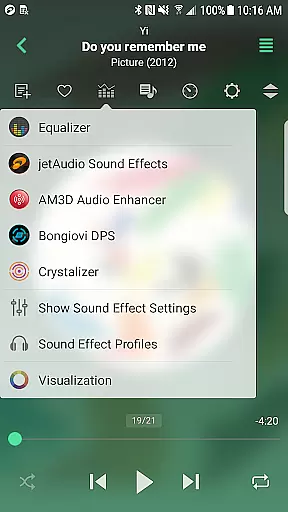
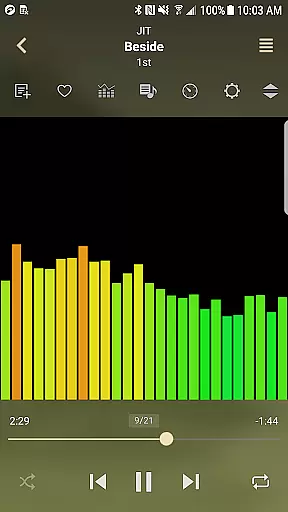
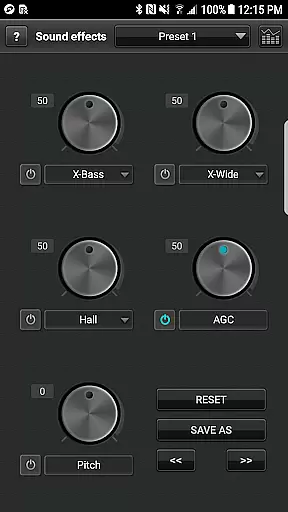
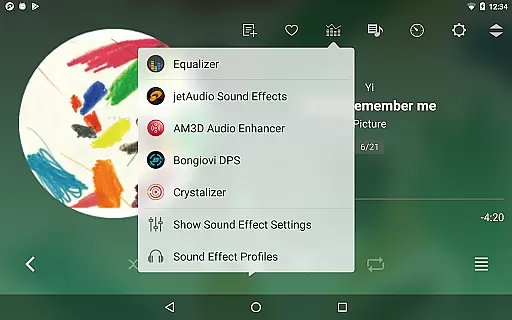
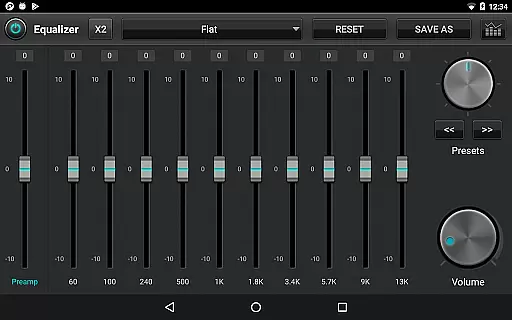
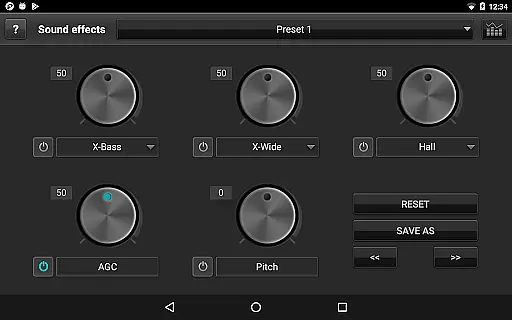
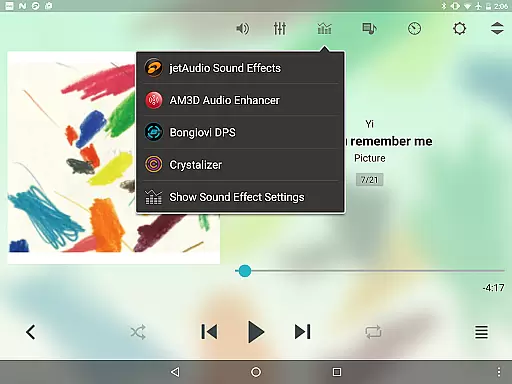
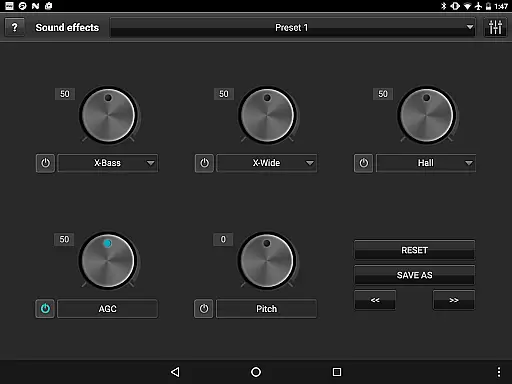
One of the key highlights of jetAudio+ is its comprehensive suite of sound customization tools. The app includes multiple sound effects such as X-Wide, Reverb, and X-Bass, alongside a powerful 20-band graphic equalizer that allows precise audio tuning tailored to individual preferences.
Additionally, jetAudio+ supports high-resolution audio playback and offers unique functionalities like MIDI playback using the jetAudio WaveTable MIDI synthesizer engine. With added conveniences such as adjustable playback speed control, crossfading, and gapless playback, users can enjoy uninterrupted, high-quality music sessions.
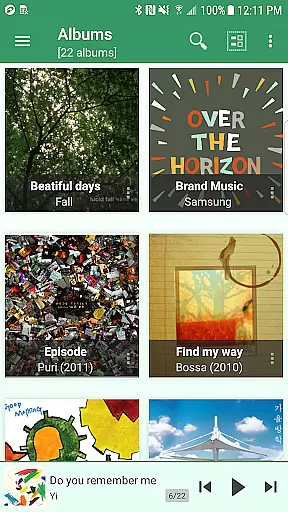
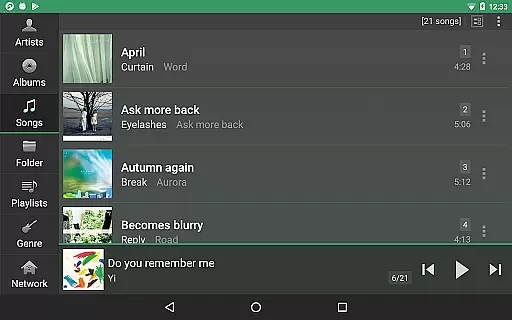
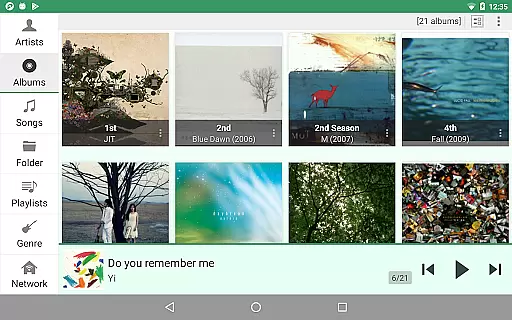
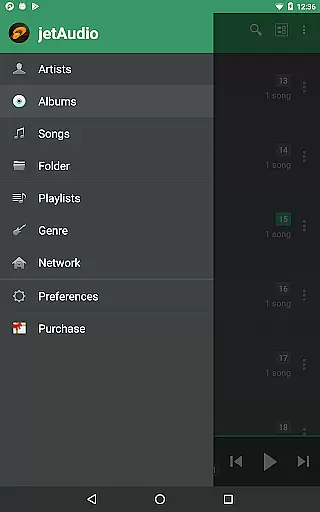
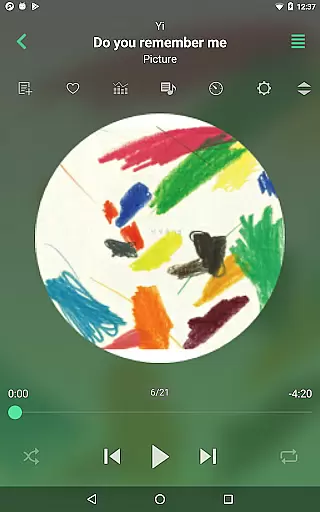
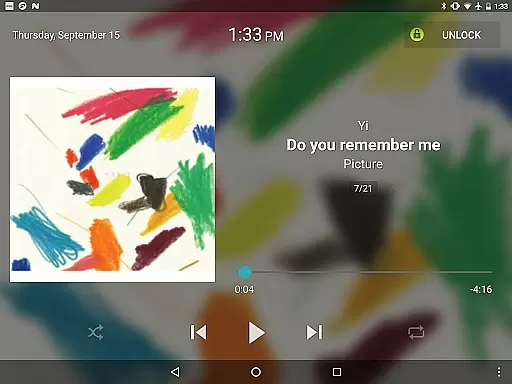
The inclusion of various lock screens, grid modes for browsers, and app widgets further enhances user interaction and accessibility, making it a versatile choice for managing and enjoying your music library.
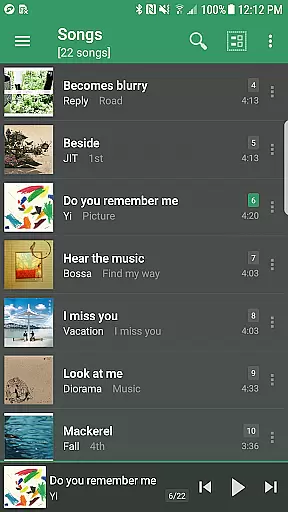
jetAudio+ Hi-Res Music Player offers an extensive music library that supports a wide range of audio formats including MP3, WAV, FLAC, and OGG. This ensures users have access to high-quality sound across various file types.
The application guarantees copyright authenticity by enabling playback of legally purchased and downloaded music files. Users can be confident in the legitimacy of their audio content while enjoying lossless quality sound.
With compatibility for cloud services like Google Drive and Dropbox, jetAudio allows seamless streaming of your personal music collection stored in the cloud. This feature enhances accessibility without compromising on legal integrity.
Additionally, the inclusion of advanced features such as 20-band graphic equalizers and tag editing for multiple formats underlines its commitment to delivering a rich, customizable listening experience within legal means.
One of the standout features of jetAudio+ is its superior audio quality options. The app provides various sound effects such as Wide, Reverb, and X-Bass which enhance the listening experience significantly.
Users can customize their sound experience further with a 20-band graphic equalizer available in the Plus version. This allows for precise adjustments tailored to individual preferences or specific music genres.
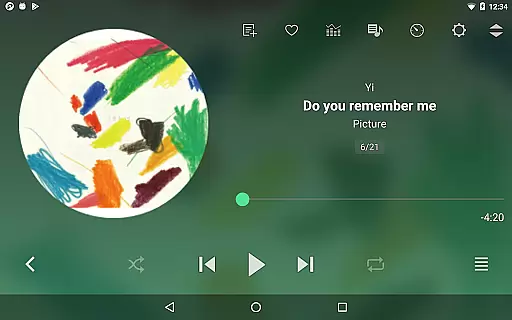
In addition to standard playback controls, jetAudio+ includes sophisticated functions like pitch-adjusted speed control from 50% to 200%, crossfading between tracks, and AGC to maintain consistent volume levels throughout different songs.
These comprehensive audio tools ensure that whether you're enjoying classical symphonies or modern electronic beats, jetAudio+ delivers unparalleled clarity and depth through meticulously crafted audio settings.
High-quality sound output
Wide format compatibility
Advanced equalizer settings
Cloud integration
Customizable interface
Paid version required
Some features locked
Advertisements in free version
Complex for beginners
Occasional bugs reported

Turn your phone into a musical instrument from the future!
 3.90
3.90
VB-AUDIO Software / VBAN-Receptor allows listening to any VBAN Streams
4.10
A High-Precision Audio Spectrum Analysis App
4.20
The ultimate media player for Android devices
3.90
Voice recorder - Audio recorder. Best recorder for recording
4.90
Smart piano keyboard, Classical to Pop, Real-time multiplayer connection!
4.20
Turn Every Moment into Music
3.60
Uninterrupted Tunes, Unmatched Vibes
3.90
Be a true music maker: create beats, mix and make music like a real DJ!
4.30
Offline Music Player&MP3 Player with themes, equalizer, lyrics, music play mode
4.60
AI Music Maker: Generate And Compose AI Tunes & AI Songs & AI Music & AI Melody!
4.60
DJ Music Mixer - DJ Remix: remix songs, make beat music & record mix of DJ.
4.40
Ringtone Maker is free app create ringtone from music files or your recording.
4.40
Time Guru will strengthen your internal sense of musical time via random muting.
4.30
Turn your Android phone into a professional audio analyser with up to 120 bands.
4.00
Offline Tunes, Unlimited Vibes
3.90
The Cubase remote control app
3.60
Make music anywhere. Turn your device into an instrument.
4.2
Music Streaming suite for Ampache, Nextcloud Music and compatible backends.
4.3


User Reviews