
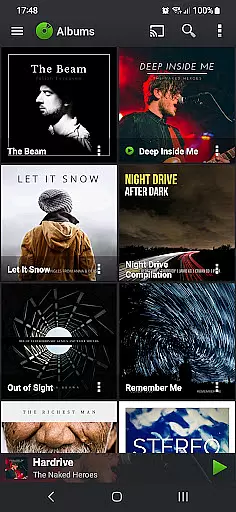
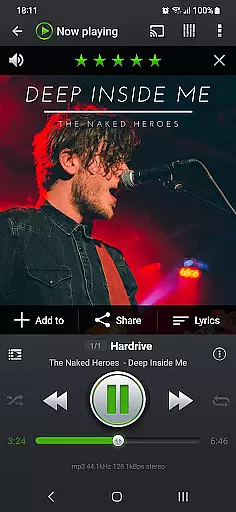
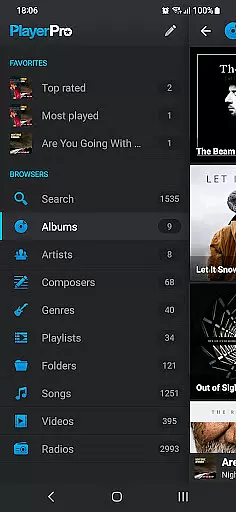
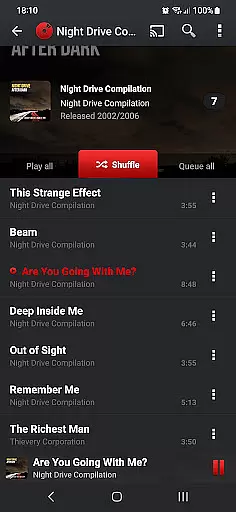
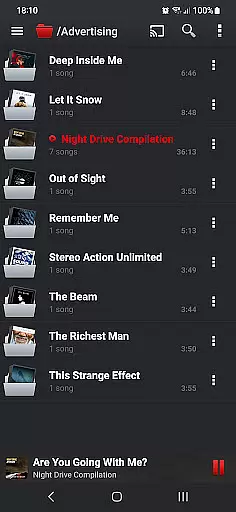
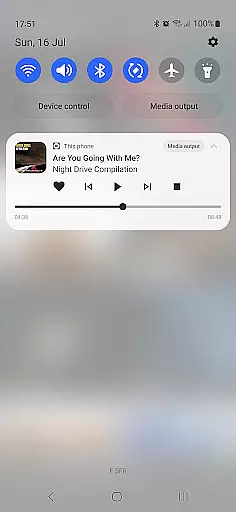
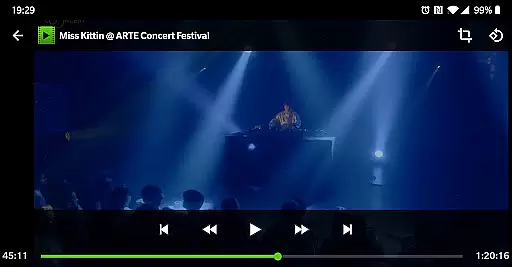
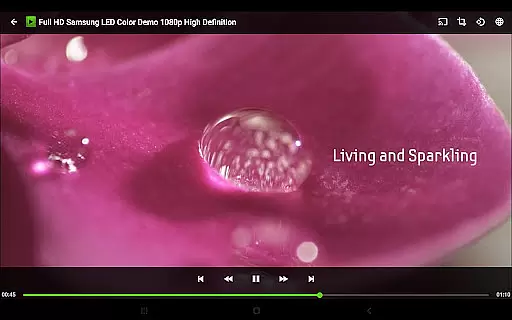

PlayerPro Music Player (Pro) is a premium music and video player for Android devices, offering an advanced audio experience with a sleek interface. It supports multiple browsing methods including albums, artists, genres, and playlists, while providing powerful audio configuration options.
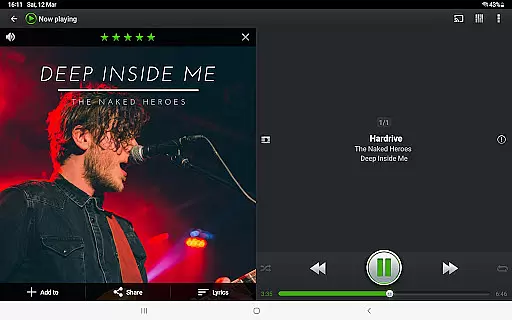
The app stands out with its extensive customization features such as skins, DSP plugins, and lock screen widgets. Users can enjoy gapless playback, lyrics viewing, and ID3 tag editing. With support for Android Auto and Chromecast, it ensures a versatile listening experience across devices.
Ideal for audiophiles, this app allows streaming to compatible devices and offers professional-grade DSP effects. The ability to customize every aspect of the user interface makes it perfect for users seeking both functionality and personalization in their music player.
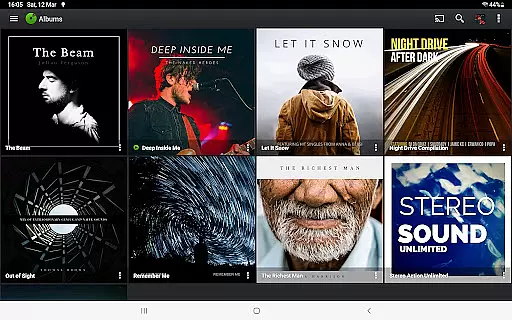
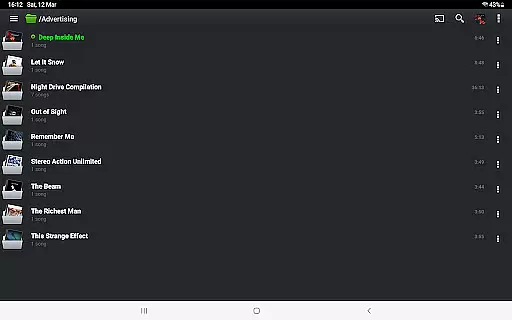
PlayerPro Music Player (Pro) boasts an array of sophisticated features designed for music enthusiasts. The app provides multiple browsing modes including album artwork display and various view layouts like Grid or List views, allowing users to tailor their navigation experience.
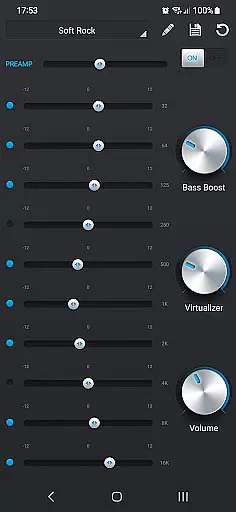
Advanced functionalities include ID3 tag editing in batch mode, supporting numerous audio formats and tag fields. The app also offers default audio effects like a 5-band equalizer with presets, stereo widening, and reverb effects. For enhanced audio quality, users can download a free DSP plugin featuring high-res audio support and more precise controls.
Smart playlists, music statistics tracking, and Google Drive backup/restore are among the organizational tools available. Additional conveniences include sleep timer with fade out, voice search compatibility, and comprehensive headset support with customizable actions.
PlayerPro Music Player offers an extensive music library that supports all major audio formats including MP3, FLAC, and WAV. This ensures users can access a vast range of music without compatibility issues.
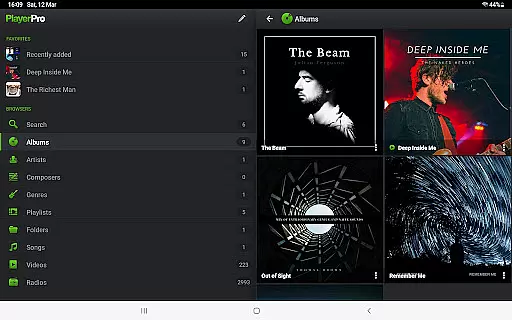
The app allows browsing and playing music in multiple ways such as by albums, artists, genres, and playlists. This organization helps users manage large libraries with ease while maintaining accurate metadata for proper categorization.
In terms of copyright authenticity, PlayerPro respects ID3 tags and embedded artwork within music files. Users can confidently source their music knowing the app supports legitimate purchases from various platforms.
Additionally, the app provides advanced ID3 tag editing features in both single and batch modes. This functionality empowers users to maintain accurate music information across their entire library, enhancing both organization and legal compliance.
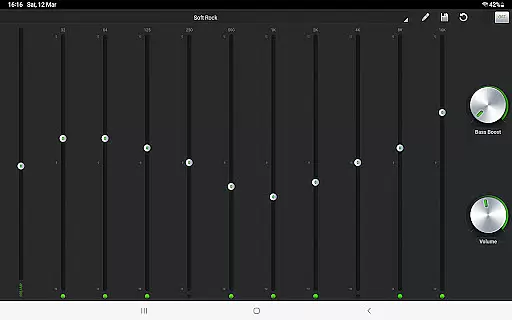
PlayerPro stands out with its robust audio configuration options designed to enhance listening experiences. The app includes a default 5-band graphic equalizer with 15 presets, allowing users to customize sound profiles according to their preferences.
For audiophiles seeking higher fidelity, PlayerPro offers a free DSP plugin. This professional-grade plugin supports high-resolution audio up to 32-bit/384kHz and includes a 10-band equalizer with additional controls like pre-amp and stereo widening.
Advanced audio effects such as reverb, bass boost, and volume control are readily available. These features ensure optimal sound quality regardless of the playback device or environment.
Furthermore, gapless playback and automatic/manual crossfade options cater to listeners who demand seamless transitions between tracks. Such meticulous attention to audio detail demonstrates PlayerPro's commitment to delivering premium sound quality.
Highly customizable UI
Extensive audio format support
Powerful equalizer settings
Batch editing of ID3 tags
Chromecast compatibility
Paid application
Complex for beginners
Occasional bugs reported
Heavy on system resources
Limited free plugin availability

Time Trainer: accurate metronome w tools to help you develop your internal time!
 4.20
4.20
Ultimate Sonos Controller
4.70
Guzheng Master supports many playing techniques as an acoustic Guzheng
4.50
USB audio recording and playback finally possible on Android 3.1 or higher!
3.90
The best music and audio player, with beautiful UI, music search and equalizer.
4.60
Play KORG’s revolutionary touch-based instrument on a variety of devices.
4.40
The iconic iOS metronome app is now on Android.
3.70
Turn Every Moment into Music
3.60
Customize Your Favorite Songs and Videos with booster.
4.70
Your song collections with lyrics and chords on Android smartphones and tablets.
4.80
SqueezePlayer turns your Android phone or tablet into a SqueezeBox on its own!
4.60
A complete sound package for the sound engineer or enthusiast
4.60
Bass Booster Pro takes auto-equalizing to the next level!
4.30
Next generation modular control surface
4.10
Turn your phone into a musical instrument from the future!
3.90
Powerful beat maker & DJ mixer to remix tracks, make music, & perform DJ mix
3.70
The Skullcandy App Experience
3.20
Remove ads permanently from Music Visualizer
4.2
Music Streaming suite for Ampache, Nextcloud Music and compatible backends.
4.2


User Reviews