
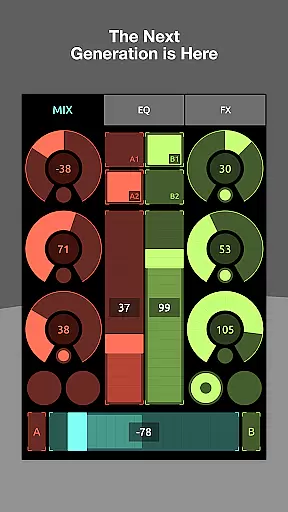
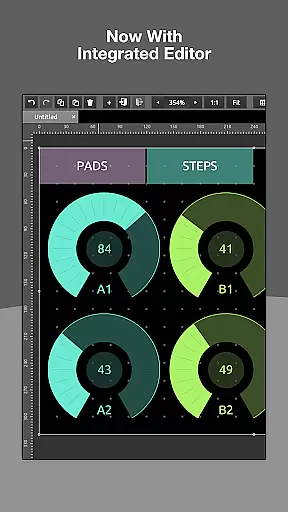
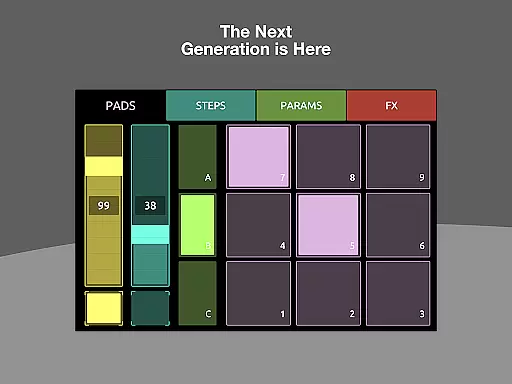
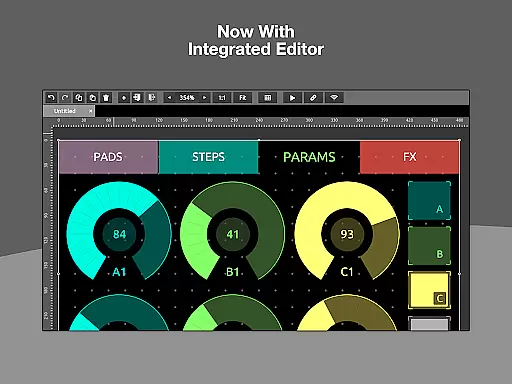
TouchOSC is a cutting-edge music and audio control application designed to provide musicians, producers, and audio engineers with an intuitive interface for managing MIDI and OSC messages. The app features a powerful GPU-powered editor that allows users to create complex control layouts with precision and ease. Available on multiple platforms, TouchOSC supports simultaneous connections for MIDI over USB and OSC over UDP & TCP protocols.
The application shines in its ability to synchronize editing across multiple devices on the network, enabling real-time previews on touch-screen devices while editing with the precision of a desktop setup. Additionally, its lightweight scripting engine offers limitless customization options, making it an essential tool for both live performances and studio work.
Whether you're performing on stage or working in the studio, TouchOSC provides a reliable and versatile solution for controlling audio equipment and software. Its innovative features and user-friendly design make it an invaluable asset for professionals in the music and audio industry.
TouchOSC boasts an array of advanced features tailored for music and audio professionals. At its core is a GPU-powered editor that ensures fast and responsive layout creation, allowing users to design intricate control interfaces effortlessly. The app supports sending and receiving MIDI and OSC messages over various connections, including wired and wireless MIDI, catering to diverse performance and production setups.
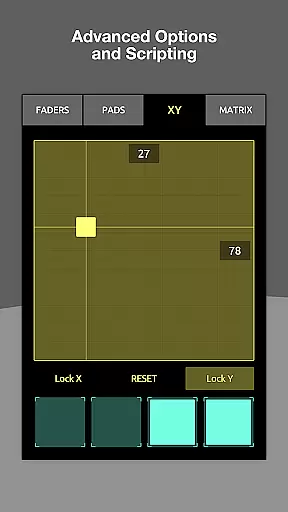
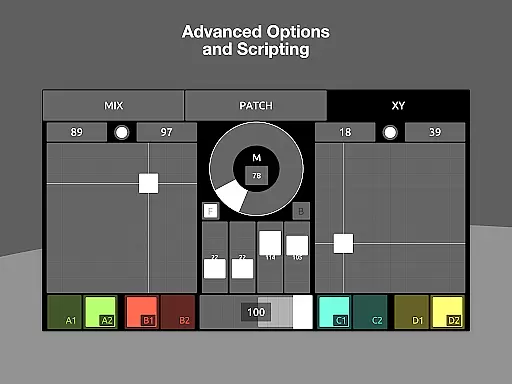
One standout feature is the synchronized editing capability, which enables multiple instances of TouchOSC to connect on the network. This allows users to edit control layouts on their desktop while previewing changes in real-time on connected touch-screen devices. Additionally, the built-in scripting engine provides deep access to controller functionalities, empowering users to customize interactions extensively.
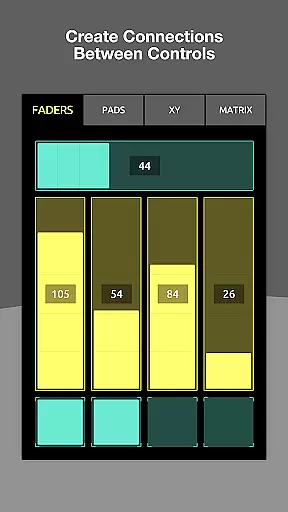
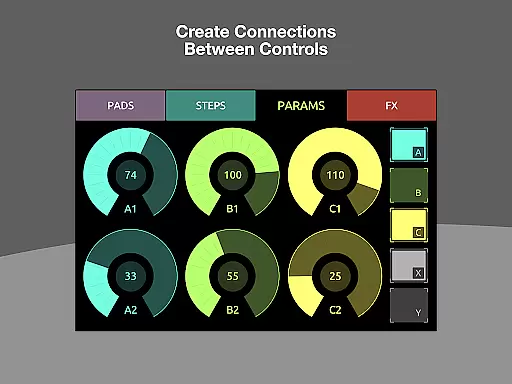
For simpler tasks, local messages offer a streamlined way to wire up controls without extensive coding. These features collectively ensure that TouchOSC remains a flexible and powerful tool for both beginners and seasoned professionals in the music and audio field.
TouchOSC offers a versatile platform for creating complex control layouts that support MIDI and OSC messages, ensuring users have access to an extensive music library. The application's compatibility with various connections simultaneously enhances its ability to handle numerous copyrighted materials legally and efficiently.
With the inclusion of MIDI over USB and other wired & wireless MIDI connections, TouchOSC guarantees that all musical content is authentic and respects copyright laws. This feature is crucial for professionals who require reliable tools for their creative projects while ensuring they are not infringing on any legal rights.
The app's dedication to supporting a wide range of formats and connections means that users can explore a vast array of sounds and instruments without worrying about copyright issues. This makes TouchOSC an invaluable tool for musicians and producers looking to expand their sonic palette within legal boundaries.
One of the standout features of TouchOSC is its commitment to delivering high-quality audio experiences through its advanced integrated editor. By focusing on speed, features, and usability, the app ensures that users can create precise control layouts that optimize audio output.
The GPU-powered editor allows for the creation of complex control layouts with ease, which directly impacts the quality of the audio produced. Users can fine-tune their controls to achieve the best possible sound, whether they are working on intricate compositions or simple beats.
Additionally, TouchOSC supports multiple instances for synchronized editing across devices, enabling real-time previews and adjustments. This cross-network capability ensures that audio quality remains consistent and top-notch, regardless of the device being used, providing a seamless experience for creators focused on achieving perfection in their work.
Intuitive interface
Powerful editor
Versatile connectivity
Real-time synchronization
Customizable scripting
Steep learning curve
Requires compatible hardware
Advanced features may overwhelm beginners
Limited free support
Occasional bugs in beta features

10-Band Audio Equalizer, Sound / Bass Booster for Spotify Users & Music Players
 4.40
4.40
More downloads than any other metronome. Includes drum machine & tempo trainer.
4.80
The ultimate media player for Android devices
3.90
Guzheng Master supports many playing techniques as an acoustic Guzheng
4.50
AI Music Maker: Generate And Compose AI Tunes & AI Songs & AI Music & AI Melody!
4.60
Play your hearts out on TouchTunes jukeboxes & connect with fellow music lovers.
4.80
Offline Tunes, Unlimited Vibes
3.90
Reverse your voice & songs instantly! Fun singing challenge with cool effects.
4.60
Uninterrupted Tunes, Unmatched Vibes
3.90
Brian Eno and Peter Chilvers’ acclaimed music app Bloom, radically reinvented.
4.80
Listen to live FM radio stations, sports, music and news on global radios online
4.70
Record, Mix & Master with all n-Track effects, 64-bit audio and Stem Separation.
4.70
Taal player that lets you sing any Indian & Western song with Tabla & Tanpura
4.60
Formerly known as Spotistats! View your top tracks, artists, albums and more!
4.40
DJ Music Mixer Pro is a real DJ controllers and DJ Music Studio to remix DJ.
4.40
Learn and play 2M+ music tabs & chords on guitar, ukulele, bass, and more
4.30
The alternative folder based music player.
4.20
Powerful beat maker & DJ mixer to remix tracks, make music, & perform DJ mix
3.70
MilkDrop for Android TV
3.00


User Reviews