
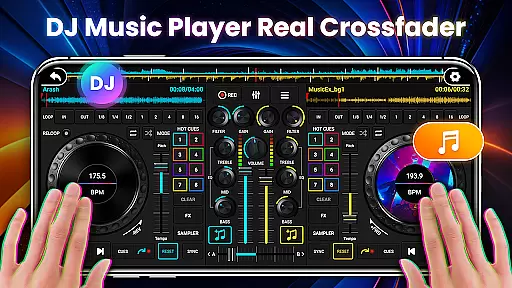
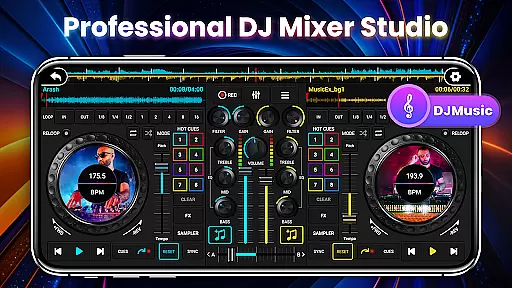
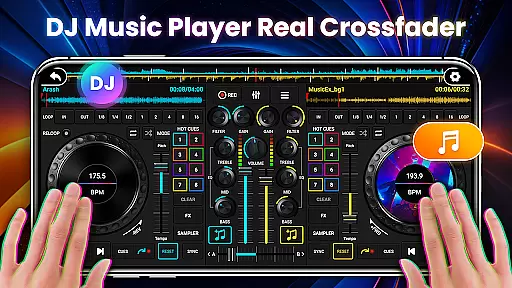
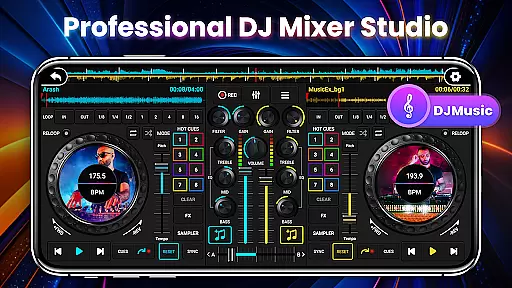
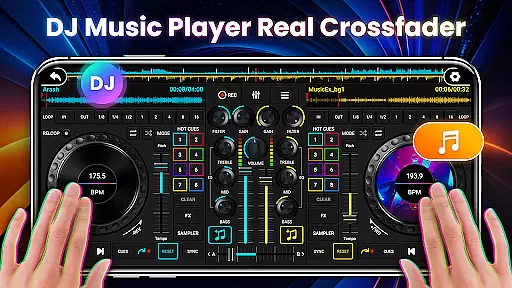
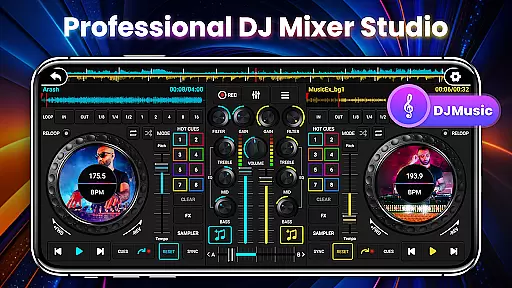
DJ Mixer Studio Pro is a professional-grade virtual DJ music studio designed for both beginners and experienced DJs. The app offers an ad-free experience with advanced features like a 3-band EQ mixer, FX effects, and a 10-band equalizer with bass booster. It simulates a real DJ console, allowing users to manipulate controls such as sliding bars, rotating knobs, and scrubbing discs back and forth.
The app supports simultaneous playback on two decks, enabling users to create stunning remixes and transitions. With precise BPM synchronization, high and low pass filters, and crossfader functionality, it provides all the tools needed for professional-quality music mixing. Whether you're practicing basic skills or refining advanced techniques, DJ Mixer Studio Pro delivers an immersive and realistic DJ experience.
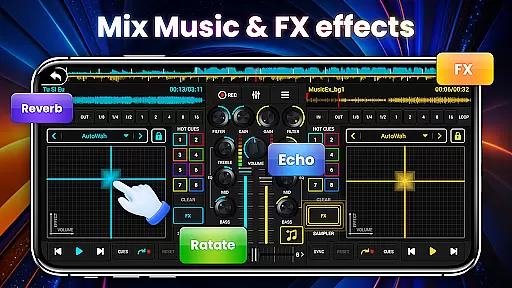
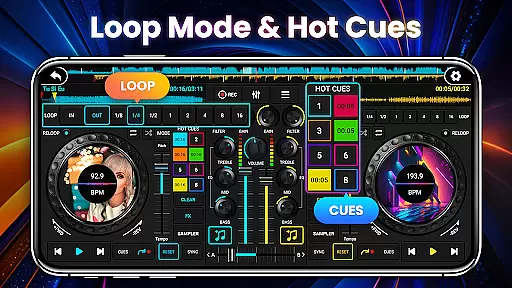
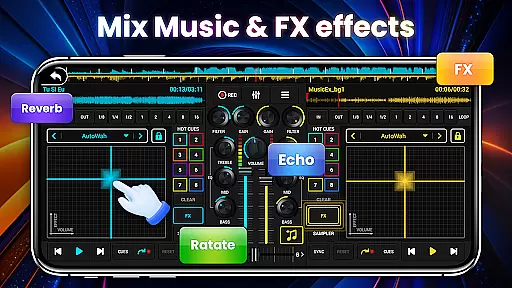
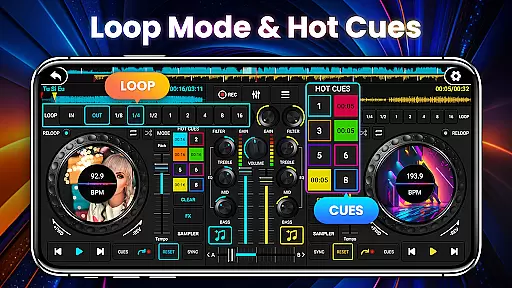
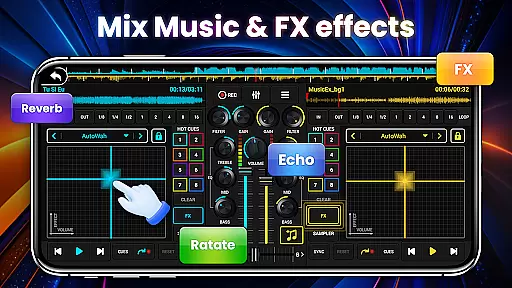
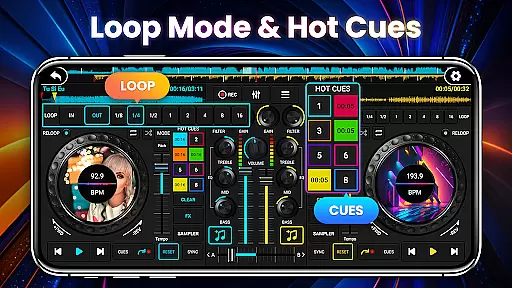
DJ Mixer Studio Pro stands out with its comprehensive feature set tailored for professional DJs. The app includes seven FX effects processors (AutoWah, Echo, Damp, Reverb, Chorus, Phaser, Rotate) and eight loop modes ranging from 1/8 to 16 beats. Users can set up to eight hot spots for quick access to key points in their tracks.
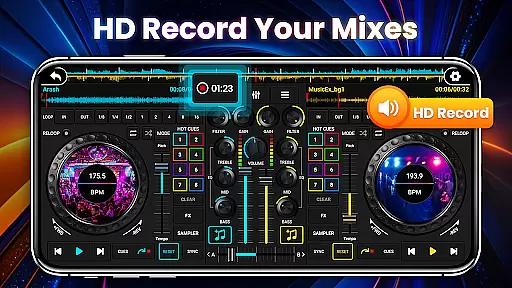
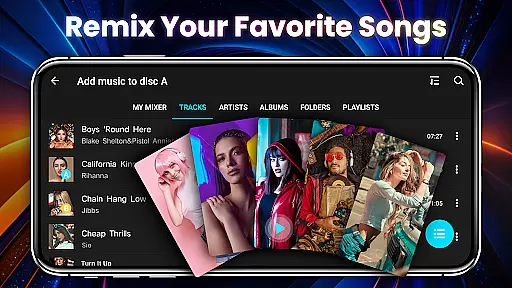
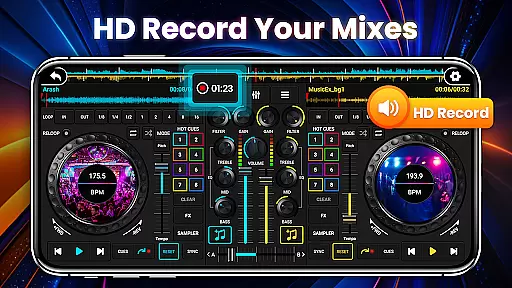
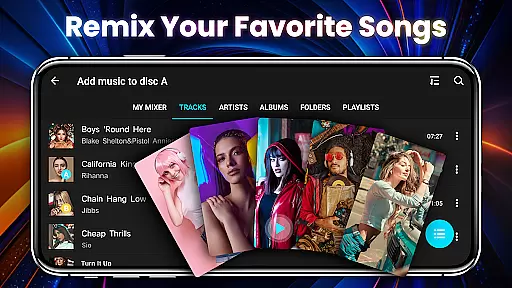
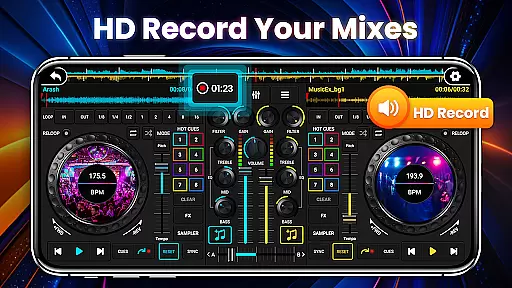
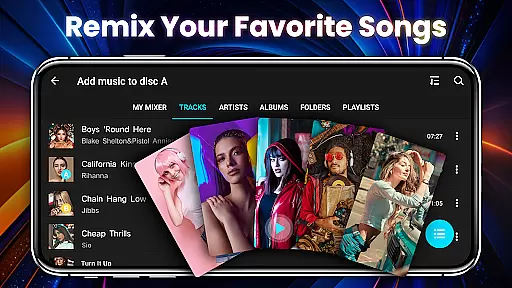
The app's intuitive interface simulates a real DJ console, complete with color-coded buttons and adaptive phone controls. It supports one-click recording of sessions and provides beginner tutorials to help new users get started. Advanced features include tone-locking BPM adjustments, crossfader volume control, and support for local song playback with customizable sorting options.
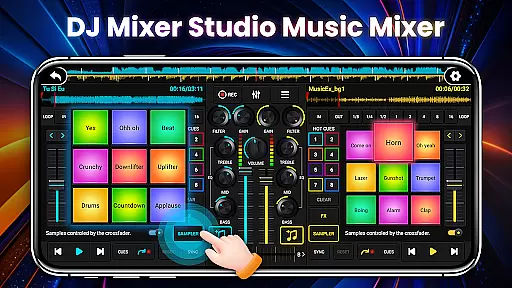
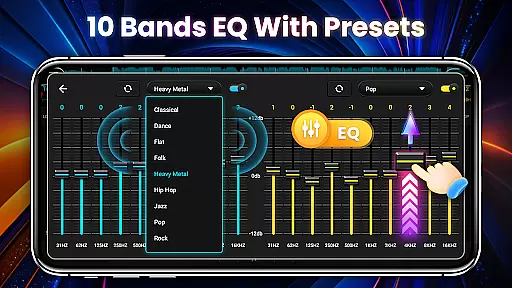
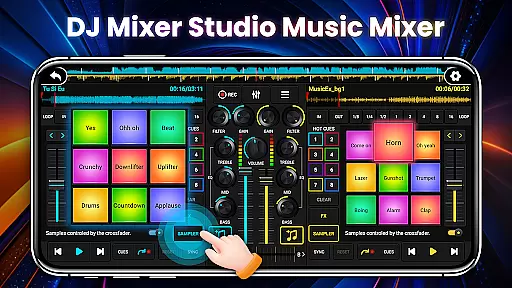
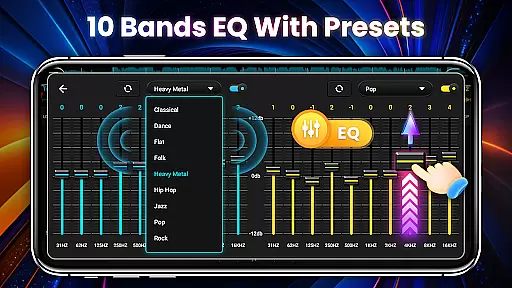
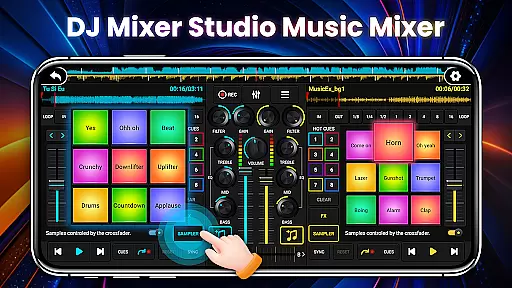
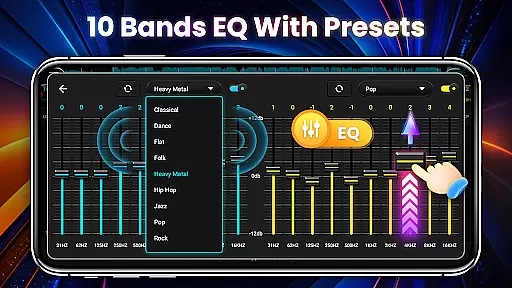
With 27 free sample packages and a dedicated bass enhancement feature, users can create dynamic mixes with minimal effort. The app's precise ten-segment equalizer and three quick EQ adjustment buttons allow for detailed sound customization, while the professional design meets all functional requirements without any ads.
In the realm of DJ Mixer Studio Pro, users are granted access to an extensive music library that caters to all their mixing needs. This vast collection ensures that DJs can find the perfect track for any occasion, whether they're crafting a smooth transition or searching for that high-energy beat to lift the crowd.
Furthermore, every piece of music within this library is verified for copyright authenticity. This means DJs can mix and remix tracks with peace of mind, knowing they are using legally obtained and authentic content. Such diligence in curating the music selection not only enhances creative freedom but also protects users from potential legal issues related to unauthorized use of music.
The application's commitment to providing a rich and lawful music database empowers both amateur and professional DJs to explore new musical landscapes confidently. With these resources at their fingertips, users can focus on honing their craft without worrying about the legitimacy of their materials.
DJ Mixer Studio Pro stands out by offering superior audio quality options that significantly enhance the listening experience. The app supports various high-quality audio formats, ensuring that every note and beat is reproduced with clarity and precision. This attention to audio fidelity allows DJs to appreciate the nuances of their mixes fully.
Moreover, the inclusion of a 10-band equalizer and bass booster provides users with granular control over their sound output. These tools enable precise adjustments to frequencies, allowing for customized audio experiences tailored to individual preferences or specific venue acoustics. Whether itu2019s boosting the bass for a club setting or fine-tuning treble for a home studio, these features ensure optimal sound reproduction.
By prioritizing audio quality, DJ Mixer Studio Pro not only meets but exceeds the expectations of discerning DJs who demand excellence in their performances. This dedication to sonic perfection makes the app an indispensable tool for anyone serious about their music production endeavors.
User-friendly interface
Comprehensive FX options
Precise BPM control
Professional-grade tools
Ad-free experience
High learning curve
Resource-intensive
Limited free features
No cloud sync
Occasional bugs

Your HD audio recorder on the go for music, meetings, ambience, animal sounds…
 4.30
4.30
Equalizer, Bass Booster and Volume Booster (Eq & Bass) improve sound quality
4.30
Performance-Synthesizer & Multi-Track-Sequencer, polyphonic + multi timbral!
4.70
Background pads for your band
3.80
Advanced 10-Band Audio Graphic Equalizer Sound Booster Pro
4.30
Music Streaming suite for Ampache, Nextcloud Music and compatible backends.
4.3
Guzheng Master supports many playing techniques as an acoustic Guzheng
4.50
Full featured mp3 and audio player with Chromecast and Android Auto support.
4.40
Reverse your voice & songs instantly! Fun singing challenge with cool effects.
4.60
Music, News & Sports Radio Tuner App. Tune in Live FM & AM Radio Stations.
4.80
Fun & Easy Voice Changer – Record, Edit & Add Hilarious Effects!
4.50
A synth that really lets you shape your sounds!
4.50
Enhance the sound quality of your devices, listen to what you want
4.50
Let your Android device with the sound effects you want
4.50
Powerful 10-Band equalizer pro with sound booster improves Android audio quality
4.30
The official Sonos app
4.10
Versatile MP3 recorder with auto-backup to Dropbox and Google Drive
4.10
The only true audiophile music player with Hi-Fi audio rendering and DSP engine
3.90
Simple mp3 and mp4 player with advanced features.
3.40


User Reviews