
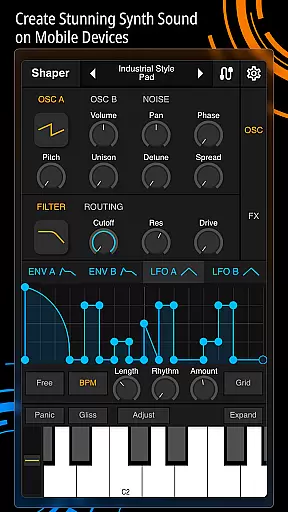
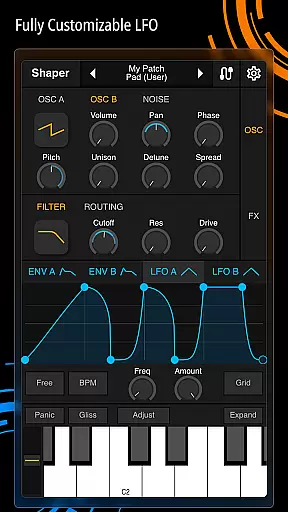
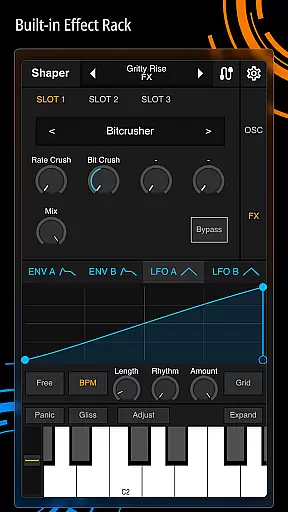
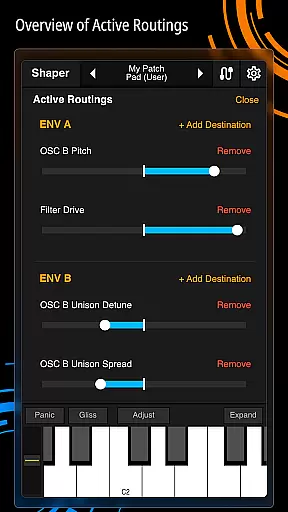
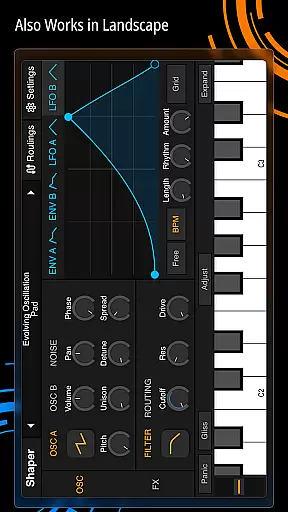
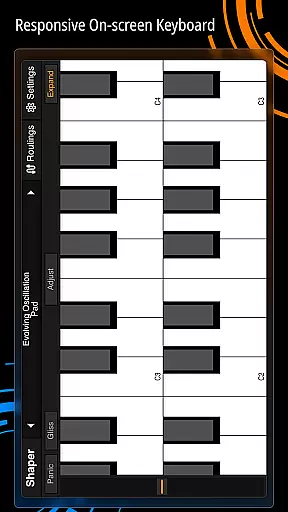
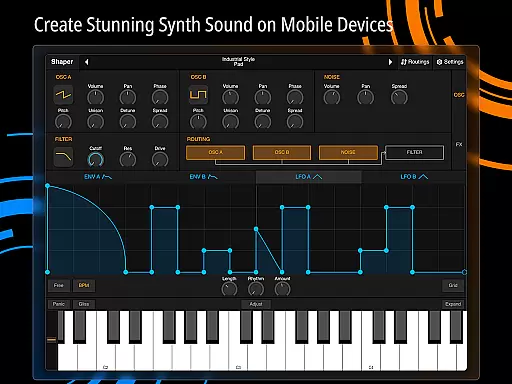
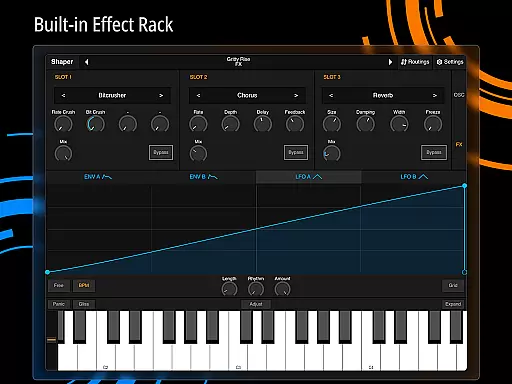
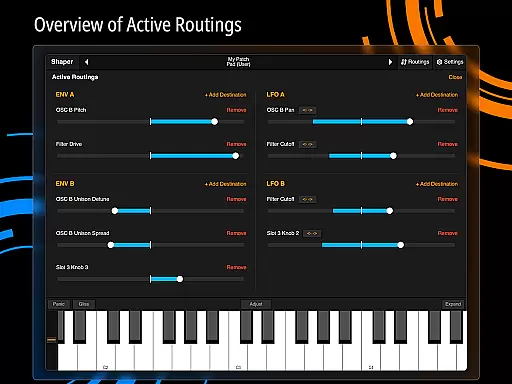
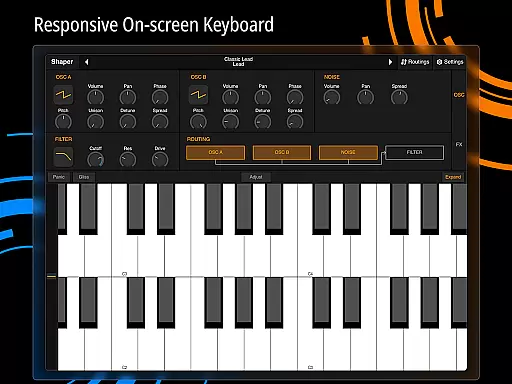
Shaper is a professional-grade subtractive synthesizer designed specifically for mobile platforms, enabling musicians and sound designers to create dynamic sounds on the go. The app combines an advanced modulation matrix with fully configurable LFO graphs, allowing users to craft complex audio landscapes with precision. Its intuitive drag-and-drop modulation assignment makes sound design accessible even to beginners while offering depth for experts. Shaper also includes a classic analog filter and eight built-in effects such as Bitcrusher, Chorus, Delay, and Reverb, ensuring high-quality sound output. Whether you're producing music in a studio or experimenting with sound design on your mobile device, Shaper provides a seamless and inspiring creative experience.
The app's thoughtful design ensures that both amateur and professional users can easily navigate its features. With its comprehensive set of tools, Shaper empowers users to explore their creativity without limitations. From crafting intricate melodies to designing unique sound effects, this synthesizer stands out as a versatile tool for audio production. By bringing professional-grade sound synthesis to mobile devices, Shaper bridges the gap between desktop software and portable solutions, making it an essential app for modern musicians.
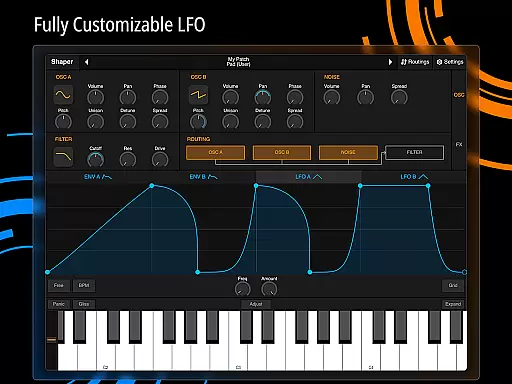
Shaper offers an impressive array of features that cater to both novice and experienced sound designers. One standout feature is its advanced modulation matrix, which allows users to create intricate connections between different parameters, resulting in highly customized sounds. The fully configurable LFO graphs provide additional control over modulation, enabling precise adjustments to waveform shapes and timing. This level of customization ensures that every sound produced is unique and tailored to the user's vision.
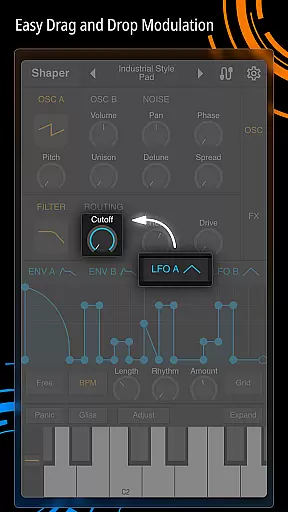
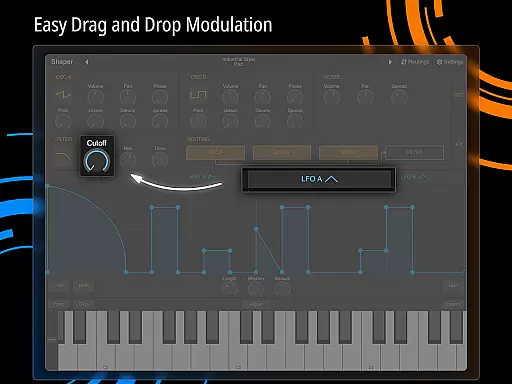
Another key aspect of Shaper is its intuitive drag-and-drop modulation assignment system. This innovative approach simplifies the often-complex process of assigning modulations, making it easier for users to experiment with different configurations. Additionally, the app includes a classic analog filter renowned for its warm, rich sound quality. Complementing these core features are eight built-in effects: Bitcrusher, Chorus, Delay, Groove Delay, Distortion, Filter, Phaser, and Reverb. These effects expand the sonic possibilities, allowing users to add depth and texture to their creations. Together, these features make Shaper a powerful tool for anyone interested in music production or sound design.
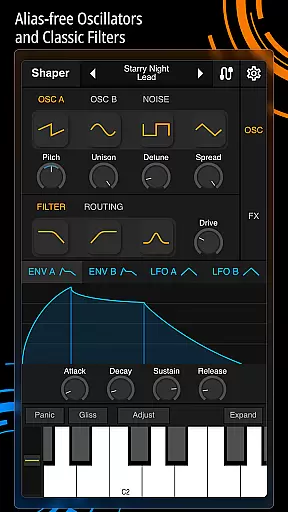
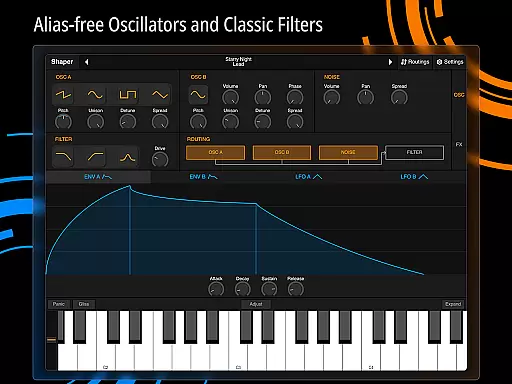
When evaluating a music application like Shaper, the size and authenticity of its music library are crucial factors. Shaper offers an extensive array of dynamic sounds crafted through advanced synthesis techniques. The app's comprehensive feature set includes fully configurable LFO graphs and an amazing-sounding classic analog filter.
The depth and variety of these sound libraries ensure that users have access to a wide range of high-quality audio resources. Each sound is meticulously designed to provide both depth and clarity, making it suitable for various musical projects. This vast library empowers musicians and producers to explore new creative avenues without limitations.
Moreover, Shaper guarantees the authenticity of its sound library by employing professional-grade synthesis methods. Every sound generated adheres to stringent quality standards, ensuring that users receive nothing but the best. This commitment to excellence assures users that they are working with legitimate, high-caliber audio content.
Audio quality is paramount in any music production tool, and Shaper excels in this domain. The app provides eight additional built-in effects such as Bitcrusher, Chorus, Delay, Groove Delay, Distortion, Filter, Phaser, and Reverb. These effects enhance the richness and texture of the sounds produced, offering users unparalleled audio quality options.
Shaper's intuitive interface allows users to seamlessly integrate these effects into their compositions. The drag-and-drop modulation assignment simplifies the process of applying effects, ensuring that even beginners can achieve professional results. This ease of use does not compromise on quality; instead, it enhances the overall user experience.
Furthermore, Shaper's dedication to delivering top-notch audio quality is evident in its meticulous design. The app ensures that every sound output maintains high fidelity, preserving the nuances and details that define exceptional audio production. Users can trust that their final compositions will meet industry standards, thanks to Shaper's robust audio quality options.
User-friendly interface
High-quality sound output
Versatile modulation options
Comprehensive effect suite
Accessible to all skill levels
Steep learning curve for beginners
Limited free version features
Occasional performance issues
No MIDI support
Interface may feel cluttered

Time Guru will strengthen your internal sense of musical time via random muting.
 4.30
4.30
Formerly known as Spotistats! View your top tracks, artists, albums and more!
4.40
Over 100 million tracks available for high quality streaming and download
4.60
JBL PartyBox APP works with 110/310/710/120/320/520/Encore/Encore 2/Encore Ess 2
4.80
USB audio recording and playback finally possible on Android 3.1 or higher!
3.90
24,000 free audio books and no ads!
4.90
Recording studio w/ 10k beats, pro vocal FX and a network of 20M rappers & fans!
4.60
Responsive piano with great sounds, graphics, and songs
4.80
Full featured mp3 and audio player with Chromecast and Android Auto support.
4.40
Make songs with AI! Any genre, custom lyric, song generator for music creation!
4.80
A complete sound package for the sound engineer or enthusiast
4.60
Guzheng Master supports many playing techniques as an acoustic Guzheng
4.50
Ringtone Maker is free app create ringtone from music files or your recording.
4.40
Enjoy singing any song, no matter how high or low it is
4.30
VB-AUDIO Software / VBAN-Receptor allows listening to any VBAN Streams
4.10
The only true audiophile music player with Hi-Fi audio rendering and DSP engine
3.90
The ultimate media player for Android devices
3.90
Offline Tunes, Unlimited Vibes
3.90
Slow music down without changing pitch.
3.70


User Reviews