

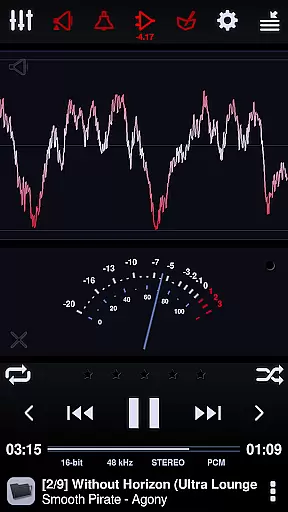
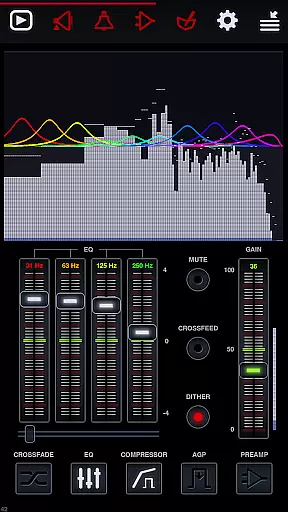
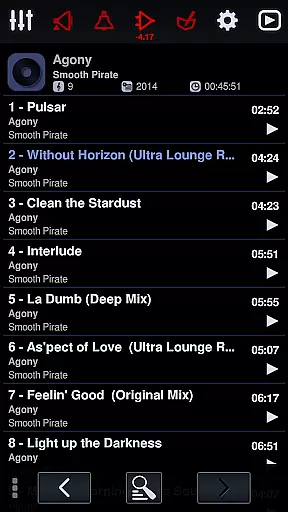
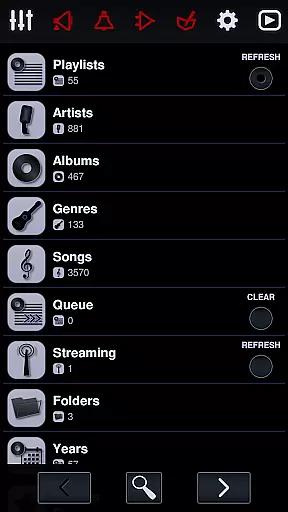
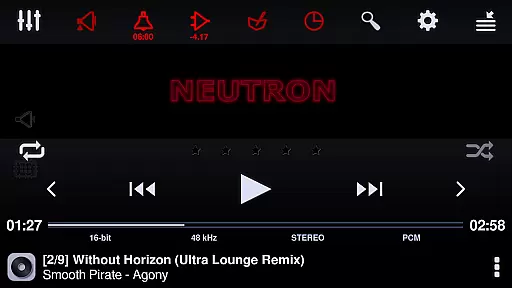
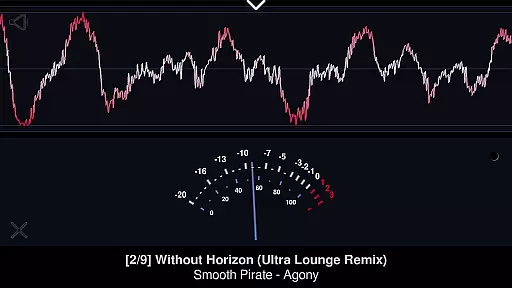
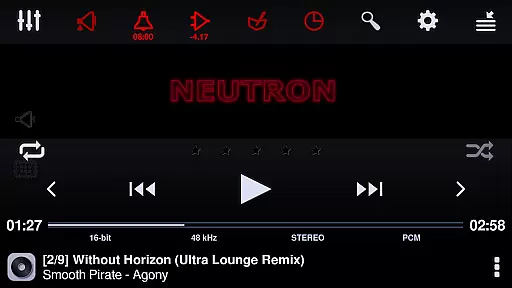
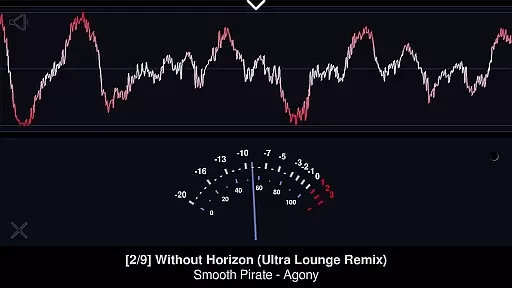
Neutron Music Player represents the pinnacle of high-fidelity audio playback on mobile devices, designed for audiophiles who demand the very best in sound quality. The application employs a proprietary Neutron HiFi™ 32/64-bit audio engine that bypasses the operating system's default audio processing, ensuring pristine audio output. This approach supports bit-perfect playback and extends to hi-res formats up to 32-bit/1.536 MHz, including native DSD and PCM to DSD conversion.
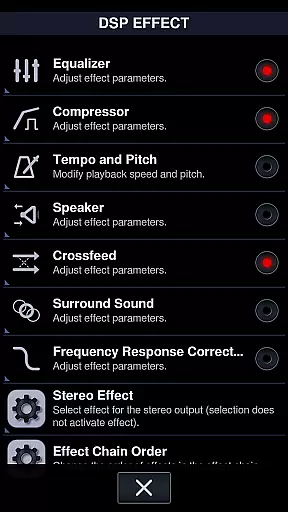
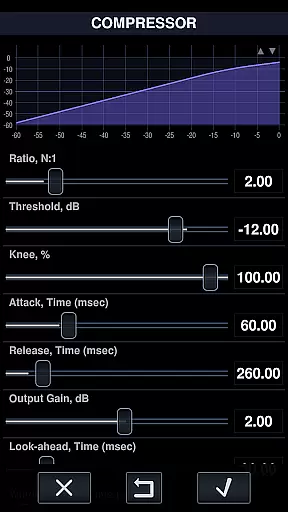
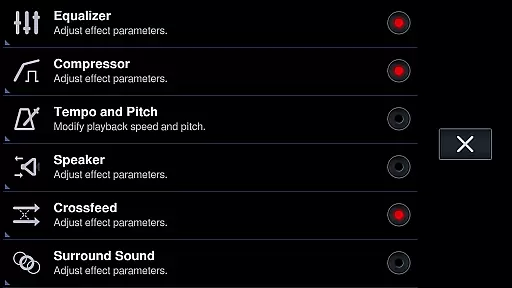
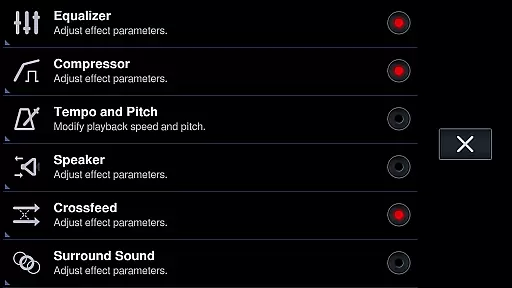
Beyond its core functionality, Neutron Music Player boasts an extensive array of digital signal processing (DSP) effects, enhancing the listening experience with options like parametric equalizers, surround sound, and crossfeed capabilities. Its versatility extends to networked audio, allowing users to stream music to UPnP/DLNA or Chromecast devices without sacrificing DSP enhancements or gapless playback. Whether managing large media libraries or enjoying AI-assisted queue generation, this app provides a sophisticated user interface that caters to both casual listeners and audio enthusiasts alike.
Neutron Music Player distinguishes itself through a comprehensive suite of features tailored for the discerning listener. One standout capability is its support for AI-assisted Queue generation using the Google Gemini AI engine, enabling intelligent playlist creation based on user preferences. Additionally, the app's robust networking functions allow seamless integration with various network storage solutions such as SMB/CIFS, SFTP, and WebDAV servers, making it easy to access and manage extensive music collections from multiple sources.
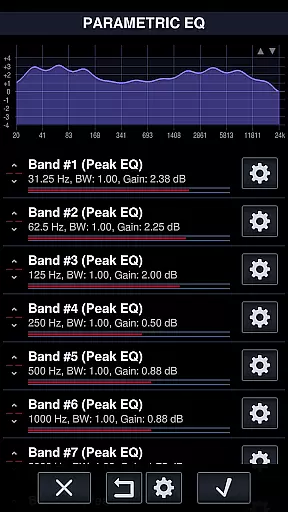
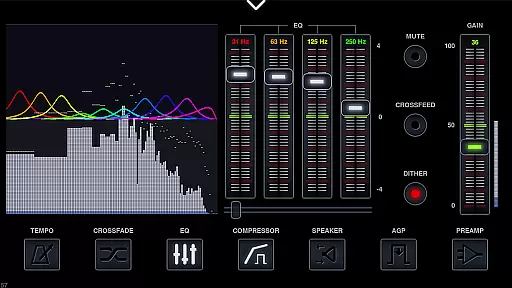
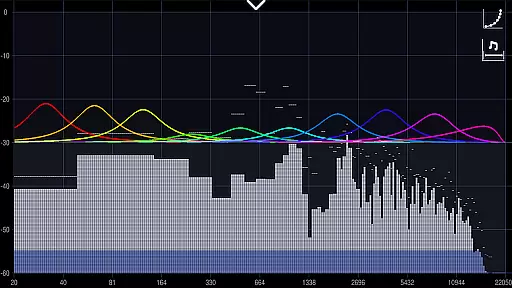
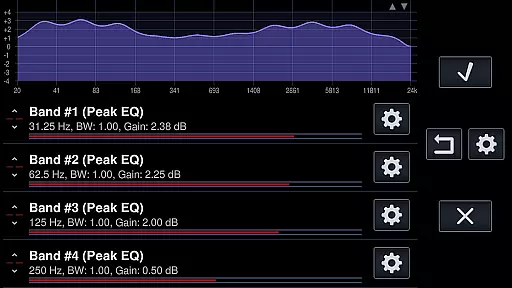
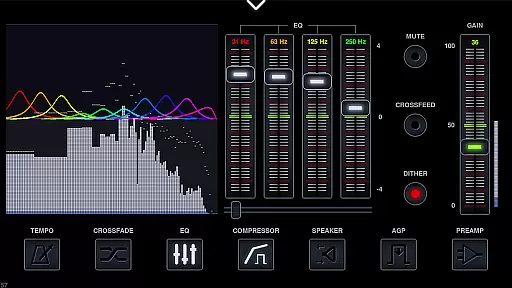
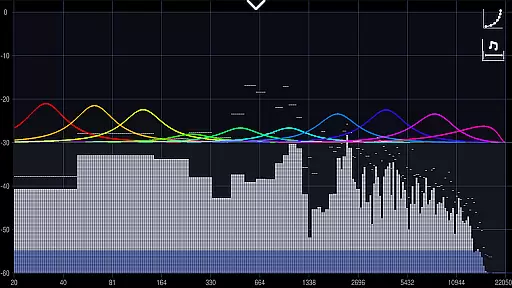
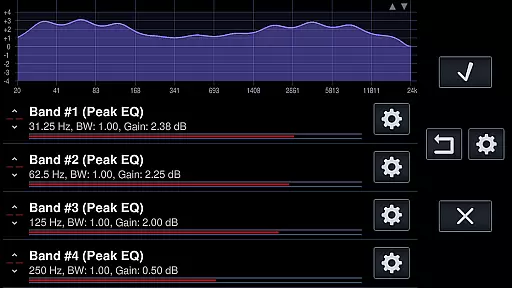
The application also excels in its advanced audio processing tools. Users can take advantage of a parametric equalizer with up to 60 bands per channel, frequency response correction with thousands of presets for different headphones, and surround sound processing for an immersive auditory experience. Moreover, Neutron Music Player supports direct output to USB DACs via USB OTG adapters, ensuring the highest possible audio fidelity. With its ability to handle all audio formats, including module music and voice audio, this app stands out as a versatile solution for any audio playback need, whether at home or on the go.
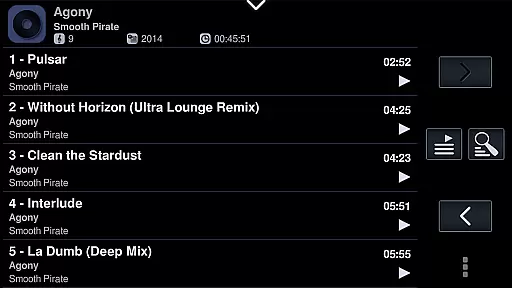
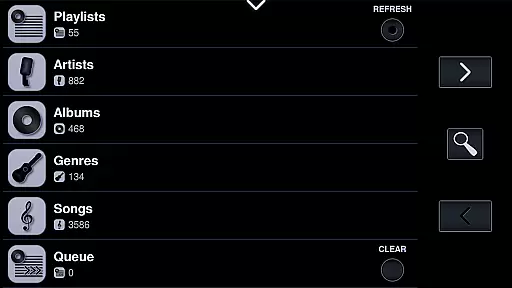
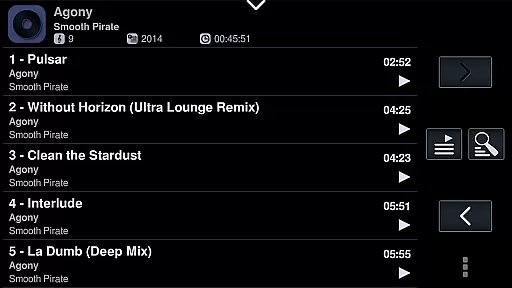
Neutron Music Player offers an extensive music library that supports virtually all audio formats, making it a versatile choice for audiophiles. The application is capable of handling everything from standard MP3 files to high-resolution audio formats like DSD and FLAC, ensuring that users have access to the highest quality music playback.
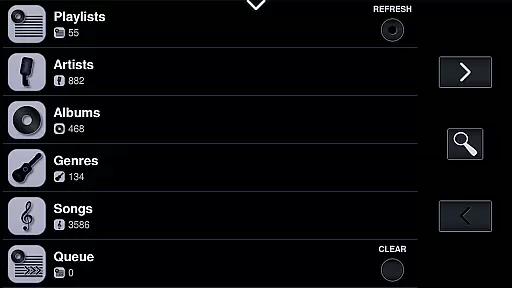
The player's ability to manage large media libraries is complemented by its support for various playlist formats such as CUE, M3U, and PLS. This ensures that users can organize their music collections effectively, regardless of size or complexity. Additionally, Neutron provides advanced tag editing capabilities for numerous file types, allowing for meticulous organization and categorization of music files.
Regarding copyright authenticity, Neutron respects digital rights management (DRM) while offering features like native DSD playback and module music format support. These features ensure that users can enjoy their legally acquired music in the best possible quality without any compromises on the audio output.
Furthermore, the app's support for network music sources, including SMB/CIFS, UPnP/DLNA, and FTP servers, allows users to access their music libraries stored on different devices seamlessly. This comprehensive approach to music library management underscores Neutron's commitment to delivering a superior audio experience while maintaining strict adherence to copyright standards.
Neutron Music Player stands out in the realm of audio quality options by providing an audiophile-grade 32/64-bit audio engine known as Neutron HiFiu2122. This proprietary technology ensures that the audio processing remains independent of the operating system's limitations, delivering a truly unique and high-fidelity listening experience.
The player supports hi-res audio playback at resolutions up to 32-bit and sampling rates as high as 1.536 MHz. It caters to enthusiasts with devices equipped with on-board Hi-Res Audio DACs or external USB DACs, ensuring bit-perfect playback that preserves the integrity of the original recordings.
In addition to supporting various high-resolution audio formats, Neutron also offers real-time PCM to DSD conversion, allowing users to enjoy their favorite tracks in DSD resolution if their DAC supports it. The inclusion of sophisticated DSP effects further enhances the audio quality, providing users with tools like parametric equalizers, surround sound processing, and crossfeed options tailored for headphone use.
Moreover, Neutron's dedication to audio excellence extends to its support for gapless playback and AI-assisted queue generation, which maintains the continuity and personalization of the listening experience. With these advanced audio quality options, Neutron Music Player solidifies its position as a top-tier choice for discerning listeners who demand nothing but the best sound reproduction.
Bit-perfect audio playback
Extensive format compatibility
Advanced DSP effects
Network streaming capabilities
User-friendly interface
Steep learning curve
High system requirements
Limited free trial period
No built-in radio feature
Premium pricing model

A synth that really lets you shape your sounds!
 4.50
4.50
DJ Music Mixer - DJ Remix: remix songs, make beat music & record mix of DJ.
4.40
Listen to live FM radio stations, sports, music and news on global radios online
4.70
More downloads than any other metronome. Includes drum machine & tempo trainer.
4.80
A sleek, no-frills player designed for true music lovers.
4.20
Learn and play 2M+ music tabs & chords on guitar, ukulele, bass, and more
4.30
Simple mp3 and mp4 player with advanced features.
3.40
Sing, record, and create music together — enhanced by smart voice tools.
4.00
Uninterrupted Tunes, Unmatched Vibes
3.90
24,000 free audio books and no ads!
4.90
Reverse your voice & songs instantly! Fun singing challenge with cool effects.
4.60
Guzheng Master supports many playing techniques as an acoustic Guzheng
4.50
Play KORG’s revolutionary touch-based instrument on a variety of devices.
4.40
Ringtone Maker is free app create ringtone from music files or your recording.
4.40
Advanced 10-Band Audio Graphic Equalizer Sound Booster Pro
4.30
Next generation modular control surface
4.10
Learn to play the piano using falling notes!
3.80
Make music anywhere. Turn your device into an instrument.
4.2
Music Streaming suite for Ampache, Nextcloud Music and compatible backends.
4.0


User Reviews