
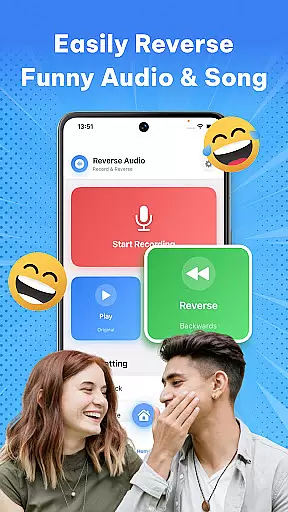
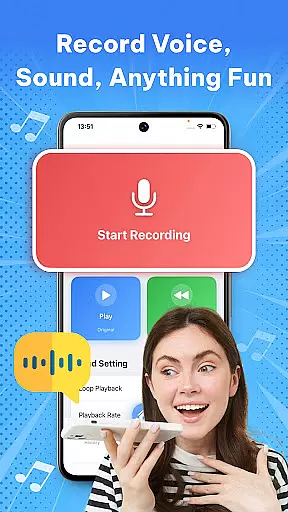

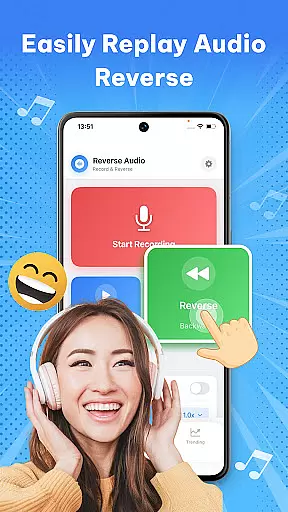
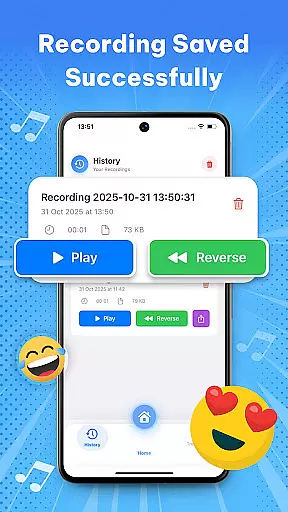
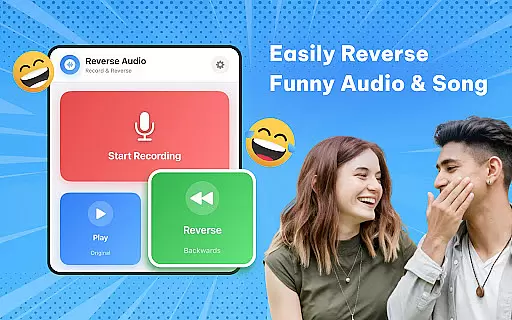
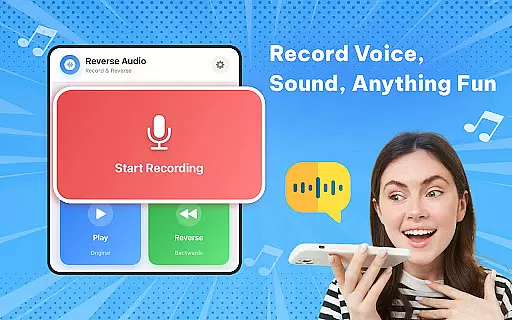

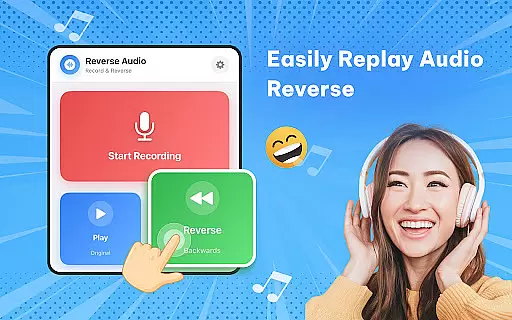
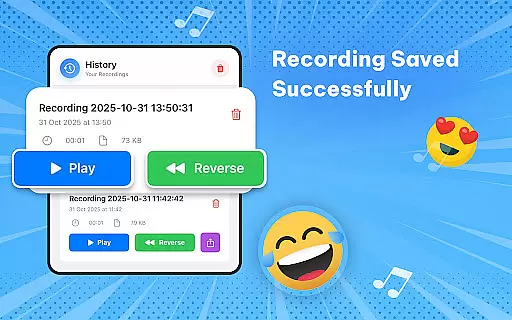
Reverse Audio: Sing Challenge is a creative audio tool that allows users to record and reverse any sound, including voices, songs, or ambient noise. This app transforms ordinary audio into extraordinary creations by flipping it backward, enabling unique experimentation with sound. Whether you're looking to entertain friends, participate in viral challenges, or enhance your content creation, Reverse Audio offers the tools to make it happen.
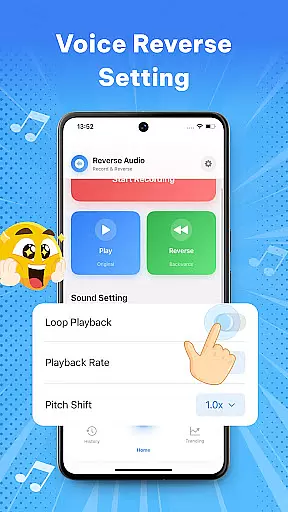
The app's standout feature is its ability to reverse playback speed and pitch, allowing for further customization of audio clips. With high-quality processing and smooth performance, even offline use is seamless. It caters to creators, singers, pranksters, and families, making it versatile for various uses such as social media content, vocal practice, or just plain fun.
One of the key highlights of Reverse Audio: Sing Challenge is its simplicity and versatility. The app allows users to instantly reverse any recorded sound, whether it’s a voice note, song snippet, or random audio. Its intuitive interface ensures that anyone can record, reverse, and play back sounds within seconds, making it accessible for all experience levels.
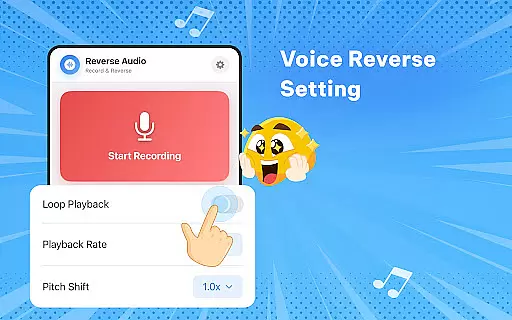
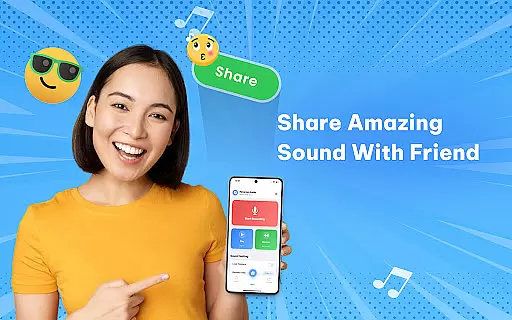
Beyond basic reversal, the app includes advanced features like adjustable playback speed and pitch modification. These options let users experiment with creating weird, spooky, or hilarious effects. Additionally, the app supports easy sharing of reversed clips directly to social media platforms, enhancing its utility for creators participating in viral trends or challenges.
Another notable aspect is its offline functionality, ensuring users can create anywhere, anytime without needing an internet connection. The high-quality audio processing guarantees professional-sounding results, while the simple controls keep the focus on creativity and fun.
In the realm of music and audio applications, having a vast and diverse music library is crucial for user engagement. Reverse Audio: Sing Challenge offers an extensive collection of sounds that users can manipulate, ensuring endless entertainment and creativity. The app allows you to record, reverse, and experiment with any audio, providing a rich playground for those interested in sound manipulation.
Copyright authenticity is another cornerstone of this app. Every feature within Reverse Audio has been designed to respect copyright laws while encouraging creative freedom. Users can confidently create content knowing that the app provides tools for original sound creation rather than copying existing works. This ensures that creators can safely use their reversed audio clips across various platforms without infringing on copyrights.
The combination of a large music library and stringent adherence to copyright regulations makes Reverse Audio: Sing Challenge a standout choice. Whether you're a creator looking to add unique sound effects to videos or a singer practicing vocal control, the app's comprehensive resources empower you to explore new dimensions of audio creativity.
Audio quality is paramount when dealing with sound-based applications, and Reverse Audio: Sing Challenge excels in delivering high-quality audio processing. The app supports crystal-clear reverse audio with fast performance and simple controls, ensuring that every reversed clip maintains its integrity and clarity. This attention to detail enhances the overall user experience, making it enjoyable to experiment with different sounds.
Users have the option to adjust playback speed and pitch, adding another layer of customization to their creations. These features allow for nuanced experimentation, whether you're aiming for spooky effects or hilarious outcomes. The ability to fine-tune these parameters ensures that the final output meets your expectations and fits the intended context, be it a social media challenge or a personal project.
Furthermore, the app's capability to function seamlessly offline adds to its appeal. You can create high-quality reversed audio clips anywhere, anytime, without worrying about internet connectivity. This reliability and flexibility make Reverse Audio: Sing Challenge an ideal tool for both casual users and serious creators who demand top-notch audio quality in their projects.
User-friendly interface
Versatile sound editing
High-quality audio output
Offline functionality
Social media integration
Limited advanced tools
No batch processing
Few customization options
Basic UI design
Occasional glitches

Equalizer, Bass Booster and Volume Booster (Eq & Bass) improve sound quality
 4.30
4.30
Make music anywhere. Turn your device into an instrument.
4.3
Tune in to the greatest hits on UK Radio | The home of Capital, Smooth & Heart.
4.90
Walkout Song DJ is the most intuitive app to manage your sports music.
4.70
Permanently backup Now Playing. Maps, filters & listening stats.
4.00
Record, Mix & Master with all n-Track effects, 64-bit audio and Stem Separation.
4.70
AI Music Maker: Generate And Compose AI Tunes & AI Songs & AI Music & AI Melody!
4.60
The official Sonos app
4.10
Play KORG’s revolutionary touch-based instrument on a variety of devices.
4.40
Voice recorder - Audio recorder. Best recorder for recording
4.90
More downloads than any other metronome. Includes drum machine & tempo trainer.
4.80 4.70
4.70
Performance-Synthesizer & Multi-Track-Sequencer, polyphonic + multi timbral!
4.70
SqueezePlayer turns your Android phone or tablet into a SqueezeBox on its own!
4.60
The best music and audio player, with beautiful UI, music search and equalizer.
4.60
Ringtone Maker is free app create ringtone from music files or your recording.
4.40
Enjoy singing any song, no matter how high or low it is
4.30
Background pads for your band
3.80
Slow music down without changing pitch.
3.70


User Reviews