
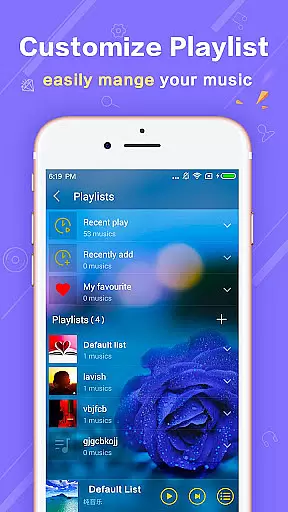
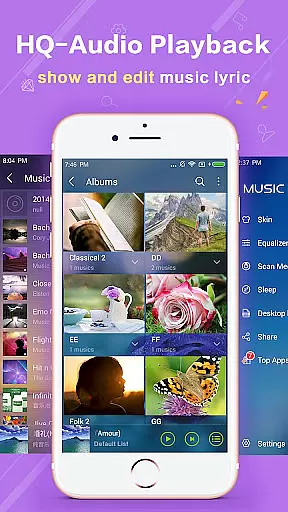
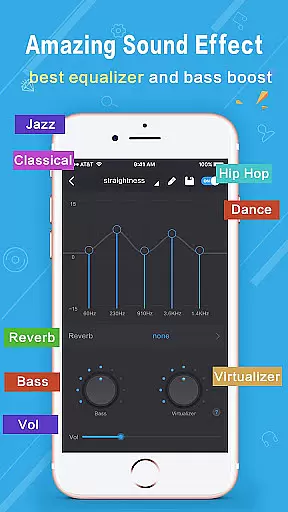
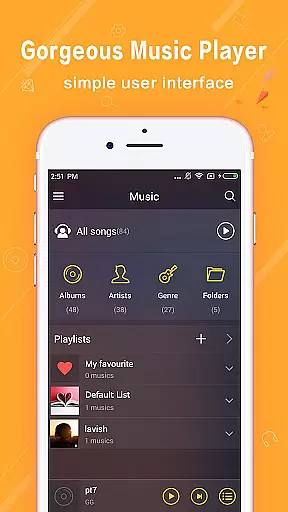
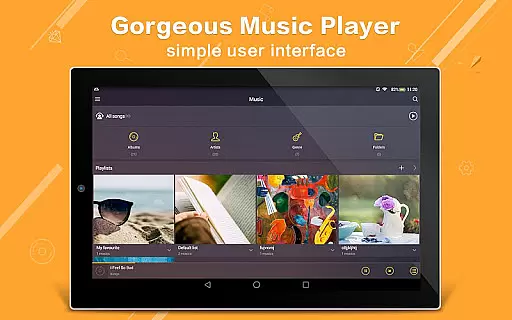
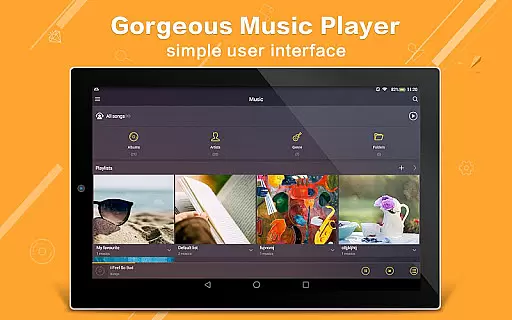
Music Player Plus is a feature-rich audio player designed for music enthusiasts who demand both functionality and customization. This app supports all popular music file formats and offers an intuitive folder-based navigation system, allowing users to browse their music library by albums, artists, playlists, or folders. The highlight of this app is its powerful equalizer with over 22 preset styles, including options like Jazz, Rock, and Hip Hop, enabling users to tailor their listening experience.
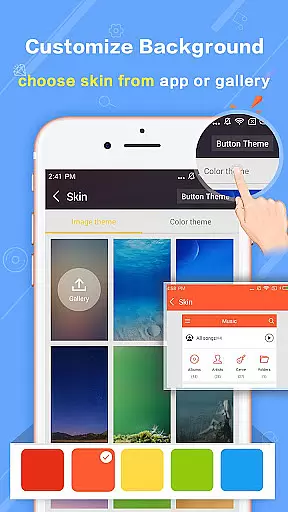
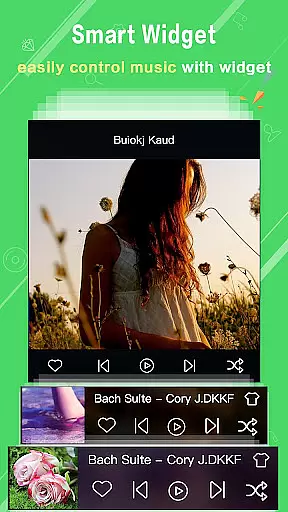
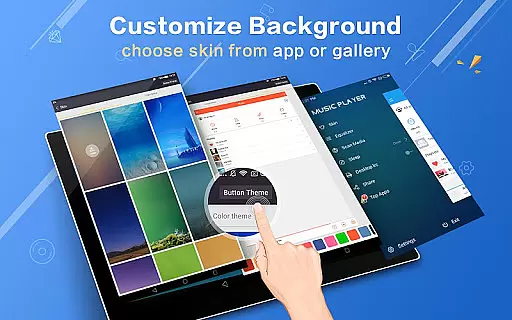
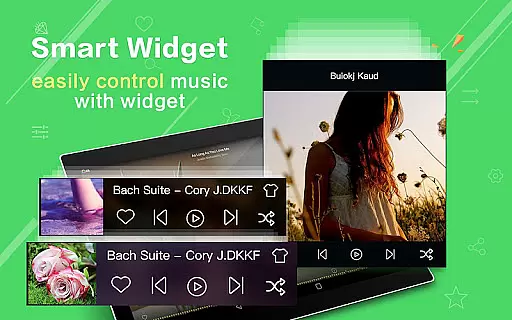
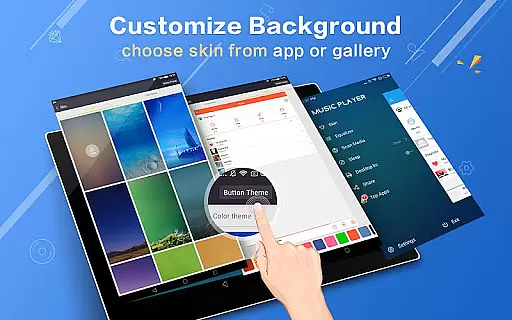
In addition to its core playback capabilities, Music Player Plus provides visually appealing features such as replaceable background skins and widgets for the home screen. Users can personalize the interface with built-in designs or set personal photos as backgrounds. With practical functionalities like lyric support, shake controls, and headset integration, this app ensures a seamless and enjoyable music experience on any Android device.
Music Player Plus stands out with its extensive feature set tailored to enhance user control and convenience. One of its key strengths is the advanced equalizer, which allows users to choose from multiple presets or manually adjust settings to create a custom sound profile. This flexibility caters to audiophiles seeking precision in their music playback.
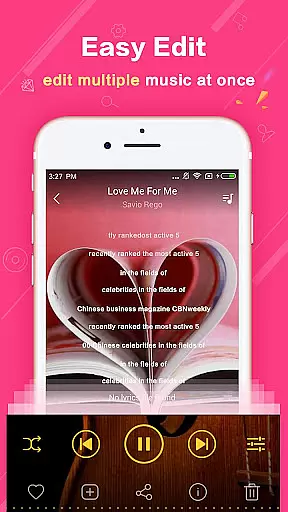
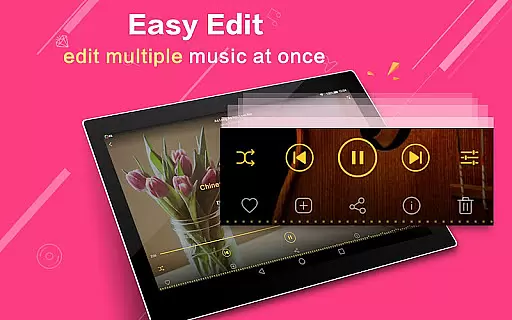
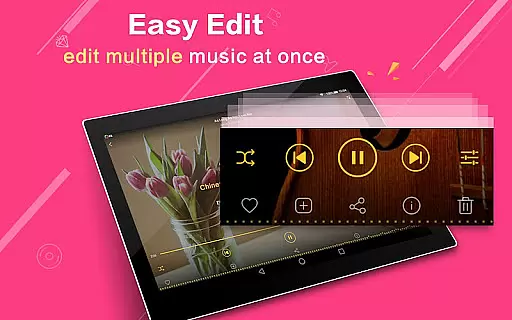
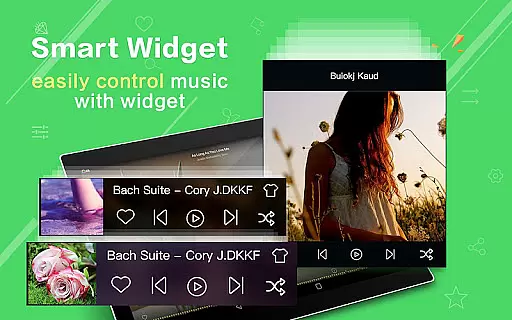
Beyond audio quality, the app offers innovative usability features. For instance, users can enable shake-to-change-song functionality, use widgets to control playback directly from the home screen, and even edit album or artist metadata. Additionally, the app supports multi-select operations for managing music files efficiently. These thoughtful additions make Music Player Plus not just a tool for playing music but also a comprehensive media management solution.
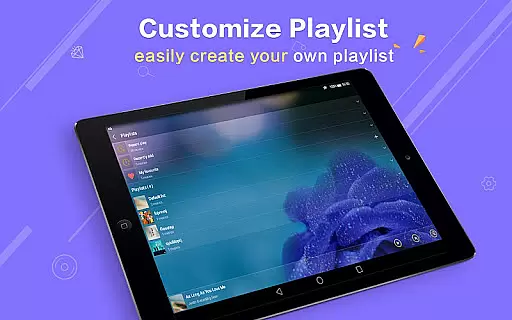
Music Player Plus offers an extensive music library that supports all the most popular music file formats, ensuring users can access their entire audio collection in one place. The app's ability to browse and play music by albums, artists, songs, playlists, folders, and genres makes it highly versatile for organizing large music libraries.
The application emphasizes copyright authenticity by allowing users to manage their legally acquired music files without restrictions. With features like easy search functionality, users can quickly locate all their local music files, making the management of vast music collections effortless and efficient.
Furthermore, Music Player Plus provides unique customization options such as replaceable background skins and widgets, enhancing the visual appeal while managing your music library. This ensures a personalized and engaging experience that respects both user preferences and copyright laws.
One of the standout features of Music Player Plus is its powerful equalizer, which includes more than 22 preset music tone styles ranging from Normal to Rock. This allows users to tailor their listening experience according to different genres, significantly enhancing audio quality based on personal preferences.
In addition to preset options, the app supports custom tone music styles and manual equalizer adjustments. Users have the freedom to control every aspect of their music's sound, ensuring professional-grade audio output tailored specifically to individual tastes.
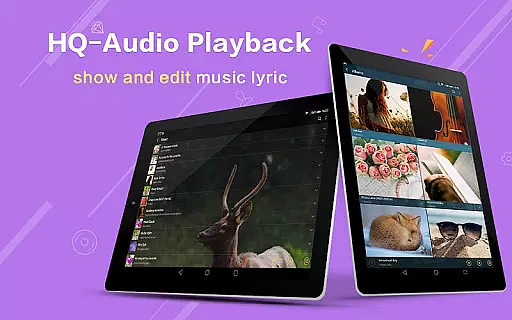
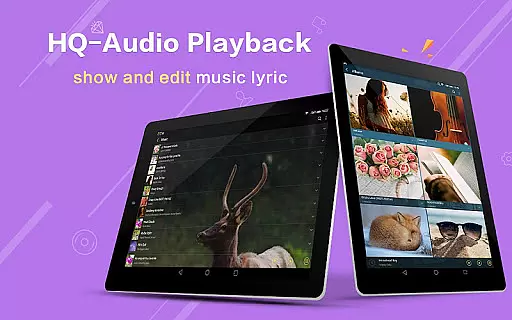
Moreover, additional functionalities such as lyric file support, album artwork display in notifications, and headset controls further enrich the overall auditory experience. These features collectively contribute to superior audio quality and user convenience, setting Music Player Plus apart from other media players.
User-friendly interface
Customizable equalizer
Variety of background skins
Powerful search function
No ads included
Limited genre sorting
No cloud sync option
Heavy on storage
Occasional bugs
Complex for beginners

Simply convert wav to mp3. Clear. Reliable. Safe.
 4.2
4.2
Advanced 10-Band Audio Graphic Equalizer Sound Booster Pro
4.30
Ultimate Sonos Controller
4.70
Bass Booster Pro takes auto-equalizing to the next level!
4.30
24,000 free audio books and no ads!
4.90
No wifi music app. Mp3 offline. Tuner radio, young radio music. Music downloader
4.20
Manage your Sonos system directly from your home-screen!
4.40
Offline Tunes, Unlimited Vibes
3.90
Travel To The Music Universe
3.40
Walkout Song DJ is the most intuitive app to manage your sports music.
4.70
Record, Mix & Master with all n-Track effects, 64-bit audio and Stem Separation.
4.70
Super Sound Editor, Song Maker & Mixer, Vocal Remover, Voice Recorder & Changer!
4.60
Fun & Easy Voice Changer – Record, Edit & Add Hilarious Effects!
4.50
Full featured mp3 and audio player with Chromecast and Android Auto support.
4.40
Smart piano keyboard, Classical to Pop, Real-time multiplayer connection!
4.20
The original SP-1200 experience on your iPad
4.20
Sheet music reader, piano & music note player. Play music score & learn to read.
3.90
Background pads for your band
3.80
The Cubase remote control app
3.60


User Reviews