
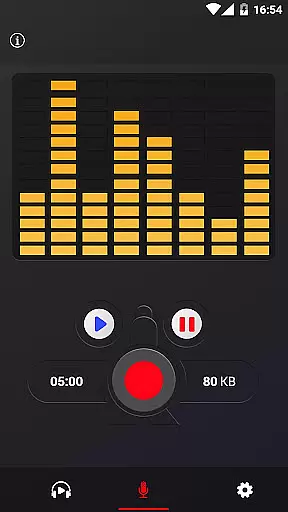
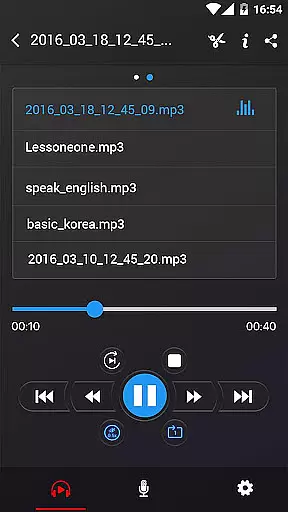
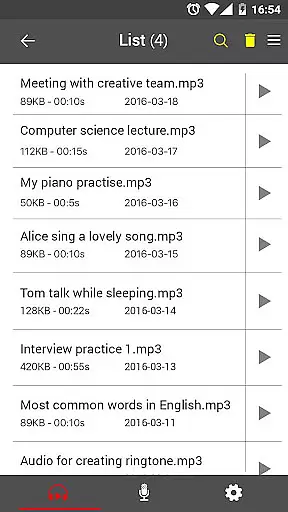
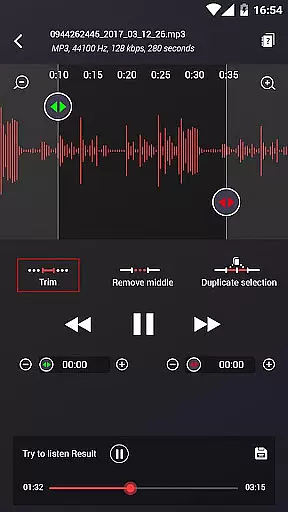
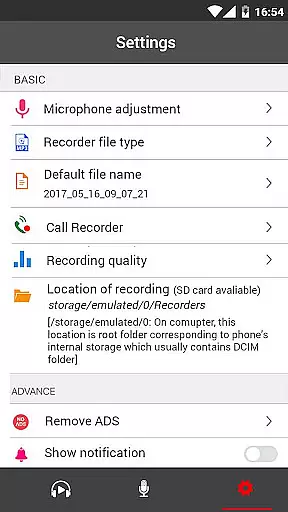
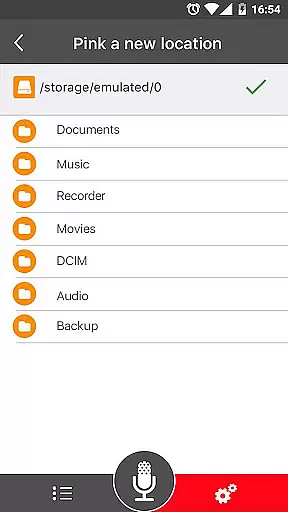
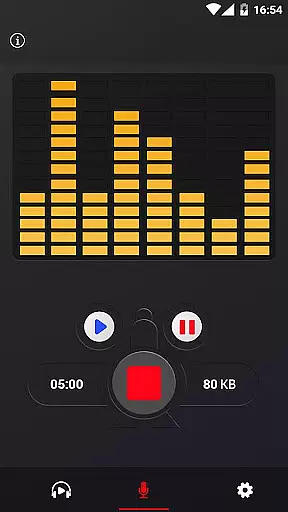
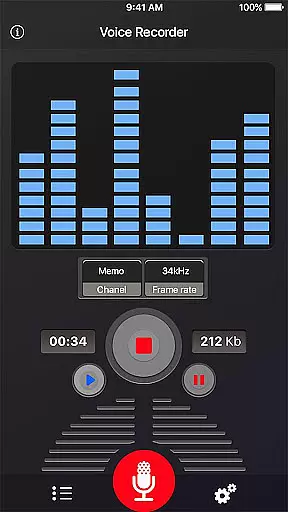
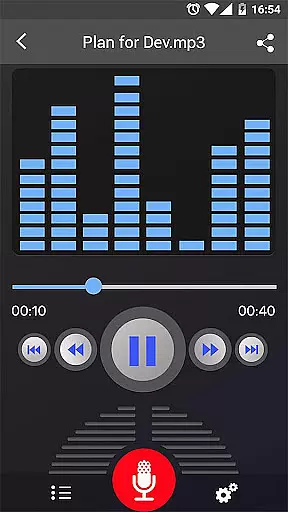
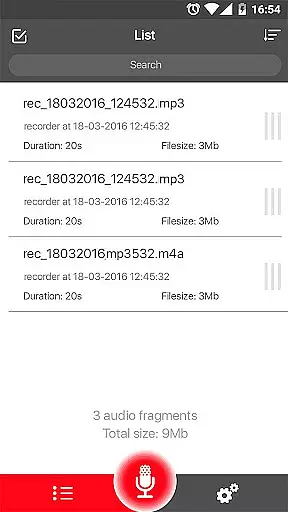
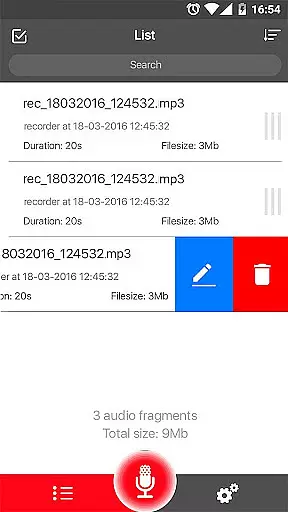
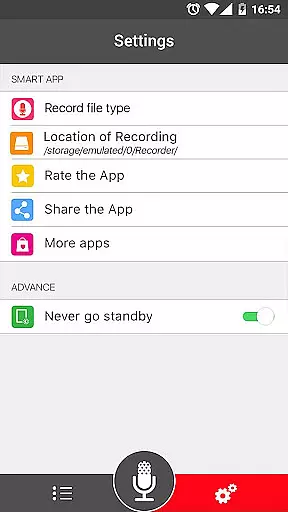
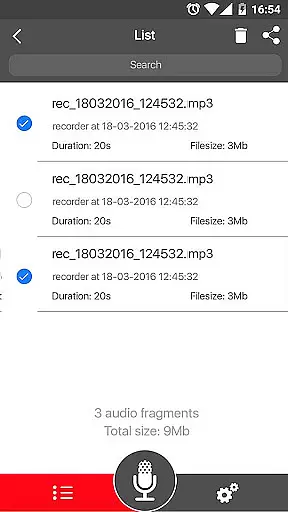

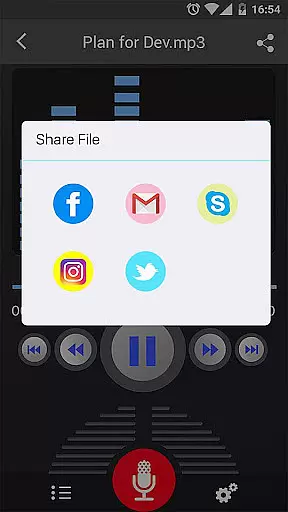
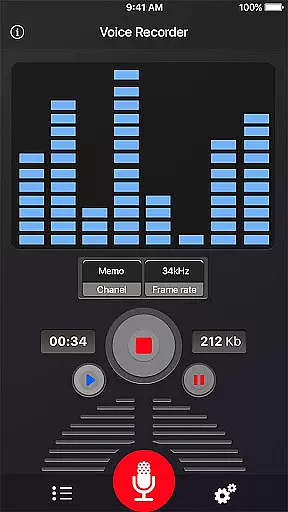
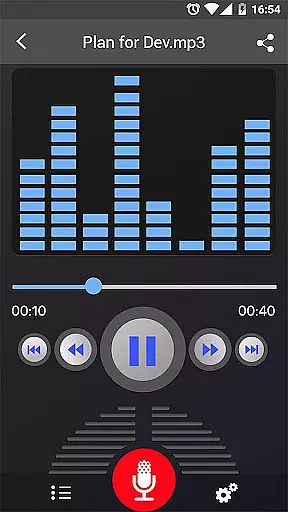
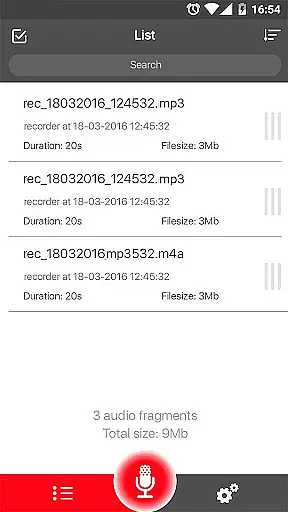
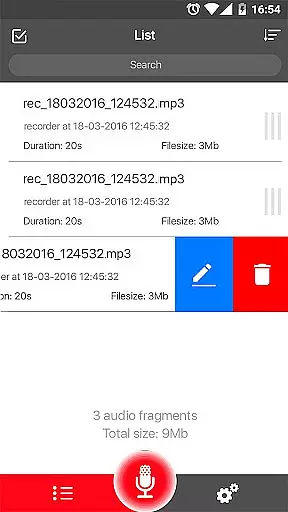
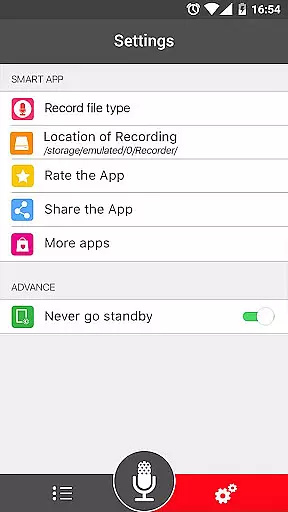
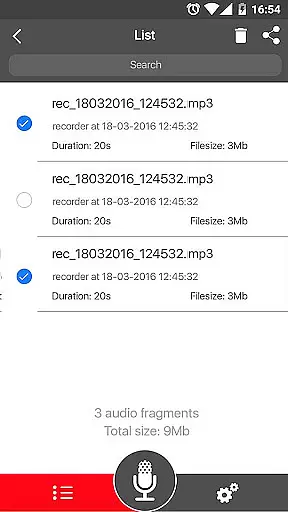
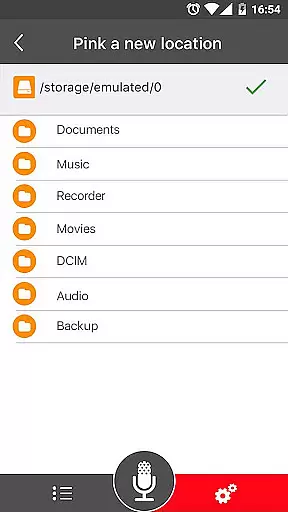
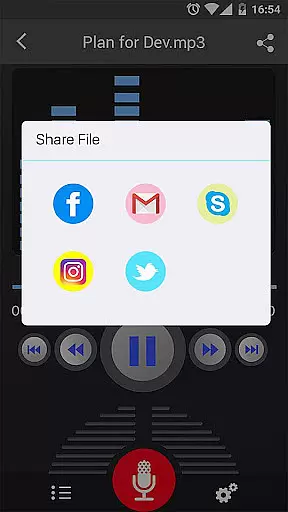
Voice Recorder is a top-tier audio recording application designed for users who need to capture high-quality sound on their mobile devices. This app offers an intuitive interface and reliable performance, making it ideal for recording meetings, lectures, interviews, and more.
With no time limits and support for various audio formats like MP3 and OGG, Voice Recorder ensures that you can capture every important moment with clarity. Its powerful features such as live audio spectrum analysis and adjustable MP3 encoding make it a versatile tool for both personal and professional use.
The Voice Recorder app stands out with its comprehensive set of features tailored for optimal audio capture. It supports high-quality recording in multiple formats including MP3 and OGG, allowing users to choose the best option for their needs.
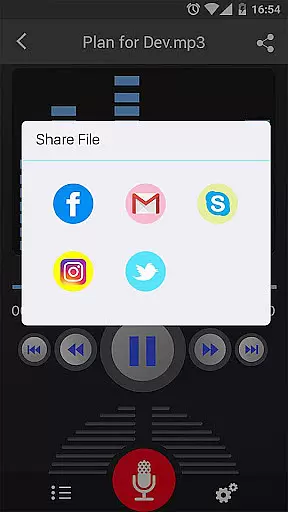
One of the key highlights is its ability to record in the background, even when the display is off, ensuring uninterrupted sessions. The app also includes advanced tools like a microphone gain calibration feature and flexible recording controls (save, pause, resume, cancel). Additionally, users can easily share their recordings via email, SMS, social media platforms, and cloud services.
Voice Recorder offers a comprehensive set of features for capturing high-quality audio, making it an ideal tool for expanding your music library. The app supports recording in multiple formats such as MP3 and OGG, which ensures compatibility with various music players and systems.
With the ability to encode MP3s at adjustable sample rates from 8 kHz to 44 kHz, users can tailor their recordings to meet specific quality and file size requirements. This flexibility allows for the creation of a diverse music library that caters to different listening preferences and devices.
The app's commitment to copyright authenticity is evident through its feature set that encourages original content creation. By providing tools like a live audio spectrum analyzer and microphone gain calibration, Voice Recorder empowers users to produce unique, high-fidelity recordings that stand out in the digital soundscape.
Audio quality is paramount when recording music or sound, and Voice Recorder excels in delivering top-notch audio capture capabilities. The application records voice with impressive clarity, ensuring that every nuance and detail is preserved for a true-to-life playback experience.
Users have control over their recordings with options to play, pause, stop, save, and even share their audio files effortlessly. Sharing is versatile, allowing distribution via email, SMS, MMS, social media platforms, cloud services, and more, without compromising on audio fidelity.
In addition to basic recording functions, advanced features such as background recording and pausing/resuming the recording process provide users with professional-level tools. These options ensure uninterrupted sessions and give creators the power to manage their audio projects with precision and ease.
User-friendly interface
High-quality recordings
Background recording
Flexible sharing options
Comprehensive format support
No call recording
Limited editing tools
Occasional bugs
Ads present
Basic UI design

SqueezePlayer turns your Android phone or tablet into a SqueezeBox on its own!
 4.60
4.60
The Cubase remote control app
3.60
Most Advanced AI Song Generator and Music Creator. Rap, Pop, Rock, Gospel & more
4.70
The best music and audio player, with beautiful UI, music search and equalizer.
4.60
Recording studio w/ 10k beats, pro vocal FX and a network of 20M rappers & fans!
4.60
Offline Music Player&MP3 Player with themes, equalizer, lyrics, music play mode
4.60
The Minimalistic Premium Music Player. Handmade with passion for music
2.20
Responsive piano with great sounds, graphics, and songs
4.80
Uninterrupted Tunes, Unmatched Vibes
3.90
Listen to live FM radio stations, sports, music and news on global radios online
4.70
Record, Mix & Master with all n-Track effects, 64-bit audio and Stem Separation.
4.70
Listen radio AM / FM Stations. Live AM / FM Radio App Station. Radio Com.
4.70
Visualize the guitar fretboard, master scales & play through changes like a pro!
4.50
Bass Booster Pro takes auto-equalizing to the next level!
4.30
Network/Cloud Streaming, Visualization, Graphic Equalizer and Sound Effects.
4.20
A sleek, no-frills player designed for true music lovers.
4.20
Versatile MP3 recorder with auto-backup to Dropbox and Google Drive
4.10
Sing, record, and create music together — enhanced by smart voice tools.
4.00
Remove ads permanently from Music Visualizer
4.5


User Reviews