
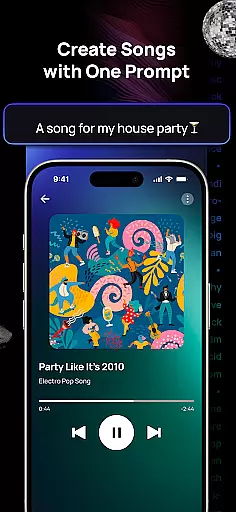
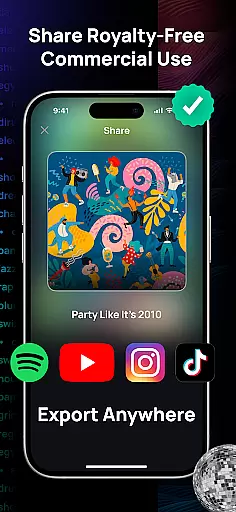
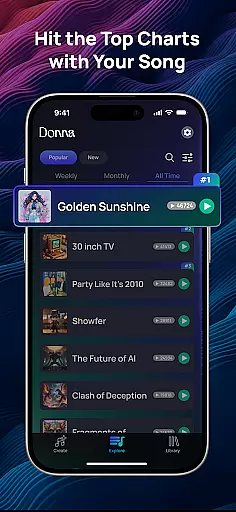
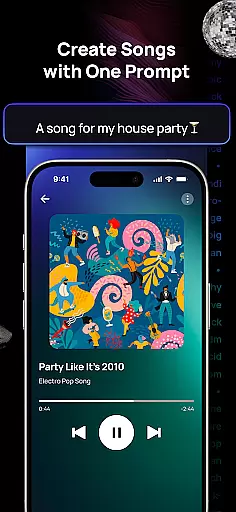
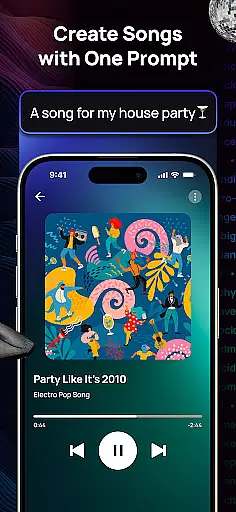
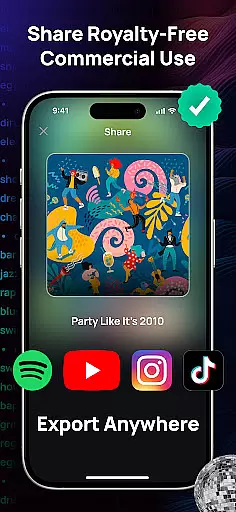
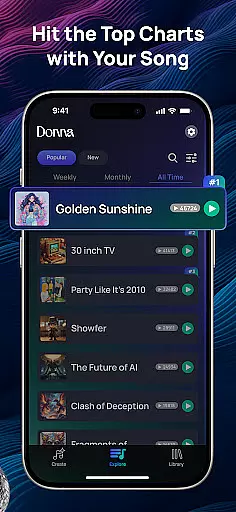
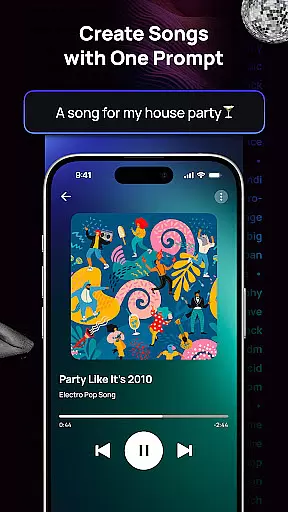
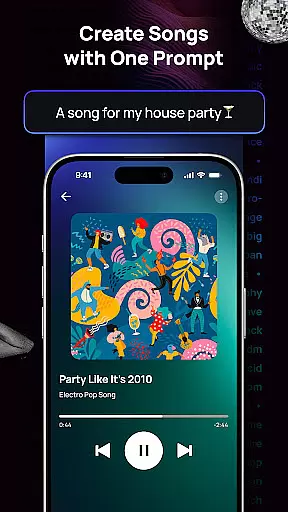
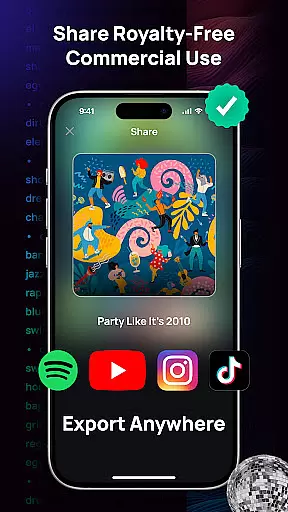
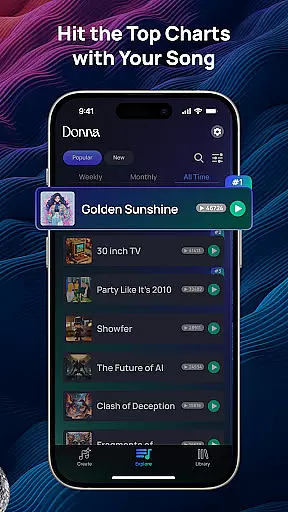
Donna AI Song & Music Maker represents a breakthrough in music creation, serving as both an advanced AI song generator and music production tool. This innovative application allows users to effortlessly transform text descriptions, lyrics, or even images into fully composed musical tracks. The app caters to a wide range of creative needs, from generating catchy pop songs to crafting emotional ballads, all powered by cutting-edge music AI technology.
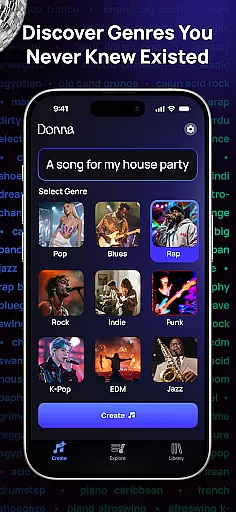
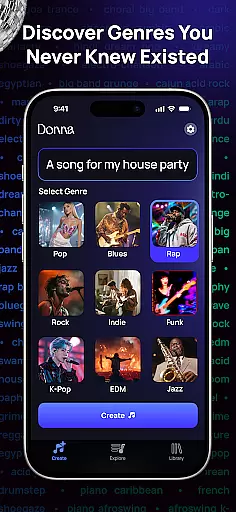
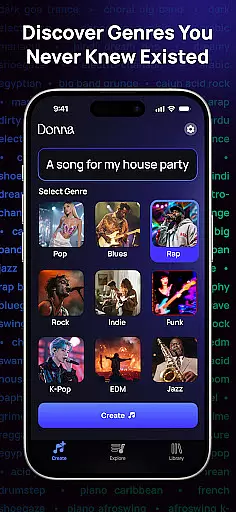
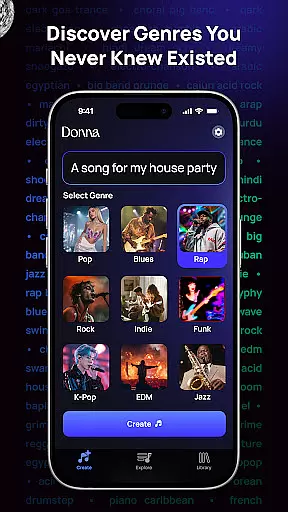
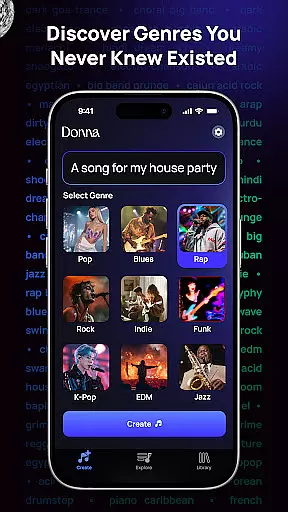
One of the standout features of Donna is its versatility in handling various input formats. Whether you're typing out lyrics, describing a mood, or uploading an image for thematic inspiration, the AI music generator quickly produces high-quality, royalty-free tracks tailored to your vision. With hundreds of genres and moods available, users can explore diverse musical styles while enjoying professional-grade compositions without requiring any technical expertise.
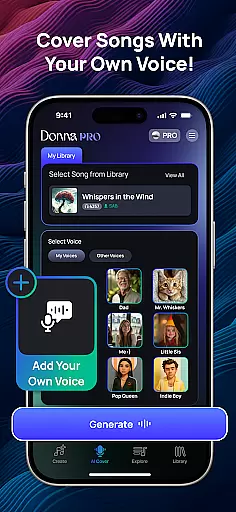
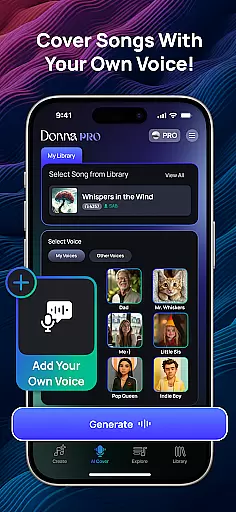
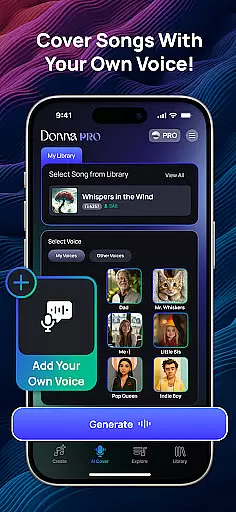
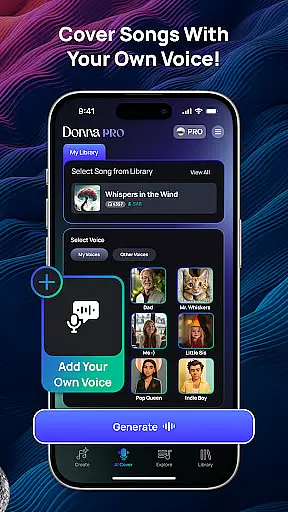
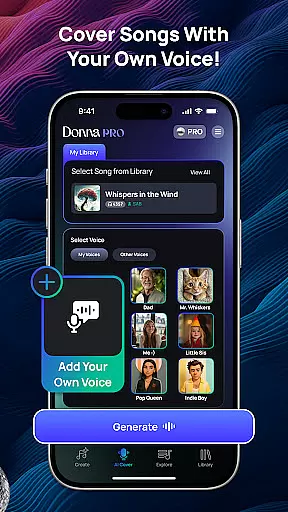
The app also offers unique performance modes, including Live Concert and Studio quality audio options, giving creators control over the final output. Additionally, Donna's AI Cover feature lets users upload their voice to create personalized cover songs, blending human vocals with AI-generated music seamlessly. These capabilities make Donna an ideal choice for both beginners and professional musicians looking to streamline their creative process.
Donna AI Song & Music Maker stands out through its comprehensive suite of music creation tools designed to enhance creativity and streamline workflow. At its core, the app leverages powerful AI algorithms that instantly convert ideas into polished musical compositions. Users can input descriptions, lyrics, or images, and the AI will generate original tracks across hundreds of genres, ensuring every piece matches the intended mood and style.
Beyond basic track generation, Donna includes advanced features like audio separation, which splits songs into individual components such as vocals, drums, bass, and instrumentals. This functionality is particularly useful for remixing or refining existing tracks. Another notable feature is the intuitive song extension tool, allowing users to adjust track durations according to specific requirements while maintaining seamless transitions throughout the composition.
For those seeking personalization, Donna's AI Cover capability enables users to upload their own voice recordings, creating custom cover versions of popular songs. Combined with flexible listening modes—Live Concert energy or pristine Studio quality—and support for male or female vocal preferences, these features ensure that each project aligns perfectly with the creator’s vision. Overall, Donna empowers users to produce professional-grade music effortlessly.
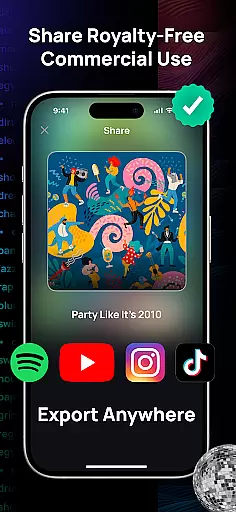
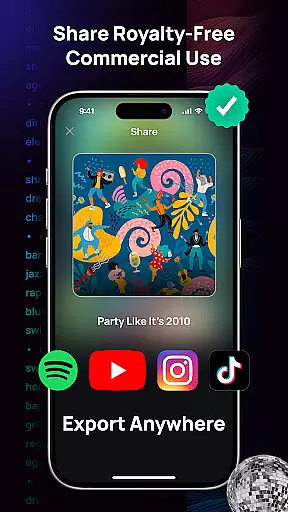
Donna AI Song & Music Maker boasts an extensive music library that caters to a wide array of genres and moods, ensuring that users have access to a diverse selection of tracks. This vast library is not just about quantity; it also guarantees the authenticity of its content by providing royalty-free music creations. The assurance of copyright authenticity means that creators can use these tracks without legal concerns, making it ideal for various projects.
The app leverages innovative music AI technology to generate original compositions based on user inputs such as descriptions, lyrics, or images. By doing so, it offers limitless possibilities in music creation while maintaining compliance with copyright laws. Users can craft unique soundtracks tailored to their imagination, whether they seek catchy pop hits, emotional ballads, or vibrant AI rap tracks.
Moreover, Donna's capability to create personalized cover songs adds another layer to its expansive music library. By uploading oneu2019s voice, users can blend their vocals with professionally crafted music from the AI song generator, resulting in customized covers that are both authentic and impressive. This feature underscores the app's commitment to delivering high-quality, copyright-compliant musical content.
Audio quality is paramount when producing music, and Donna AI Song & Music Maker excels in delivering pristine audio experiences through its advanced features. The app provides two distinct performance modesu2014Live Concert energy and Studio quality audiou2014ensuring that users can choose the best option for their creative needs. Whether you prefer the vibrant atmosphere of a live performance or the polished precision of studio recordings, Donna has you covered.
In addition to offering flexible listening experiences, Donna allows users to enhance their tracks further with powerful audio separation tools. These tools make it simple to split songs into vocals, drums, bass, and instrumentals, which is ideal for remixing and refining your tracks. Such detailed control over each audio component ensures that the final output meets professional standards.
Furthermore, Donna supports various audio formats, catering to different requirements and preferences. This versatility in audio quality options empowers users to produce high-fidelity tracks suitable for both personal enjoyment and commercial use. With Donna AI, achieving top-notch audio quality is effortless, enabling creators to bring their musical visions to life with unmatched ease and innovation.
User-friendly interface
Versatile genre options
High-quality audio output
Innovative AI Cover feature
Flexible customization tools
Limited free usage
Requires internet connection
Premium features are costly
Occasional rendering delays
Learning curve for beginners

Formerly known as Spotistats! View your top tracks, artists, albums and more!
 4.40
4.40
VB-AUDIO Software / VBAN-Receptor allows listening to any VBAN Streams
4.10
DJ Music Mixer - DJ Remix: remix songs, make beat music & record mix of DJ.
4.40
Advanced 10-Band Audio Graphic Equalizer Sound Booster Pro
4.30
24,000 free audio books and no ads!
4.90
Super Sound Editor, Song Maker & Mixer, Vocal Remover, Voice Recorder & Changer!
4.60
No wifi music app. Mp3 offline. Tuner radio, young radio music. Music downloader
4.20
Customize Your Favorite Songs and Videos with booster.
4.70
Be a true music maker: create beats, mix and make music like a real DJ!
4.30
Tune in to the greatest hits on UK Radio | The home of Capital, Smooth & Heart.
4.90
Play your hearts out on TouchTunes jukeboxes & connect with fellow music lovers.
4.80
Make songs with AI! Any genre, custom lyric, song generator for music creation!
4.80
Offline Music Player & MP3 Player.Powerful equalizer, Lyrics, Themes, Tag Editor
4.80
Save hundreds of dollars for a physical strobe tuner and instead use this app.
4.50
Play KORG’s revolutionary touch-based instrument on a variety of devices.
4.40
PowerAudio is a powerful offline music player.
4.20
USB audio recording and playback finally possible on Android 3.1 or higher!
3.90
Slow music down without changing pitch.
3.70
The Cubase remote control app
3.60


User Reviews