
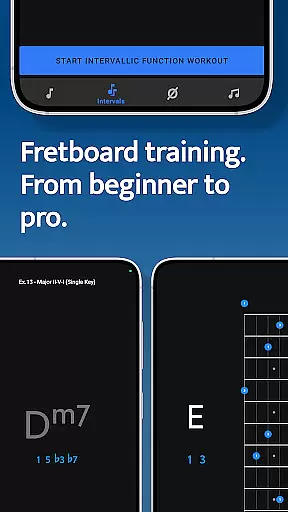
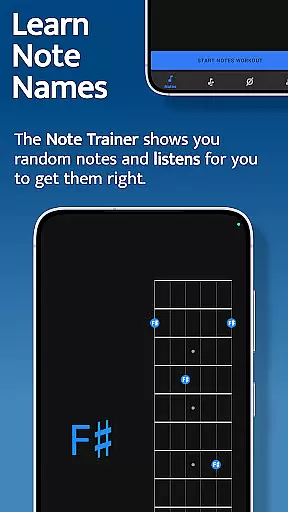
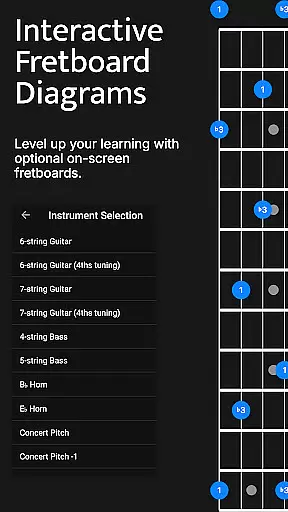
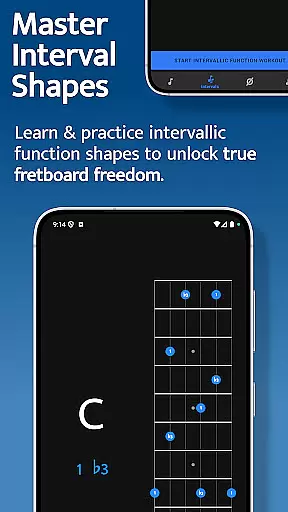
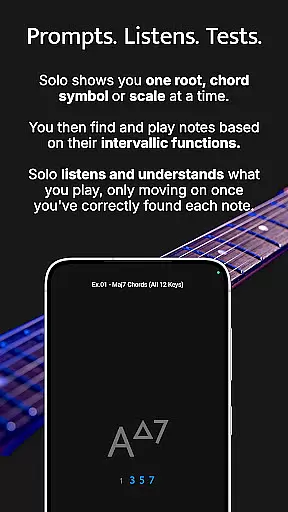

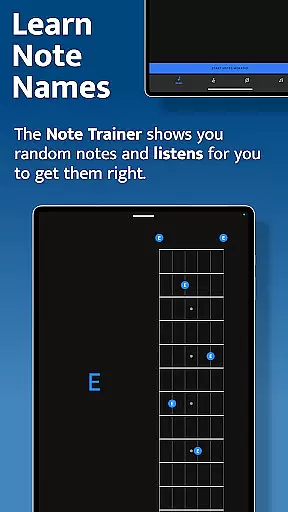
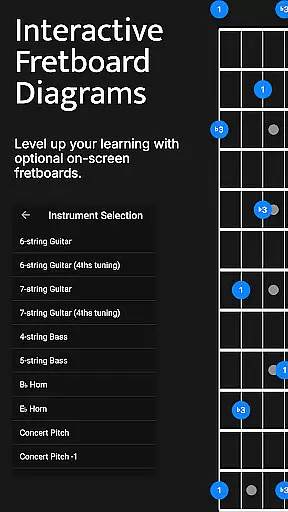
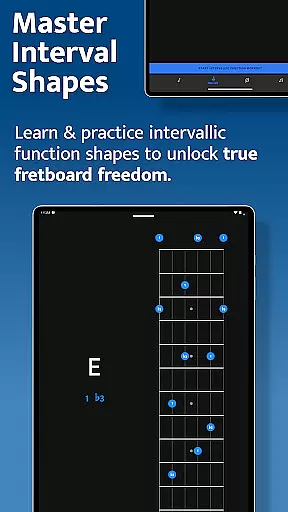
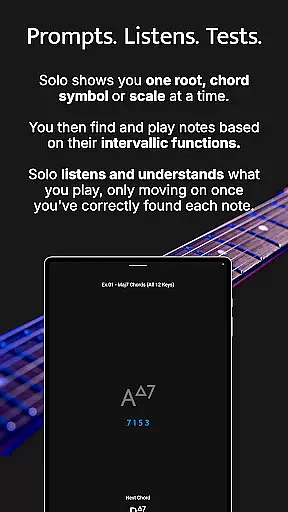


Solo is a comprehensive fretboard visualization app designed for guitarists and bassists who want to master their instruments. Developed by renowned guitarists Tom Quayle and David Beebee, this app offers four powerful training modules: Note Trainer, Interval Trainer, Changes Trainer, and Scale Trainer. Each module focuses on a specific aspect of fretboard mastery, from learning note names to practicing scales and chord changes.
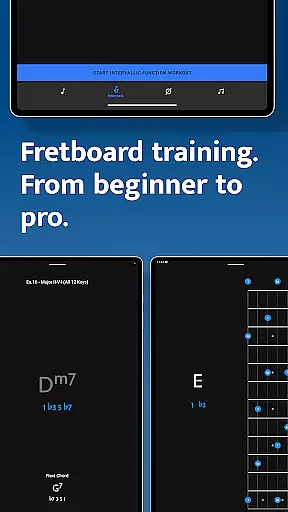
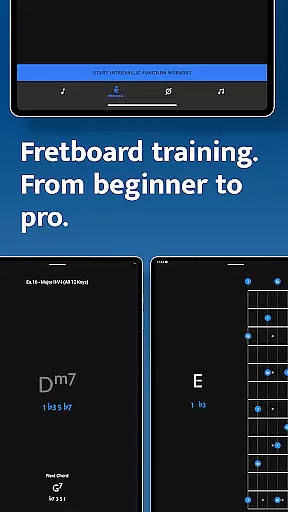
The app caters to players of all levels, providing interactive fretboards and customizable practice sessions. Whether you're a beginner getting familiar with note names or an advanced player working on complex melodic structures, Solo adapts to your needs. With features like duration-based workouts, transposition options, and over 50 intervallic function levels, users can craft personalized practice routines that evolve with their skills.
By using Solo, musicians can break out of scale boxes, confidently navigate chord changes, and develop a deeper understanding of the fretboard. This makes it an essential tool for transforming both playing technique and musical confidence.
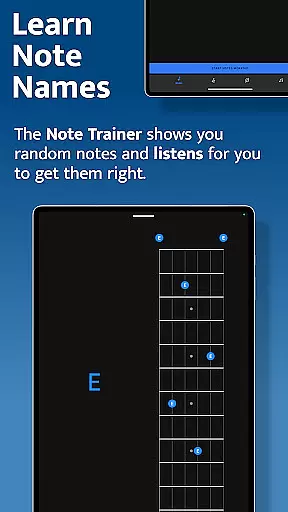
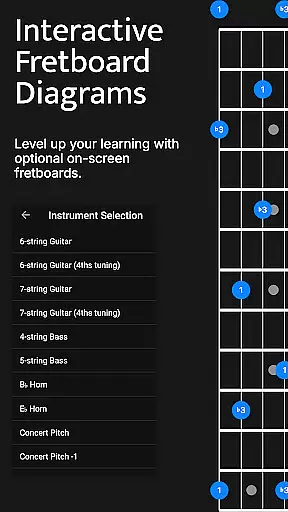
Solo stands out with its four specialized training modules, each offering unique functionalities. The Note Trainer helps beginners and intermediate players learn note names through interactive fretboards and random root notes. It supports various tunings and string configurations, including 6-string guitars, 7-string guitars, and 4-string basses, making it versatile for different instruments.
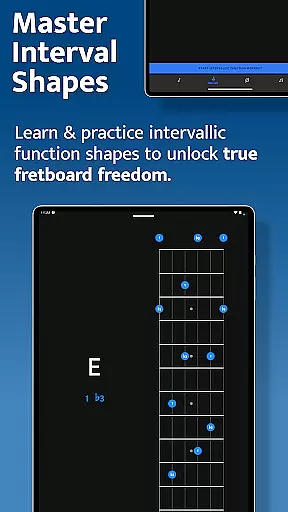
The Interval Trainer allows users to practice interval shapes with customizable interval groups. Players can choose intervals for any chord type or scale, and the app randomizes these intervals for practice against fixed or random root notes. This feature is crucial for unlocking true freedom on the fretboard.
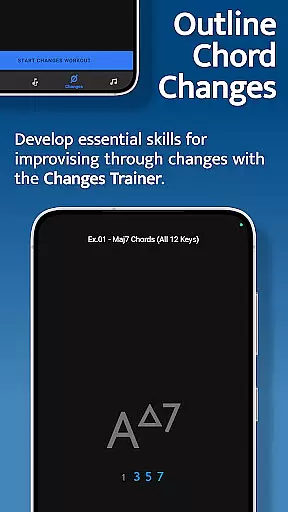
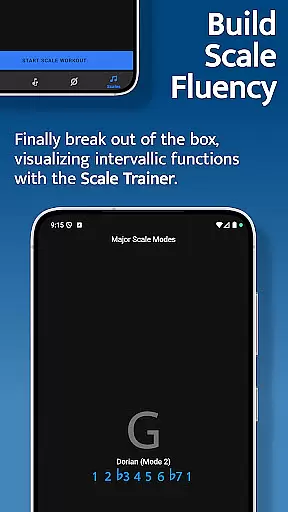
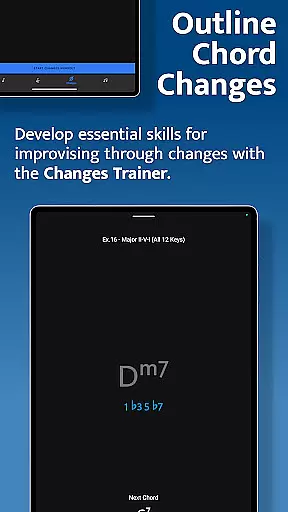
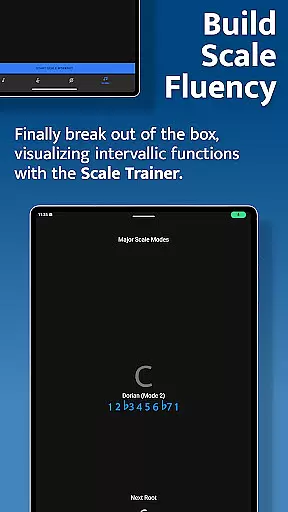
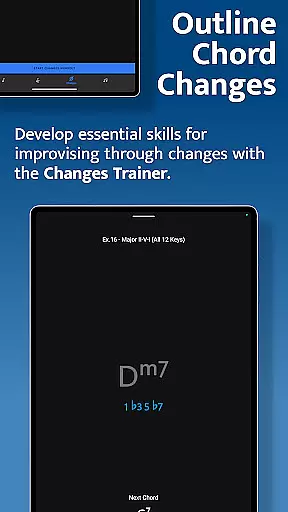
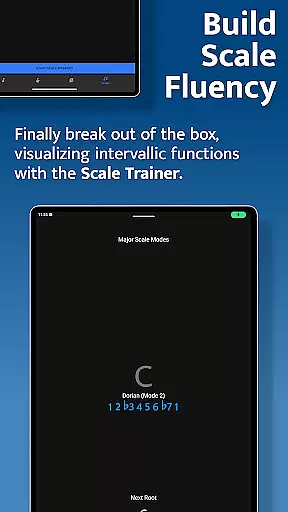
The Changes Trainer focuses on outlining chord changes with single notes, essential for improvisation. With over 100 common chord progressions and 50 intervallic function levels, users can practice voice leading and transposing keys. The Scale Trainer complements this by offering over 50 scales and modes, with options for melodic sequences and deep scale construction understanding. These robust features ensure a well-rounded musical education.
When it comes to music learning applications, the depth and breadth of the music library are crucial for providing users with a comprehensive learning experience. Solo - Fretboard Visualization offers an extensive collection of scales, chords, and interval functions that cater to guitarists and bassists of all levels.
The app includes over 50 scales and modes in its Scale Trainer, ensuring that musicians can explore various musical genres and styles. This vast array of content is not just about quantity but also quality, as each scale and mode is accurately represented to ensure correct learning.
Copyright authenticity is another cornerstone of Solo's offering. The application provides licensed and legitimate content developed by renowned guitarists Tom Quayle and David Beebee. Users can trust that they are learning from high-quality, authoritative sources.
With Solo, musicians have access to a rich library that supports their growth and development on the fretboard, making it an invaluable tool for mastering fretboard visualization.
Audio quality is paramount when it comes to music training apps, as clear sound ensures accurate learning and performance. Solo - Fretboard Visualization takes this aspect seriously by integrating advanced audio features that support high-quality sound output.
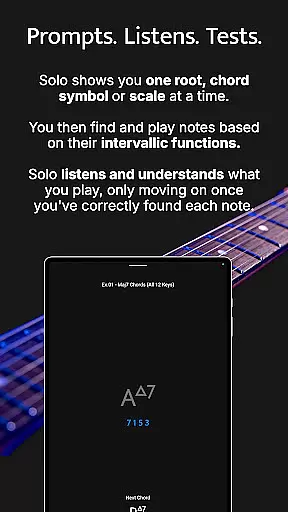
The app listens to the notes played by the user and provides real-time feedback, which is essential for correcting mistakes and improving playing technique. This interactive feature requires precise audio processing to accurately detect and respond to each note.
Solo offers various practice modes that include duration-based workouts and melodic sequence options, allowing users to customize their sessions according to their skill level and preferences. These modes are supported by robust audio settings that maintain clarity and consistency throughout each exercise.
By prioritizing audio quality, Solo ensures that users can confidently practice and refine their skills, knowing that the sound they hear is an authentic representation of their performance on the instrument.
Comprehensive training modules
Interactive fretboards
Customizable practice sessions
Versatile instrument support
Developed by renowned guitarists
Steep learning curve
Requires dedicated practice time
Limited visual design appeal
No real-time feedback
Premium pricing model

Your HD audio recorder on the go for music, meetings, ambience, animal sounds…
 4.30
4.30
Formerly known as Spotistats! View your top tracks, artists, albums and more!
4.40
Your song collections with lyrics and chords on Android smartphones and tablets.
4.80
Bass Booster & Volume Equalizer Pro improves your music and video sound quality
4.60
The alternative folder based music player.
4.20
Enjoy singing any song, no matter how high or low it is
4.30
Powerful 10-Band equalizer pro with sound booster improves Android audio quality
4.30
Ringtone Maker is free app create ringtone from music files or your recording.
4.40
Responsive piano with great sounds, graphics, and songs
4.80
Voice recorder - Audio recorder. Best recorder for recording
4.90
Listen radio AM / FM Stations. Live AM / FM Radio App Station. Radio Com.
4.70
SqueezePlayer turns your Android phone or tablet into a SqueezeBox on its own!
4.60
A synth that really lets you shape your sounds!
4.50
Play KORG’s revolutionary touch-based instrument on a variety of devices.
4.40
Smart piano keyboard, Classical to Pop, Real-time multiplayer connection!
4.20
Next generation modular control surface
4.10
The official Sonos app
4.10
Versatile MP3 recorder with auto-backup to Dropbox and Google Drive
4.10
Permanently backup Now Playing. Maps, filters & listening stats.
4.00


User Reviews