
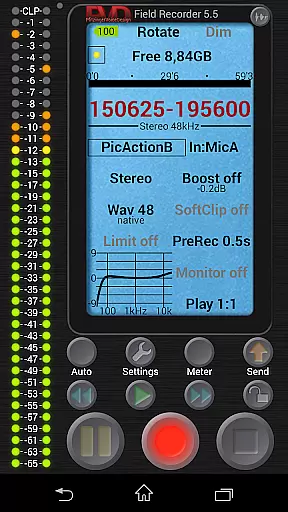
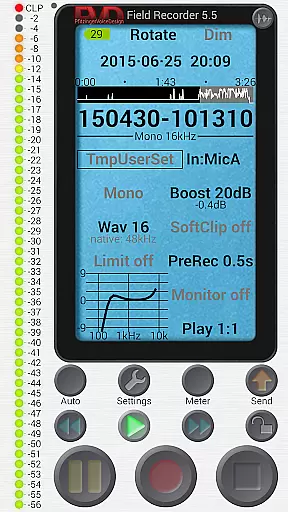
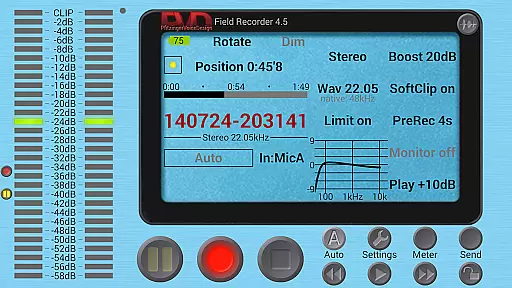
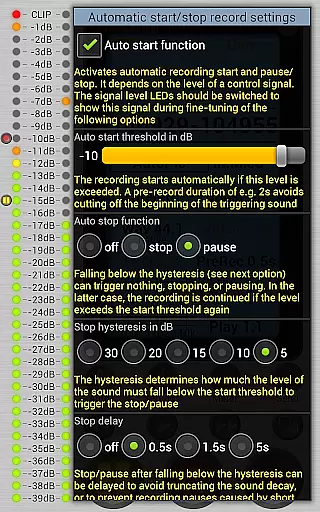
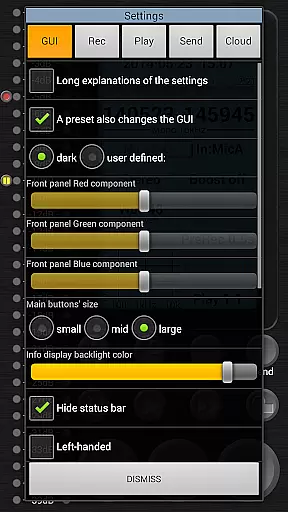
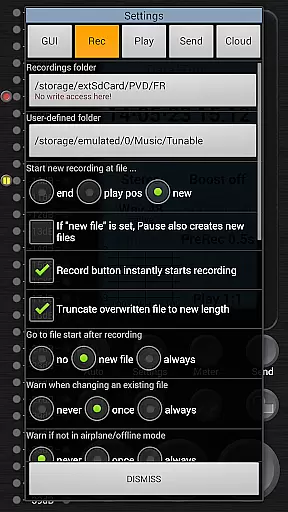
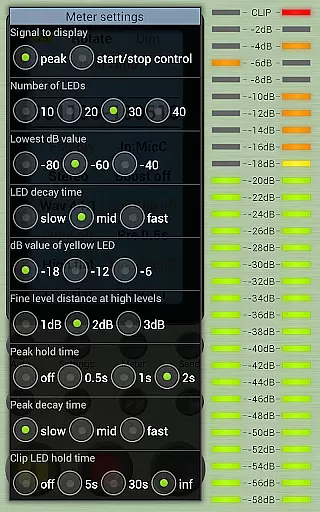
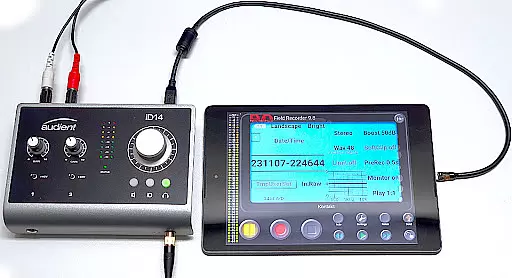
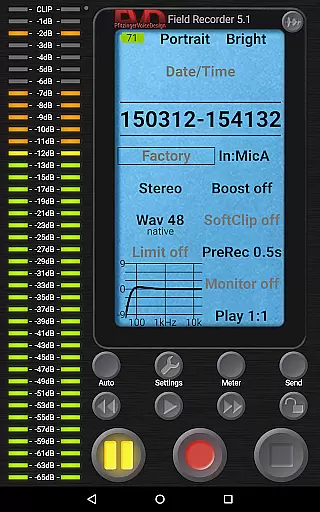
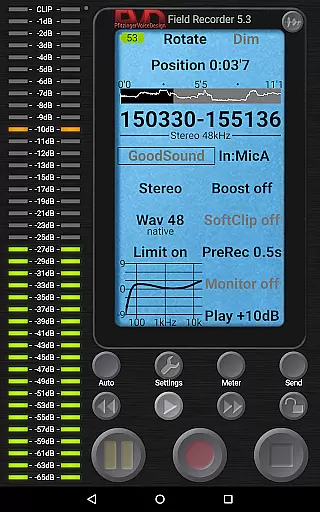
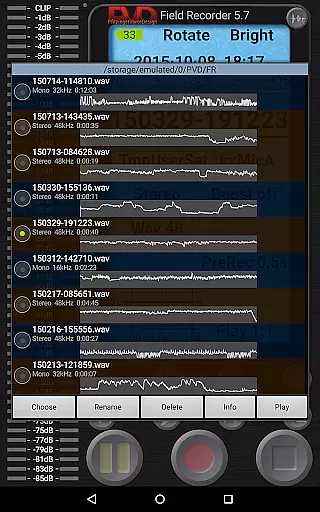
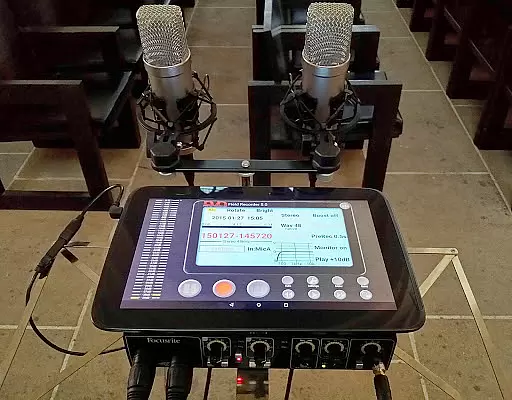
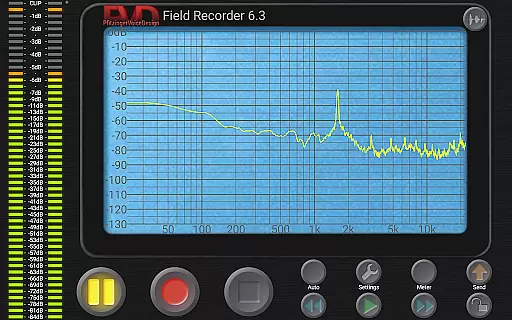
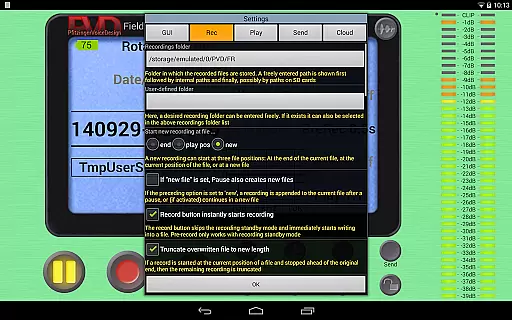
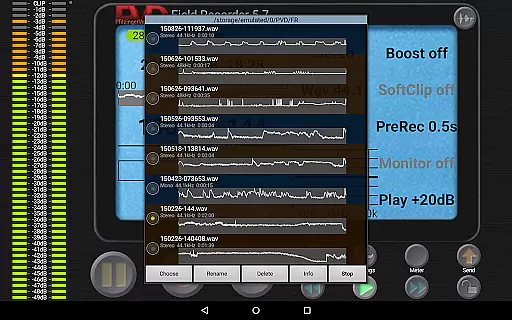
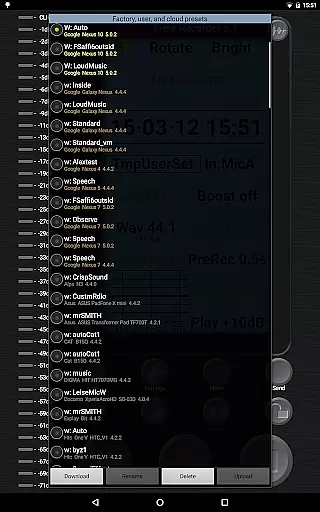
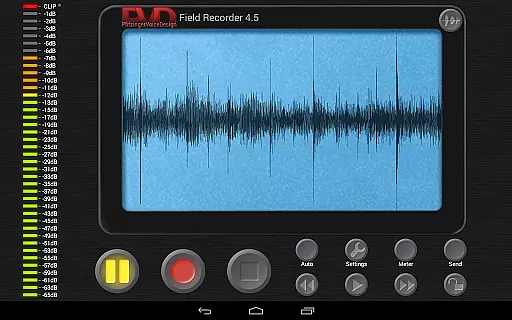
Field Recorder transforms your mobile device into a versatile audio recording tool, offering professional-grade features in a lightweight package. With support for both internal and external microphones, as well as USB sound cards, this app provides exceptional flexibility for various recording scenarios.
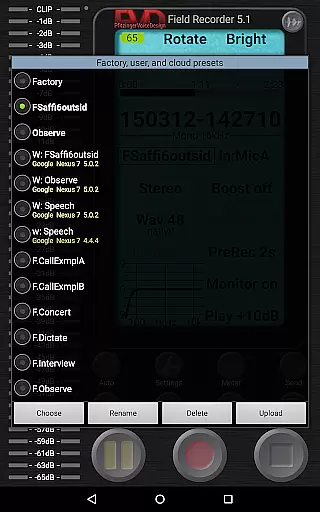
The application allows precise control over audio parameters through its advanced equalizer, limiter, and filter settings. Users can save custom presets for different recording situations, making it easy to switch between configurations. Whether you're capturing live concerts, conducting interviews, or documenting meetings, Field Recorder ensures high-quality results with minimal effort.
This app is particularly valuable for musicians, journalists, and audio professionals who require reliable recording capabilities on the go. The ability to instantly share recordings via email or social media, coupled with seamless integration with helper apps for format conversion, makes it an indispensable tool for modern content creators.
Field Recorder stands out with its comprehensive feature set designed for audio enthusiasts. The app supports multiple recording formats ranging from efficient mono/16kHz/16-bit to professional stereo/192kHz/24-bit WAV files. Its pre-recording buffer of up to 90 seconds ensures no important moments are missed.
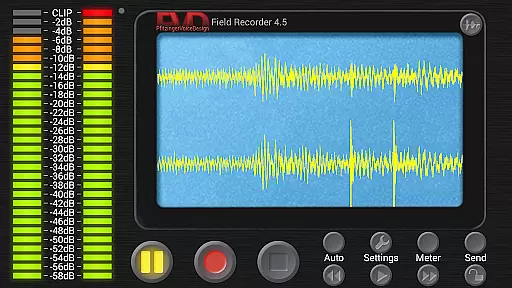
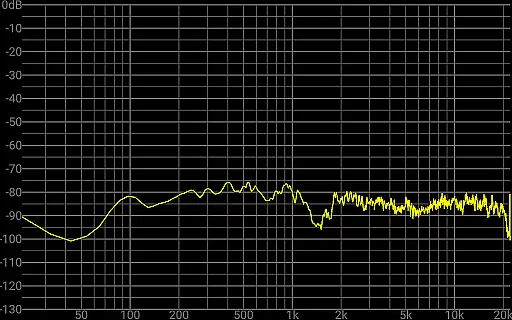
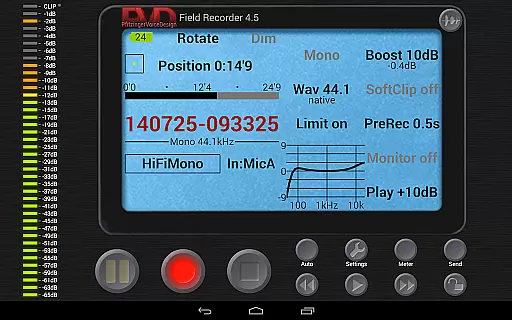
Advanced monitoring capabilities include real-time spectrum analysis, signal visualization, and sonogram display. The built-in parametric and shelving equalizers, along with low-cut filters and stereo balance correction, allow users to optimize recordings for any environment. The configurable limiter and soft clipping features prevent distortion while maintaining audio quality.
Additional professional tools include automatic file splitting at 4GB boundaries, adjustable monitoring latency down to 20ms, and extensive GUI customization options. These features, combined with the ability to control recording through volume thresholds and automated email notifications, make Field Recorder a complete solution for demanding audio capture needs.
Field Recorder offers an extensive suite of recording features that effectively transform your phone into a professional-grade audio recording device. While it doesn't provide a traditional music library, the app's ability to save presets for different recording scenarios adds a layer of customization akin to curating a personal audio library.
The application supports various audio formats including WAV, MP3, AAC, and FLAC through helper apps, ensuring broad compatibility and copyright compliance. This versatility allows users to record, convert, and share audio files in the most suitable format for their needs, whether for personal use or professional distribution.
With options to record in mono or stereo at sample rates up to 192kHz and bit depths up to 24-bit, Field Recorder ensures high-quality captures that meet industry standards. The inclusion of advanced audio processing tools like equalizers, limiters, and filters further enhances the authenticity and quality of recordings.
Users benefit from the app's comprehensive feature set that includes automatic file management, pre- and post-roll recording, and real-time monitoring. These capabilities ensure that creators can focus on capturing the moment without worrying about technical limitations or copyright issues.
Field Recorder stands out in the Music & Audio category by offering unparalleled audio quality options that cater to both amateur enthusiasts and professional audio engineers. The app supports recording in various formats and resolutions, from efficient mono/16kHz/16-bit to professional stereo/192kHz/24-bit WAV files.
Advanced audio processing features such as low-cut filters, parametric and shelving equalizers, and stereo balance correction allow users to fine-tune their recordings. These tools help compensate for microphone limitations or environmental factors, ensuring optimal sound quality in any situation.
The application's sophisticated limiter, soft clipping, noise shaping, and dithering capabilities provide users with precise control over their audio dynamics. These features are crucial for maintaining clarity and preventing distortion, especially when recording at higher volumes or boosting signals above 0dB.
Real-time monitoring with latency as low as 20ms, combined with visual feedback through spectrum, signal, or sonogram displays, empowers users to make informed decisions during recording sessions. This combination of high-fidelity audio capture and professional-grade processing tools makes Field Recorder an exceptional choice for those seeking superior audio quality options.
User-friendly interface
High-quality recording
Extensive format support
Professional audio tools
Customizable presets
Complex for beginners
External mic required
Advanced features costly
Heavy battery usage
Steep learning curve

A synth that really lets you shape your sounds!
 4.50
4.50
DJ Music Mixer Pro is a real DJ controllers and DJ Music Studio to remix DJ.
4.40
DJ Music Mixer - DJ Remix: remix songs, make beat music & record mix of DJ.
4.40
The ultimate media player for Android devices
3.90
Learn and play 2M+ music tabs & chords on guitar, ukulele, bass, and more
4.30
The official Sonos app
4.10
Learn the notes on the guitar fretboard fast with this easy and fun app
4.60
Responsive piano with great sounds, graphics, and songs
4.80
Get alarms that fit your lifestyle and wake up to the sounds you love.
4.80
Play your hearts out on TouchTunes jukeboxes & connect with fellow music lovers.
4.80
Full-featured, High-Quality Groovebox Workstation, perfect for Live Performance!
4.80
Record, Mix & Master with all n-Track effects, 64-bit audio and Stem Separation.
4.70
Taal player that lets you sing any Indian & Western song with Tabla & Tanpura
4.60
AI Music Maker: Generate And Compose AI Tunes & AI Songs & AI Music & AI Melody!
4.60
Equalizer, Bass Booster and Volume Booster (Eq & Bass) improve sound quality
4.30
Time Trainer: accurate metronome w tools to help you develop your internal time!
4.20
No wifi music app. Mp3 offline. Tuner radio, young radio music. Music downloader
4.20
Turn your Android phone into a professional audio analyser with up to 120 bands.
4.00
Sheet music reader, piano & music note player. Play music score & learn to read.
3.90


User Reviews