
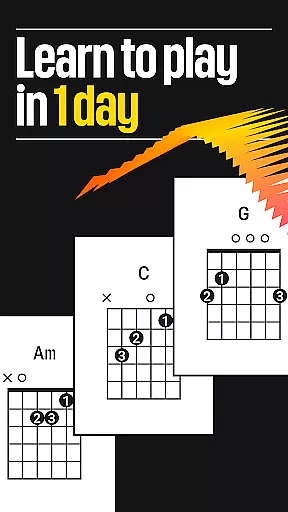
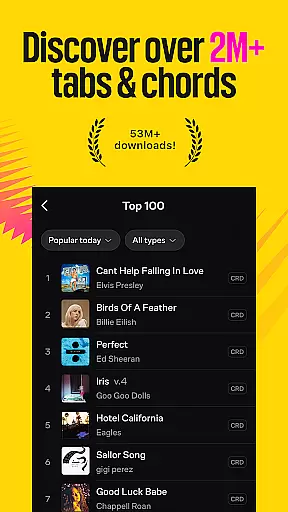


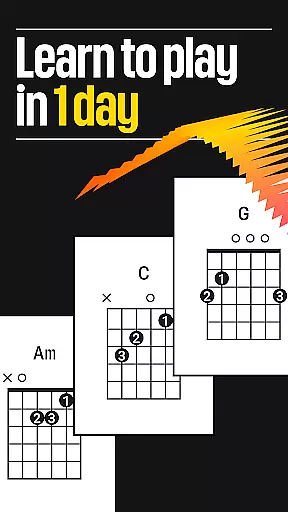
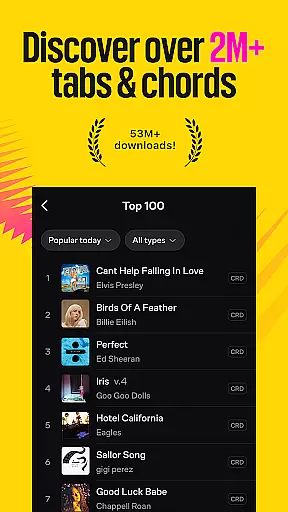


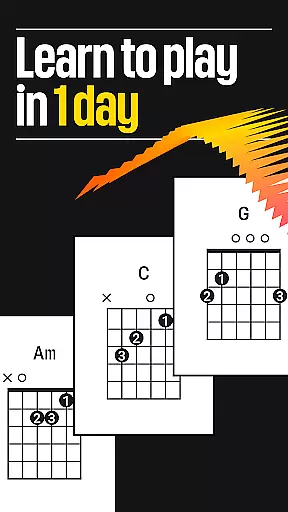
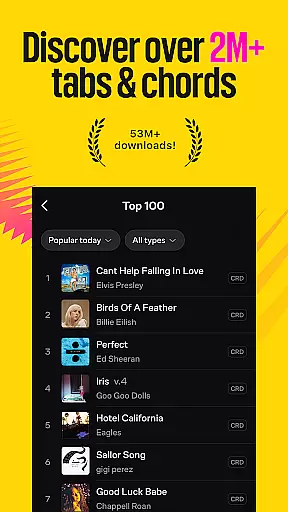


Ultimate Guitar is a comprehensive music learning platform designed for musicians of all levels. This app provides an extensive library of over 2 million tabs, chords, and lyrics across various genres, making it easy to learn your favorite songs on guitar, bass, piano, ukulele, and more. Whether you're a beginner or a professional, Ultimate Guitar offers tools like a built-in tuner, metronome, and backing tracks to enhance your practice sessions.
The app stands out with its Pro features, including official tabs, Tonebridge presets, and AI-powered feedback through Practice Mode. These advanced capabilities allow users to customize their learning experience by changing keys, simplifying songs, and playing at their own pace with SmartScroll. With offline access, left-handed mode, and dark mode, Ultimate Guitar ensures accessibility and convenience for every musician.
Ultimate Guitar also fosters a vibrant community where users can share their creations, upload personal tabs, and engage in forums. The app's integration with Spotify and YouTube allows seamless discovery of new music, while UG Courses and UG Sing provide structured learning paths for improving skills. This combination of resources makes Ultimate Guitar an essential tool for anyone looking to master their instrument and expand their musical repertoire.
Ultimate Guitar boasts a rich set of features tailored to musicians' needs. One standout feature is the vast library of 2 million+ tabs, including 29,000 Official Tabs with synchronized lyrics and backing tracks. This extensive collection covers a wide range of genres and skill levels, ensuring that every user can find content that matches their interests and abilities. Additionally, the app offers 29,000 Tonebridge presets, allowing users to recreate popular song sounds with ease.
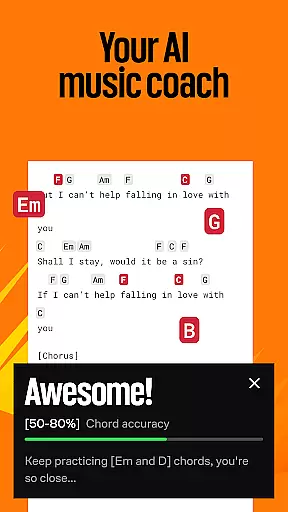
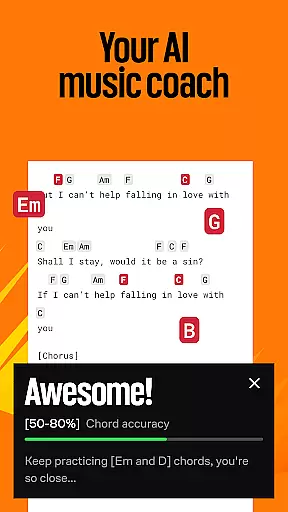
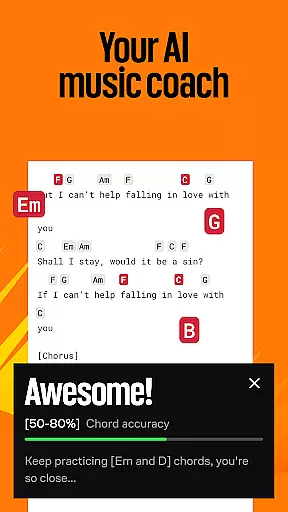
The app's Practice Mode serves as an AI-powered music coach, providing personalized feedback to help users improve their technique. Other notable features include the ability to transpose songs into different keys, simplify complex arrangements, and use SmartScroll to follow along with tabs in real-time. These functionalities enable users to learn at their own pace and adapt songs to fit their unique playing style. Furthermore, Ultimate Guitar supports video playback, customizable font settings, and integration with streaming platforms like Spotify and YouTube.
For those seeking structured learning, UG Courses offers 230+ video lessons led by professional educators, covering multiple instruments such as guitar, bass, violin, and ukulele. Meanwhile, UG Sing helps vocalists hone their skills with instant feedback on 20,000+ interactive songs. By combining these educational resources with community-driven features like tab sharing and forum participation, Ultimate Guitar creates a holistic environment for musical growth and collaboration.
Ultimate Guitar offers an extensive music library with over 2 million songs, guitar tabs, instrumental tabs, and chords. This vast collection ensures that musicians of all levels have access to a wide variety of music genres and styles.
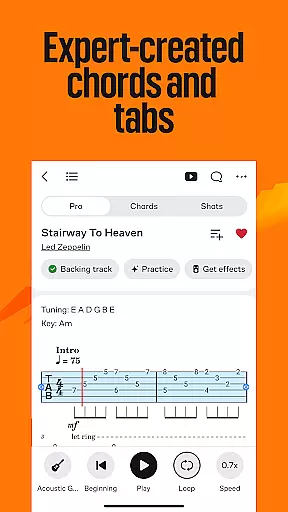
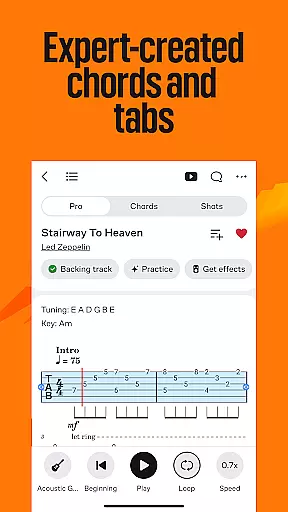
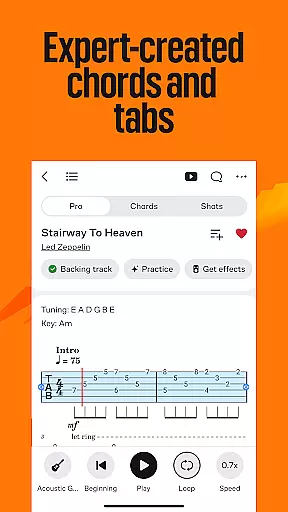
The app provides 29,000+ Official Tabs, which are accurate and legally licensed transcriptions of popular songs. These tabs allow users to play along with original sound, backing tracks, and synchronized lyrics, ensuring an authentic musical experience.
With Ultimate Guitar, users can explore 29,000 Tonebridge presets for popular songs, enhancing the quality of their practice sessions. The app's dedication to copyright authenticity means musicians can learn and play with confidence, knowing they are using verified and legal content.
This comprehensive library not only supports learning but also allows musicians to create and upload their own tabs, contributing to the community-driven expansion of available content while maintaining high standards of copyright compliance.
Ultimate Guitar ensures superior audio quality through various innovative features designed to enhance the learning and playing experience. One standout feature is the ability to change keys in songs as you play with Transposition, allowing musicians to adapt tracks to their vocal range or preferred tuning seamlessly.
The app includes backing tracks for thousands of songs, enabling users to play along with original recordings. This functionality helps musicians develop their timing and rhythm skills while experiencing what it feels like to be part of a band.
SmartScroll technology scrolls tablature automatically at the user's pace, providing a distraction-free playing experience. This feature ensures that players can maintain focus on their instrument without having to stop and manually scroll through tabs.
Additionally, Ultimate Guitar offers video playback for learning purposes and backing tracks, further enriching the auditory experience. These tools collectively contribute to a high-quality audio environment where musicians can refine their skills effectively.
Extensive tab library
AI-powered feedback
Offline functionality
Customizable learning
Vibrant community
Premium subscription required
Some features mobile-only
Occasional ads
Complex interface
Limited free content

SqueezePlayer turns your Android phone or tablet into a SqueezeBox on its own!
 4.60
4.60
Turn your phone into a musical instrument from the future!
3.90
The Cubase remote control app
3.60
A synth that really lets you shape your sounds!
4.50
Listen to live FM radio stations, sports, music and news on global radios online
4.70
Brian Eno and Peter Chilvers’ acclaimed music app Bloom, radically reinvented.
4.80
Record, Mix & Master with all n-Track effects, 64-bit audio and Stem Separation.
4.70
The official Sonos app
4.10
The original SP-1200 experience on your iPad
4.20
24,000 free audio books and no ads!
4.90
Play your hearts out on TouchTunes jukeboxes & connect with fellow music lovers.
4.80
Offline Music Player & MP3 Player.Powerful equalizer, Lyrics, Themes, Tag Editor
4.80
Over 100 million tracks available for high quality streaming and download
4.60
The Music Journey in Your Hands
4.30
Advanced 10-Band Audio Graphic Equalizer Sound Booster Pro
4.30
Master Salsa Rhythm quickly and with a lot of fun!
4.30
The alternative folder based music player.
4.20
Powerful beat maker & DJ mixer to remix tracks, make music, & perform DJ mix
3.70
MilkDrop for Android TV
3.00


User Reviews