

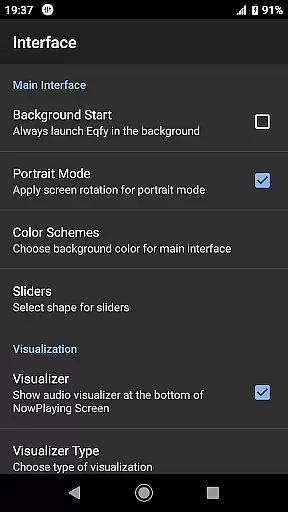
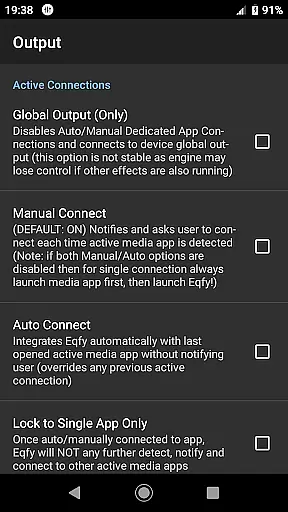
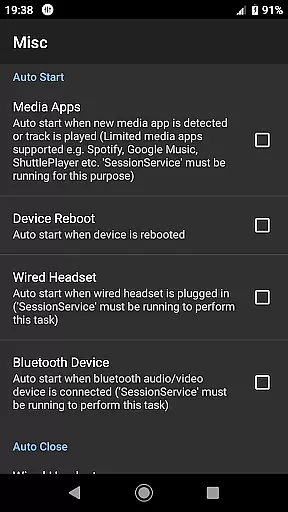
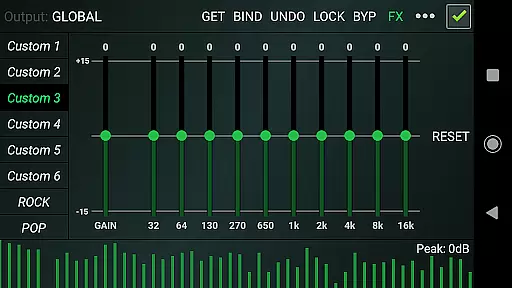
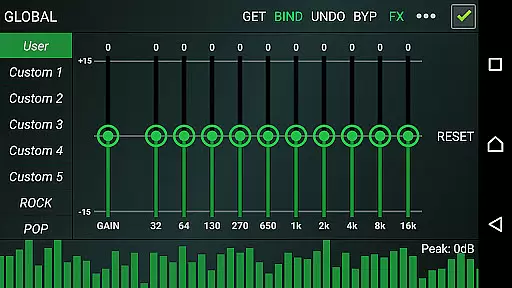
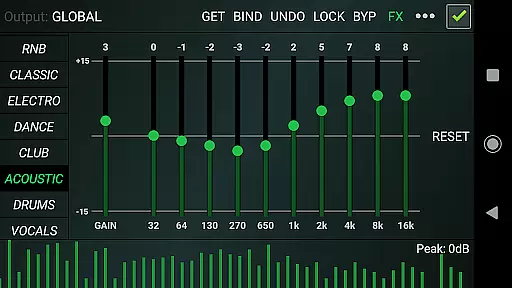
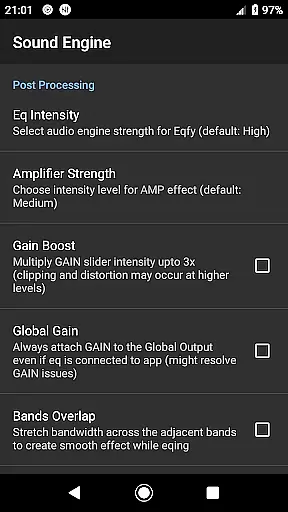
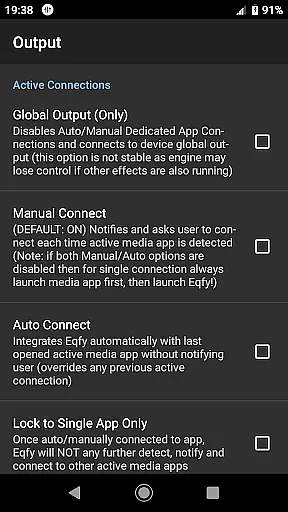
Eqfy Equalizer for Spotify is a powerful audio enhancement tool designed to elevate your music listening experience. This app works seamlessly with Spotify and other Android music applications, providing users with advanced equalizer controls to fine-tune their sound quality.
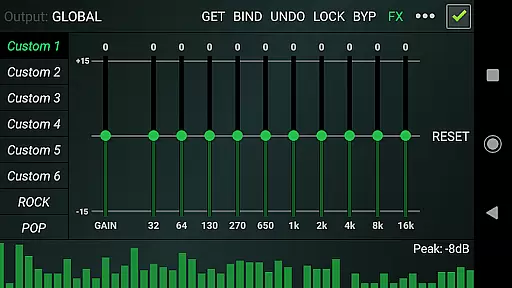
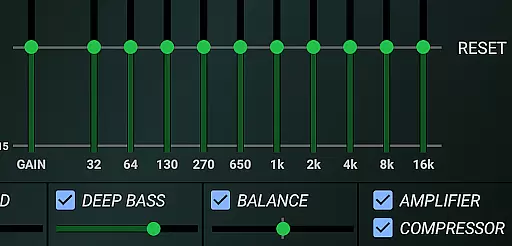
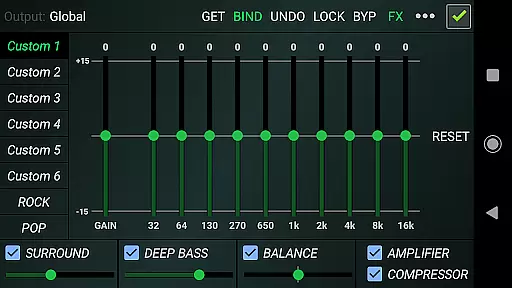
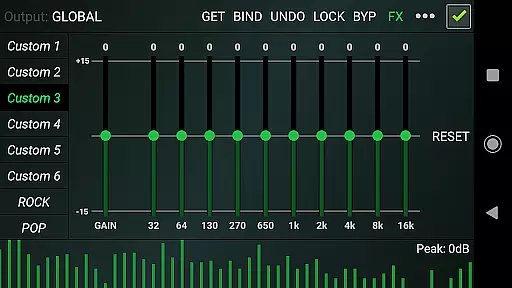
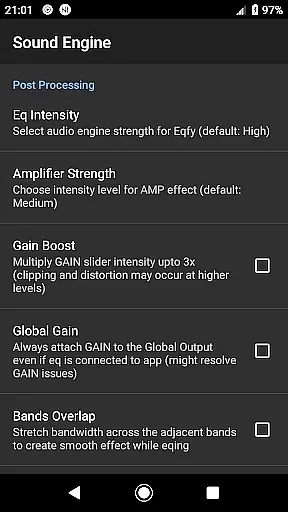
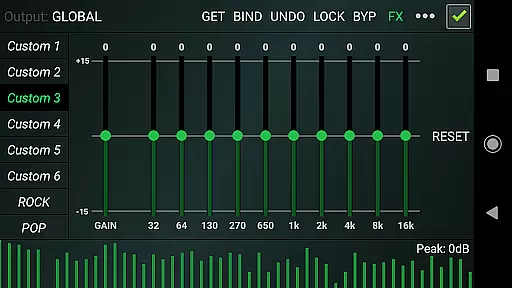
The core functionality of Eqfy lies in its dedicated audio engine that supports global output, making it compatible with various music apps. It features a 10-band equalizer with a loudness enhancer, allowing precise adjustments of bass, treble, and volume levels. Additionally, the app includes optimized audio effects like compressor, amplifier, and surround sound capabilities.
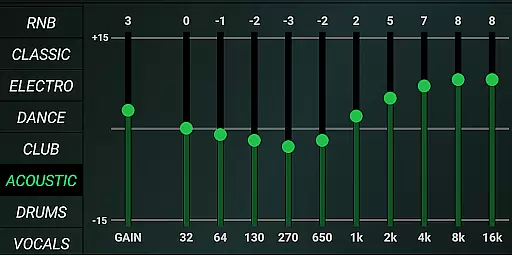
Whether you're an audiophile seeking perfect sound balance or a casual listener wanting better Spotify playback, Eqfy offers professional-grade tools in a user-friendly interface. Its 21 configurable presets and music visualizer make it an essential companion for enhancing your audio experience across different genres and devices.
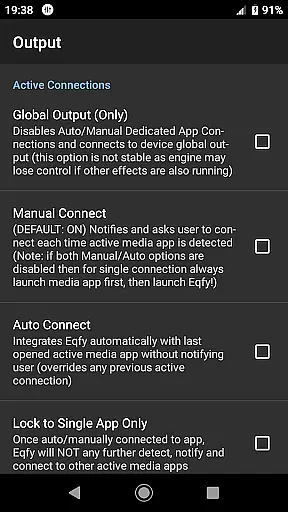
Eqfy stands out with its comprehensive feature set tailored for audio enthusiasts. The app's dedicated audio engine supports both local music players and streaming services like Spotify, YouTube Music, and others. This ensures consistent sound enhancement across all your favorite audio applications.
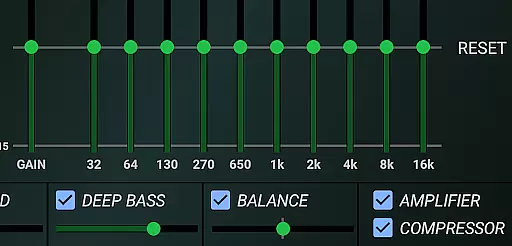
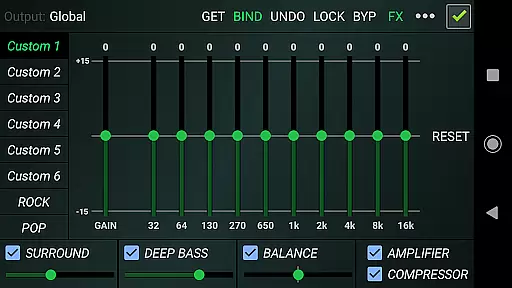
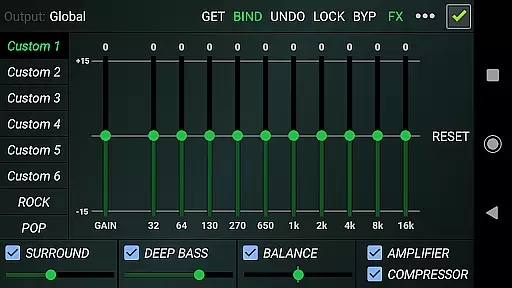
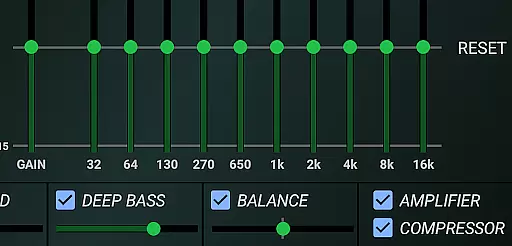
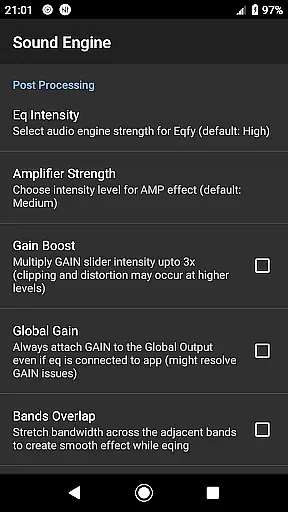
Among its notable features is the multi 10-band equalizer with pre-amp gain control, enabling users to boost volume while maintaining clarity. The app also includes specialized audio effects such as deep bass enhancement, virtual surround sound, and stereo channel balancing. These features work together to create a rich, immersive listening experience.
What sets Eqfy apart is its combination of professional-grade audio processing with user-friendly functionality. The app offers 21 customizable presets covering various music genres, plus the ability to save and share your own configurations. Its responsive interface and music visualizer make sound customization both intuitive and enjoyable.
Eqfy Equalizer for Spotify offers an extensive range of audio adjustments that work seamlessly with a vast music library, including Spotify and other popular music apps. This compatibility ensures users have access to a wide array of tracks across various genres.
The app's dedication to copyright authenticity is evident through its collaboration with legitimate music platforms. By enhancing the sound quality of these verified audio sources, Eqfy maintains the integrity of the original recordings while offering users the ability to customize their listening experience.
With over 21 configurable presets, including factory settings like Rock, Pop, Classic, and Dance, users can tailor their music playback according to personal preference or mood. These presets are crafted respecting the copyrights of musical works, ensuring a lawful enhancement of audio content.
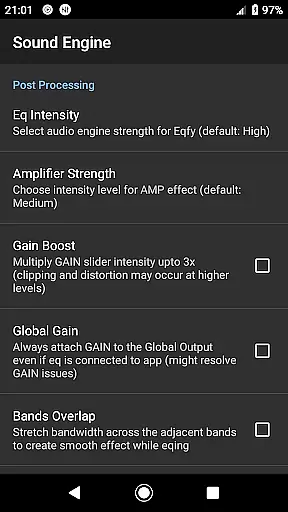
One of the standout features of Eqfy Equalizer for Spotify is its advanced audio quality options. The dedicated audio engine supports music players that allow equalizer adjustments and audio effects, providing superior sound enhancement capabilities.
Users can take advantage of the updated 10-band equalizer with powerful pre-amp gain, which acts as a loudness enhancer or volume boost. This feature allows for deep bass, surround sound, and precise control over treble frequencies, resulting in a rich and immersive listening experience.
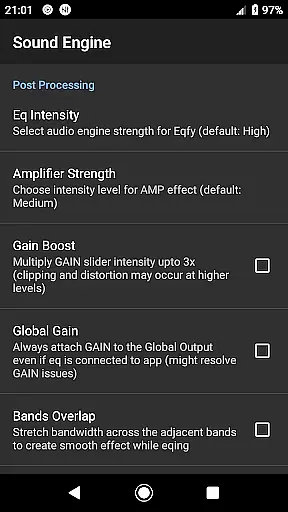
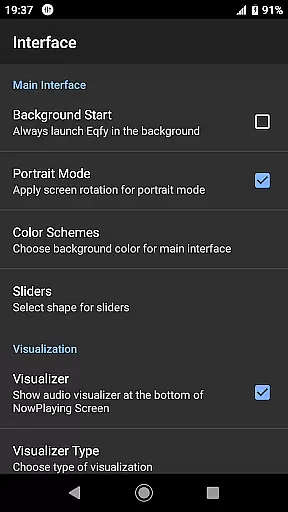
In addition to customizable equalizer settings, Eqfy also includes optimized audio effects such as compressor and amplifier effects, sound balance adjustment for stereo channels, and a music visualizer displaying peak values. These tools collectively ensure that every track sounds clear and dynamic on any Android device.
Advanced audio engine
Wide app compatibility
Professional equalizer controls
Customizable presets
User-friendly interface
Not integrated with all players
May drain battery faster
Some features are complex
Requires Android version
Third-party application

Turn your phone into a musical instrument from the future!
 3.90
3.90
Make music anywhere. Turn your device into an instrument.
4.4
Most Advanced AI Song Generator and Music Creator. Rap, Pop, Rock, Gospel & more
4.70
Advanced 10-Band Audio Graphic Equalizer Sound Booster Pro
4.30
Super Sound Editor, Song Maker & Mixer, Vocal Remover, Voice Recorder & Changer!
4.60
Help you quickly get started with Shokz headphones
4.40
PowerAudio is a powerful offline music player.
4.20
Sheet music reader, piano & music note player. Play music score & learn to read.
3.90
Turn Every Moment into Music
3.60
Voice recorder - Audio recorder. Best recorder for recording
4.90
Simple & Intuitive Metronome
4.70
Fun & Easy Voice Changer – Record, Edit & Add Hilarious Effects!
4.50
Formerly known as Spotistats! View your top tracks, artists, albums and more!
4.40
Full featured mp3 and audio player with Chromecast and Android Auto support.
4.40
Smart piano keyboard, Classical to Pop, Real-time multiplayer connection!
4.20
Turn your Android phone into a professional audio analyser with up to 120 bands.
4.00
Learn to play the piano using falling notes!
3.80
Slow music down without changing pitch.
3.70
The Skullcandy App Experience
3.20


User Reviews