
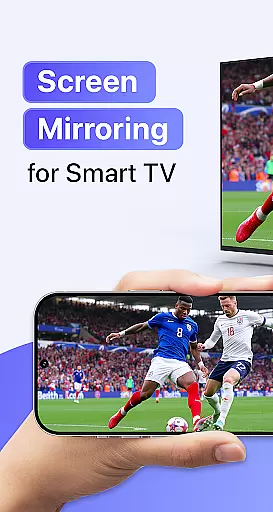
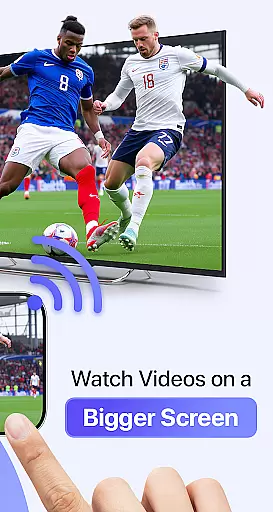
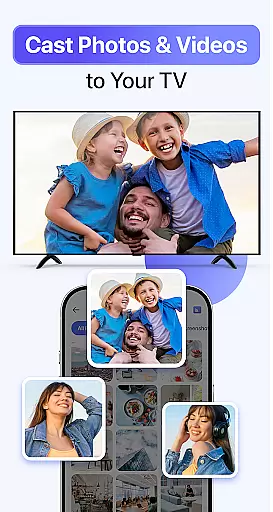
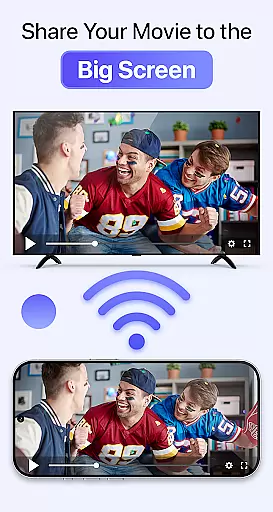
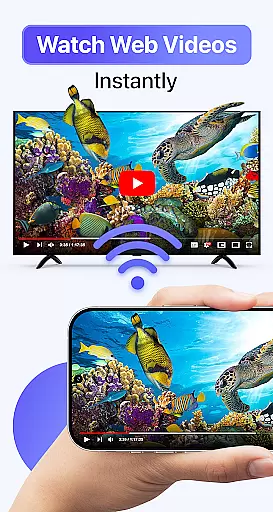
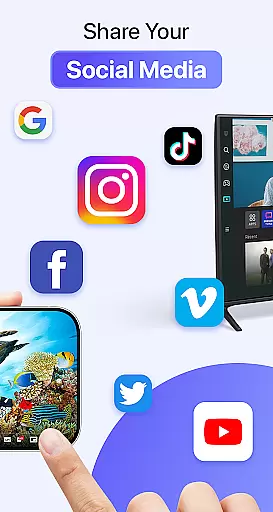
Cast to TV & Screen Mirroring is a powerful tool designed to enhance your multimedia experience by connecting your mobile device with larger screens. This app allows users to cast videos, photos, music, and games from their smartphones to smart TVs or other compatible devices effortlessly. With support for Chromecast, Roku, Amazon Fire TV, Xbox, and various smart TV brands, it ensures broad compatibility.
The application's core strength lies in its seamless screen mirroring and AirPlay capabilities, providing real-time display of your phone's content on a bigger screen. Whether you're looking to enjoy entertainment or deliver professional presentations, this tool offers high-quality streaming with intuitive controls. The setup process is straightforward, requiring only a few steps to connect your devices over the same Wi-Fi network.
By transforming your smartphone into an entertainment hub, Cast to TV & Screen Mirroring brings convenience and versatility to sharing media. It eliminates the need for cables and additional hardware, making it an ideal solution for both personal enjoyment and business use.
Cast to TV & Screen Mirroring boasts several notable features that set it apart in the realm of digital tools. First and foremost, its ability to mirror screens in real time provides users with a dynamic way to share content. This feature supports full-HD quality, ensuring that videos and images retain their clarity when displayed on larger screens. Additionally, the app facilitates smooth playback control directly from your mobile device, enhancing user convenience.
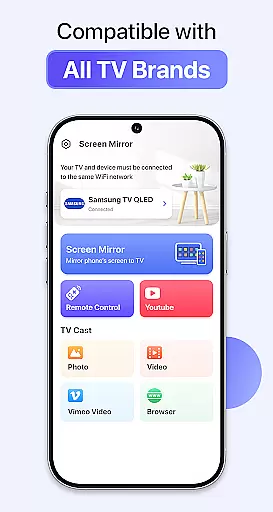
Another significant aspect is its wide compatibility with various devices, including Chromecast, Roku TV, Amazon Fire Stick, Xbox, and numerous smart TV brands like Samsung, LG, and Sony. This versatility ensures that regardless of your existing setup, you can integrate this tool without hassle. Furthermore, the app leverages Wi-Fi connectivity for lag-free performance, which is crucial for activities such as gaming or presenting.
Lastly, the simplicity of the setup process makes this app accessible even to non-technical users. By following three easy steps—connecting to Wi-Fi, opening the app, and selecting your device—you can start enjoying mirrored content almost instantly. These features collectively contribute to an efficient and enjoyable user experience, positioning Cast to TV & Screen Mirroring as a top choice for screen casting needs.
Cast to TV & Screen Mirroring delivers exceptional core functionality by enabling users to effortlessly stream and mirror content from their mobile devices to any smart TV. The app supports high-quality video, photo, music, and even game streaming without the need for cables, ensuring a seamless transition of media from a smaller screen to a larger display.
The application's real-time screen mirroring feature reflects the entire phone display on a connected TV with minimal latency. This ensures that whether you're watching videos, playing games, or giving presentations, the mirrored content is displayed accurately and responsively. Such precision in mirroring enhances both entertainment experiences and professional use cases.
Users benefit from the app's compatibility with a wide range of devices including Chromecast, Roku, Amazon Fire TV, Xbox, and various smart TVs. This broad compatibility ensures that regardless of your TV brand or streaming device, you can enjoy stable performance and crystal-clear display quality. The app optimizes the casting experience for almost every major smart TV brand, making it versatile and reliable.
The interface of Cast to TV & Screen Mirroring is designed with user-friendliness in mind, offering an intuitive setup process that requires only three simple steps. First, connect your phone and TV to the same Wi-Fi network. Next, open the app, and finally, tap your device name to initiate the connection. This straightforward approach eliminates the need for complex configurations or additional hardware.
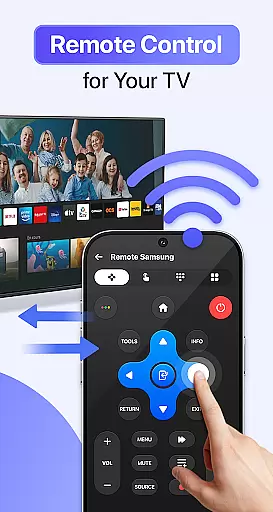
Once connected, users can control playback, volume, and navigation directly from their phone, providing a smooth and responsive interaction with the TV. The app's design prioritizes ease of use, allowing users to focus on enjoying their content rather than struggling with complicated controls. Its minimalistic yet functional layout ensures that even those who are not tech-savvy can navigate and operate it with ease.
Furthermore, the app offers a lag-free experience, which is crucial for maintaining user engagement during activities like movie streaming or gaming. By reducing input latency and ensuring fast connection speeds, Cast to TV & Screen Mirroring provides an enjoyable and frustration-free user experience. This combination of simplicity and efficiency makes the app accessible and appealing to a broad audience.
User-friendly interface
Wide device compatibility
High-definition streaming
Real-time screen mirroring
Intuitive playback controls
Limited offline functionality
Requires stable Wi-Fi
Occasional connection issues
No physical remote option
Premium features locked behind paywall

1-Click close all background apps on Android TV
 3.90
3.90
Remote for Roku, Fire TV, Samsung TV, LG TV, Android TV, Chromecast and VIZIO TV
4.20
Clean the junk files on your device
3.40
eXtended Permission Manager - a small app to manage permissions and AppOps
4.50
Excellent scientific calculator with symbolic algebra, integrals, derivatives
4.80
Signal Strength, Mobile, Wifi, Speed Test, Bad Signals, Cellular, 5G, LTE, 4G
4.20
Planner and Tracker for Stardew Valley
4.60
Automate everything from settings to photos, SMS to speech. ADC2 prize winner.
4.10
Fun lie-detection pranks for friends and parties.
3.80
Navigate with Ease and Style
4.90
Monitor car performance in real time and troubleshoot malfunctions.
4.80
Learn the vast amount of system information about device and monitor it's state
4.70
Connect instantly to a fast, encrypted VPN with one tap
4.60
Play your X-Box games remotely in 1080p with any controller and zero latency
4.60
With videos, electrical calculators, and built-in ebook, Ugly’s has your answer.
4.50
Screen Mirroring for Roku Sticks, Roku TCL TV and Roku Hisense TV
4.50
Quickly & easily calculate the spacing of handrail balusters
4.20
Detect hidden spy camera with advanced scanning {{ Premium version }}
4.00
Amateur Radio app for APRS: Track friends, exchange messages, get tactical info.
3.90


User Reviews