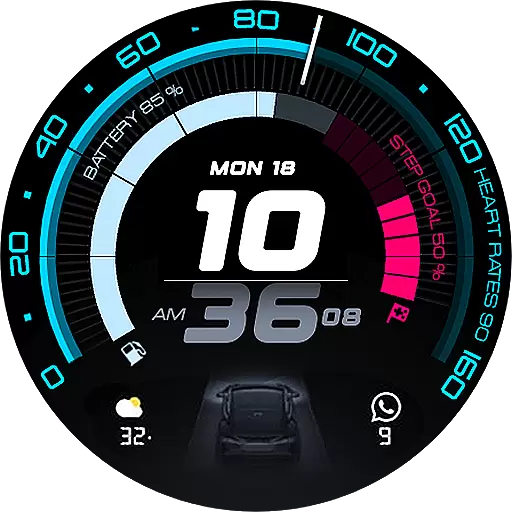
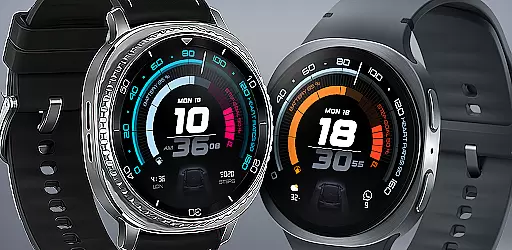
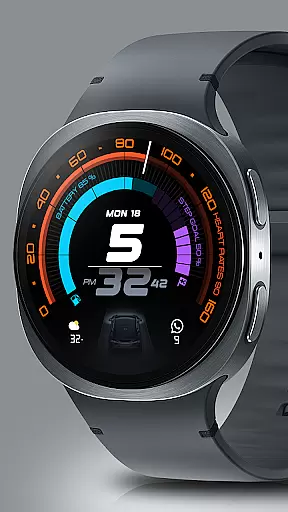
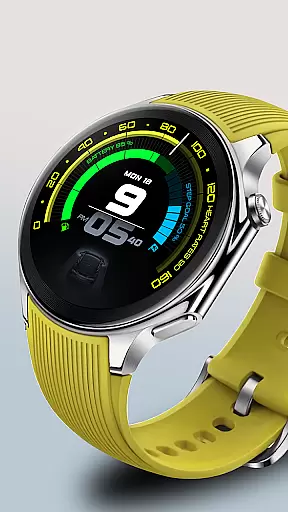
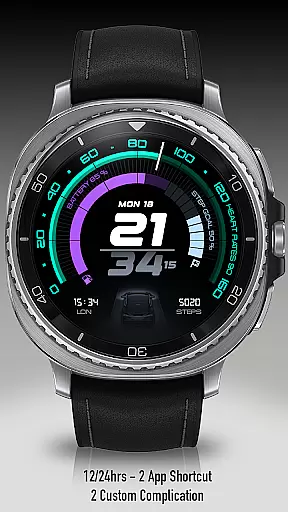
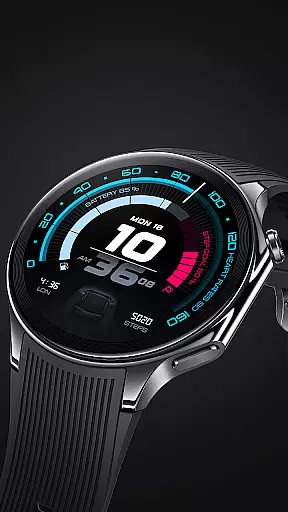
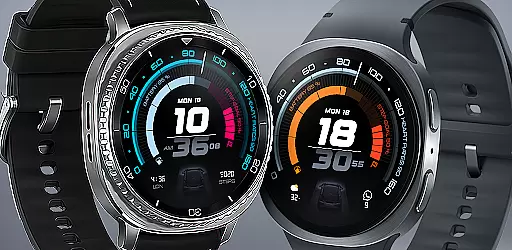
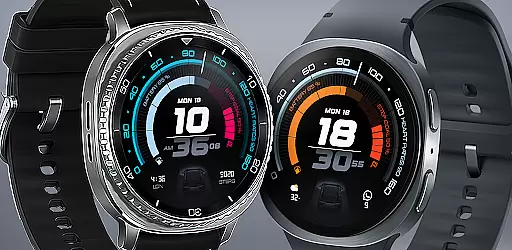
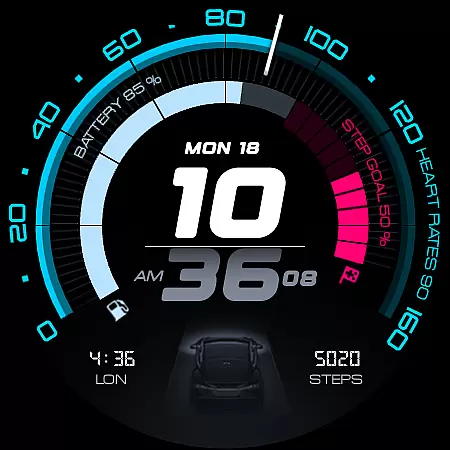
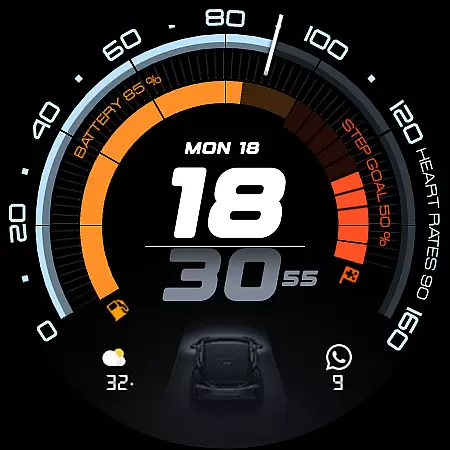
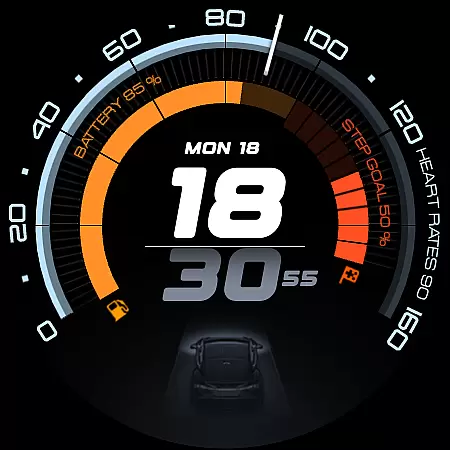
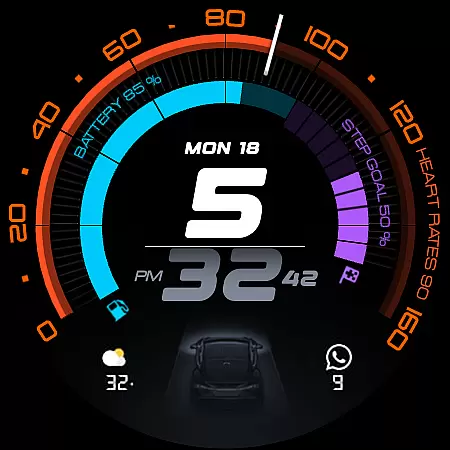
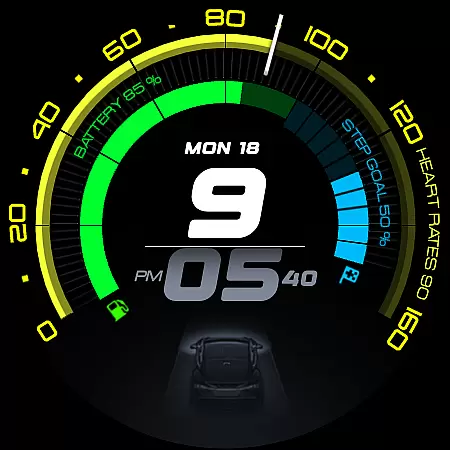
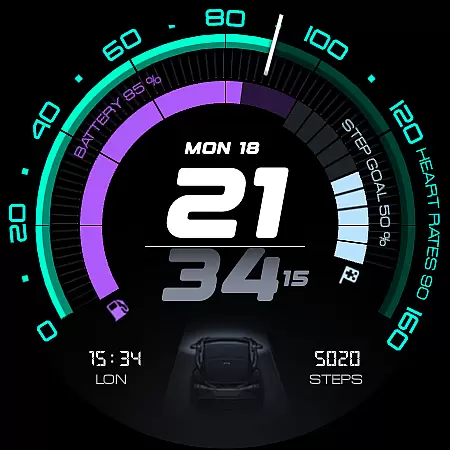
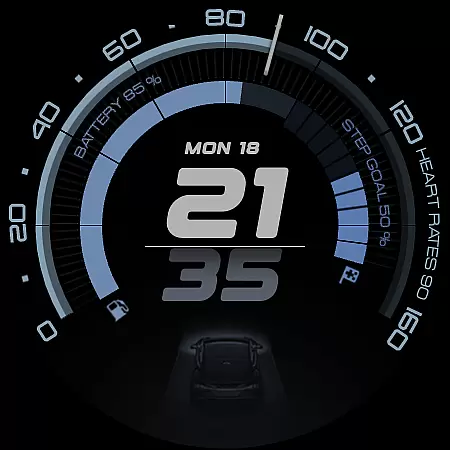
ARS Acceleration is a high-performance watch face designed for smartwatch users who value both style and functionality. This app transforms your smartwatch into a precision instrument, offering a sleek automotive-inspired interface with bold digital time display and vibrant activity tracking arcs.
The watch face provides essential at-a-glance information including heart rate, battery level, step count, and weather updates. With customizable complications, dual app shortcuts, and support for both 12/24-hour formats, it ensures maximum convenience while adapting to different user preferences.
Whether you're monitoring fitness goals or need quick access to important metrics, ARS Acceleration delivers a dynamic experience that combines performance with modern aesthetics, making it perfect for those who demand both form and function in their wearable tech.
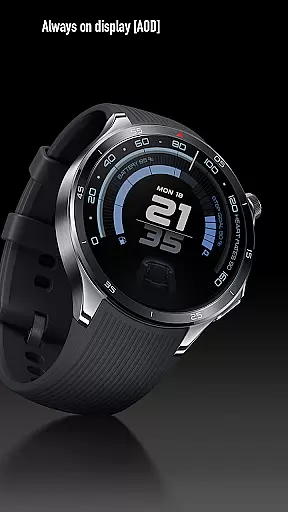
ARS Acceleration stands out with its vibrant color-coded activity arcs that provide visual tracking of fitness goals. The Always-On Display offers both bold daytime visibility and subtle nighttime modes, ensuring optimal readability in any situation.
Users can enjoy advanced customization options such as adjustable complications and dual app shortcuts, allowing personalized access to frequently used features. The integration of real-time health metrics like heart rate and step count with weather updates creates an all-in-one dashboard for daily performance tracking.
The watch face's design draws inspiration from high-performance sports dials, combining modern digital elements with automotive-inspired aesthetics. This unique blend of style and technology makes ARS Acceleration not just a timepiece, but a comprehensive lifestyle companion for smartwatch users.
Companion app integration is essential for a seamless smartwatch experience. ARS Acceleration excels in this area by offering users real-time synchronization with their smartphone apps. This ensures that all health and fitness data, weather updates, and notifications are always up-to-date on the watch face.
The watch face supports customizable complications and dual app shortcuts, allowing users to access their most-used apps directly from their wrist. Whether it's tracking steps, monitoring heart rate, or checking the weather, ARS Acceleration provides instant access to critical information without needing to reach for the phone.
Additionally, the ability to switch between 12-hour and 24-hour time formats adds another layer of personalization and convenience. By integrating these features smoothly, ARS Acceleration enhances user productivity and keeps them connected throughout the day.
Ensuring broad compatibility across various Wear OS devices is crucial for any watch face. ARS Acceleration is designed to work seamlessly with a wide range of Wear OS smartwatches, providing users with a consistent and reliable experience regardless of their device model.
The dynamic and modern interface adapts effortlessly to different screen sizes and resolutions, maintaining its sleek automotive-inspired design. Users can enjoy vibrant color-coded activity arcs and bold digital time displays, whether they have a high-end or entry-level smartwatch.
Moreover, the Always-On Display feature offers both bold daytime visibility and subtle nighttime viewing, adapting to the useru2019s environment and preferences. With such comprehensive compatibility, ARS Acceleration guarantees that every user enjoys optimal performance and style, making it a versatile choice for all Wear OS users.
High-performance design
Vibrant activity tracking
Customizable interface
Real-time metrics display
Automotive-inspired aesthetics
Limited compatibility
Battery consumption
Premium pricing
Complex setup
Fewer customization options

Calming & relaxing sounds for sleeping and stress relief. Stay focused all day!
 4.20
4.20
A customizable Christmas watch face for Wear OS with a countdown.
4.20
Christmas watch face. For Wear OS devices.
4.30
Rose gold watch face with festive lights & customizable features.
4.60
A watch face that fuses motorsport precision with contemporary smartwatch design
4.5
Wear Os Watch Face - Animated Snow Effect & Magic Spark - 6 Scenes
4.10
Minimalistic design modern digital watch face.
4.2
Your local weather forecast, storm tracker, radar maps & live weather news
3.40
Start and succeed with PAP
4.10
WTW M17 is a premium and luxurious hybrid watch face
4.70
Highly customizable hybrid watch face for Wear OS, perfect for everyday use.
4.60
Fast and smart typing with Emojis, GIFs, and more
4.50
Reliable phone calls with spam protection, caller ID and more helpful features
4.40
Animated Watch Face and Customizable with 24 Backgrounds. Perfect for Christmas!
3.90
Professional weather radar and more
3.90
Authentic military-tactical design with ZULU time! Realistic and functional!
3.80
Wear Os Watch Face - Animated Snow - Sesonal for Christmas & Winter
4.5
3 Complications. All shadow on/off. 30 Themes color palette...
4.0
Fitness interactive virtual pet super fighter boy watch face
4.3


User Reviews