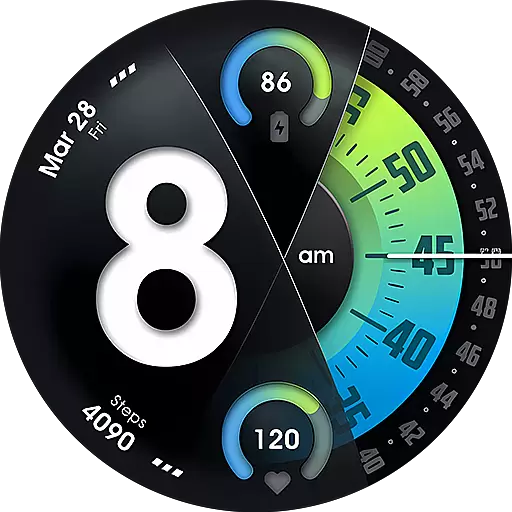
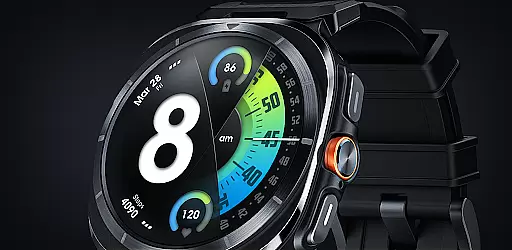
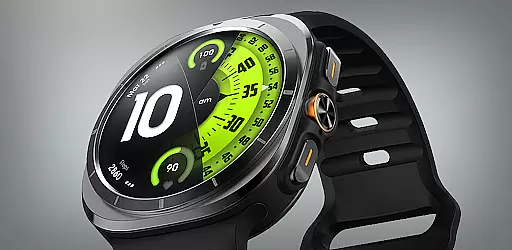
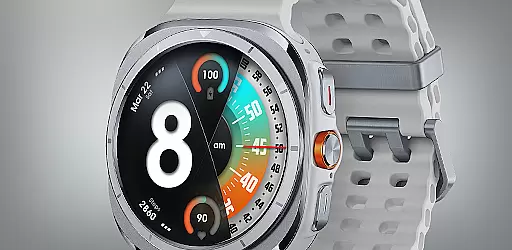
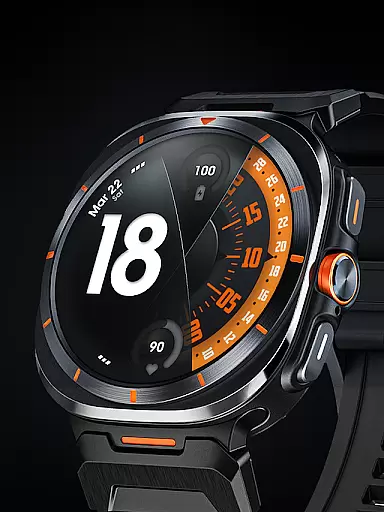
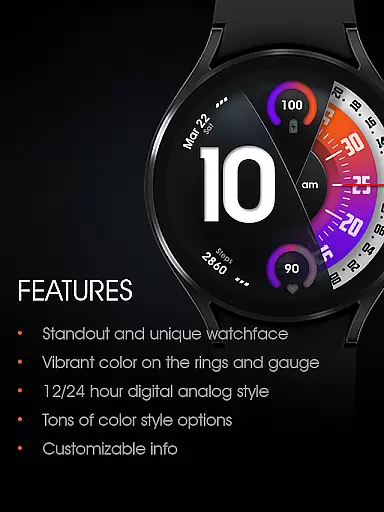
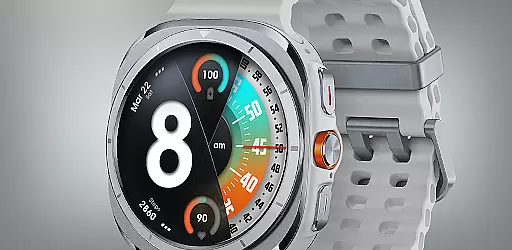
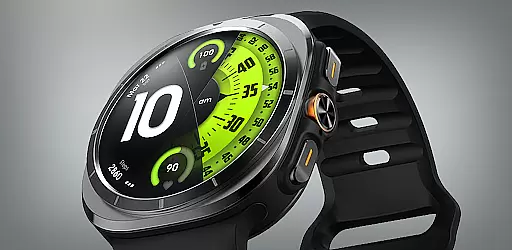
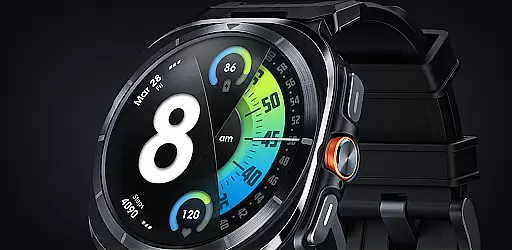
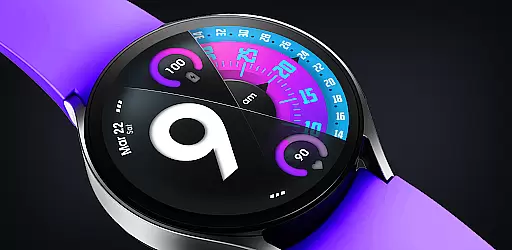
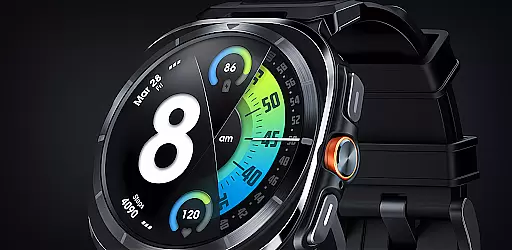
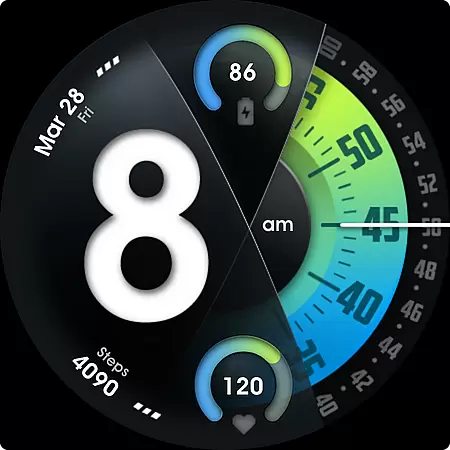
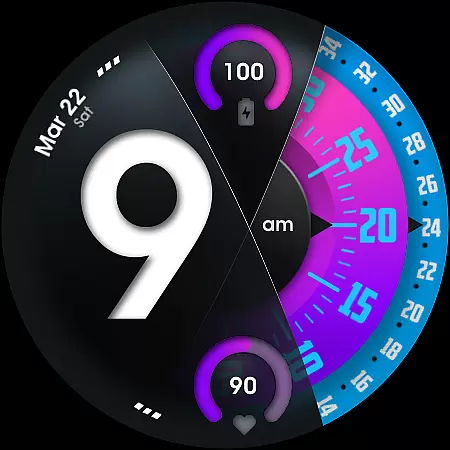
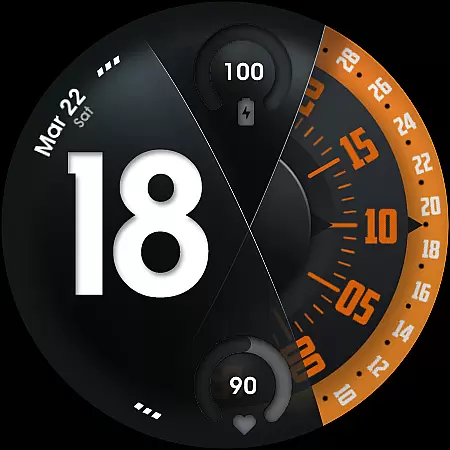
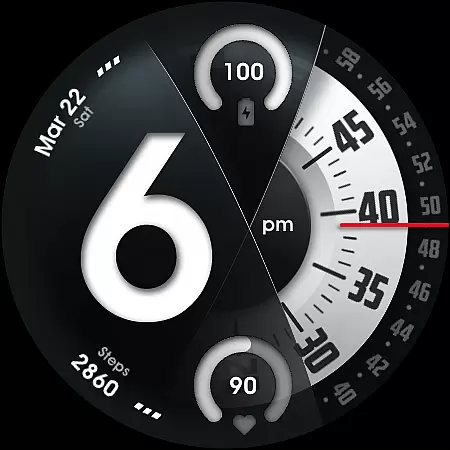
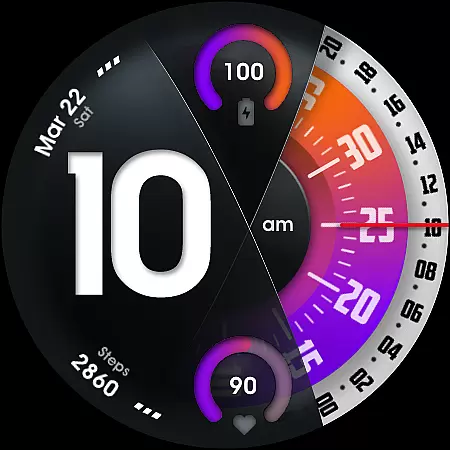
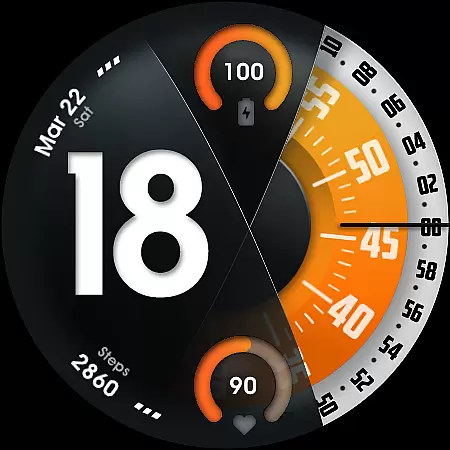
UsA Florencia Neo is a redesigned watch face that blends digital and analog styles. It features a unique aesthetic with digital hours displayed alongside classic analog minute and second hands, offering users a fresh take on timekeeping. Compatible with Wear OS 4 or newer, this app works seamlessly with Galaxy Watch 4/5/6/7/8 Series, Pixel Watch series, and other Wear OS devices.
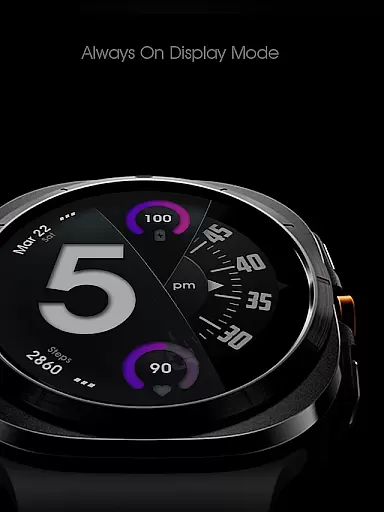
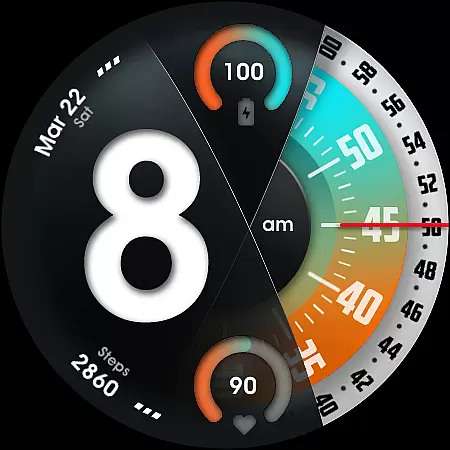
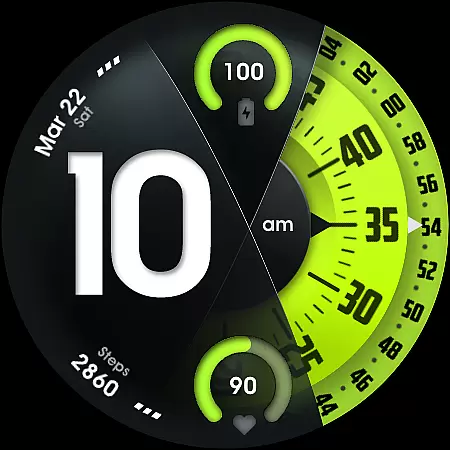
This watch face stands out with its customizable features such as battery and heart rate gauges, multiple color combinations, and adjustable design elements like second-hand styles and line index indicators. Its Always On Display (AOD) mode ensures visibility even in ambient mode, though it may increase battery consumption. UsA Florencia Neo is ideal for users seeking both functionality and personalization in their smartwatch experience.
UsA Florencia Neo offers an array of advanced features tailored to enhance user interaction. The watch face supports both 12-hour and 24-hour digital-analog formats, allowing users to switch based on their phone's settings. It includes practical tools like battery and heart rate gauges, which sync with the device’s built-in sensors for real-time updates.
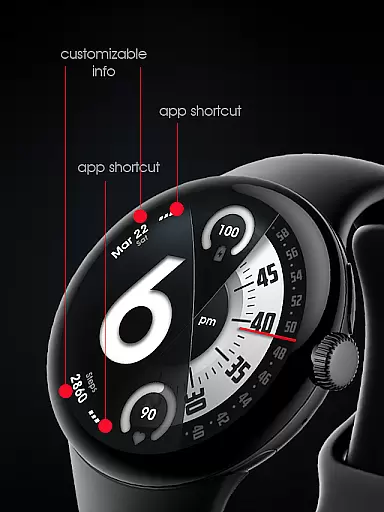
Customization is at the core of this app, with options to modify second-hand blade styles, line index indicators, and color schemes. Users can also integrate two custom info complications and two app shortcuts, providing quick access to essential functions. Additionally, the specially designed AOD mode ensures minimal power usage while maintaining visibility during idle states. These features collectively deliver a personalized yet efficient wearable experience.
Companion app integration is essential for a seamless wearable experience. UsA Florencia Neo ensures that your watch face settings are perfectly synchronized with your smartphone.
This application allows users to manage their watch faces directly from their phone, providing an intuitive interface for customization. The companion app supports real-time syncing of preferences such as color styles, complications, and shortcuts.
By using the same Google account registered on your watch, the installation process begins automatically. This streamlined approach eliminates unnecessary steps, making it easier for users to enjoy their personalized watch face immediately.
The synchronization extends to functional features like heart rate monitoring and 12/24-hour mode settings. These elements adjust according to your phone's configuration, ensuring consistency across devices and enhancing overall usability.
Ensuring broad device compatibility is crucial for any Wear OS application. UsA Florencia Neo is designed to work with Wear OS API 33+ (Wear OS 4 or newer), guaranteeing optimal performance on supported devices.
This watch face is compatible with Galaxy Watch 4/5/6/7/8 Series, Pixel Watch series, and other devices running Wear OS 4 or newer. Such extensive compatibility ensures that users can enjoy the unique design aesthetic regardless of their specific device model.
The application takes full advantage of the latest Wear OS features, including special Always On Display (AOD) functionality. This feature provides a low-power display even when the watch is idle, though it may increase battery consumption.
Users should note that body sensor permission is required to display current heart rate data. While this data is viewable within the app, it isn't stored, maintaining user privacy while delivering essential health metrics.
Unique design aesthetic
Highly customizable interface
Real-time health tracking
Wide compatibility range
Efficient AOD functionality
Battery-intensive features
Limited to Wear OS 4+
No offline data storage
Premium pricing model
Requires specific permissions

Gym Log & Workout Tracker | Fitness Journal, Training & Weight Lifting Planner
 4.90
4.90
Wear Os Watch Face - Animated Snow Effect & Christmas Lights
4.4
Christmas - Festive - Christmas Village - Winter - Christmas lights
5.00
Let's celebrate Thanksgiving - Wear Os watch face
4.20
Hyperlocal rain alerts by MyRadar using patent-pending technology, radar & more
4.80
The #1 source of faces for your smartwatch!
4.00
A realistic hybrid watch face with many customization options.
4.60
Track your active life in one place and share the journey with friends.
4.40
Spam call blocker and caller ID for automatic call protection!
4.40
Kia Access makes getting your vehicle information easier than ever
4.60
Gym & home workout plans with strength training, exercise tracking, HIIT & more.
4.60
Real-time results, stats, schedules and player profiles for all leagues
4.60
Simple, helpful messaging by Google
4.60
A customizable Christmas watch face for Wear OS with a countdown.
4.20
Embrace the festive spirit with our Christmas Countdown watchface for Wear OS
4.10
Wear Os Watch Face - Animated Snow Effect & Magic Spark - 6 Scenes
4.10
A digital watch face that celebrates Christmas.
4.00
Viewer for Wyze/Yi/Eufy/Arlo/ONVIF/RTSP/P2P IP cams w/ adv. features & DIY DVR
4.00
Animated Watch Face and Customizable with 24 Backgrounds. Perfect for Christmas!
3.90


User Reviews