






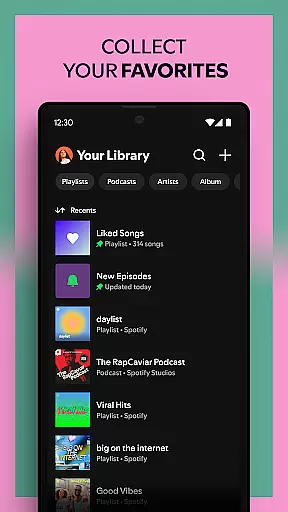
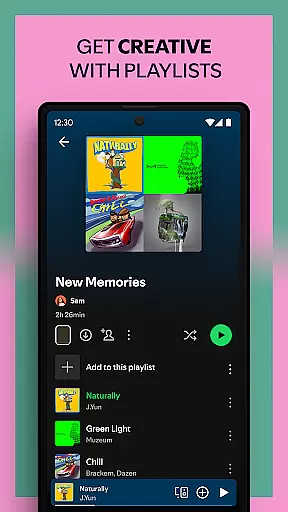


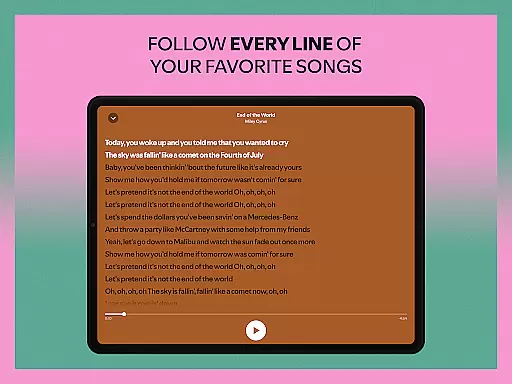

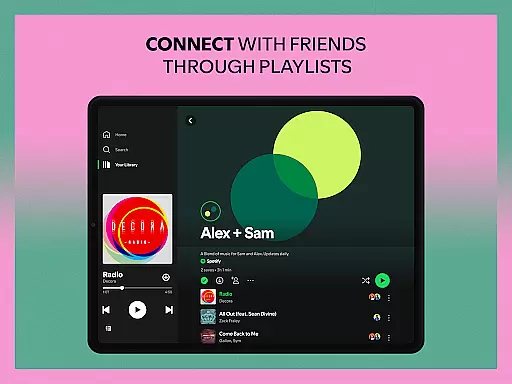
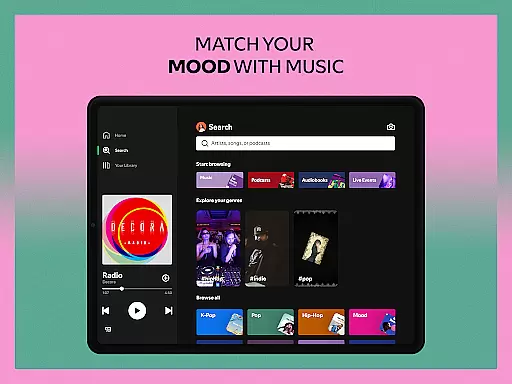
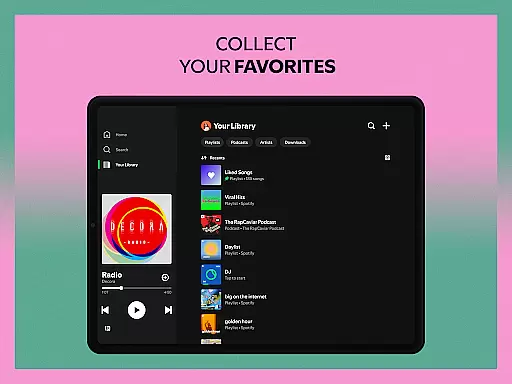



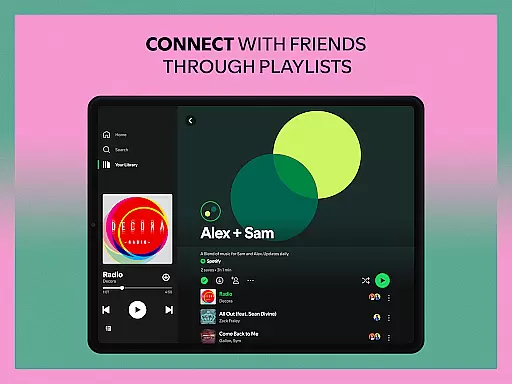
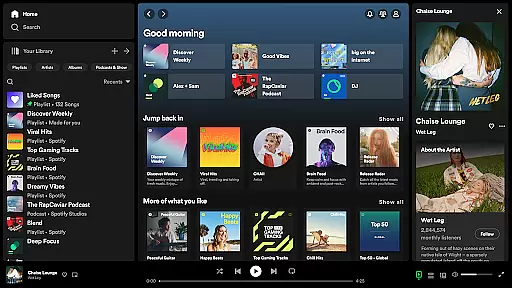





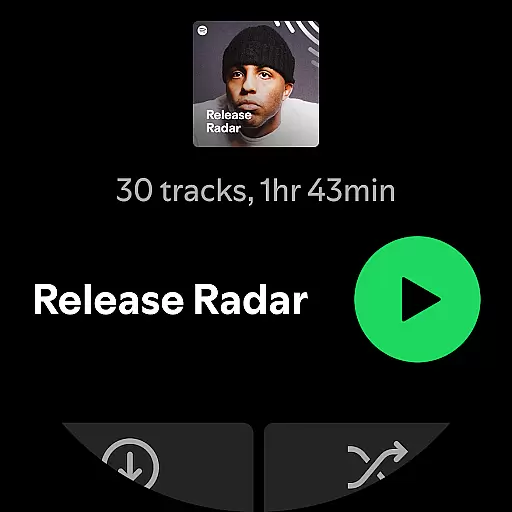
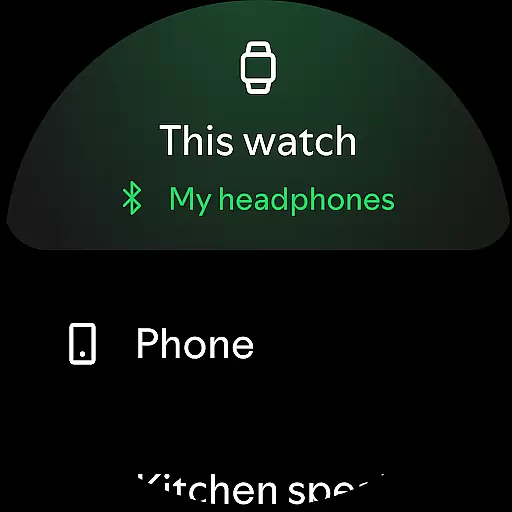

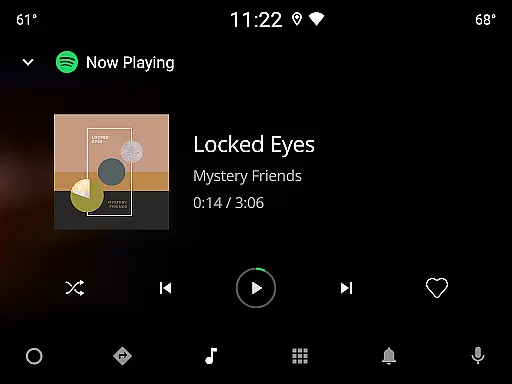


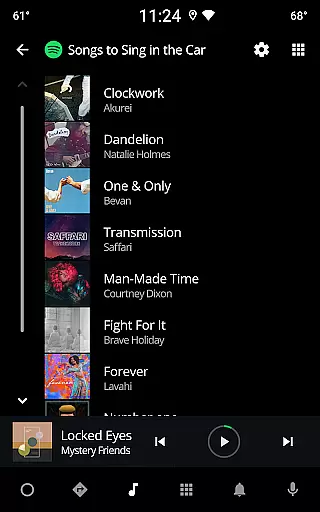
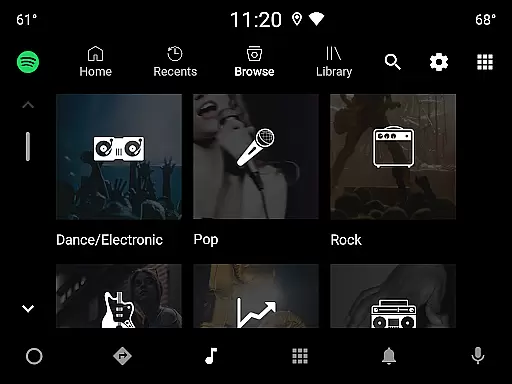

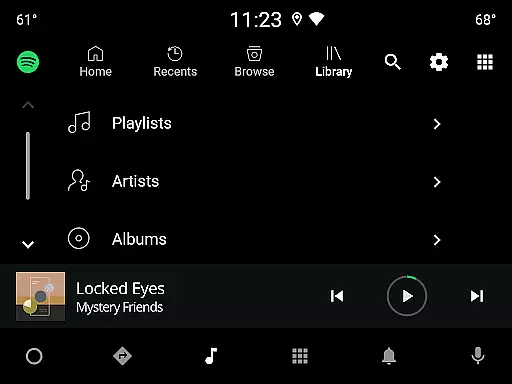

Spotify is a leading music and podcast streaming service that offers users access to millions of songs, albums, playlists, and original podcasts. Available on Android Wear devices, it allows you to enjoy your favorite music and audiobooks seamlessly across multiple platforms.
The app's core functionality includes the ability to stream music and podcasts, create personalized playlists, and discover new content through curated suggestions. Whether you're looking for the latest hits from artists like Billie Eilish or exclusive podcasts like The Joe Rogan Experience, Spotify delivers a comprehensive audio experience tailored to your preferences.
One standout feature is the offline listening option available with Spotify Premium, which proves invaluable during commutes or travel. This flexibility makes Spotify an essential tool for anyone seeking uninterrupted access to their favorite audio content anytime, anywhere.
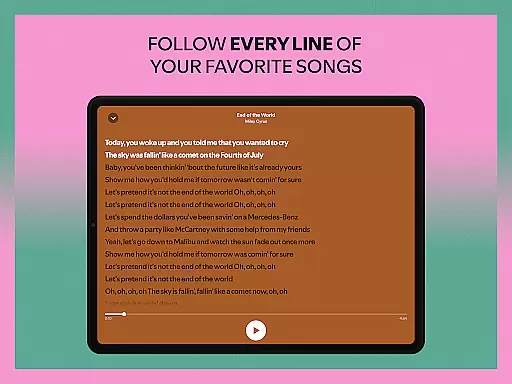
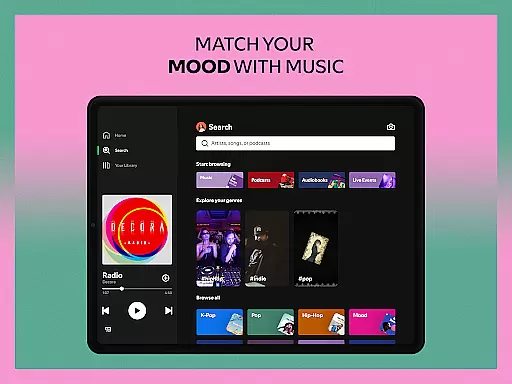
Spotify stands out with its vast library of over 80 million tracks and 4 million podcast episodes, ensuring there's something for every listener. Its powerful search functionality lets users find songs by lyrics, making song discovery effortless and intuitive.
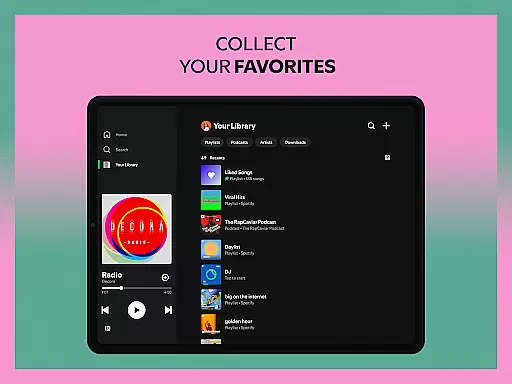
The app also supports high-quality audio playback, enhancing the listening experience across all compatible devices, including Android Wear. With features like Daily Mixes, Genre Playlists, and Personalized Recommendations, Spotify keeps your music fresh and engaging.
For podcast enthusiasts, Spotify offers exclusive content such as The Joe Rogan Experience and Modern Wisdom. Audiobook lovers can explore over 300,000 titles, while integration with wearable devices ensures you can control playback directly from your smartwatch.
For Spotify users, companion app integration is a crucial feature that enhances the overall experience on Android Wear devices. This functionality allows seamless synchronization between the main Spotify application on your phone and your wearable device.
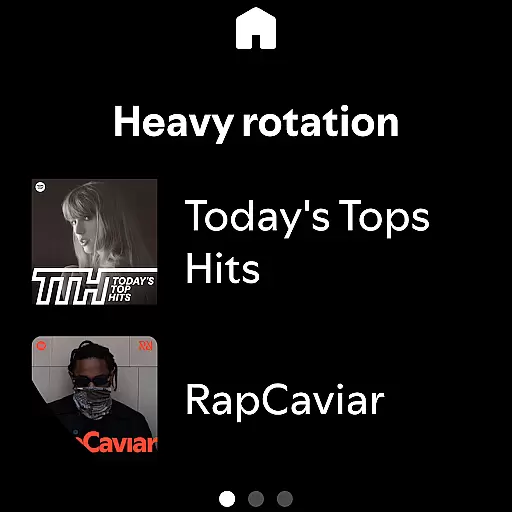
The integration ensures that you can control music playback directly from your smartwatch, without needing to have your phone nearby. Whether you're jogging, commuting, or simply relaxing at home, this connectivity provides unparalleled convenience.
Users benefit from real-time updates, including play/pause functions, skipping tracks, and even adjusting volume levels. The ability to manage playlists and browse recommended content directly from the wrist makes the listening experience more dynamic and personalized.
This robust companion app integration demonstrates Spotify's commitment to delivering a cohesive ecosystem across multiple devices, ensuring that listeners can enjoy their favorite music and podcasts in the most convenient way possible.
Spotify's compatibility with Wear OS devices represents a significant advantage for users who want to enjoy music and podcasts directly from their smartwatches. This compatibility extends across various Wear OS-powered watches, ensuring broad device support.
The application is optimized to deliver smooth performance on all compatible devices, maintaining consistent quality regardless of the specific watch model. Users can expect reliable functionality whether they're using a newer model or an older version of Wear OS devices.
This extensive compatibility enables features like offline listening for Premium subscribers, independent app operation, and intuitive media controls. Such capabilities make Spotify one of the most versatile music applications available for wearable technology.
By maintaining strong Wear OS/device compatibility, Spotify demonstrates its dedication to accessibility and user convenience, allowing customers to enjoy their audio content anytime, anywhere, without being tied to their phones.
User-friendly interface
Extensive music library
Offline listening
Personalized playlists
Cross-device compatibility
Ad-supported free version
Limited skips in free tier
Premium subscription cost
Occasional connectivity issues
Regional content restrictions

Walking app for weight loss: walk & step tracker, pedometer, indoor treadmill
 4.60
4.60
Highly customizable hybrid watch face for Wear OS, perfect for everyday use.
4.60
A full-featured Amazon Alexa voice assistant that can show you things.
3.70
Stunning modern digital watch face with 7 complications and strong contrast
4.5
Digital, flexibly customizable watch face. For Wear OS 5.0, API 34+ and later.
5.00
The most customizable minimal watch face. For Wear OS 5.0, API 34+ and later
4.70
Find EV charging stations
4.30
Viewer for Wyze/Yi/Eufy/Arlo/ONVIF/RTSP/P2P IP cams w/ adv. features & DIY DVR
4.00
Control your Samsung Smart TVs, appliances, and SmartThings-compatible devices
4.60
Beautiful, colorful and practical watch face. For Wear OS devices.
5.00
Rose gold watch face with festive lights & customizable features.
4.60
Real-time results, stats, schedules and player profiles for all leagues
4.60
Retro digital watch face with customizable colors and a unique lighting effect
4.60
Bold, Modern Hybrid Watch Face for Wear OS. 10 Colors, Rich Info Display.
4.30
Animated Watch Face and Customizable with 24 Backgrounds. Perfect for Christmas!
3.90
Professional weather radar and more
3.90
Stay in touch with your friends and family using LINE!
3.40
Contemporary digital watch face with five complications
4.3
3 Complications. All shadow on/off. 30 Themes color palette...
4.3


User Reviews