
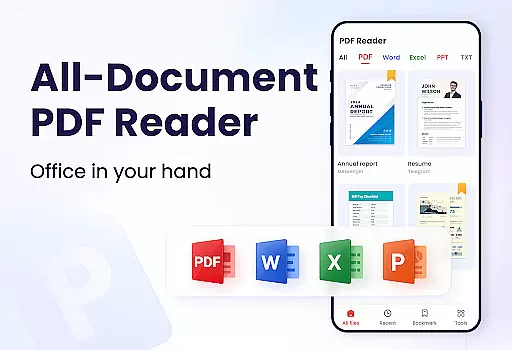
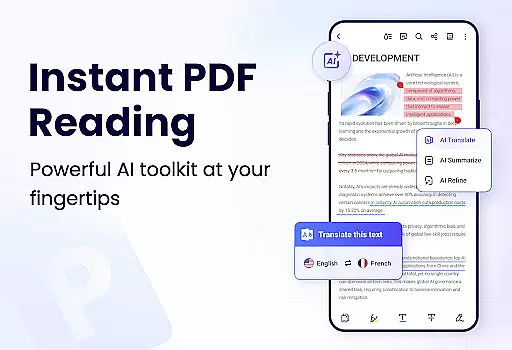
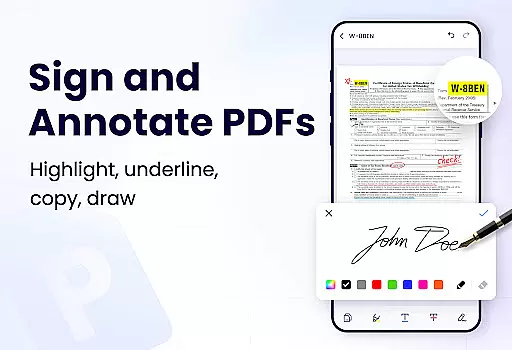
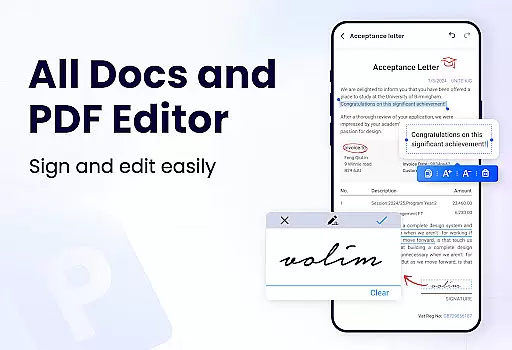
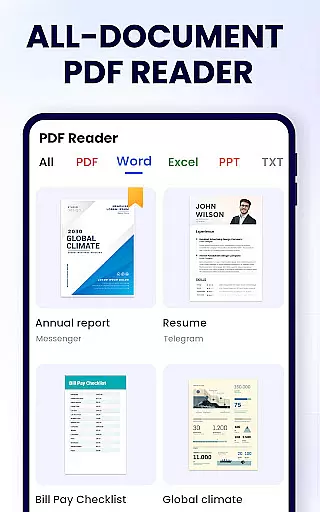
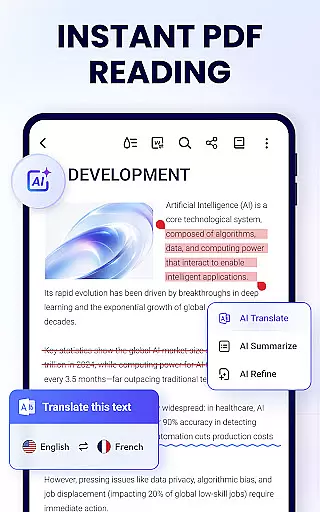
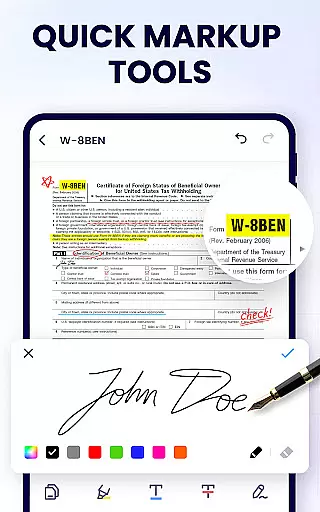
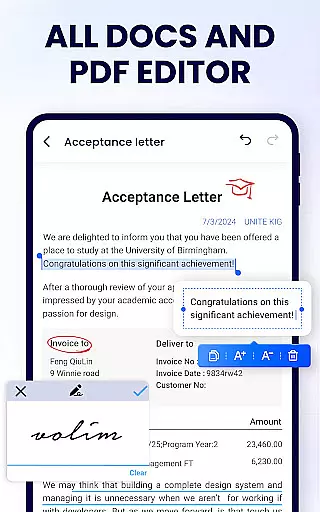
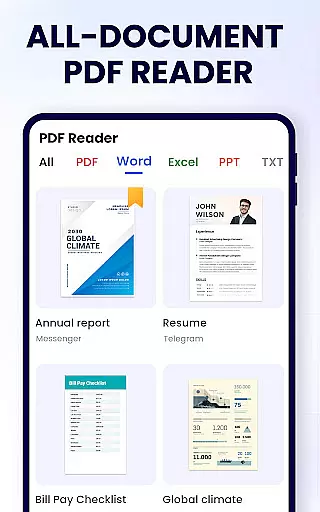
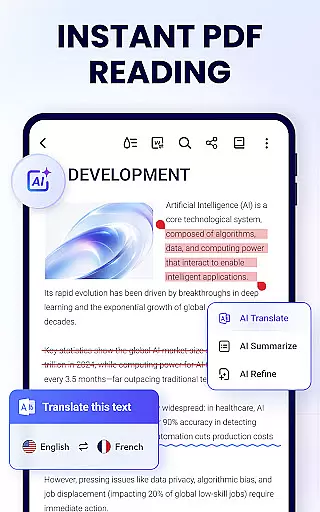
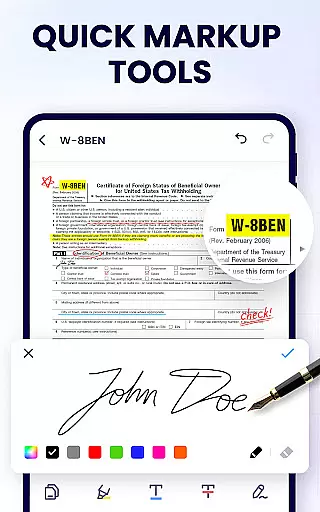
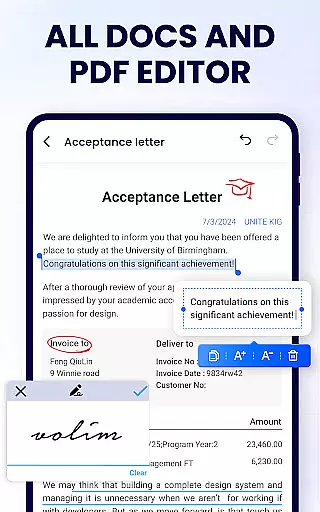
PDF Reader - PDF Viewer is a comprehensive productivity tool designed specifically for Android users who need an efficient way to handle PDF documents. This application serves as a powerful PDF viewer, editor, and manager, offering a complete suite of features that cater to both personal and professional needs. Users can conveniently read, edit, and organize their PDF files with ease.
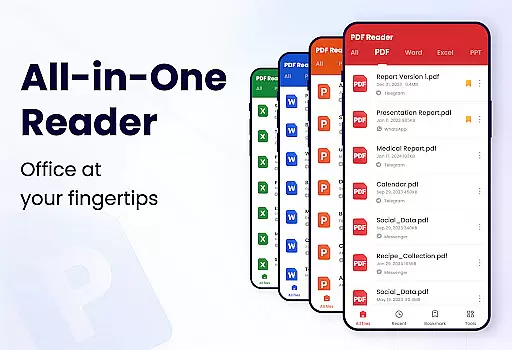
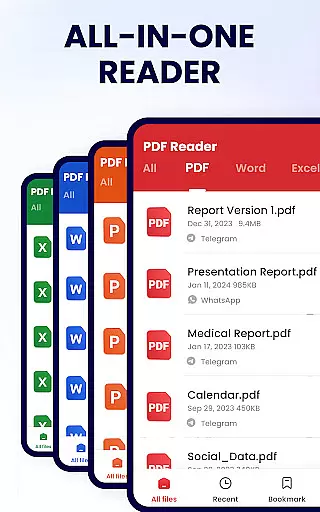
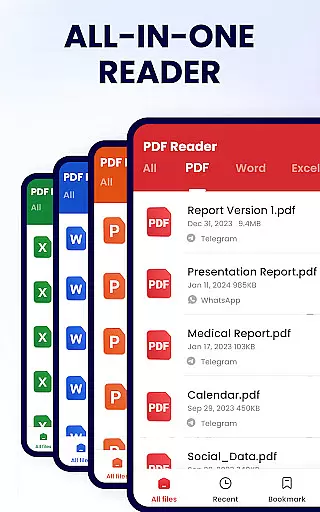
The app stands out with its intuitive interface and robust functionality. It automatically searches and displays all PDF files on your device, enabling quick access and smooth reading experiences. Beyond basic viewing, it allows users to annotate, highlight, underline, and even doodle on PDFs. Advanced features like merging and splitting files, setting passwords, adding bookmarks, and sharing documents make it an indispensable tool for students and professionals alike.
Whether you're preparing for an important meeting or studying for exams, PDF Reader - PDF Viewer ensures that you can efficiently manage your documents. Its ability to handle various tasks such as file management, annotation, and security makes it a valuable asset for anyone looking to enhance their productivity on the go.
PDF Reader - PDF Viewer boasts an impressive array of features that set it apart from other PDF applications. As a versatile PDF viewer, it supports multiple reading modes including page-by-page, continuous scrolling, horizontal, and vertical orientations. Users can enjoy full-screen mode for an immersive experience and easily zoom in or out to focus on specific details. Additionally, direct page navigation by entering page numbers enhances usability.
As a smart PDF editor, the app enables users to annotate documents with highlights, underlines, and strikethroughs. You can also doodle freely on your PDFs and search or copy text effortlessly. These editing capabilities ensure that users can personalize their documents according to their preferences while maintaining professional standards.
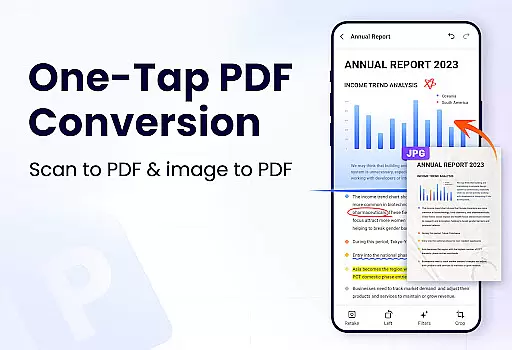
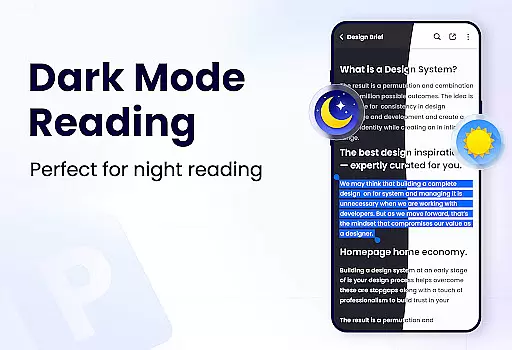
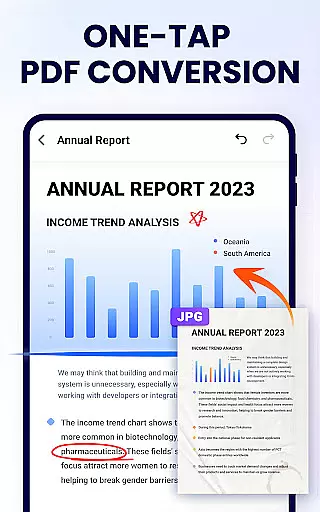
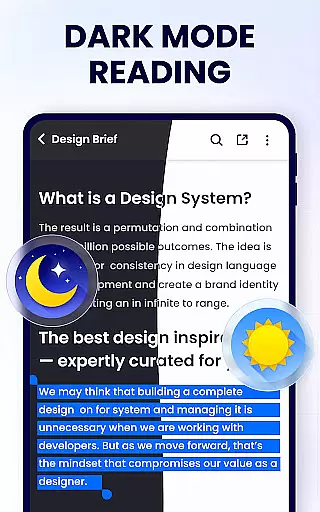
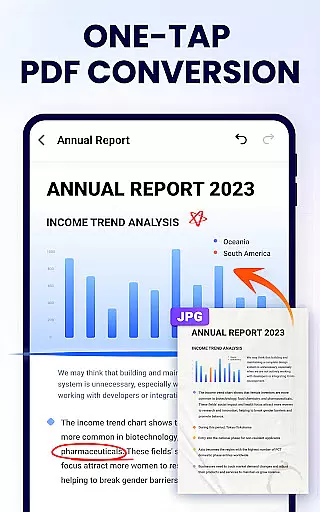
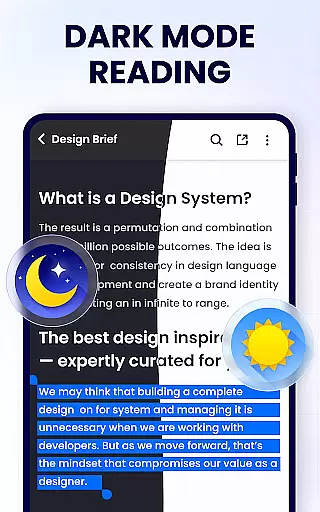
Furthermore, PDF Reader - PDF Viewer functions as a full-featured PDF manager. It allows users to merge and split files, set passwords for document protection, maintain a list of recently opened files, and rename documents as needed. Sharing options are extensive, supporting various social media platforms. With upcoming features like dark mode, form filling, e-signatures, and file conversion, this app continues to evolve, promising even greater functionality for its users.
In the realm of productivity, managing tasks efficiently is paramount, and the PDF Reader - PDF Viewer excels in this area by offering a comprehensive suite of tools for handling PDF documents. Task management within this app isn't just about viewing PDFs; it's about manipulating, securing, and sharing them with precision.
This application allows users to merge and split PDF files, set protective passwords, and add bookmarks for easy navigation through complex documents. These features ensure that whether you're working on an important project or studying for exams, your documents are organized and secure, streamlining your workflow significantly.
Moreover, the ability to quickly search and access specific PDFs, along with recent file lists and straightforward sharing options, enhances the user's capacity to manage their digital library effectively. This means less time searching for documents and more time being productive.
Cross-device synchronization is essential for users who operate across multiple platforms, ensuring that their data is accessible wherever they go. The PDF Reader - PDF Viewer addresses this need by providing reliable synchronization capabilities, although direct cloud sync features are yet to be highlighted in its current iteration.
While explicit cloud-syncing features may not be at the forefront, the app's efficient handling of PDFs ensures that once files are shared or transferred between devices, they retain all edits, annotations, and security settings applied. This consistency across devices mirrors the reliability expected from cross-device synchronization.
Furthermore, the lightweight nature of the app, coupled with its full-featured toolkit, guarantees that whether you're switching from a desktop to a mobile device, the experience remains seamless and your productivity uninterrupted. Users can trust that their documents will be as they left them, regardless of where they're accessed next.
User-friendly interface
Comprehensive editing tools
Secure file management
Efficient document sharing
Lightweight design
Limited advanced features
Occasional performance issues
Ads in free version
Some features require permissions
Interface may feel cluttered

 4.20
4.20
AI Video AI Image Private LLM AI Browser Llama Gemma Ollama Connect LLM Studio
4.0
8 custom complications. Custom Time Fonts. Beautiful color schemes. A++ Design.
5.00
The Pro Version of Android's tiniest Notepad app. Just 0.3MB but feature-packed!
4.60
Absolutely the best CNC machinist speed and feed calculator around. fswizard.com
4.60
Simple and reliable communication between inmates, friends and family
3.20
Translate text/voice/photos in 150+ languages. Offline & fast translator app.
4.50
Create and edit presentations with Google Slides, part of Google Workspace.
4.00
Tally and goal counter for Wear OS & mobile
4.50
Seamlessly integrate data and reports to build your presentation to impress
4.80
App lock - lock apps with fingerprint, password, pin or pattern, protect privacy
4.70
Subscribe to Webcal & .ics calendars and keep them up-to-date!
4.50
Font maker keyboard with your own handwriting
4.10
Cloud storage, automatic phone backup, and more.
4.10
Mega cloud explorer plugin for Solid Explorer
3.80
Experience and share your SolidWorks designs on your Android® phone and tablet.
2.50
Easiest event planning, volunteer signups & parent teacher conference scheduling
2.20
IP Camera Viewer - Android TV : RTSP Surveillance camera viewer for Android TV
4.1
A comprehensive suite of tools designed specifically for Lactation Consultants
4.3


User Reviews