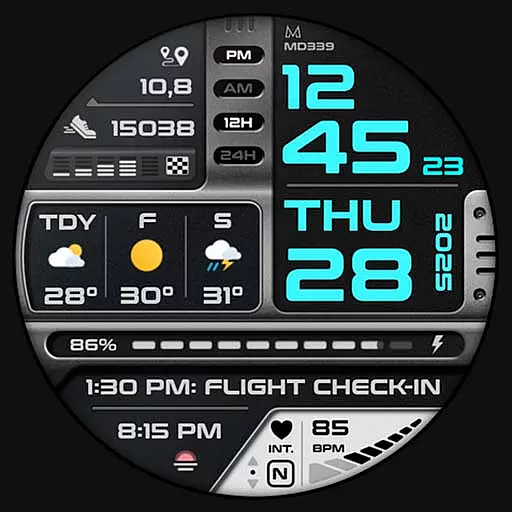
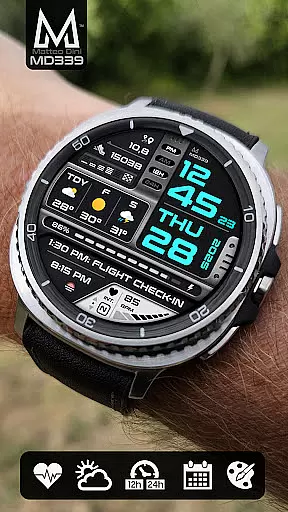
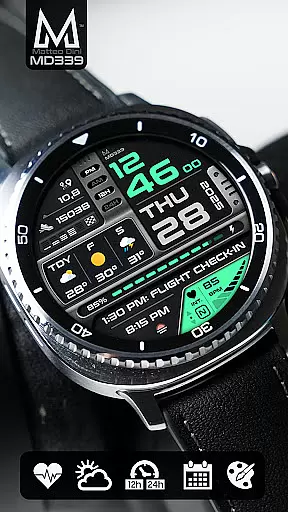
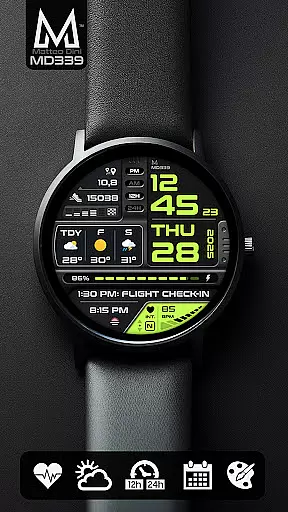
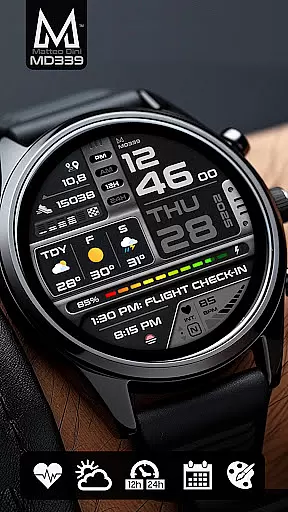
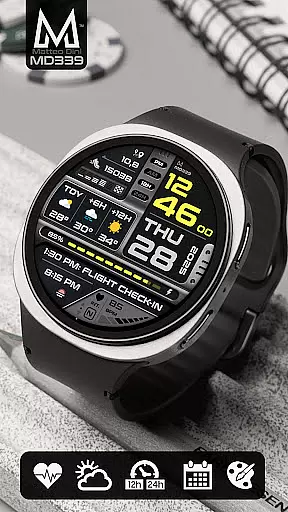
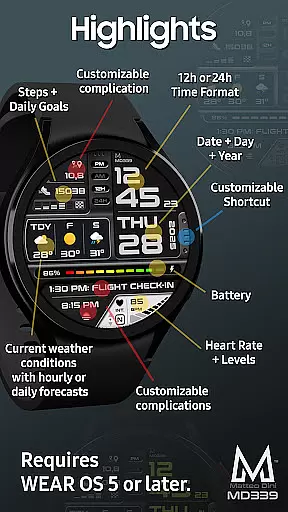
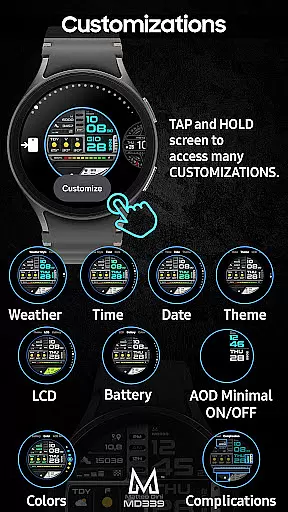
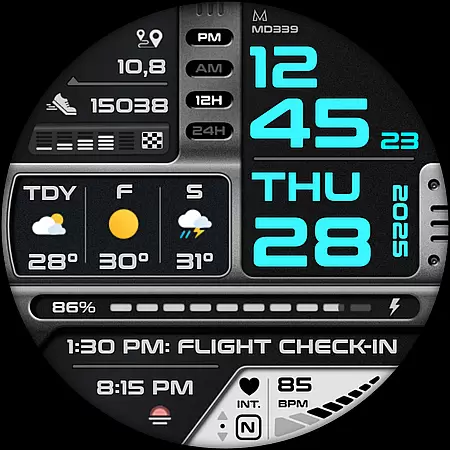
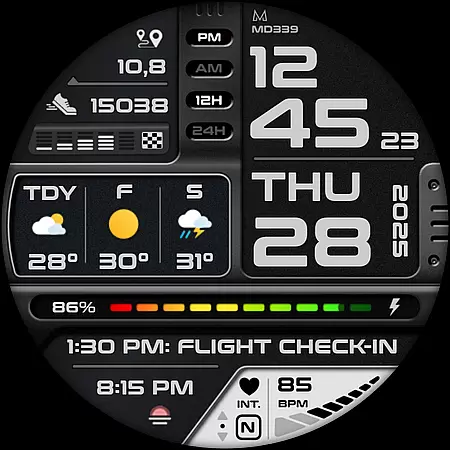
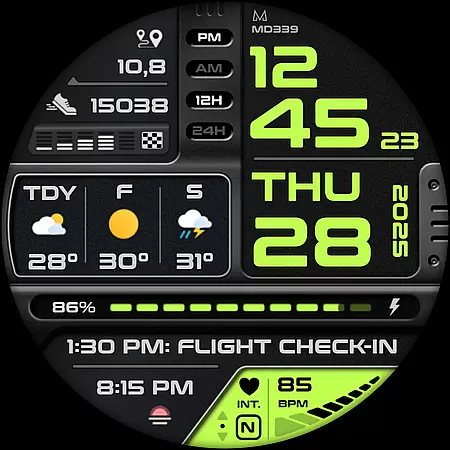
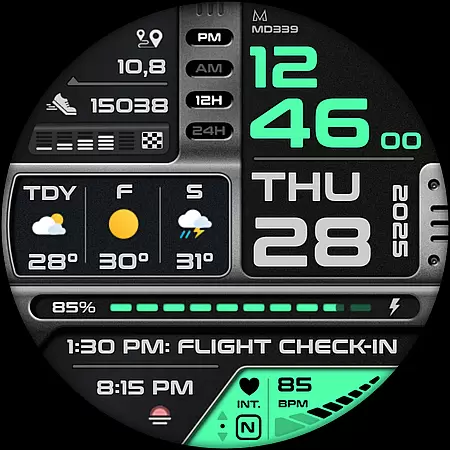
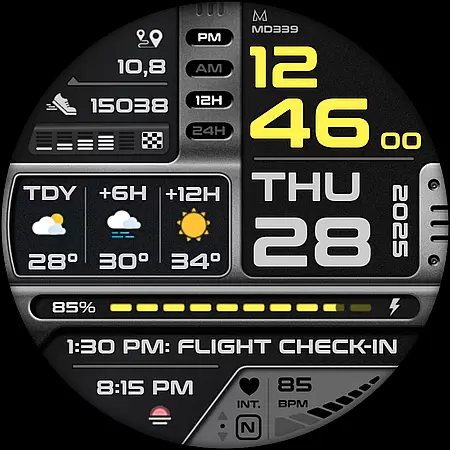
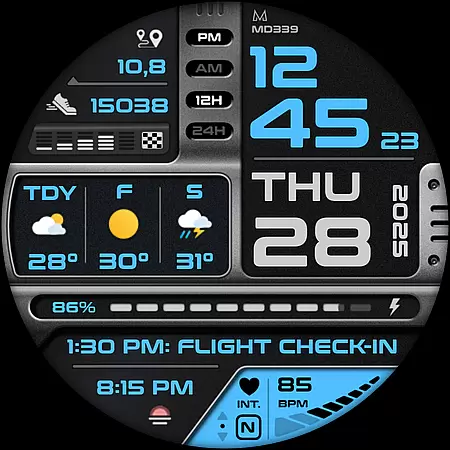
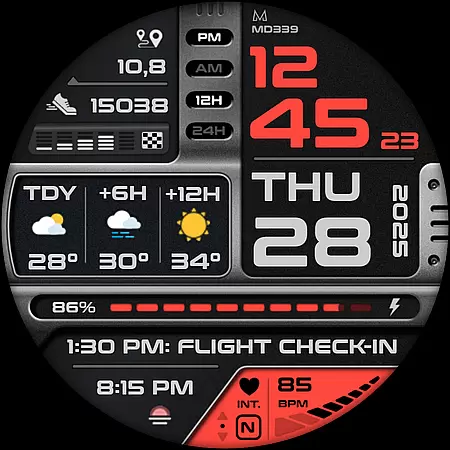
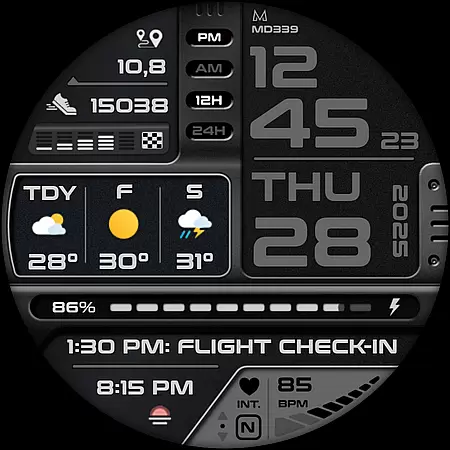
MD339 Digital watch face offers a modern and customizable experience for Wear OS users. It features advanced customization options including 6 preset app shortcuts, 1 customizable shortcut, and 3 customizable complications that display various data points like barometer readings and UV index.
This digital watch face supports devices with API Level 34+ and includes essential functionalities such as heart rate monitoring, step tracking, and battery meter. The always-on display mode ensures time is visible even when the watch is idle.
Weather integration provides current conditions and forecast options, syncing with the phone's settings for temperature units and time format. Despite some compatibility issues with older Galaxy Watch models, it remains a versatile choice for users seeking personalization and functionality.
MD339 stands out with its extensive customization capabilities. Users can personalize their watch faces by choosing from 6 preset app shortcuts or customizing one themselves. Additionally, there are 3 complication slots available to showcase preferred metrics such as distance walked or calories burned.
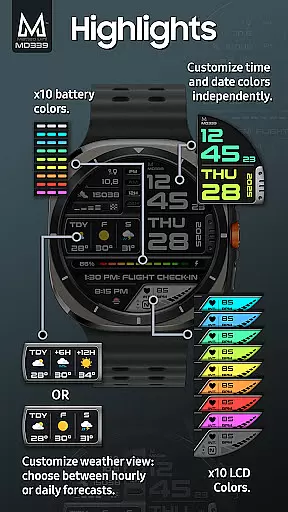
The watch face automatically syncs with the phone’s settings for 12/24hr format and temperature units. It also offers an always-on display feature with minimal and full modes, ensuring visibility and battery efficiency. Weather forecasts can be displayed in daily or hourly formats, providing flexibility based on user preference.
Advanced features include heart rate monitoring intervals, step goals, and independent color changes for time/date, fonts, and indicators. These options allow users to tailor their watch face to match their style while maintaining practicality and ease of use.
Companion app integration is crucial for Android Wear applications as it ensures seamless synchronization between the wearable and its paired smartphone. The MD339 Digital watch face excels in this area by leveraging your phone's settings to provide a cohesive user experience.
This application automatically syncs the time format (12/24hr), weather data, and temperature units (Celsius/Fahrenheit) with your phone's configuration. This eliminates the need for manual adjustments on the watch, providing real-time consistency across devices.
Users benefit from this integration through features like heart rate monitoring intervals, daily step goals, and calendar shortcuts that work harmoniously with their phone apps. The customization options are also managed through this companion connection, allowing users to personalize their watch face directly from their wearable device.
The implementation of advanced weather features demonstrates the power of companion app integration. Users can choose between daily or hourly forecasts, with data provided by the phone's built-in weather service. This approach ensures that the watch face remains lightweight while delivering essential information.
Device compatibility is a fundamental aspect of any Wear OS application, determining which smartwatches can effectively run the software. The MD339 Digital watch face showcases excellent compatibility with modern Wear OS devices, supporting all watches running API Level 34+ (Wear OS 5 and later versions).
This watch face is optimized for Samsung Galaxy Watch series 4-8, Ultra models, and Pixel Watches, ensuring consistent performance across different hardware configurations. The application takes advantage of the latest Wear OS features while maintaining backward compatibility with supported older models.
However, the developers have clearly communicated potential limitations for older Galaxy Watch 4 and 5 models. These devices may encounter customization issues due to their less recent hardware, demonstrating the developer's commitment to transparency about compatibility constraints.
The implementation of Always On Display modes and customizable complications shows how the application adapts to different device capabilities. While some features might not be available on all watches, the core functionality remains intact across supported devices, providing users with a reliable and adaptable digital watch face solution.
Highly customizable
Multiple data display options
Syncs with phone settings
Always-on display modes
Comprehensive weather integration
Old device compatibility issues
External complications required
No built-in weather app
Limited support for certain features
Potential forecast unavailability

Elegant animated Christmas tree with multiple customization options
 4.20
4.20
Simple Analog-Digital Watchface For Wear OS 3.0 and Up Smartwatches
4.0
Digital watch face. For Wear OS devices.
4.40
Structured watch face with seven complications and modular UI elements
3.90
Reliable phone calls with spam protection, caller ID and more helpful features
4.40
Professional weather radar and more
3.90
A modern hybrid informative watch face for Wear OS designed by BALLOZI
4.80
Hybrid Vibrant Health Watch Face for Wear OS
4.0
Control your Samsung Smart TVs, appliances, and SmartThings-compatible devices
4.60
Real-time results, stats, schedules and player profiles for all leagues
4.60
MyNISSAN® lets you remotely control your car from your phone.*
4.50
Bold weather Digital watchface with forecast & optional animated background
4.40
Your music, your playlists, and more—offline and unlimited.
4.20
"PER27 Galaxy Digital" is a digital Wear OS watch face designed by PERSONA
4.10
sleep, alarm, snoring, stress, healing, focus, sound therapy, circadian rhythm
4.10
Get helpful reminders, take progress photos and find answers to your questions.
3.90
Stay in touch with your friends and family using LINE!
3.40
A watch face that fuses motorsport precision with contemporary smartwatch design
4.1
Stylish digital watch face for Wear OS devices with customizable features
4.3


User Reviews