
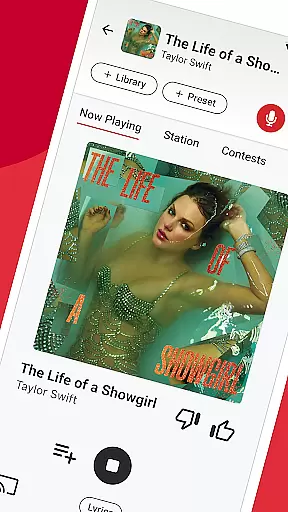

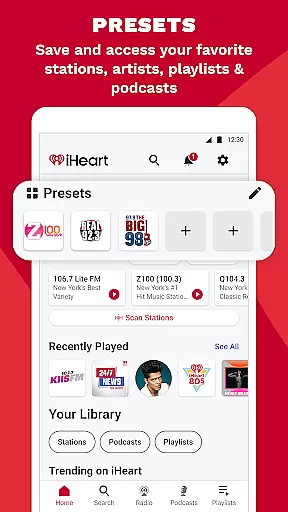
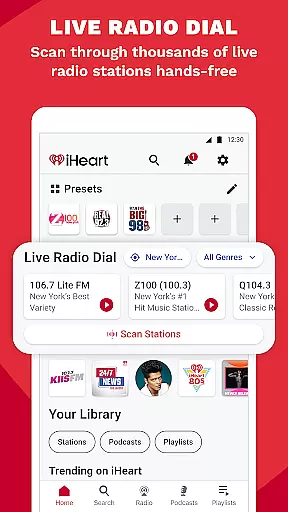



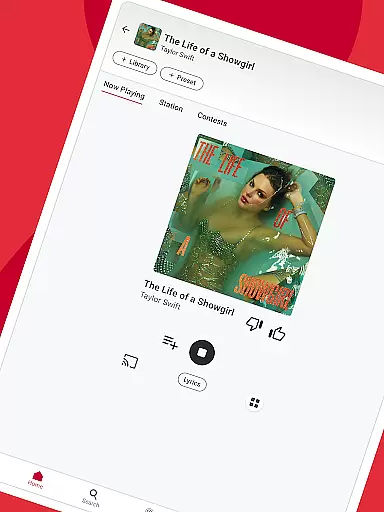

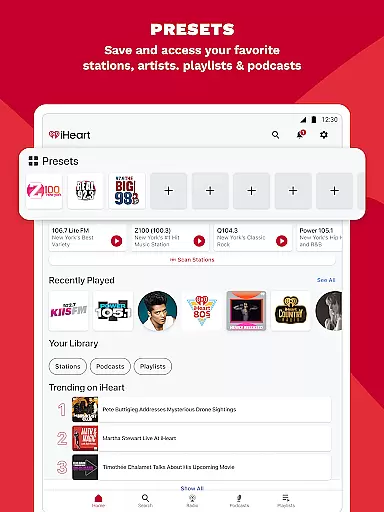
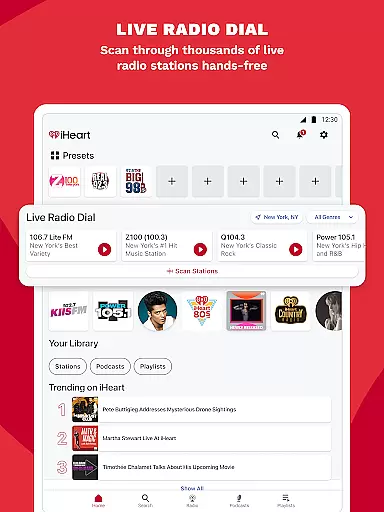
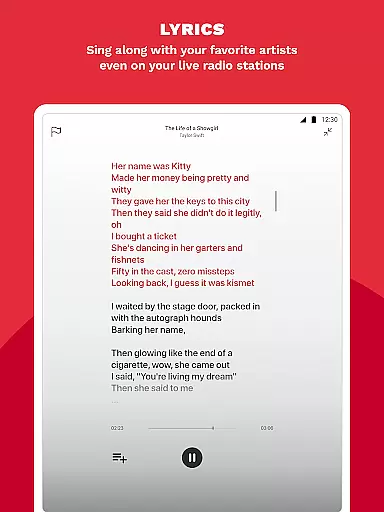

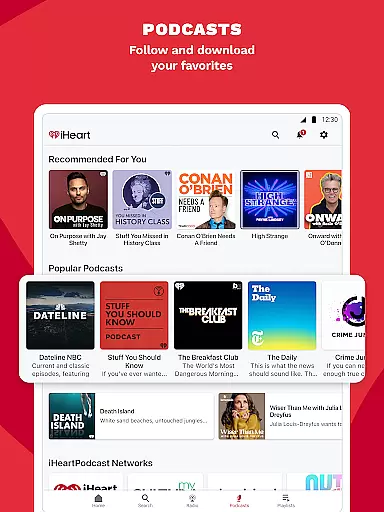
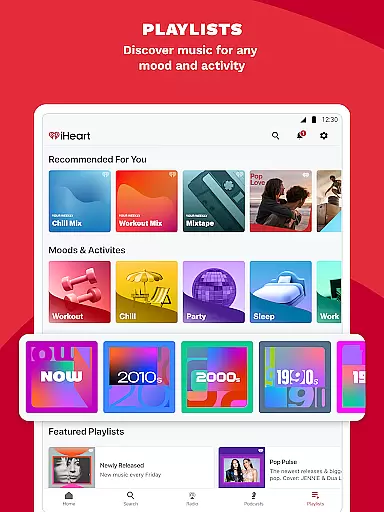
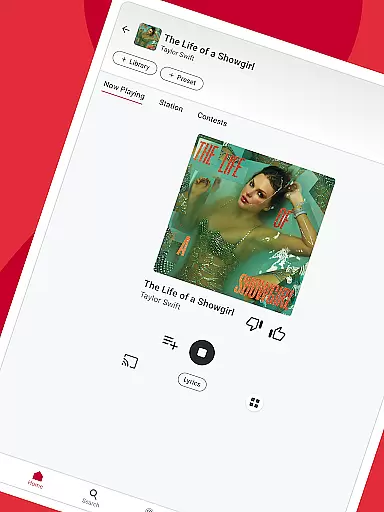

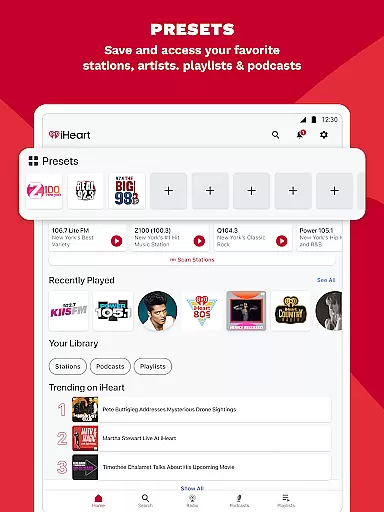
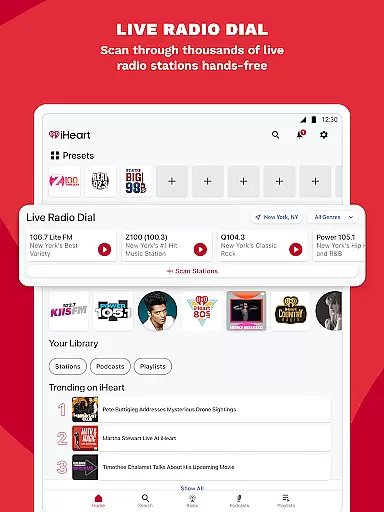
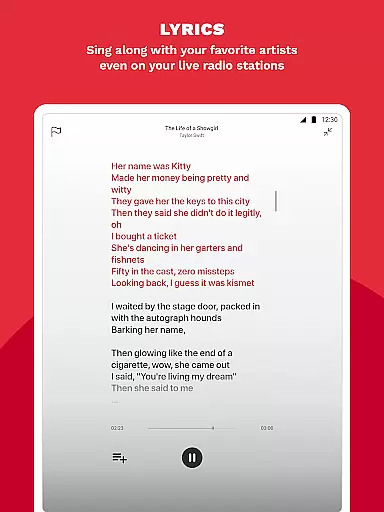

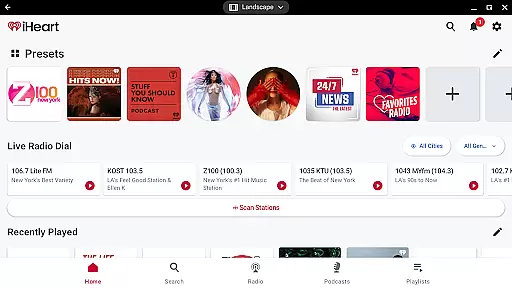
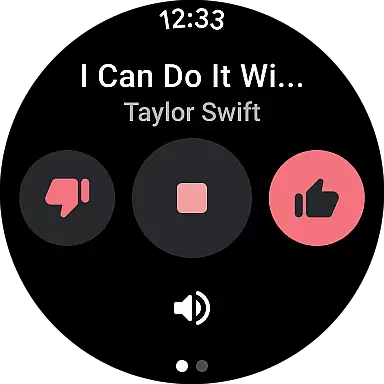

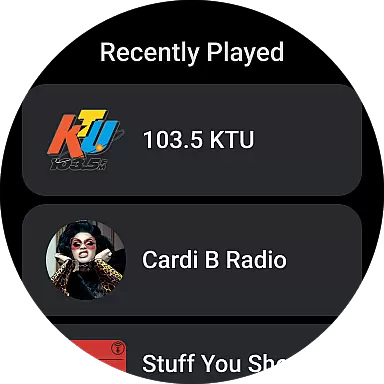
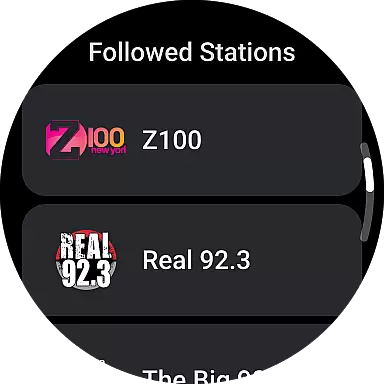

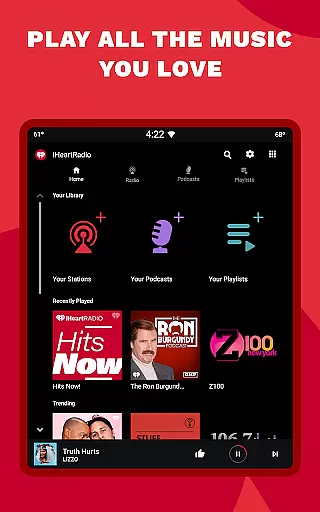
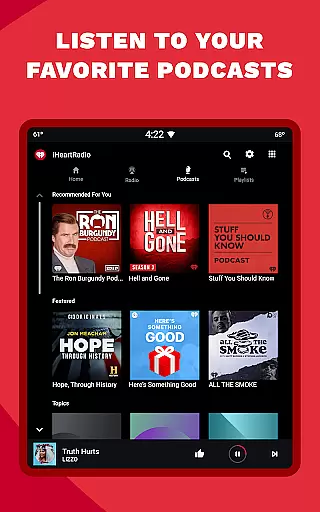
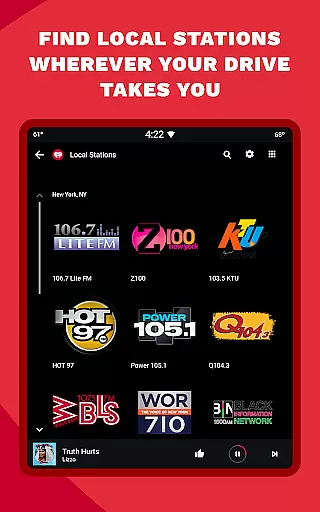
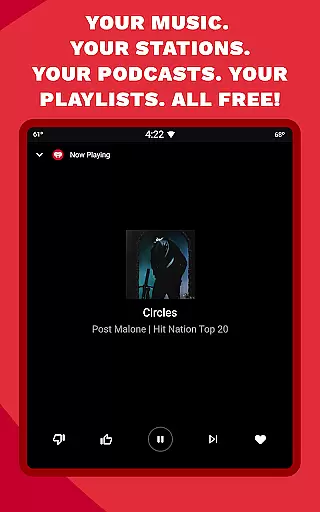
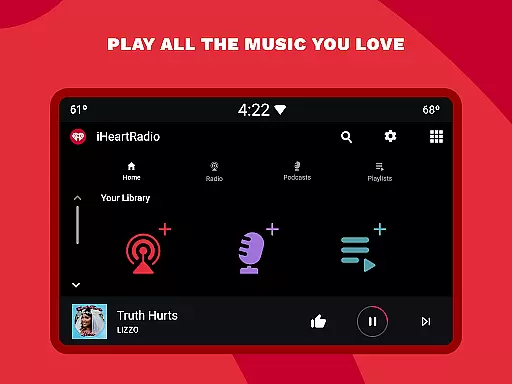

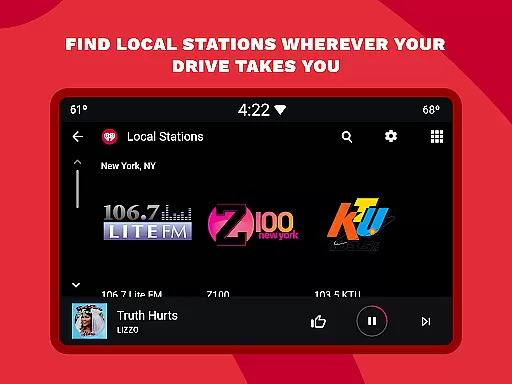
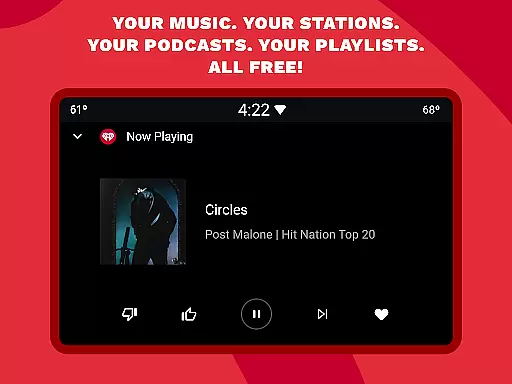
iHeartRadio is a versatile audio streaming application designed for Android Wear devices, offering a rich blend of live radio, on-demand music, and engaging podcasts. As a leading platform in digital audio entertainment, iHeartRadio brings together thousands of live radio stations from across the globe, providing users with instant access to their favorite music genres, sports commentary, news updates, and talk shows.
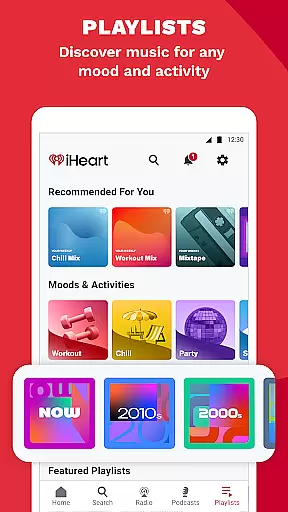
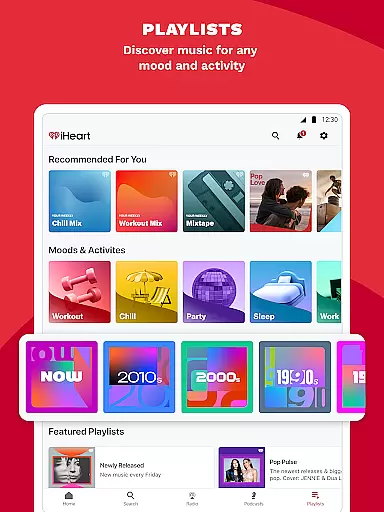
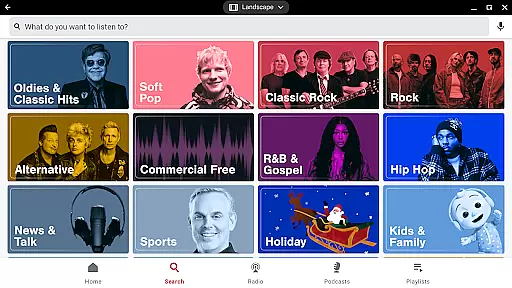
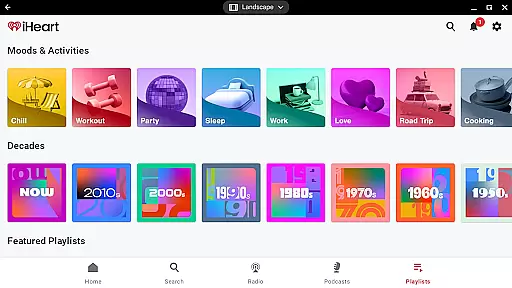
The app stands out with its comprehensive music library featuring millions of tracks across all major genres including Pop, Hip Hop, R&B, Rock, and Country. Users can create personalized stations based on their favorite artists or explore curated playlists designed for specific moods and activities. During holiday seasons, iHeartRadio enhances user experience with dedicated festive stations and special programming.
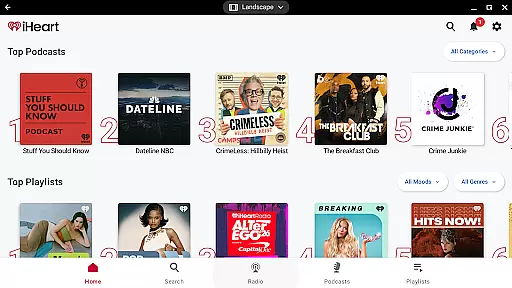
Beyond music, iHeartRadio serves as a hub for popular podcasts and sports content. The app's robust podcast library includes top-rated shows across various categories, while its sports section delivers live game coverage and analysis from major networks. With seamless integration across multiple devices and platforms, including Android Auto and Wear OS, iHeartRadio ensures users can enjoy their preferred audio content anytime, anywhere.
iHeartRadio offers a comprehensive audio experience combining live radio, on-demand music, and popular podcasts. Users can stream thousands of live radio stations across various genres including music, sports, news, and talk shows. The app provides personalized music stations based on user preferences, allowing listeners to discover new artists and enjoy curated playlists tailored to different moods and activities.
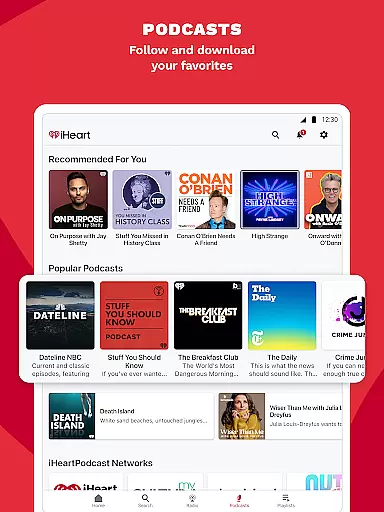
In addition to its vast music offerings, iHeartRadio excels in podcast delivery. It features an extensive library of podcasts covering diverse topics such as sports, true crime, comedy, and educational content. Listeners can adjust playback speed and engage with their favorite podcast hosts through integrated social features. The app also supports sports enthusiasts by providing live sports updates, commentary, and dedicated sports radio stations from leading networks like ESPN and Fox Sports.
The app's integration with Android Wear enhances user convenience, enabling seamless music control and podcast listening directly from wearable devices. With both free and premium subscription options, users can choose between ad-supported free listening or upgrade to an ad-free experience with additional perks like offline playback and unlimited skips.
Companion app integration is essential for wearable devices to function seamlessly with smartphones. iHeart ensures that its Android Wear application works in perfect harmony with its mobile counterpart, providing users with a unified experience across devices.
The iHeart app allows users to control music playback, manage podcasts, and access radio stations directly from their smartwatch. This feature enables convenient management of audio content without needing to take out the phone, especially useful during workouts or while driving.
Users benefit from real-time synchronization of preferences and playlists between the phone and watch apps. Whether it's adjusting volume, skipping tracks, or setting up new stations, all actions performed on the wearable device are accurately reflected on the mobile app, ensuring consistency and convenience.
This seamless companion app integration enhances user engagement by offering quick access to favorite content and maintaining continuity in the listening experience, regardless of the device being used at any given moment.
Ensuring broad Wear OS and device compatibility is crucial for maximizing the reach and usability of wearable applications. The iHeart app supports a wide range of Wear OS devices, allowing users to enjoy their favorite music and podcasts on various smartwatches.
By optimizing the app for different screen sizes and hardware capabilities, iHeart guarantees a smooth user experience across multiple devices. This includes adapting the user interface for optimal readability and interaction on smaller displays typical of wearable technology.
Compatibility extends beyond just the operating system; iHeart also considers the specific features and sensors available on different devices. For instance, utilizing heart rate monitors during workouts to suggest appropriate playlists enhances the overall utility of the app.
With this level of compatibility, users can confidently choose any Wear OS device knowing that the iHeart app will function reliably, delivering an enjoyable and uninterrupted audio experience tailored to their lifestyle.
Vast content library
Personalized stations
Podcast variety
Sports coverage
Device integration
Limited offline
Ads frequent
Premium costly
Interface complex
Occasional bugs

Wear Os Watch Face - Animated Snow Effect & Christmas Lights
 4.3
4.3
Animated Watch Face and Customizable with 24 Backgrounds. Perfect for Christmas!
3.90
Beautiful artistic animated digital watch face, with a customizable layout!
4.40
Beautiful, colorful and practical watch face. For Wear OS devices.
5.00
Sleek, highly customizable watch face inspired by Galaxy Watch Circle Dashboard.
4.4
Digital, flexibly customizable watch face. For Wear OS 5.0, API 34+ and later.
5.00
Let's celebrate Thanksgiving - Wear Os watch face
4.20
Hyperlocal rain alerts by MyRadar using patent-pending technology, radar & more
4.80
Nutrition, Macro tracker: Food, fitness & healthy diet tracking for weight loss
4.60
Hybrid watch face for Wear OS with customizable complications by Matteo Dini MD
4.70
Monitor health with the stress test and pulse checker in the heart rate app.
4.60
A realistic hybrid watch face with many customization options.
4.60
Ideal for surviving in the wasteland left after nuclear fallout
4.50
Connect to your Bluelink equipped Hyundai vehicle from your smartphone.
4.50
Digital watch face. For Wear OS devices.
4.40
A white realistic classic analog watch face with many customization options.
4.40
sleep, alarm, snoring, stress, healing, focus, sound therapy, circadian rhythm
4.10
A full-featured Amazon Alexa voice assistant that can show you things.
3.70
Stunning modern digital watch face with 7 complications and strong contrast
4.3


User Reviews