
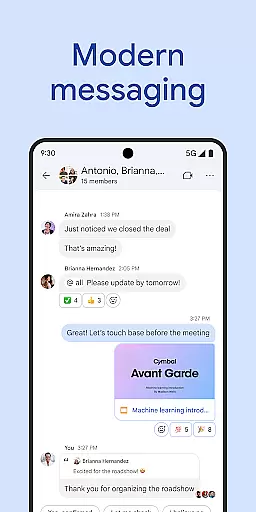
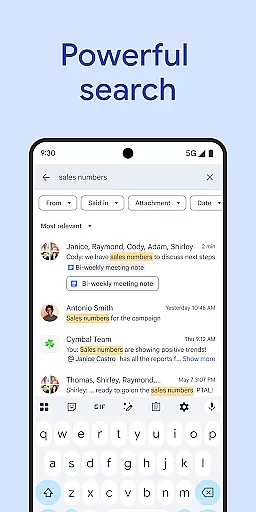
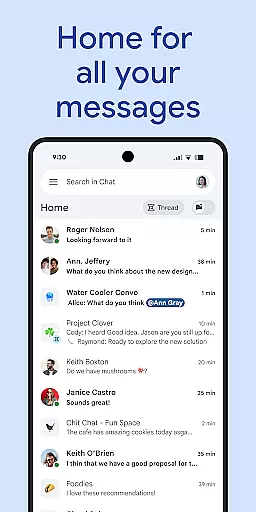
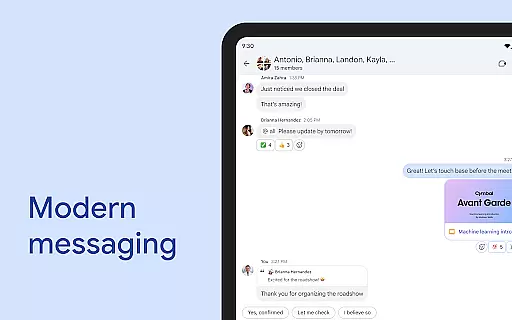
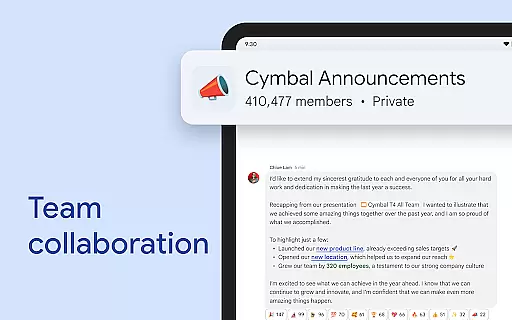
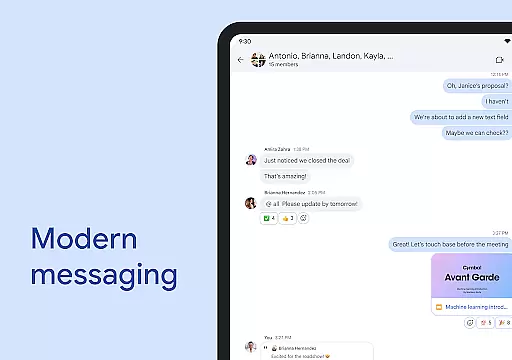
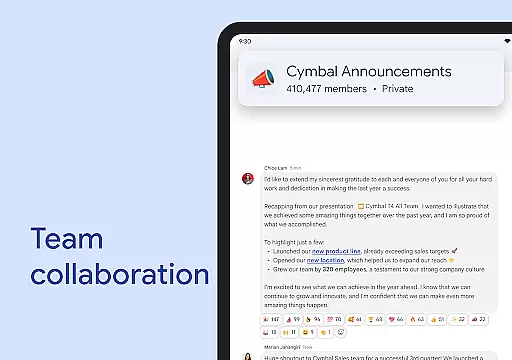
Google Chat is a powerful business communication tool designed for teams using Google Workspace. This AI-first messaging platform, enhanced by Gemini, offers features like automatic translation across 120 languages and AI-powered search to help users find information quickly. The app enables seamless collaboration through various communication formats including text, audio, and video messages.
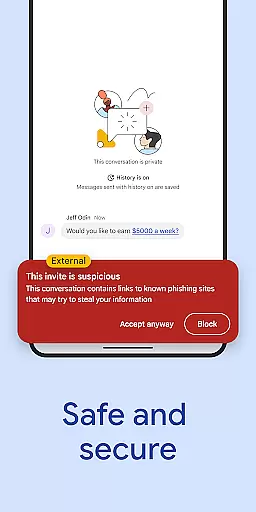
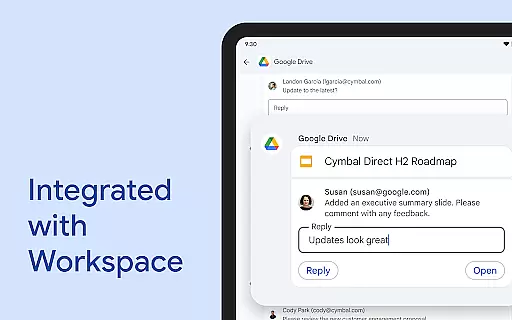
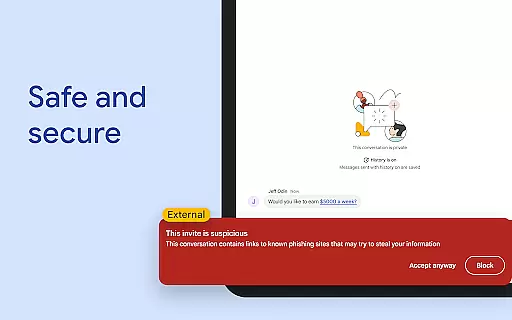
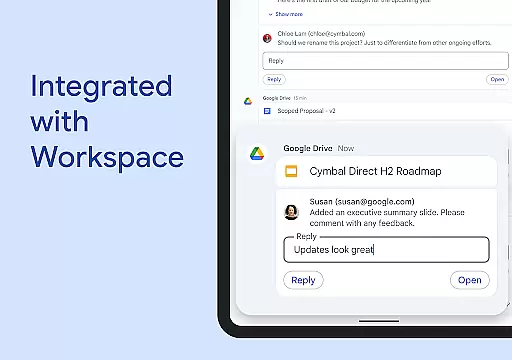
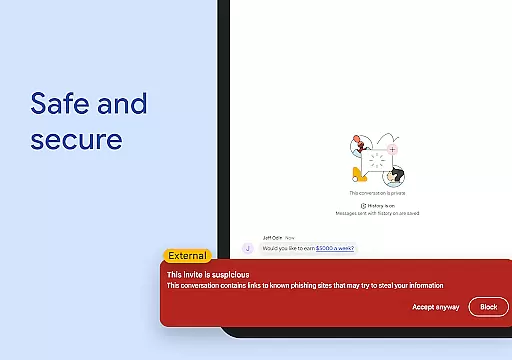
Beyond basic messaging, Google Chat integrates with essential Workspace apps like Gmail, Calendar, and Drive, creating a unified productivity ecosystem. Smart chips provide intelligent linking to files and team members, while dedicated workspaces called 'spaces' keep projects organized. The application's robust security architecture ensures enterprise-grade protection, making it suitable for businesses of all sizes.
This comprehensive communication solution is particularly valuable for remote teams and organizations looking to consolidate their digital workplace tools into a single, secure platform.
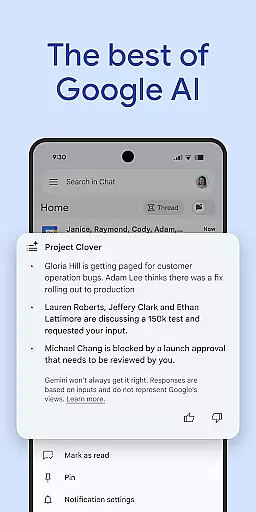
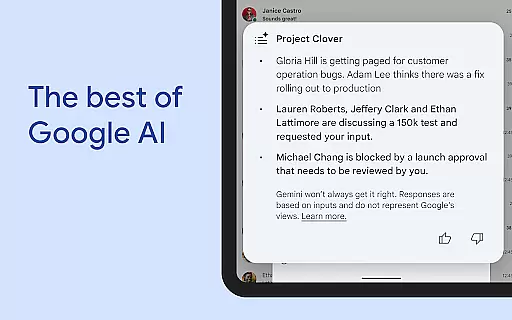
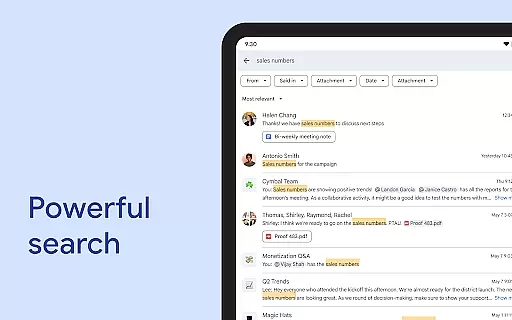
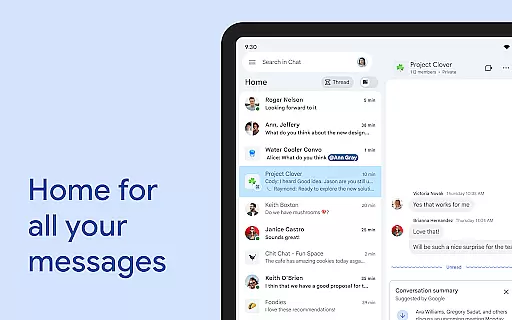
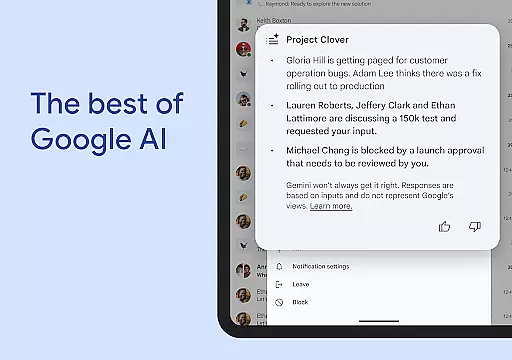
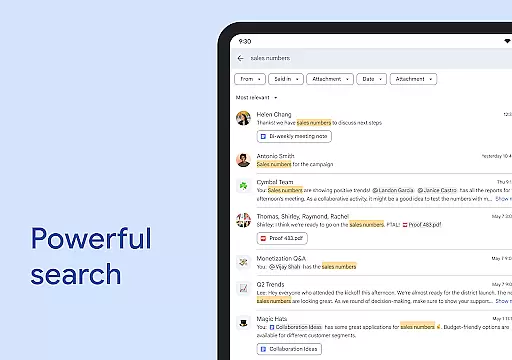
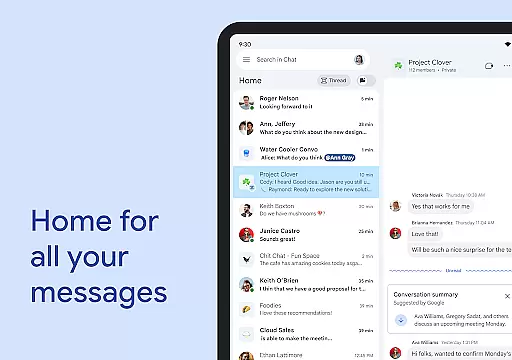
Google Chat distinguishes itself through its AI-driven capabilities and deep integration with Google Workspace. The conversation summaries feature automatically generates key takeaways from discussions, while the AI-powered search helps users locate specific messages or files instantly. The platform supports real-time collaboration through huddles and maintains context across devices.
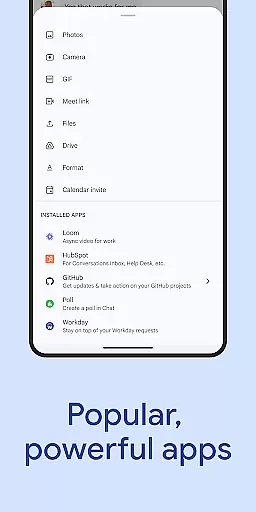
The application's smart chips technology revolutionizes how teams reference information by allowing seamless linking to relevant documents, people, and spaces within conversations. Its comprehensive security framework includes zero-trust architecture, data loss prevention (DLP), and advanced threat detection mechanisms. Additionally, the extensive API support enables integration with popular third-party applications like PagerDuty and Jira.
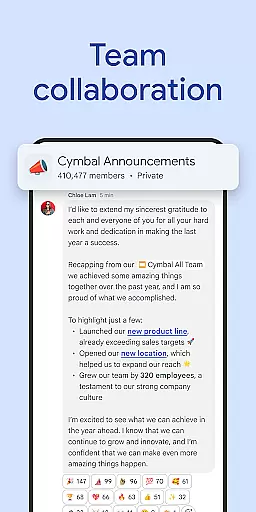
For business users, Google Chat offers premium features that enhance productivity through integrated task management, approval workflows, and customizable workspaces. The platform's ability to handle both casual conversations and formal project discussions makes it a versatile tool for modern workplaces.
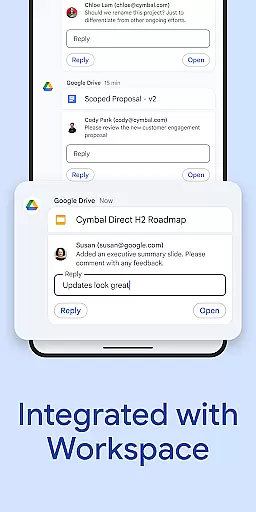
Google Chat revolutionizes team collaboration by integrating seamlessly with Workspace apps like Gmail, Calendar, and Drive. This integration allows teams to connect and collaborate efficiently without switching between multiple platforms.
The app offers smart chips that streamline teamwork by linking files, people, and spaces directly within conversations. This feature ensures that all necessary resources are readily accessible, enhancing productivity and reducing the time spent searching for information.
Real-time communication is made possible through huddles, enabling instant connections anytime. Additionally, personalized status updates allow users to inform their teams when they are focused or available, further optimizing workflow management.
By providing these robust collaborative tools, Google Chat empowers teams to stay connected and get work done more effectively, transforming traditional workflows into dynamic, AI-first messaging experiences.
Task management in Google Chat is elevated through its integration with Workspace apps such as Tasks and Drive. These integrations help teams stay on top of requests, comments, and approvals directly within the chat interface.
One standout feature is the ability to capture action items during conversations, ensuring that everyone is aligned and aware of their responsibilities. This functionality helps maintain clarity and accountability across all team members.
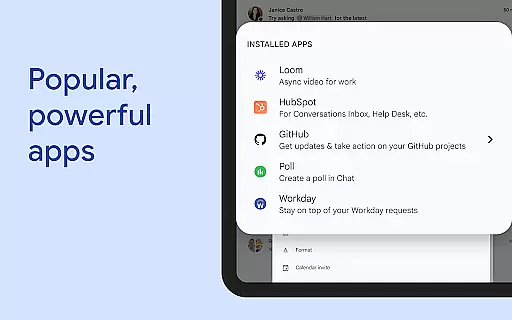
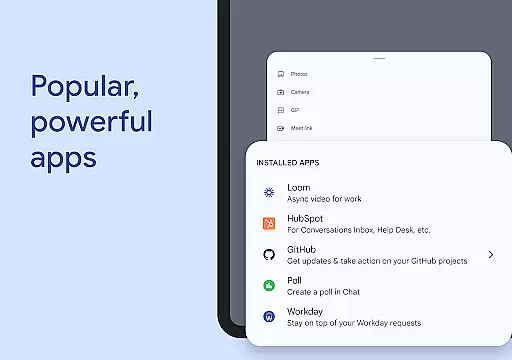
Moreover, Google Chat supports the installation of powerful third-party apps like PagerDuty, Jira, GitHub, and Workday, which extend task management capabilities. Users can also build custom applications using Chat APIs, catering to specific business needs.
With these comprehensive task management features, Google Chat not only simplifies daily operations but also enhances overall team efficiency and project tracking.
Seamless Workspace Integration
Advanced AI Capabilities
Enterprise-Grade Security
Multi-Language Support
Real-Time Collaboration Tools
Premium Features Cost Extra
Steep Learning Curve
Limited Offline Functionality
Occasional Sync Issues
Resource Intensive

Formerly Facebook Ads Manager. Manage and create ads on the go.
 4.20
4.20
TurboScan turns your phone into a full-featured PDF document scanner.
4.80
Employee Management Made Easy
4.80
All document reader, pdf viewer app, read docs & excel files
3.80
Find jobs near you and temp work in minutes, from your phone.
4.50
Job search app that finds jobs for you! Takes the work out of looking for a job!
4.90
Make invoices, bills, receipts & estimates on the go with Invoice Generator.
4.70
No more passwords, easier sign-in, and greater protection for your accounts.
4.60
Chat, meet, and collaborate to achieve more together, all in one place on Teams
4.60
GoTo Mobile is a simple & secure calling, messaging & meetings solution
4.80
BuildCalc - the easiest AND the most advanced construction calculator app.
4.80
USPS Mobile®Access USPS.com’s most popular tools on-the-go.
4.70
AI-powered document scanner with auto enhance for perfect PDFs.
4.60
Find jobs and make money fast with JobStack.
4.60
Drive and earn extra money
4.50
Earn crypto with secure cloud mining. Monitor, track & withdraw easily
4.40
Find work, shifts and gigs near you. Jobs lasting a few hours to a few months.
4.30
Zoom built for Chrome OS
3.90
viewing and sharing PDFs and other files—anytime, anywhere!
4.4


User Reviews