

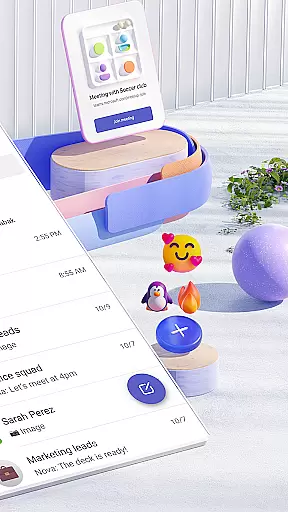

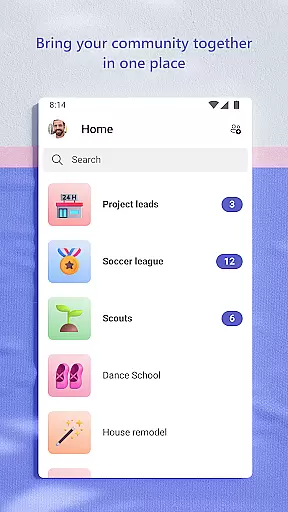
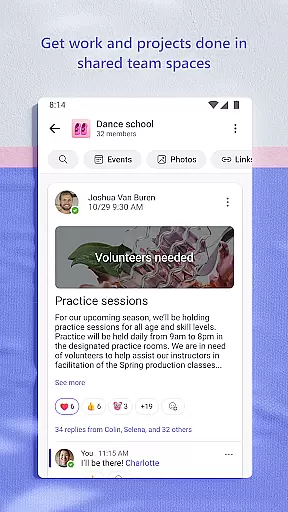
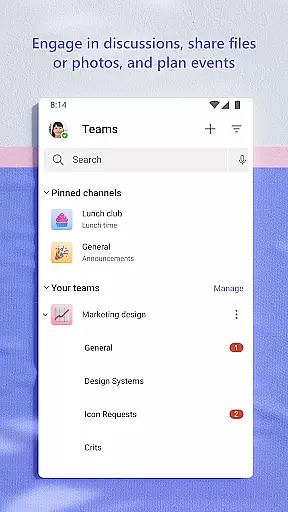
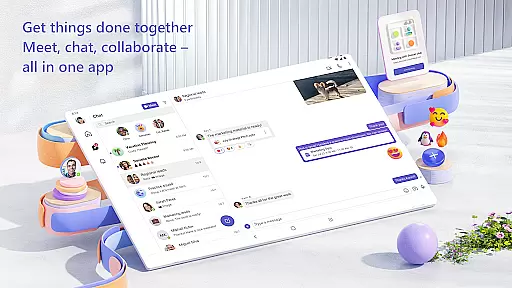
Microsoft Teams is a comprehensive business communication platform that integrates communities, events, chats, channels, meetings, storage, tasks, and calendars in one place. This unified solution enables users to connect with colleagues, family, or friends while managing access to shared information securely. Whether you're organizing team projects or coordinating community activities, Teams provides the tools needed to collaborate efficiently.
The application supports seamless audio and video calls, document collaboration, and built-in cloud storage for files and photos. With dedicated spaces for specific topics and projects, users can maintain organized conversations through teams and channels. The incorporation of Skype functionalities ensures continuity in chats and calls, making it easier than ever to stay connected with your network.
Microsoft Teams stands out with its unique combination of features designed for productivity and collaboration. The app allows users to create dedicated communities for discussing specific topics, ensuring focused and meaningful interactions. Its integration with Microsoft 365 brings enterprise-level security and compliance, giving peace of mind when sharing sensitive information.
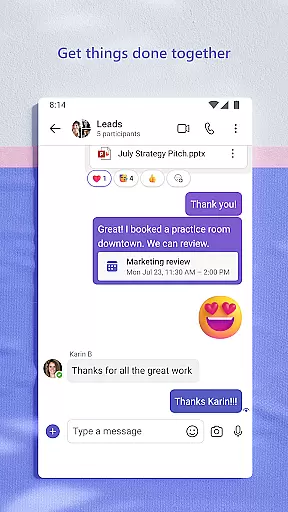
One of the key strengths is its ability to facilitate both individual and group communications effectively. Users can send photos and videos in chats, organize shared content like events and files within communities, and utilize task lists to manage projects. Advanced meeting features such as screen sharing, whiteboards, and breakout rooms enhance virtual collaboration. Additionally, the app's flexibility in managing access rights ensures that only authorized individuals can view certain data, even as team members change over time.
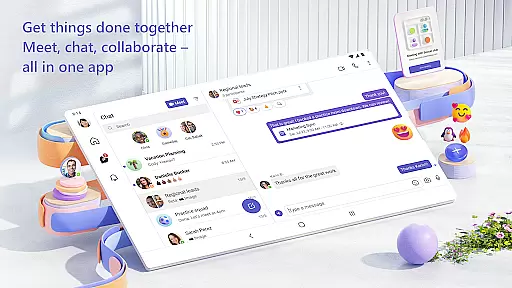
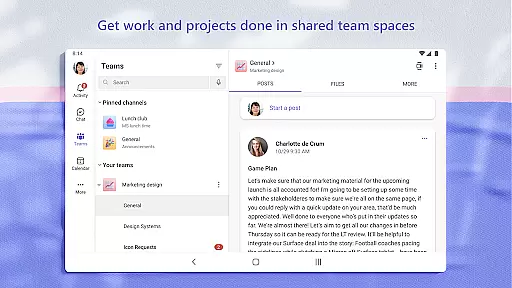
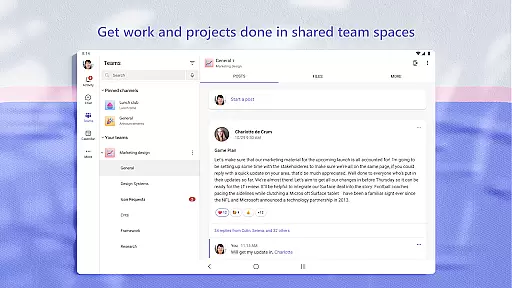
Microsoft Teams offers a comprehensive suite of collaborative work features that are essential for modern teamwork. The platform integrates communities, events, chats, channels, meetings, storage, tasks, and calendars into one cohesive environment.
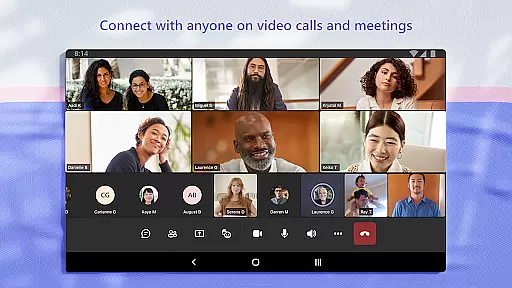
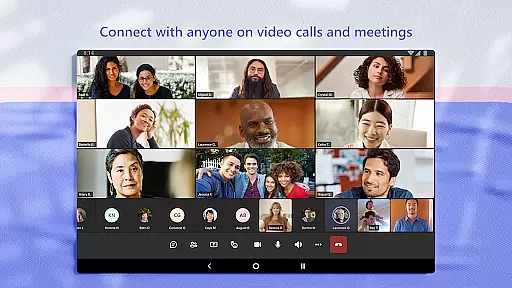
Users can easily connect with anyone through secure audio and video calls, collaborate on documents in real time, and store files with built-in cloud storage. This seamless integration ensures that teams can work closely together, keeping conversations organized by specific topics and projects using teams and channels.
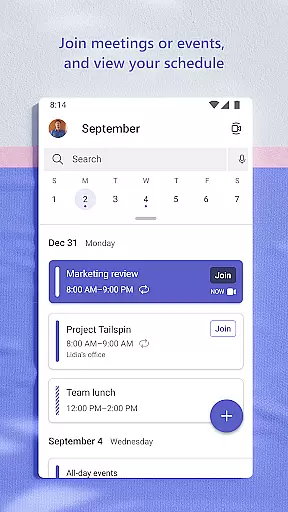
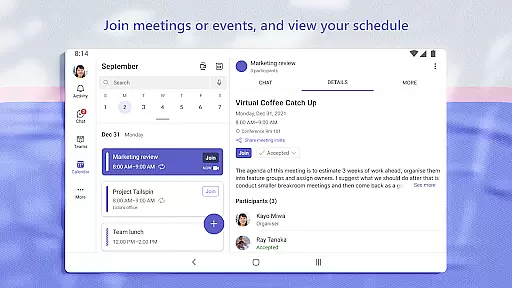
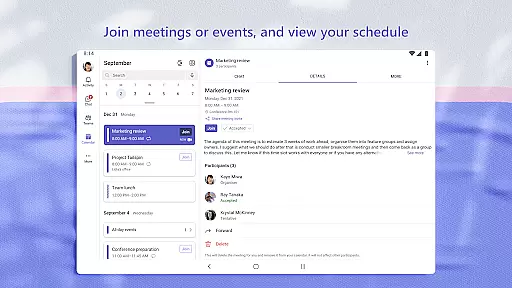
The ability to meet securely with teammates, family, or friends is enhanced by the inclusion of Skype within Teams. Users can continue their chats, calls, and contacts directly in Teams, set up meetings quickly, and invite others via links or calendar invites. Additionally, converting group chats to calls is instantaneous, providing flexibility in communication.
Overall, these collaborative features ensure that whether you're working on a project or connecting with your community, Microsoft Teams provides the tools necessary to accomplish tasks efficiently and effectively.
Task management in Microsoft Teams is designed to help users stay on top of projects and plans with ease. The platform offers task lists that allow users to assign tasks, set due dates, and track progress, ensuring everyone remains aligned and informed.
With the ability to send photos and videos in chats, users can quickly share important moments and updates. Cloud storage integration means shared documents and files are accessible on the go, streamlining collaboration and reducing the time spent searching for information.
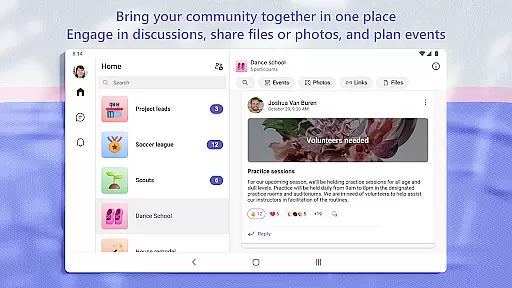
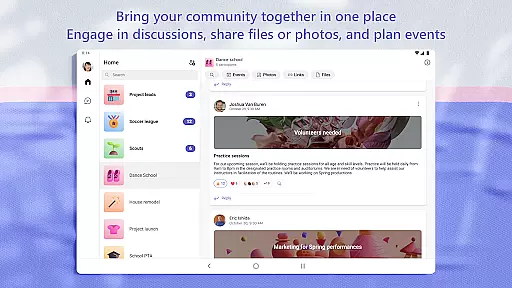
Microsoft Teams also supports organizing shared content within a community, including events, photos, links, and files. This organizational structure helps prevent wasted time searching for specific items and keeps all relevant data centralized and easy to find.
Furthermore, advanced meeting features such as screen sharing, whiteboards, and breakout rooms enhance productivity during virtual meetings. These capabilities ensure that teams can manage access to information effectively, even as members join or leave projects, maintaining continuity and security throughout the collaboration process.
Unified communication platform
Enterprise-level security
Integrated cloud storage
Seamless collaboration tools
Customizable user experience
Requires paid subscription for full features
Complex setup for new users
Limited functionality on mobile
Occasional connectivity issues
Steep learning curve

GoTo Mobile is a simple & secure calling, messaging & meetings solution
 4.80
4.80
BuildCalc - the easiest AND the most advanced construction calculator app.
4.80
The MyWalmart App is available for all associates in stores.
4.70
Get instant construction estimates: accurate home repair & material calculator.
4.70
Deliver and earn money
4.30
Mobile POS for any business: sales, invoices, retail, restaurants & appointments
4.60
Access All PDF Files
3.40
All-in-one Mobile solutions for employees & managers to succeed at work
4.30
Make money as a delivery driver with DoorDash and work when you want as a Dasher
4.30
Use Generative Summary to understand your rental or insurance docs in seconds.
4.70
Find the right fit, faster.
4.70
USPS Mobile®Access USPS.com’s most popular tools on-the-go.
4.70
AI-powered document scanner with auto enhance for perfect PDFs.
4.60
Manage work life on the go
4.50
Drive and earn extra money
4.50
One marketplace. Hundreds of services. Unlimited possibilities. All on Fiverr.
4.40
FX Plus adds media, networking, and cloud capabilities to FX File Explorer.
4.10
view, manage, and share every PDF file you have
3.60
Delivery Track App - Tracking with Fedex, USPS, UPS, DHL. Monitor your Orders.
3.20


User Reviews