
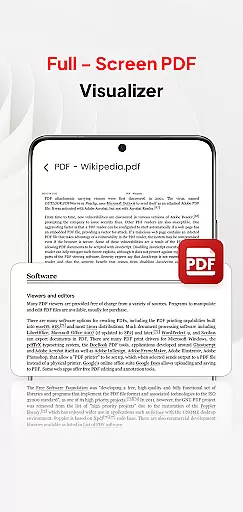
PDF Pro-View PDF is a comprehensive business application designed to streamline your PDF management tasks. This app offers instant access to PDF files with its one-click reading feature, ensuring you can view documents without any waiting time. The sleek and intuitive interface makes file navigation effortless, while the complete file accessibility function organizes all your PDFs in one place, eliminating the need for directory searches.
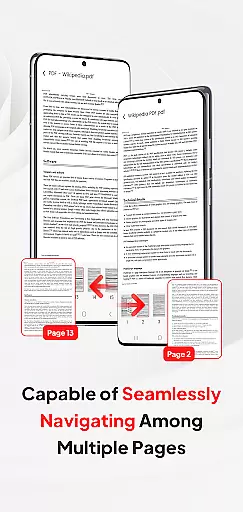
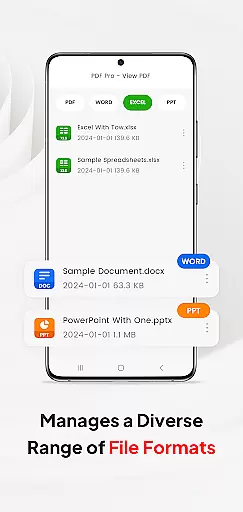
Beyond basic PDF viewing, the app supports multiple document formats including Doc, PPT, and Excel, allowing for versatile file handling within a single platform. Whether you're managing business reports or sharing meeting notes, PDF Pro-View PDF provides smooth page navigation and seamless sharing capabilities. This ensures professionals can efficiently handle their document management needs from any location, making it an essential tool for modern business operations.
PDF Pro-View PDF stands out through its diverse feature set that caters to various document management needs. The app's instant PDF access allows users to begin reading their files with just one click, significantly improving workflow efficiency. Its complete file accessibility function creates a centralized repository for all PDF documents, streamlining document retrieval and organization.
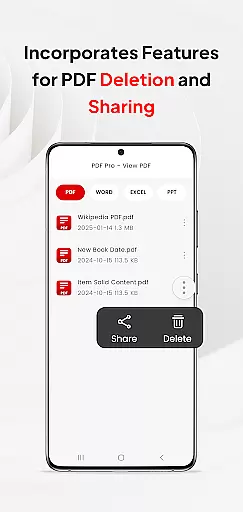
The application's multiple document compatibility sets it apart from conventional PDF readers. By supporting additional formats like Doc, PPT, and Excel, it becomes a versatile tool for business professionals who work with different file types. The smooth page navigation feature enhances the reading experience through rapid page flipping, while the seamless sharing functionality enables efficient collaboration by allowing users to share PDFs with colleagues or clients directly from the app.
In today's interconnected work environments, the ability to collaborate efficiently is paramount. PDF Pro-View PDF understands this need and offers robust collaborative work features that streamline team projects. With support for various document types including PDFs, Docs, PPTs, and Excel files, teams can easily share and manage documents within a unified platform.
The app facilitates seamless sharing of PDF files, allowing team members to distribute information quickly and effectively. This feature ensures that all collaborators have access to the necessary documents, regardless of their location or device. The quick page navigation enhances the reading experience, making it easier for teams to review lengthy documents without delay.
Moreover, the instant PDF access eliminates waiting times, enabling swift collaboration on urgent tasks. By organizing all PDF files neatly in one place, the app reduces the time spent searching through directories, thus improving overall productivity. These capabilities make PDF Pro-View PDF an invaluable tool for businesses looking to enhance their collaborative efforts.
Effective task management is crucial for maintaining productivity and meeting deadlines. PDF Pro-View PDF addresses this by providing users with tools that simplify task tracking and document handling. Its complete file accessibility means you can manage all your PDFs from a single interface, ensuring that important documents are always at your fingertips.
With features like automated folder operations and direct SD card editing, the app supports efficient task management. Users can organize, edit, and delete files as needed, streamlining workflows and keeping projects on track. The reliable offline and background management ensures that tasks can continue uninterrupted, even without a constant internet connection.
Furthermore, the requirement for MANAGE_EXTERNAL_STORAGE permission highlights the app's commitment to comprehensive file access, which is essential for persistent document availability. This functionality allows users to maintain control over their files, facilitating better task management and ultimately leading to improved business outcomes.
User-friendly interface
Instant PDF loading
Multi-format support
Centralized file management
Efficient sharing options
Requires storage permission
Limited offline features
No advanced editing tools
Basic annotation capabilities
Occasional performance lags

viewing and sharing of PDFs
 3.60
3.60
AI-powered document scanner with auto enhance for perfect PDFs.
4.60
Scan Business Cards & Conference Badges - Capture Leads at Events & Tradeshows
4.20
viewing and sharing PDFs and other files—anytime, anywhere!
4.5
Paychex Flex - Save Time and Stay Connected
4.60
enjoy effortless PDF reading anytime, anywhere
3.90
All document reader, pdf viewer app, read docs & excel files
3.80
The app that lets you deliver with Amazon.
4.50
No more passwords, easier sign-in, and greater protection for your accounts.
4.60
GoTo Mobile is a simple & secure calling, messaging & meetings solution
4.80
TurboScan turns your phone into a full-featured PDF document scanner.
4.80
Recover what matters — quickly and easily.
4.70
All your team communication in one place
4.70
Find jobs and make money fast with JobStack.
4.60
Master crypto trading with real-time simulations and exciting challenges!
4.50
ADP Mobile Solutions is an employee self service app
4.50
All Your Gig Work. One App.
4.30
Work happy with AI Companion
4.10
Completed Course Lectures on how to use IBM Maximo in Maintenance issues
4.1


User Reviews